


Altijd meegeleverd
- HDMI splitter
- Voedingsadapter | 150 cm
- Gebruiksaanwijzing
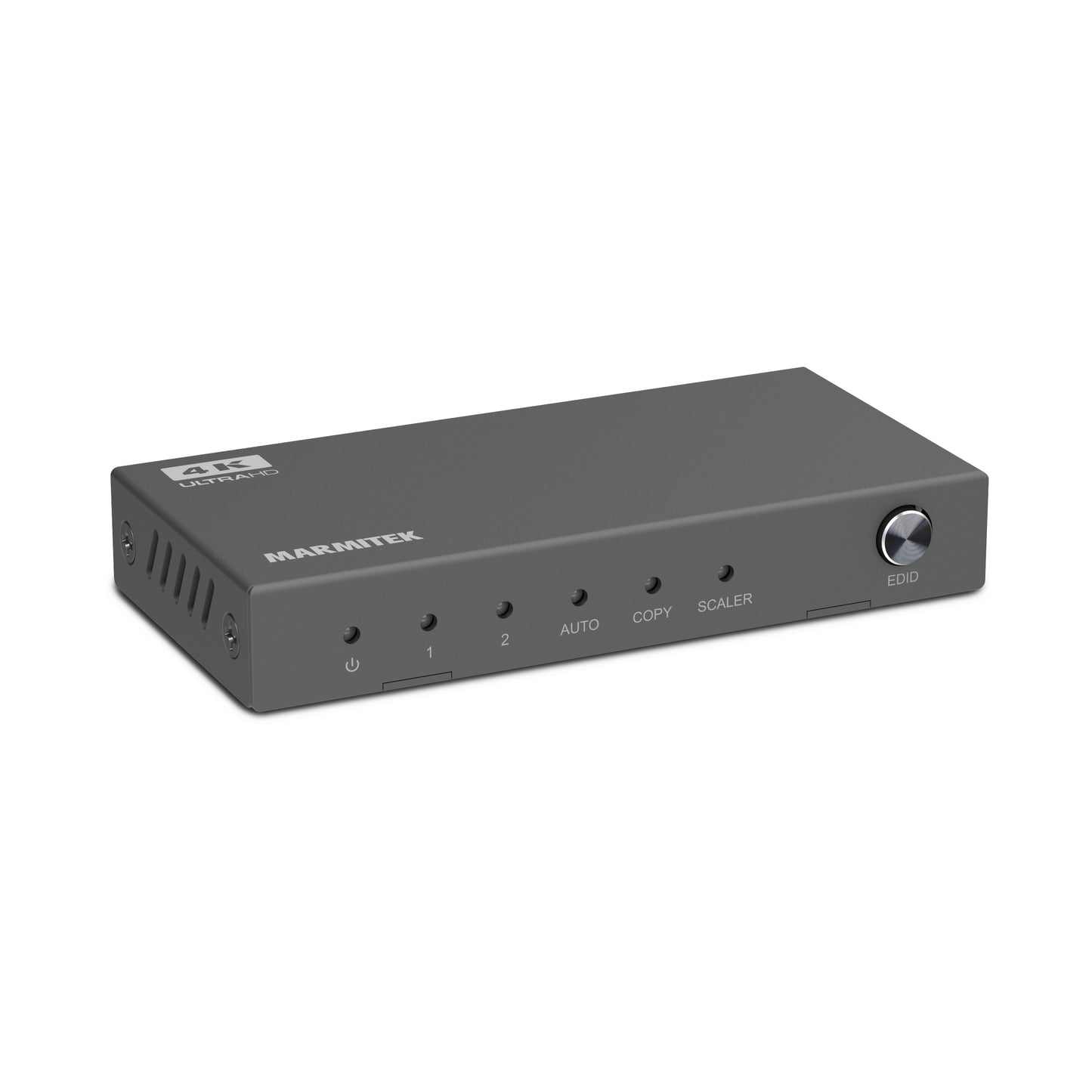
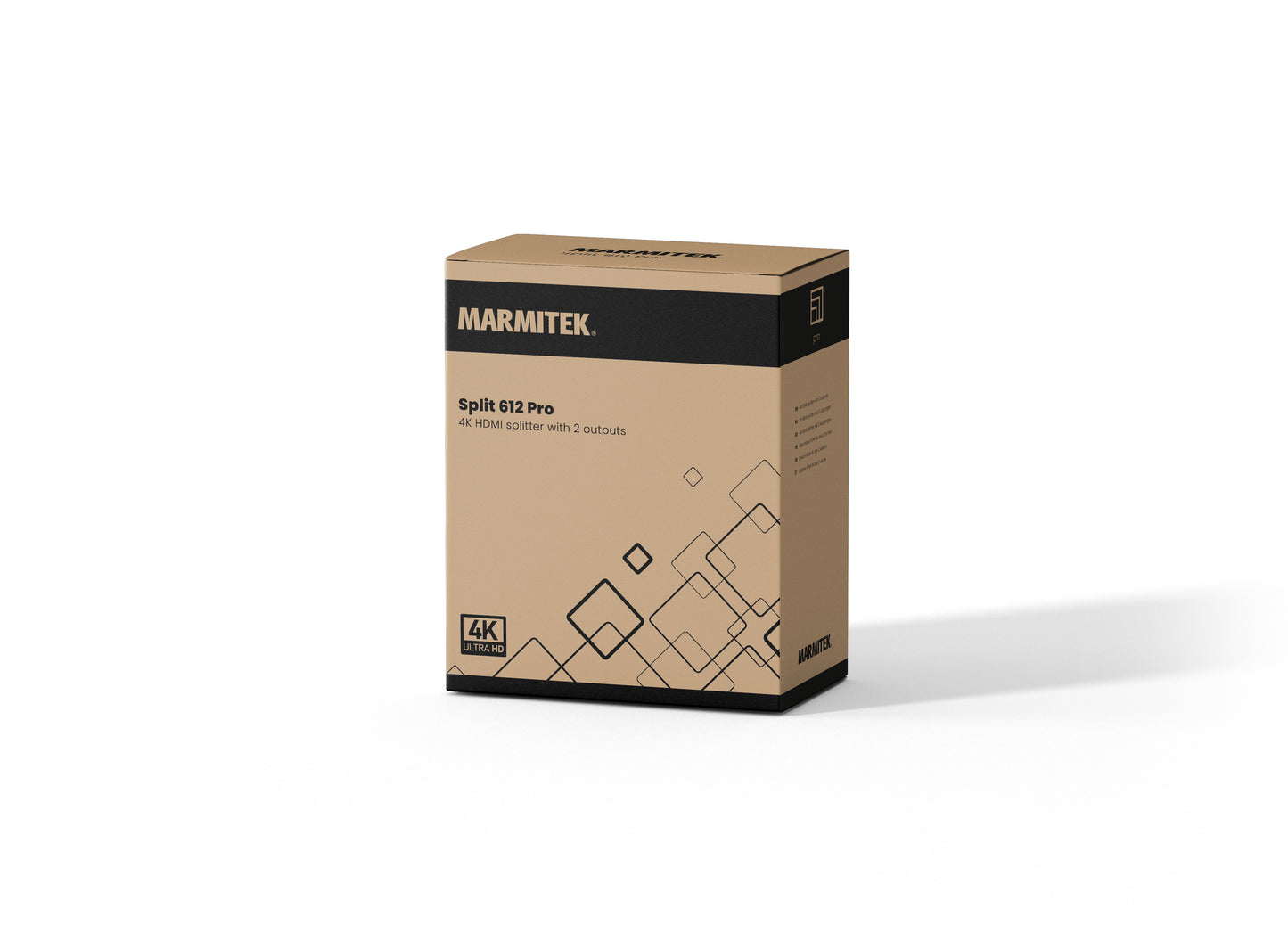
Split 612 Pro
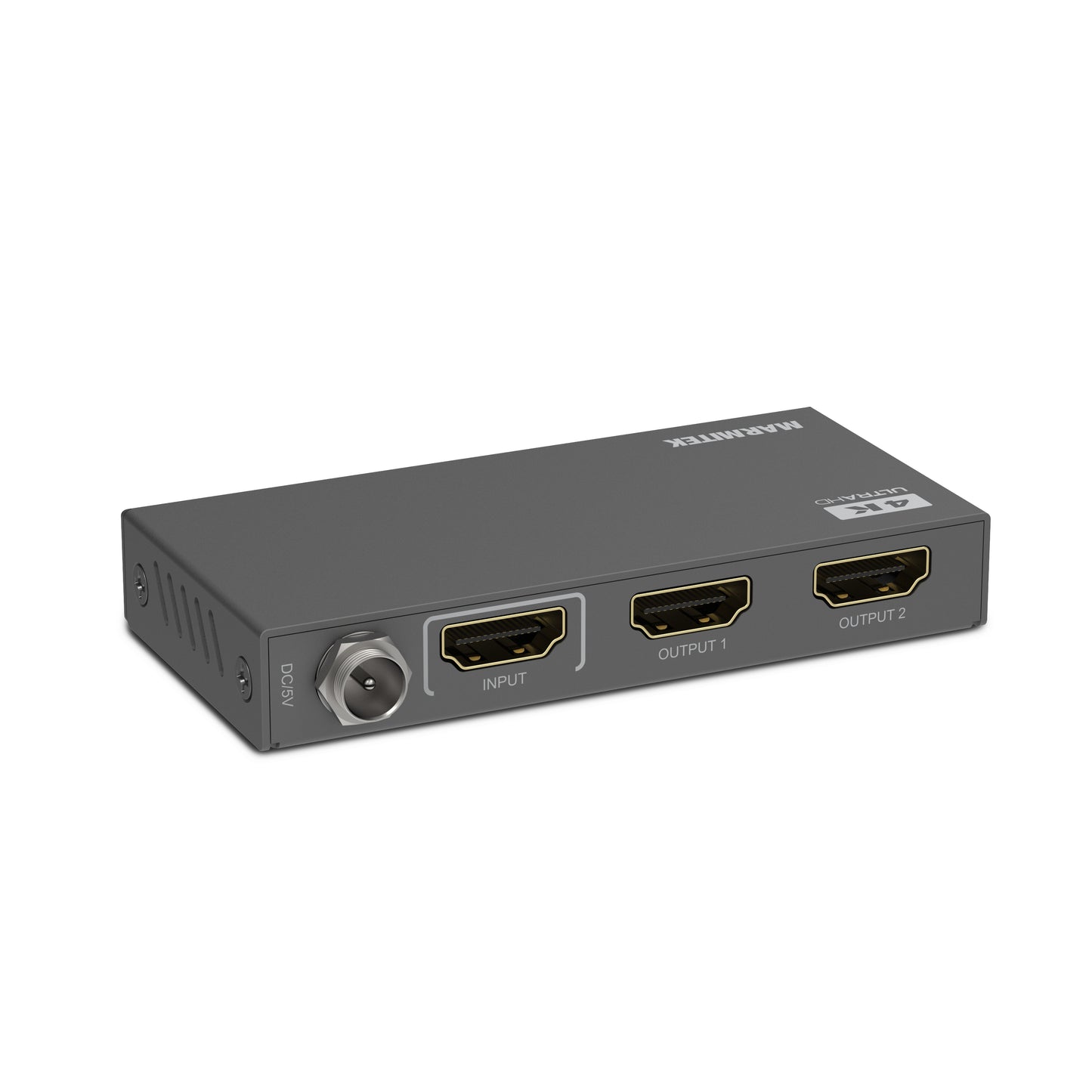
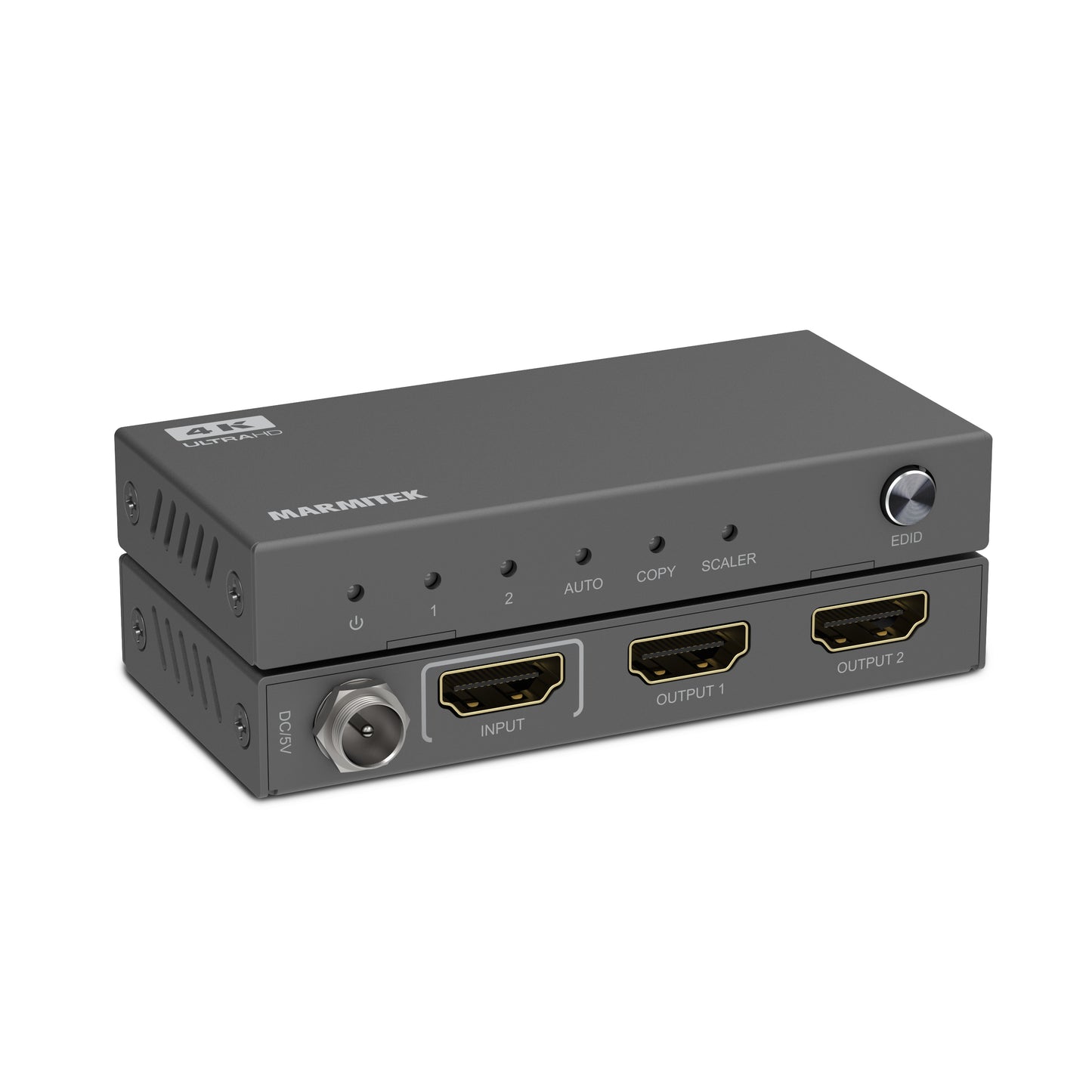
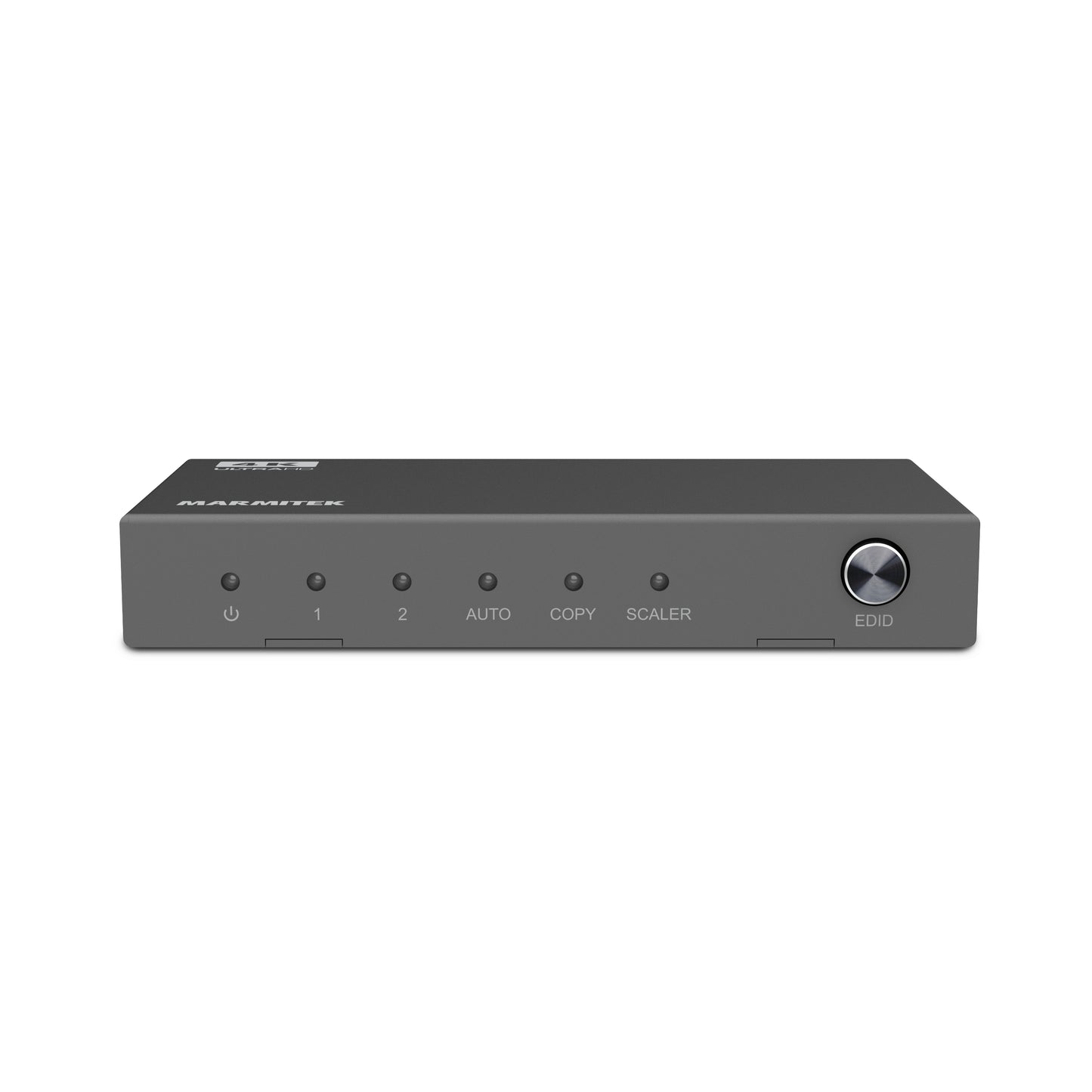
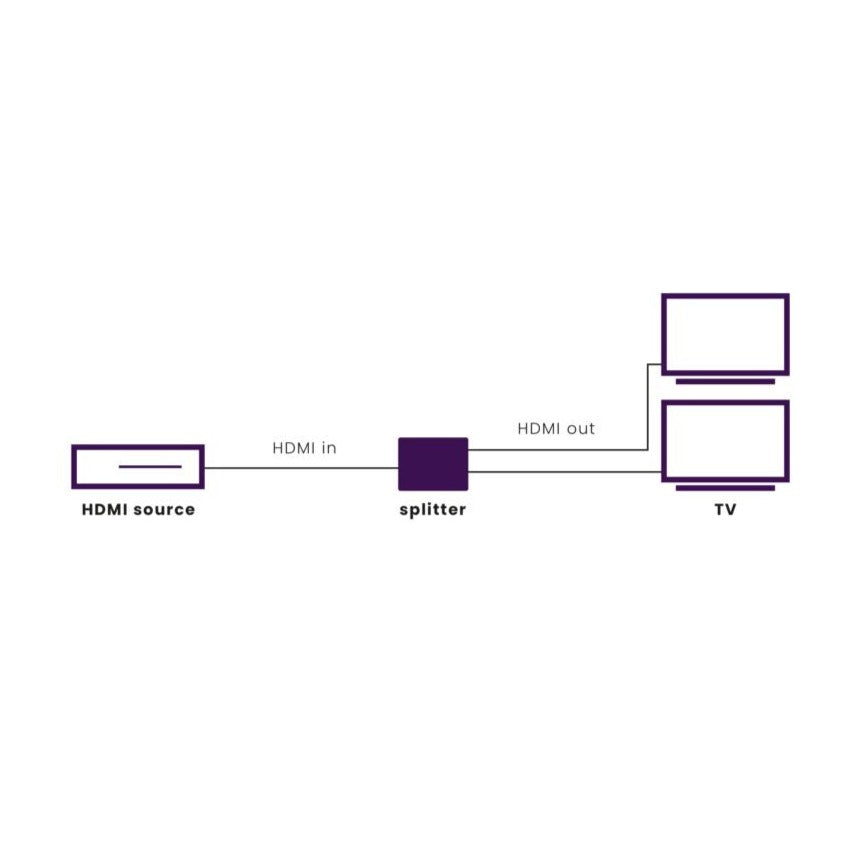
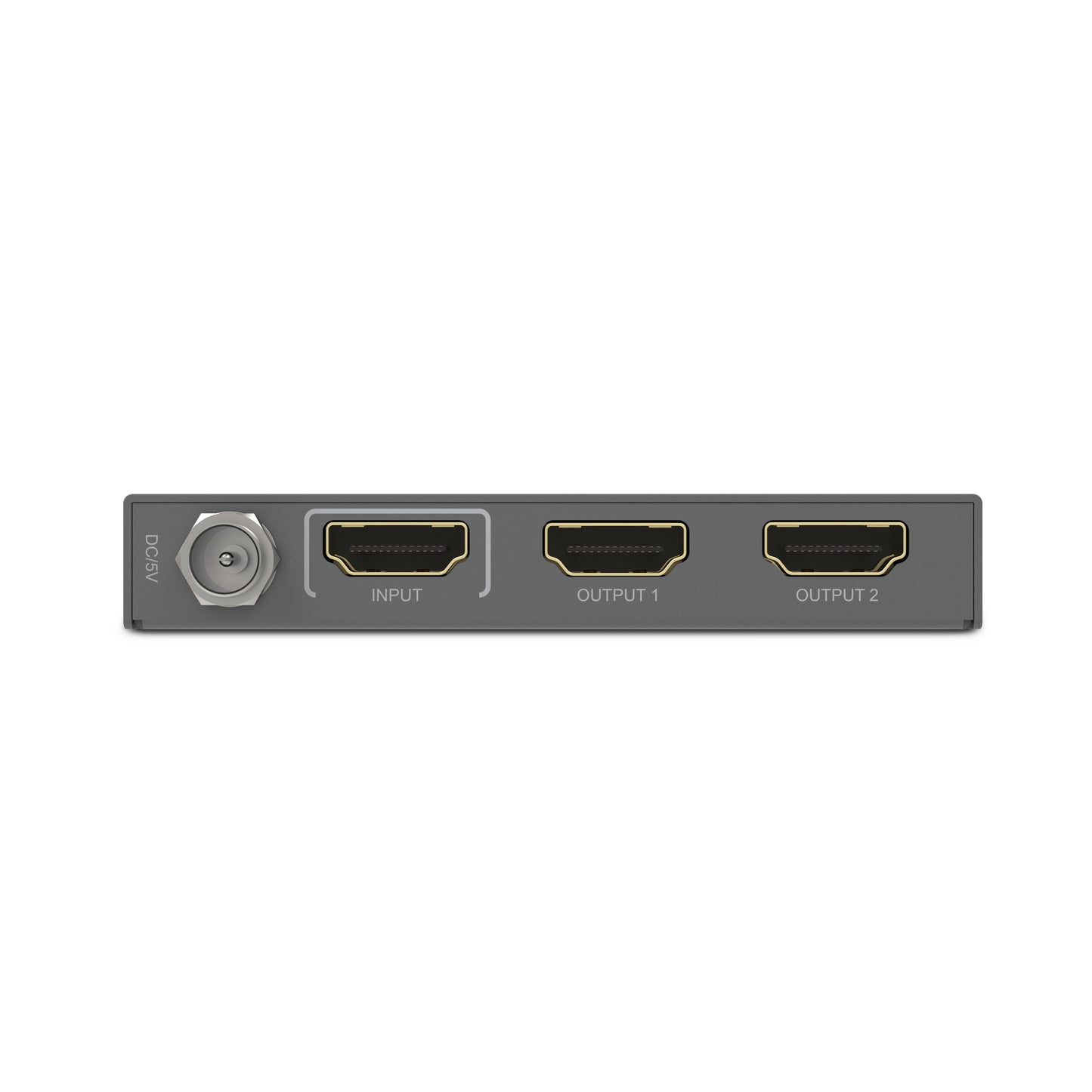
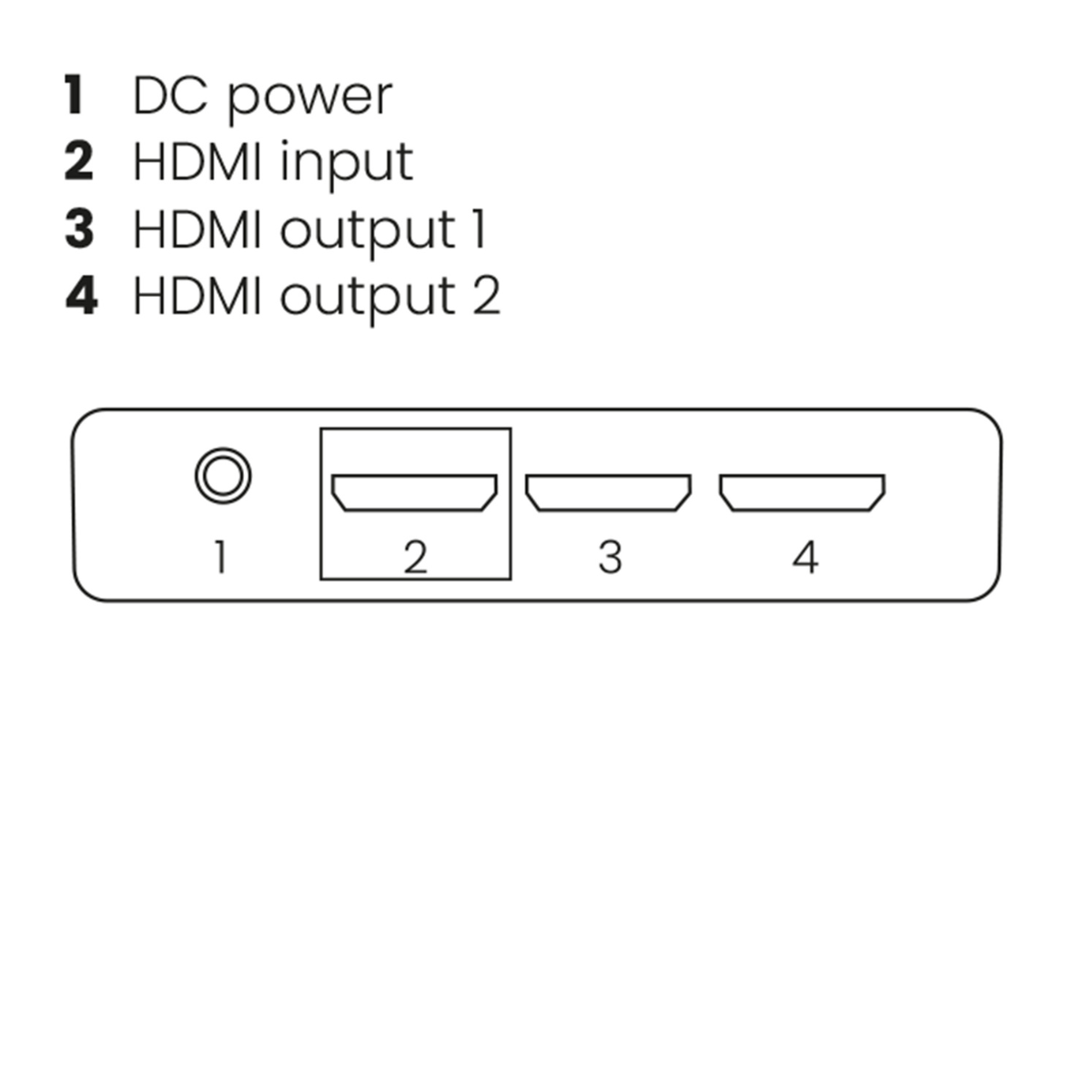
Splits een HDMI-signaal naar 2 tv's
Ondersteunt Ultra HD 4K60, HDR, Deep Color, 4:4:4 Chroma Colors (18 Gbps)
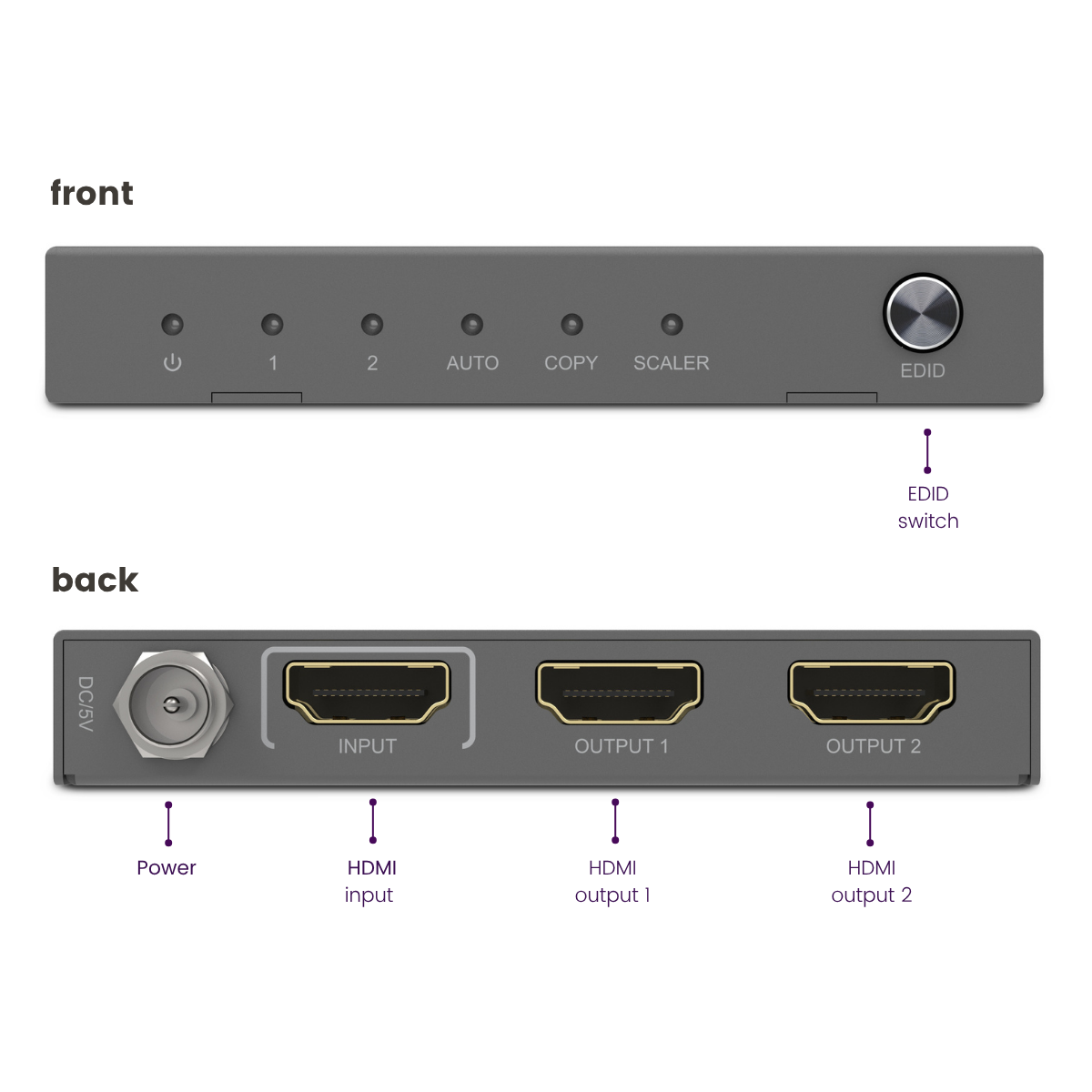
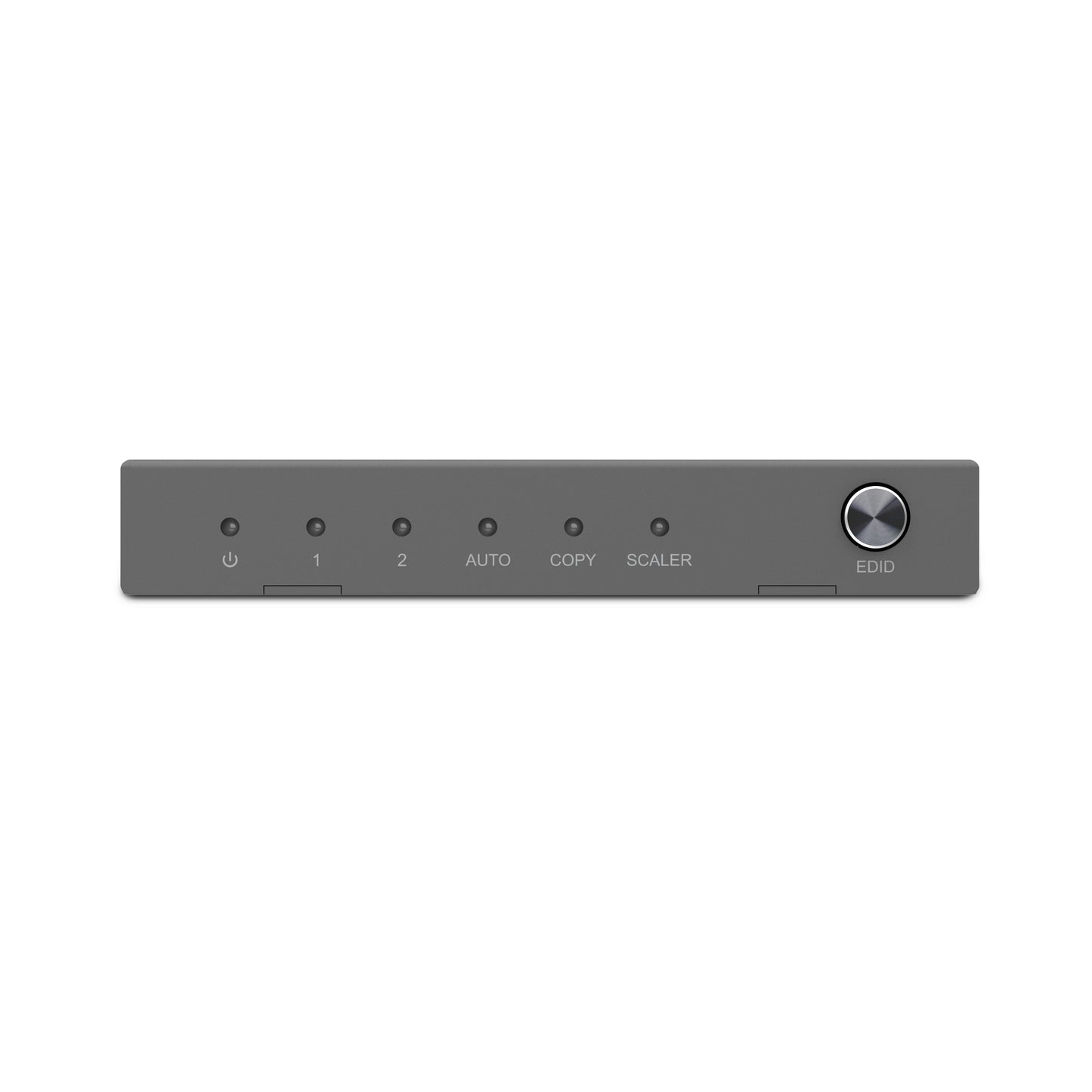
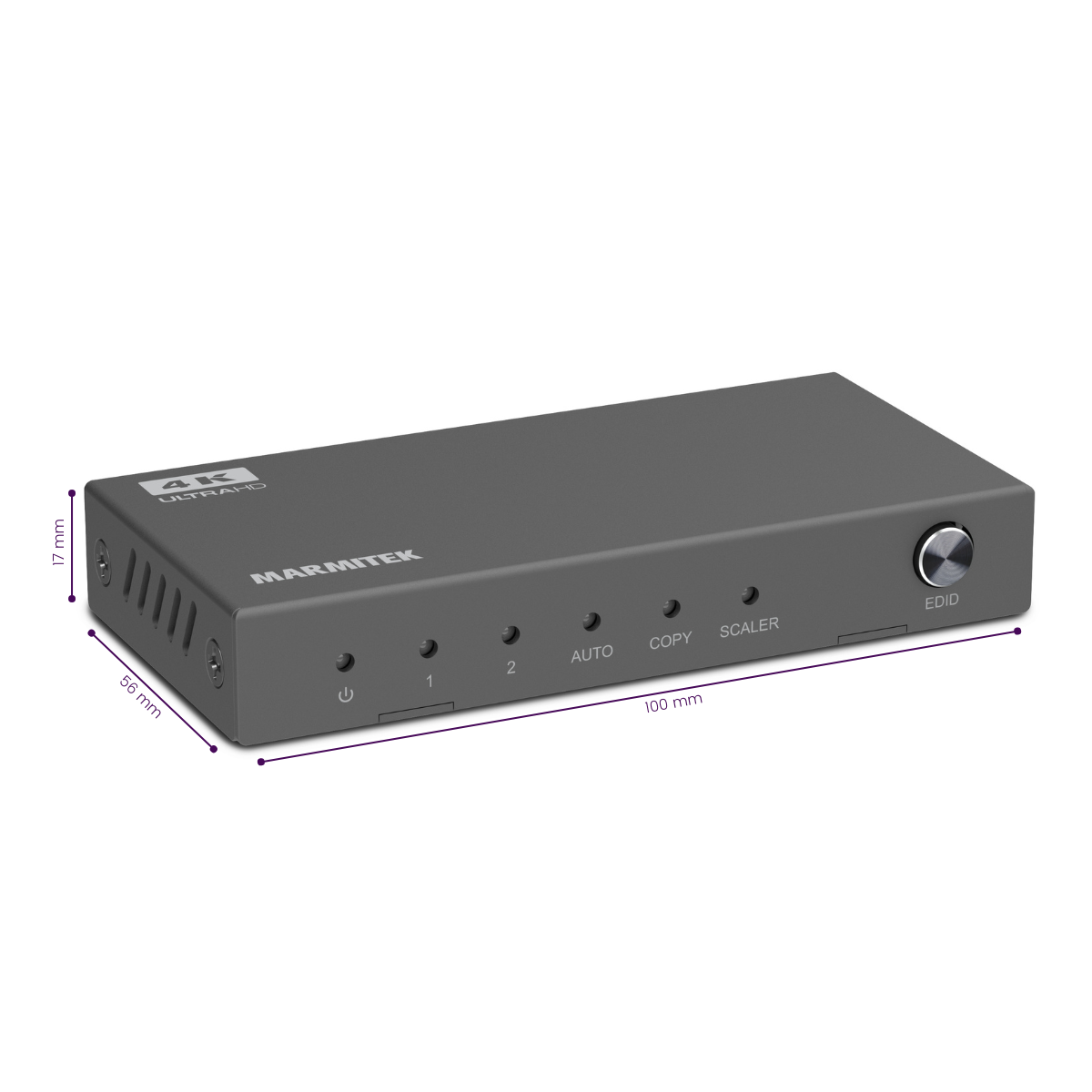
EDID schakelaar
HDMI 2.0
Kan beschikbaarheid voor afhalen niet laden
Ontvang 25% korting op onderstaande accessoire


Productomschrijving
Splits een HDMI signaal naar 2 tv’s of projectors.
- Geschikt voor Ultra HD 4K60 resolutie (3840 x 2160/60 Hz), High Dynamic Range (HDR), Deep Color en 4:4:4 chroma kleuren.
-
Gebruik de downscale functie om video’s in de hoogst mogelijke resolutie op alle schermen weer te geven
- Met ingebouwde repeater en equalizer voor het corrigeren van eventueel signaalverlies.
- Ondersteunt Dolby Atmos en DTS:X en alle overige gangbare audioformaten.
- Storingsvrij door solide metalen interferentievrije kwaliteitsbehuizing.
- Bepaal indien gewenst zelf de maximale videoresolutie op de HDMI uitgang met de unieke EDID schakelaar.
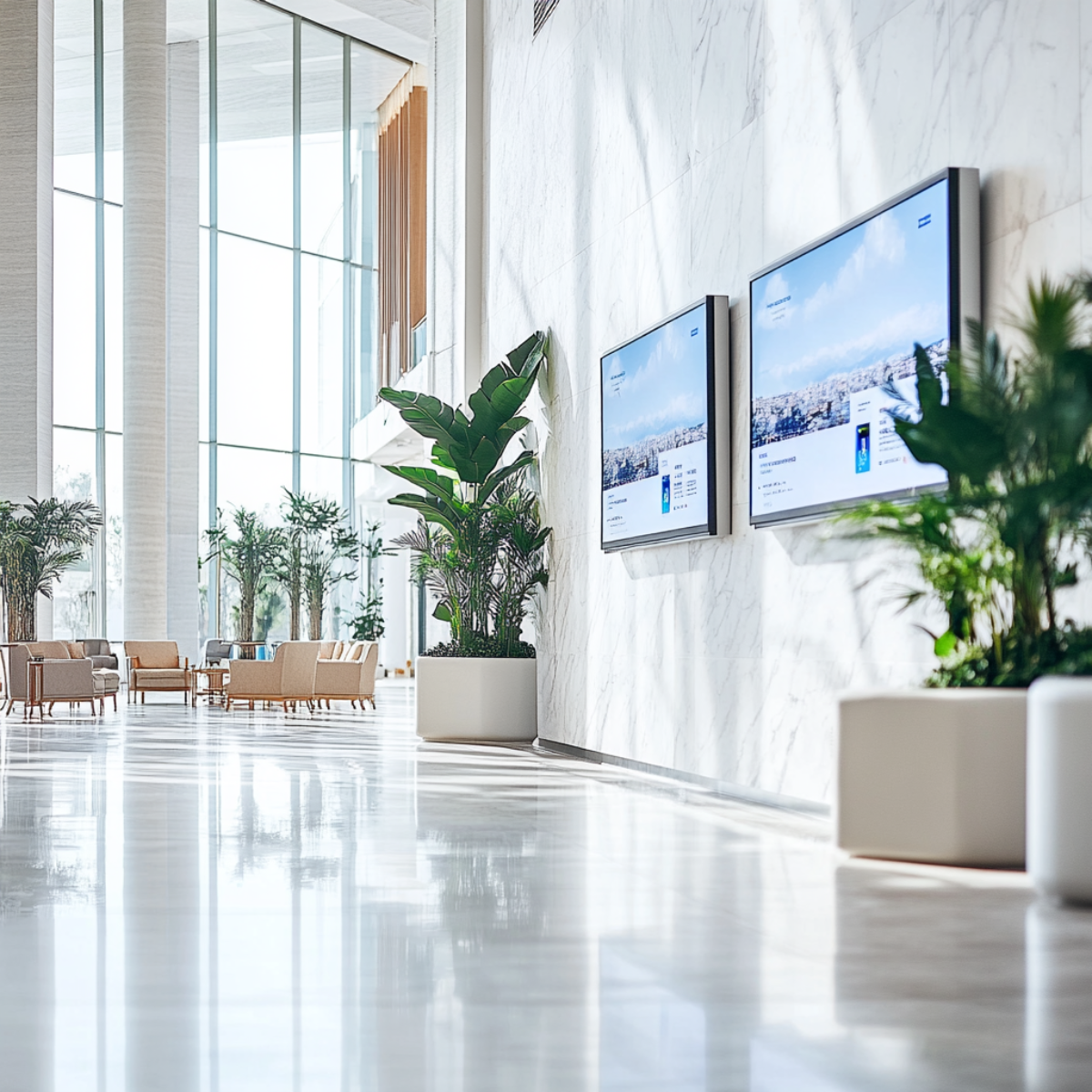
- Geschikt voor zakelijk gebruik, zoals vergaderruimtes, winkelpresentaties of digital-signage-toepassingen
- Eenvoudig te integreren door professionele AV-installateurs in commerciële installaties waar betrouwbaarheid essentieel is.
Met de Split 612 Pro splits je het 4K HDMI-signaal van je decoder of een andere HDMI-bron naar 2 tv’s of projectoren. Ideaal wanneer je op 2 schermen tegelijk dezelfde presentatie, video of informatie wilt tonen, zowel thuis als in professionele omgevingen.
Deze 4K HDMI splitter is perfect geschikt voor aansluiting op de nieuwste Ultra HD apparatuur met HDMI 2.0 en HDCP 2.2 en biedt een stabiele en hoogwaardige oplossing voor zowel particulier als zakelijk gebruik.
Technische specificaties
Reviews
Wat klanten zeggen
Veelgestelde vragen
-
Blijft de beeldkwaliteit hetzelfde met het gebruik van deze HDMI splitter?
Bij gebruik van een HDMI splitter wordt het videosignaal niet beschadigd. De beeldkwaliteit en de kleur van de uitvoer van het bronapparaat naar het scherm blijven hetzelfde. Denk eraan dat je een splitter HDMI koopt die de maximale resolutie van het bronapparaat ondersteunt. -
Beide aangesloten beeldschermen hebben een andere resolutie, wat gebeurt er met de videoresolutie?
Wanneer twee beeldschermen met verschillende resoluties worden gebruikt, zorgt de HDMI splitter ervoor dat er beeld op het scherm is. Om dit te doen gebruikt de splitter 'Extended Display Identification Data' (EDID) om aan te geven welk soort video door het bronapparaat moet worden verzonden. Er zijn een paar standen die gebruikt kunnen worden: - 'Auto': Detecteert automatisch de hoogst mogelijke gemeenschappelijke beeldresolutie en audioformaat dat wordt ondersteund door beide weergaveapparaten. - 'Copy': Detecteert alleen de beeldresolutie en het audioformaat van het beeldscherm dat is aangesloten op uitgang 1. -
Kan ik de 'Uitbreiden' modus op mijn PC gebruiken met deze HDMI splitter?
HDMI is een protocol dat niet veel informatie terug kan sturen naar het bronapparaat. Hierdoor kunnen HDMI-splitters alleen het binnenkomende signaal kopiëren en de schermen op je pc niet uitbreiden. In het kort: alle uitgangen van de HDMI-splitter zullen hetzelfde scherm weergeven. -
Er wordt geen video afgespeeld op het scherm
Als er geen video op het scherm wordt weergegeven of als de beeldkwaliteit slecht is, zijn er een paar stappen die je moet volgen om de installatie te laten werken. - Zorg er bij het instellen van de apparaten voor dat alle kabels en apparaten de juiste HDMI-versie hebben. - Zorg ervoor dat alle apparaten voldoen aan dezelfde HDCP-versie. - Probeer HDMI-kabels te gebruiken met een maximale lengte van 5 meter. Langere kabels kunnen werken, maar de kwaliteit van het videosignaal neemt snel af na 5 meter. - Probeer een andere HDMI-poort van je beeldscherm te gebruiken, dit kan helpen om de verbinding te resetten.
Kom je er niet uit?

Gerelateerde producten

1 in / 4 uit _ HDMI 2.0

HDMI splitter 4K 60Hz - 1 in / 8 uit - HDMI 2.0

HDMI splitter 4K - 1 in / 2 uit

4K HDMI matrix - 4x2 HDMI matrix switch - HDMI 2.0 matrix switch


 group
group
- Een selectie kiezen resulteert in het geheel verversen van de pagina.
- Opent in een nieuw venster.