

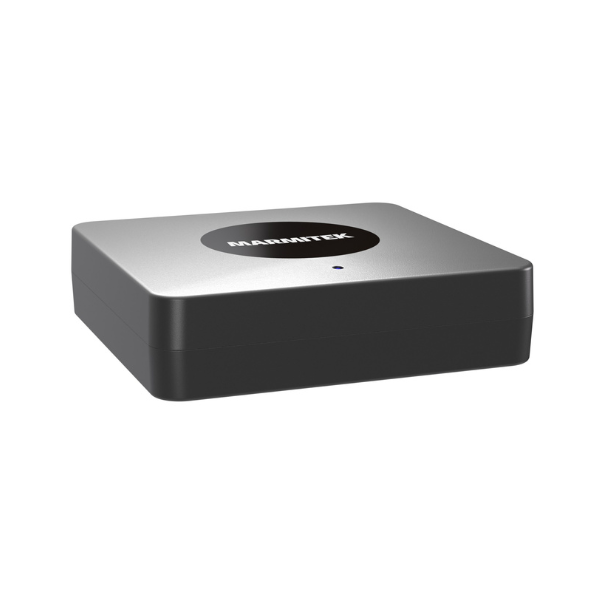
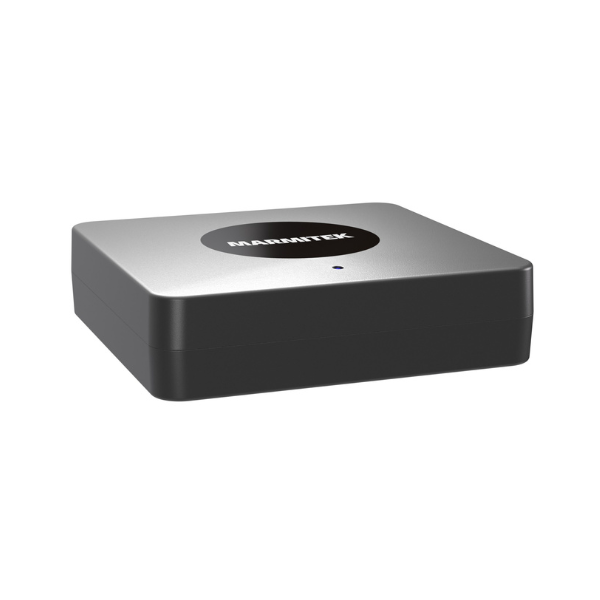
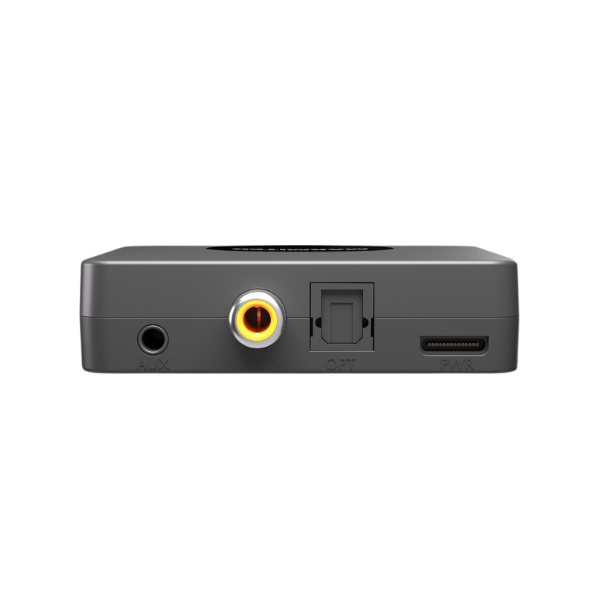
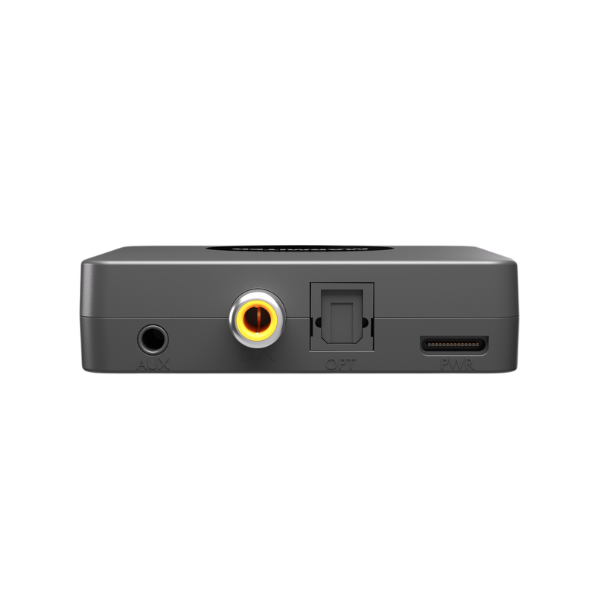





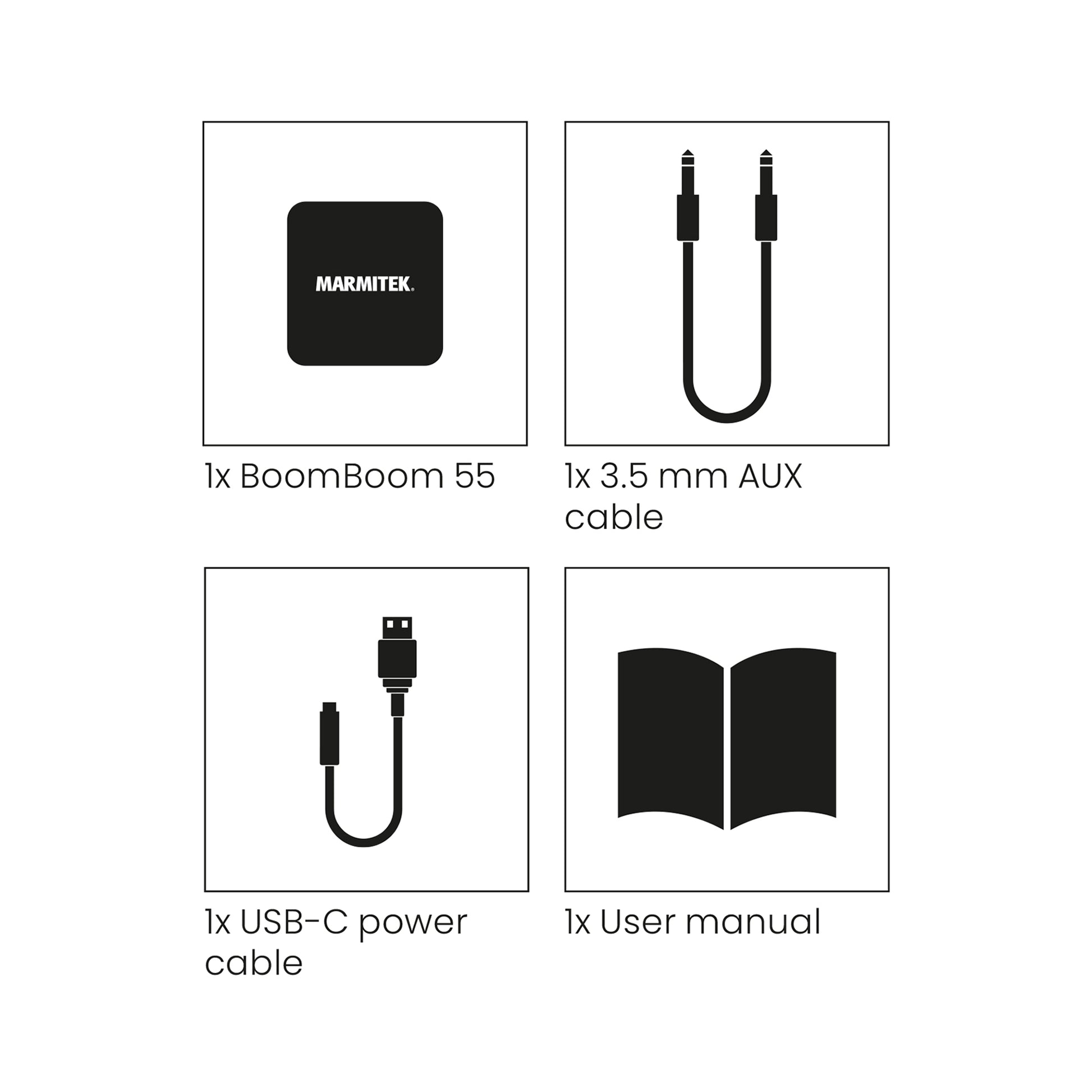


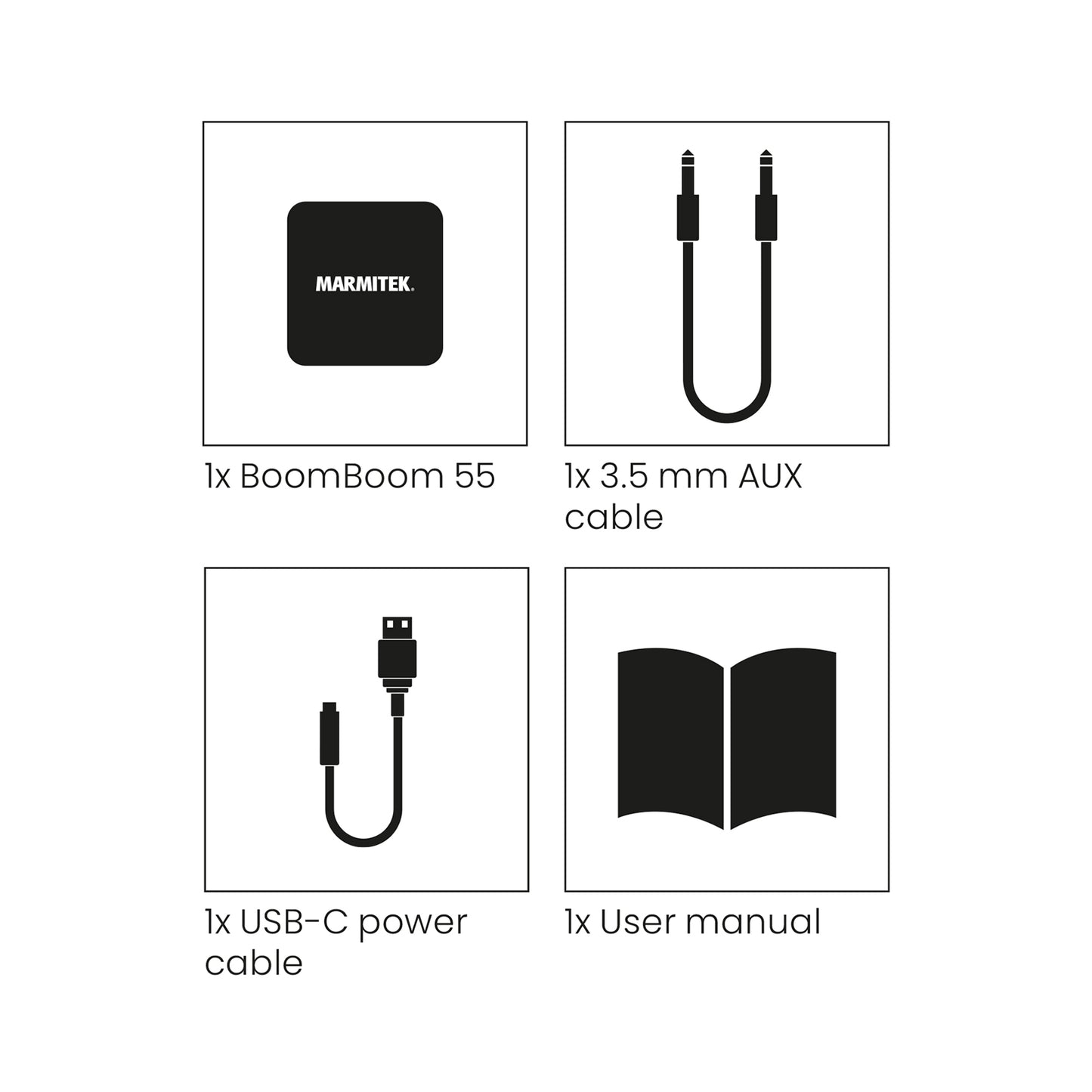
Always included
- Bluetooth transmitter
- Mini-jack audio cable
- USB-C power cable
- User manual
AptX Low Latency, aptX, aptX HD, aptX Adaptive
Connect 2 headphones at the same time
Couldn't load pickup availability

Product description
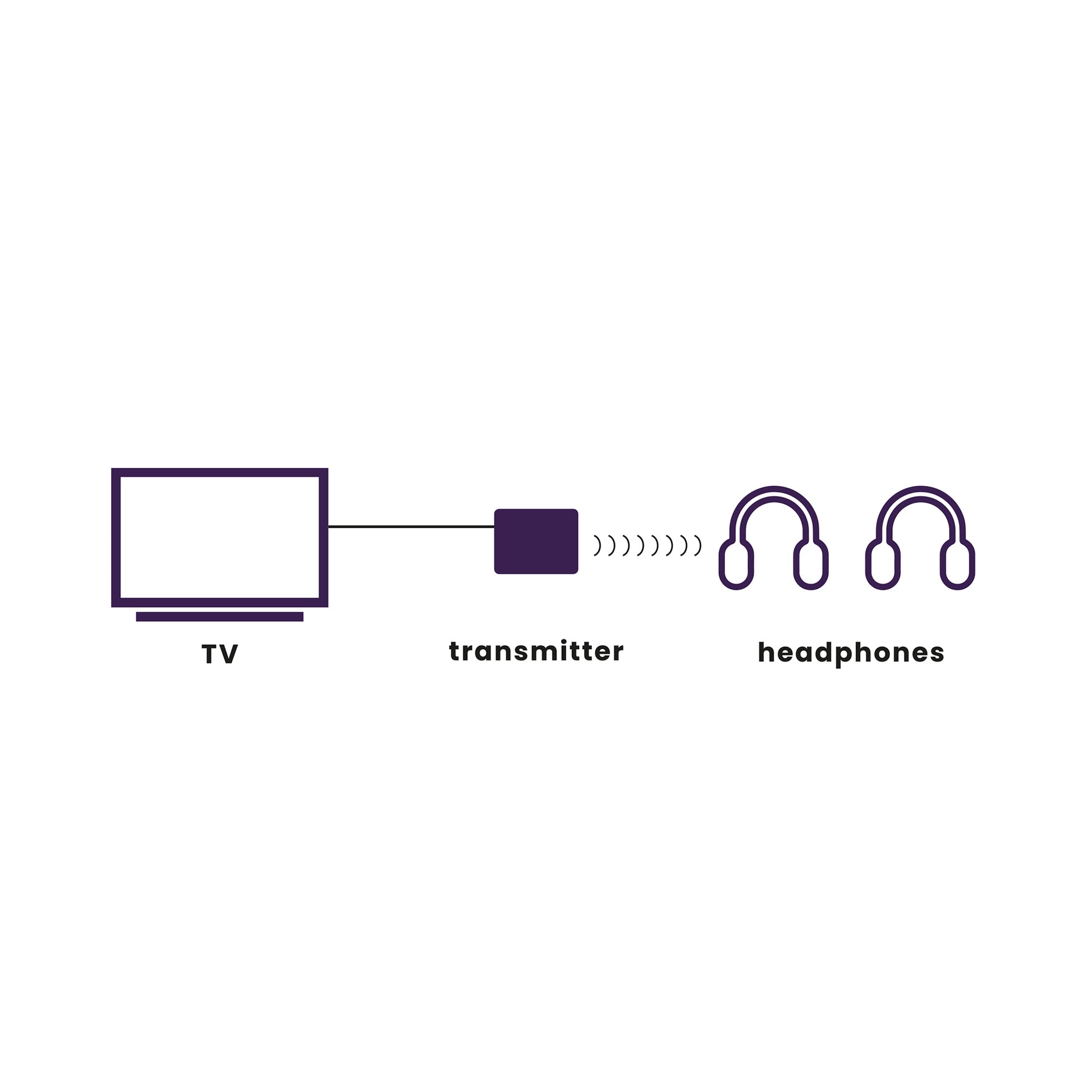
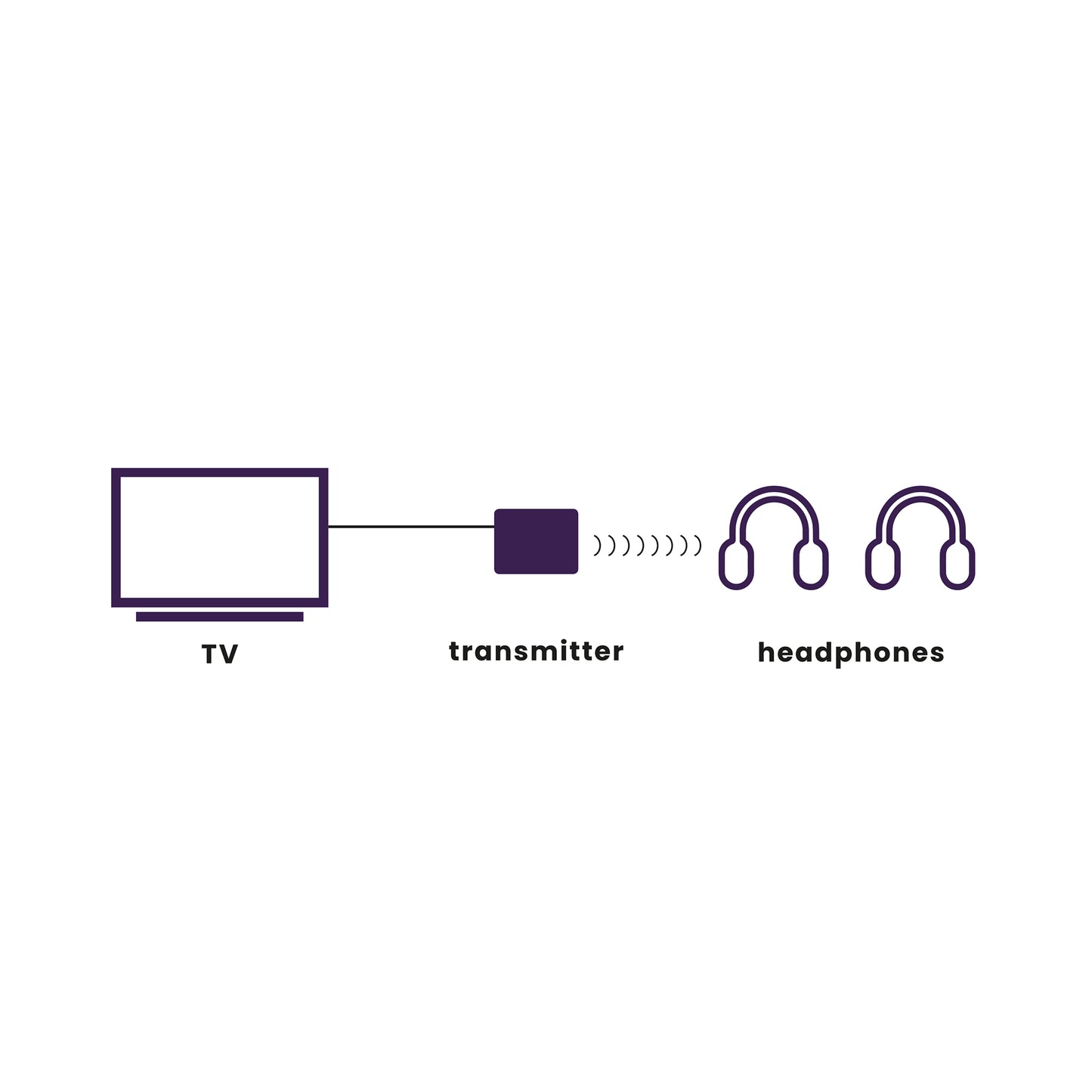
Stream your TV's digital sound to up to two Bluetooth headsets.
- Listen to music or TV on your Bluetooth headphones.
- Enjoy your favourite TV show or music, without bothering anyone.
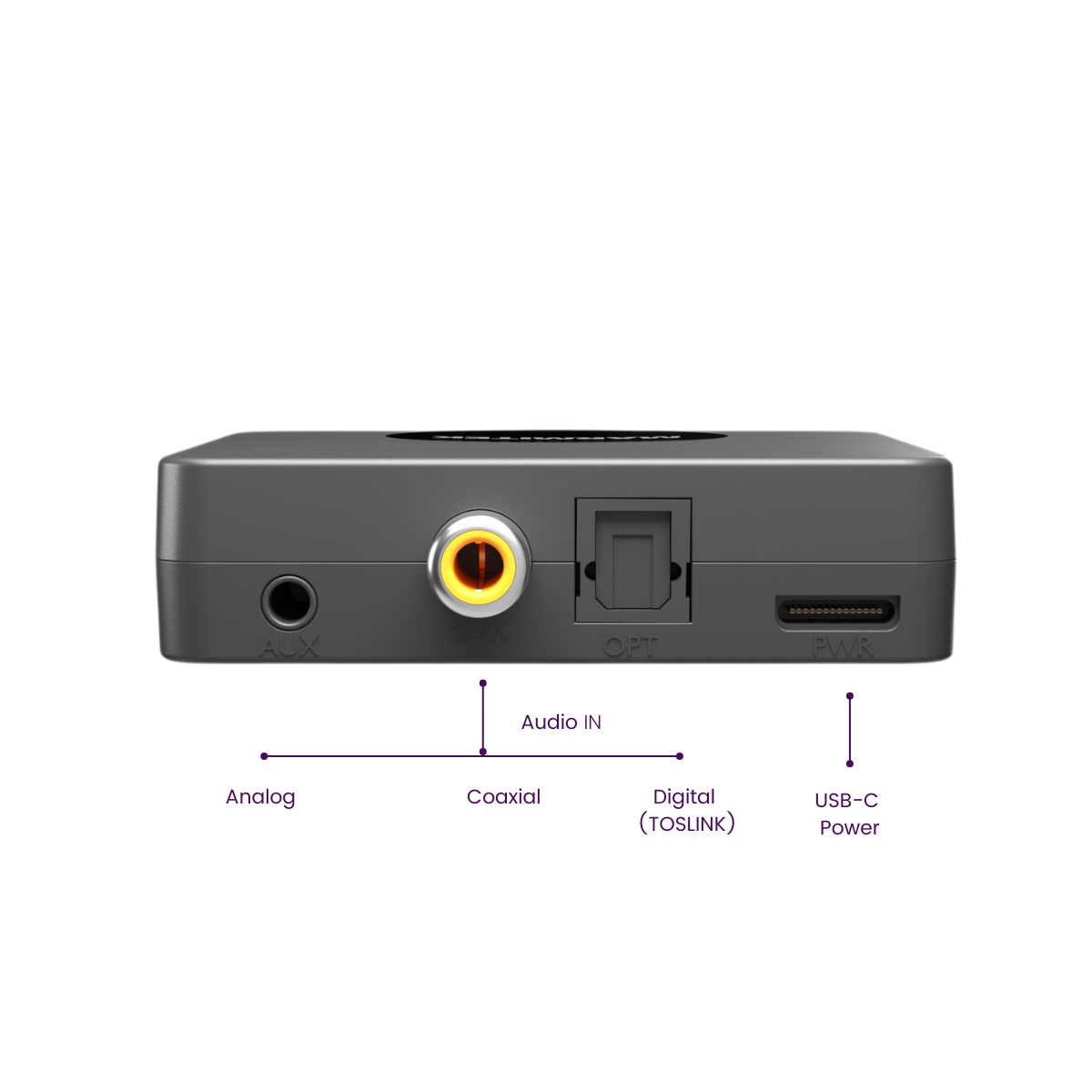
- Features digital audio inputs and aptX technology for a superior music experience.
- The best solution for listening to your TV: no noticeable lag between image and sound, thanks to the latest aptX Low Latency technology.
- Unique ability to use 2 headphones at the same time.
Technical specifications
Downloads
Reviews
What customers say
Frequently asked questions
-
Can I pair multiple devices with my BoomBoom 55 HD?
The BoomBoom 55 HD can remember up to 8 paired devices. Therefore, it is not necessary to pair again with each connection. If a 9th device is paired with the BoomBoom 55 HD, the device that was first paired with the BoomBoom will be erased from memory. -
Can I use the BoomBoom 55 HD only with headphones?
No, you can use the BoomBoom 55 HD with any Bluetooth device that can output audio. So, for example, a Bluetooth speaker or a Marmitek Bluetooth audio adapter. If this is connected to your sound system, you can choose whether you want to hear the sound via the sound system and/or your headphones, or through the TV speakers. -
Does the BoomBoom 55 HD have aptX Low Latency?
Yes, the BoomBoom 55 HD has aptX Low Latency. Only if both the transmitter and the receiver have aptX Low Latency® will lip sync problems be prevented. This means that you won't notice any noticeable difference between the picture you see on TV and the accompanying sound. -
Can I pair a Bluetooth device with aptX Low Latency and a second device with aptX Low Latency?
Yes, you can. If two devices are paired, aptX Low Latency can also be used. Please note that the range is shorter when using 2 connections. -
I can't pair my BoomBoom 55 HD
Pay attention to the following: Ensure that the BoomBoom 55 HD is powered and press and hold the pairing button (3) until the LED starts blinking rapidly blue. Make sure your headphones are in pairing mode (see the manual for your headphones). Make sure the distance between your headphones and the BoomBoom 55 HD is not too large and there are no large obstacles between them. Make sure, if you want the largest possible range, that your BoomBoom 55 HD is visible and the built-in antenna is not placed near large metal objects. -
My BoomBoom 55 HD is paired, but I don't hear anything.
Make sure that: The LED on the BoomBoom 55 HD is continuously lit. The audio cable is properly connected. The BoomBoom 55 HD is connected to the correct audio output. The volume of your audio source is set to a comfortable listening level. The BoomBoom 55 HD is paired with the correct headphones. Or: Put the BoomBoom 55 HD and your Bluetooth receiver back into pairing mode. -
I can no longer automatically connect to my headphones.
If you no longer automatically connect to your headphones, press and hold the pairing button (the BoomBoom 55 HD will then enter pairing mode again) and put the headphones in pairing mode. -
I can't pair a second Bluetooth device.
If you want to pair 2 Bluetooth receivers with the BoomBoom 55 HD, check if the Bluetooth version of these devices is 3.0 or higher. Then follow the instructions to pair them. If the following happens: After putting a 2nd receiver in pairing mode and pressing the pairing button of the BoomBoom 55 HD once, the sound stops on the first receiver. After a few minutes, you only hear sound on one of the receivers. What to do? Turn off both receivers and the BoomBoom 55 HD. Turn on the BoomBoom 55 HD and then both receivers again and see if they now automatically connect. If this still doesn't work after 3 minutes, press and hold the pairing button of the BoomBoom 55 HD and see if the connection now wants to succeed automatically. -
When I watch TV, the sound doesn't sync with the picture.
When wirelessly transmitting audio via Bluetooth, there may indeed be some delay (latency). In most cases, this latency is not disturbing. If you use a media box (decoder) to watch TV, connect the BoomBoom 55 HD to the audio output of your media box. This ensures a lower latency. The BoomBoom 55 HD also supports aptX Low Latency technology. To use this, your Bluetooth headphones must also have this technology. With an aptX Low Latency connection, the LED will be green. -
There is a hum or interference in the sound.
If you do not provide the BoomBoom 55 HD with a power adapter, but instead connect it to the USB port of your sound system, this can sometimes cause a hum, because a ground loop is created. In that case, use the USB power adapter. Also, a USB connection from, for example, a PC as power can cause interference. -
What is SBC?
With SBC (Low Complexity Subband Coding), it is possible to listen to wireless audio with reasonably good sound quality. SBC is the standard way to transmit audio via Bluetooth. -
What is aptX?
The aptX® audio compression solution maintains the full integrity of the original digital audio and is optimized for instant real-time audio streaming. The suite of algorithms has built a reputation for the highest audio quality, extremely low latency, and strong resilience to bit errors, and has proven itself in wireless transmission stations and professional live performance applications. -
What is aptX Low Latency?
AptX Low Latency provides a very short audio delay of less than 40 ms. In a regular Bluetooth connection, this is more than 100 ms. Both the transmitter and the receiver must have aptX Low Latency to use this. -
What is aptX HD?
AptX HD goes beyond aptX and supports music in a 24-bit/48kHz quality. The high sound quality is guaranteed during transmission, and sounds better than a CD. -
What is aptX Adaptive?
As the name suggests, aptX Adaptive is a codec that can be adapted. Instead of being set to a locked bitrate like aptX (classic), Low Latency and aptX HD, this version of the codec dynamically scales the bitrate to adjust the quality. The codec also includes aptX Low Latency technology by allowing it to work with a shared, rather than a specific, wireless antenna. The codec supports playing audio files with 16 and 24-bit depths at 44.1 and 48kHz sample rates. The latency of the algorithm has also been reduced to less than 2 ms at 48 kHz, with a system round trip somewhere between 50 and 80 ms, depending on the implementation. This is not as fast as the sub-40ms speed of Low Latency, but should be virtually imperceptible. Other codecs can reach a latency of more than 200 ms.
Can't figure it out?

Related products


 group
group
- Choosing a selection results in a full page refresh.
- Opens in a new window.