








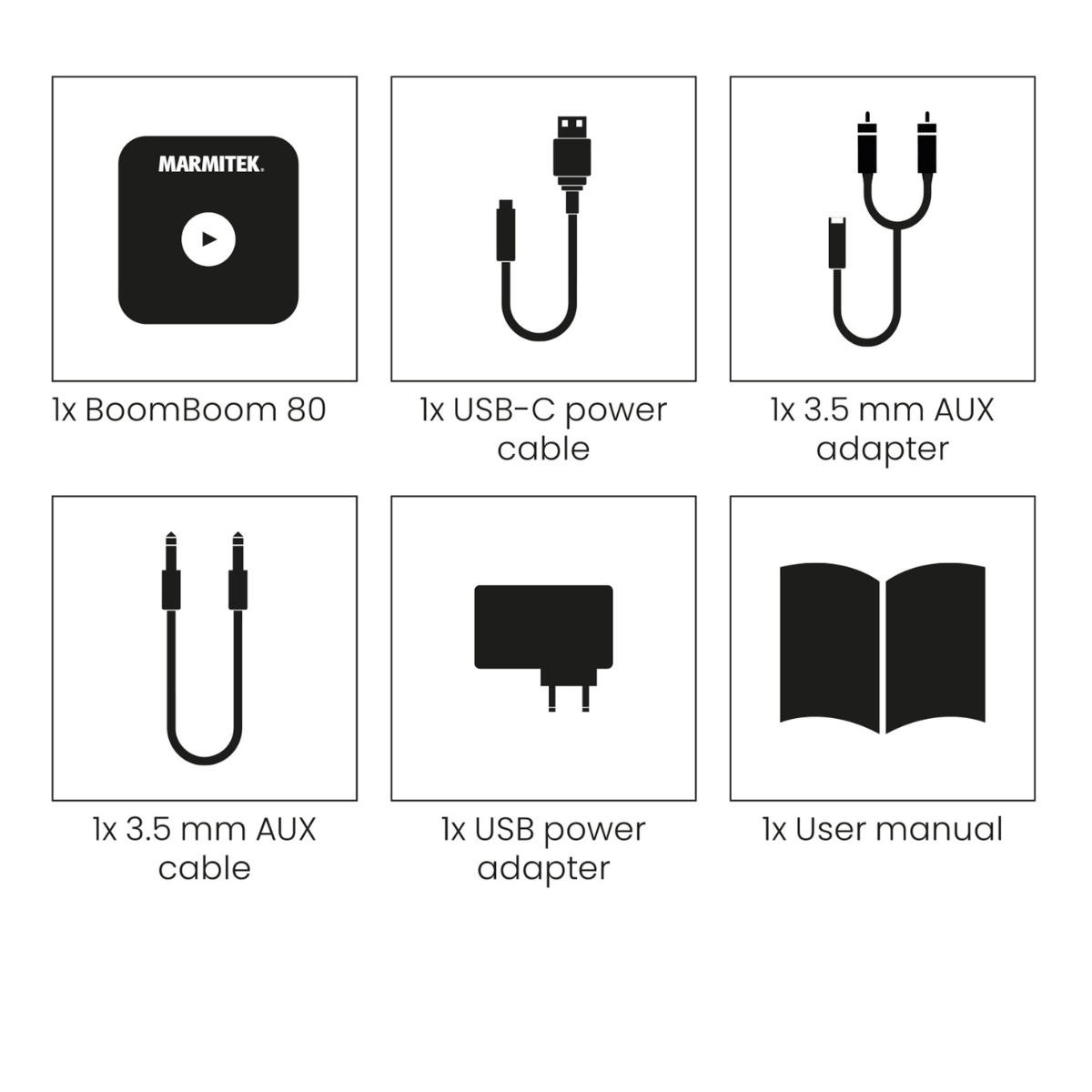

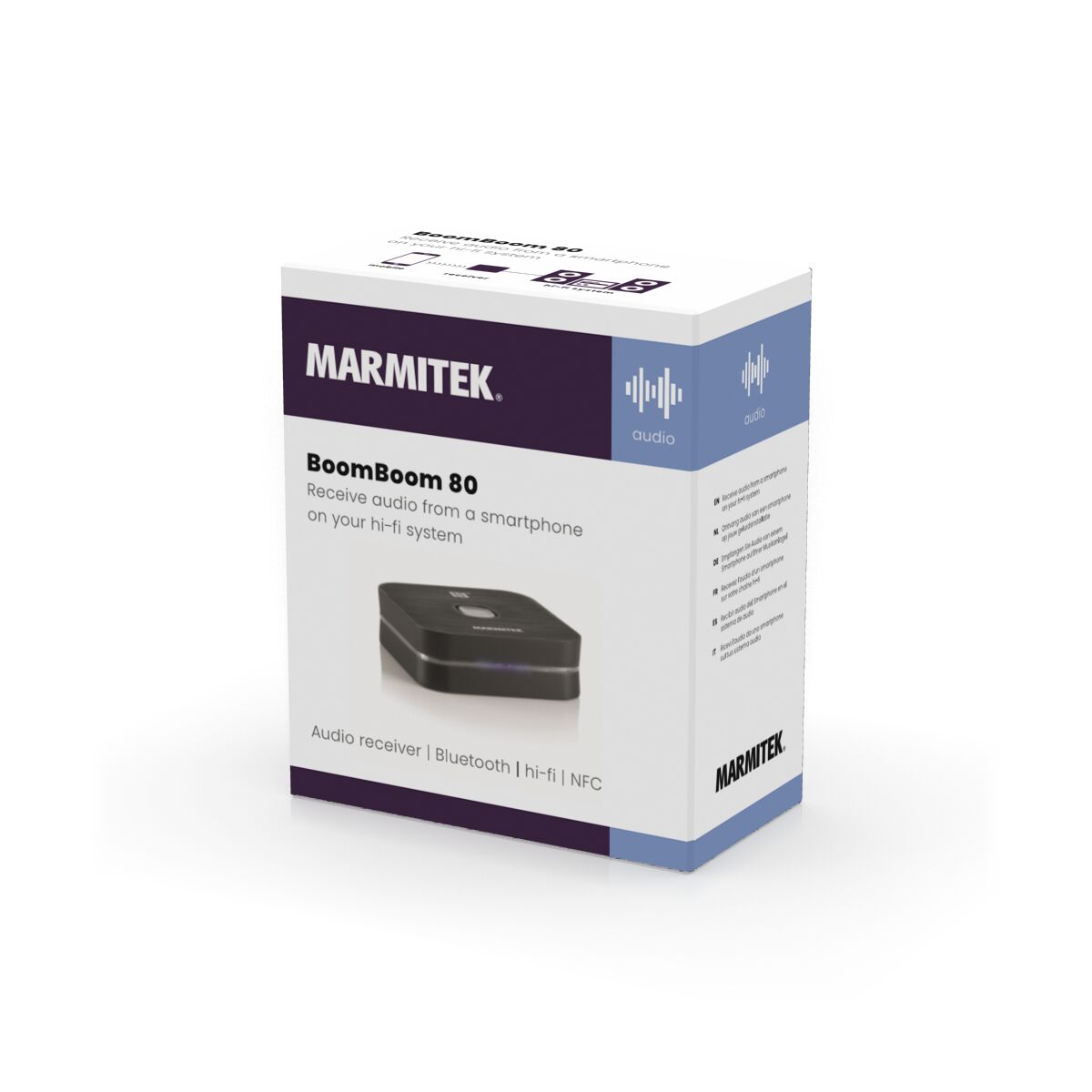

Always included
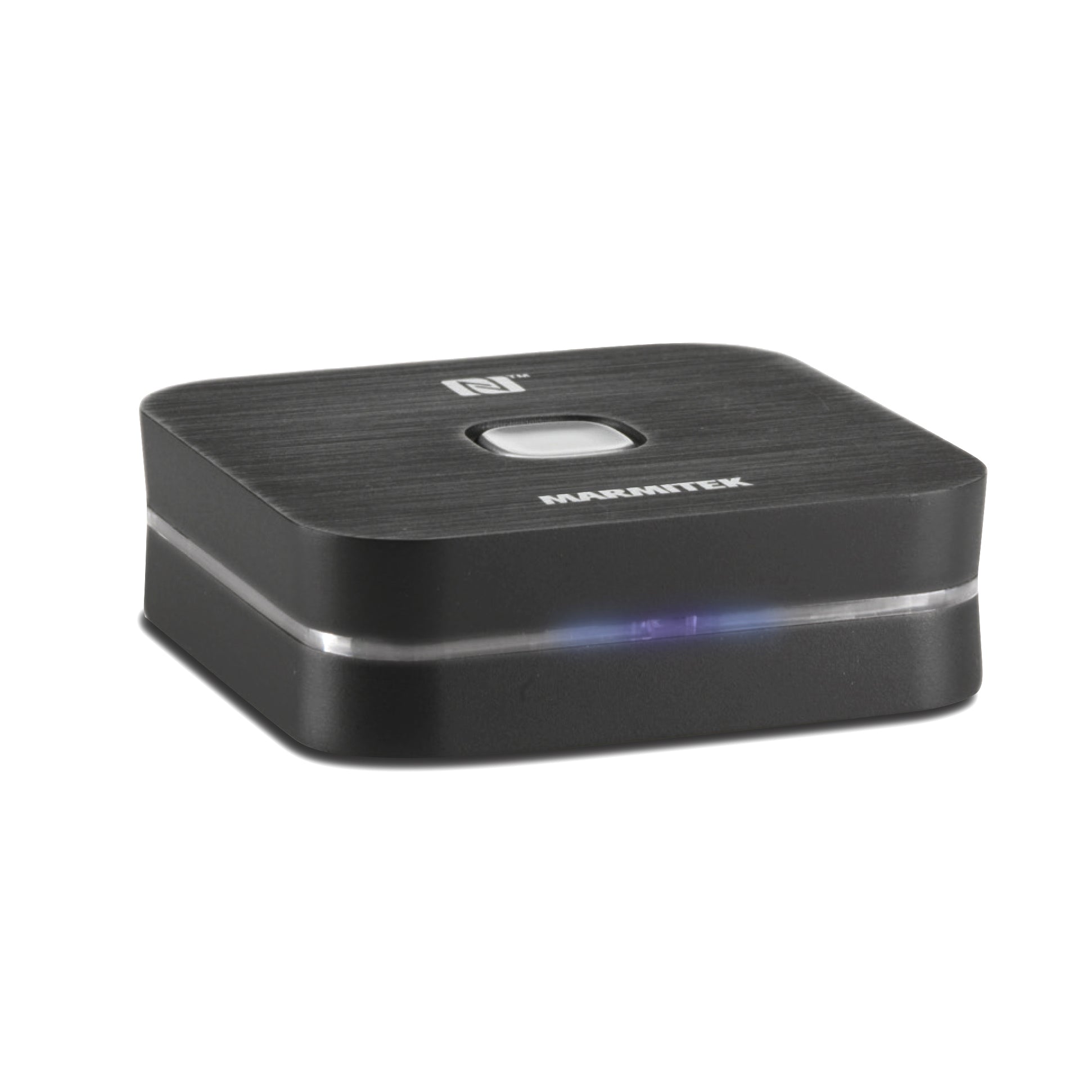
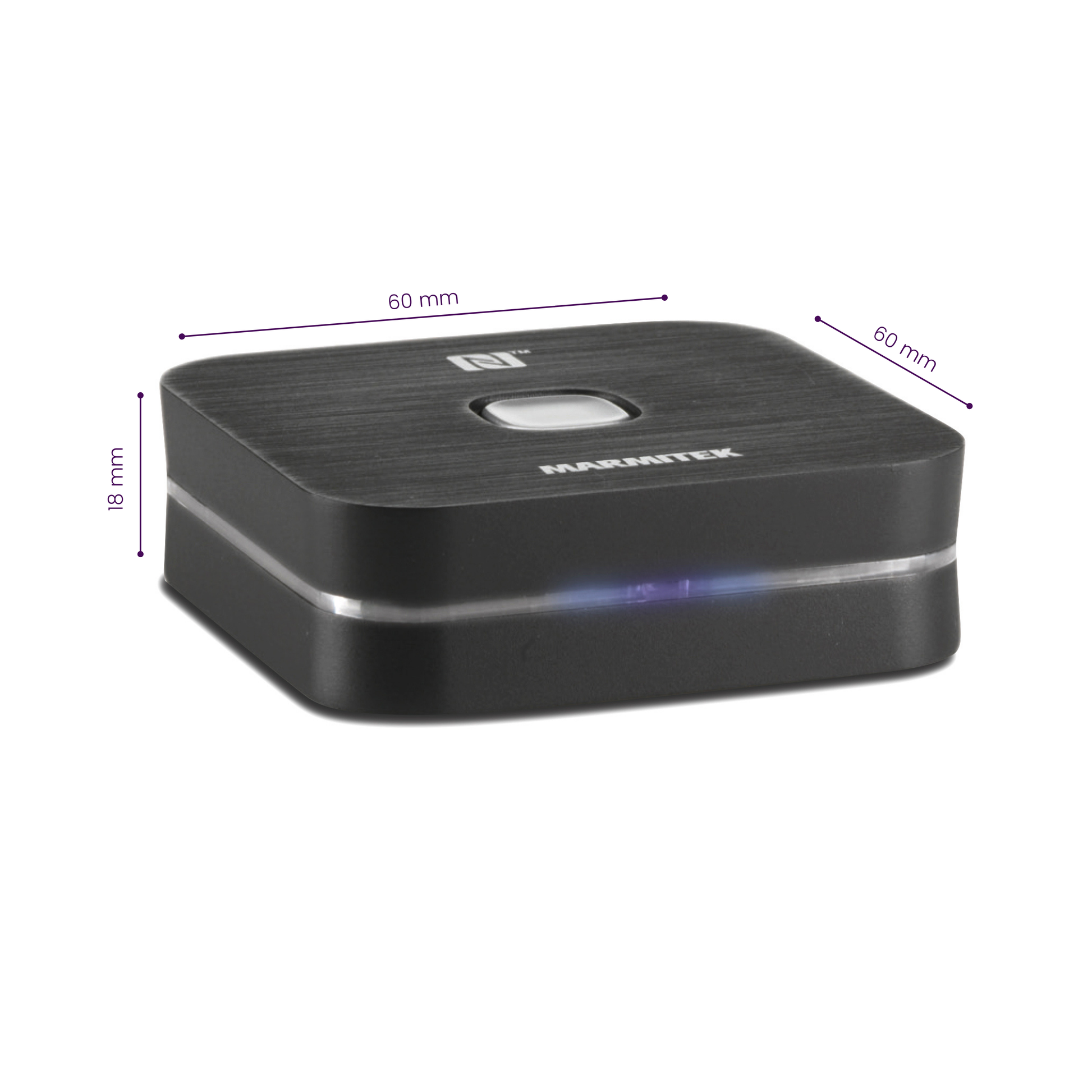
- Bluetooth audio receiver
- Mini-jack audio cable | 80 cm
- Micro USB to USB cable | 150 cm
- Mini-jack adapter cable 15 cm
- USB power adapter
- User manual
NFC
Standby function
Hang key
Couldn't load pickup availability
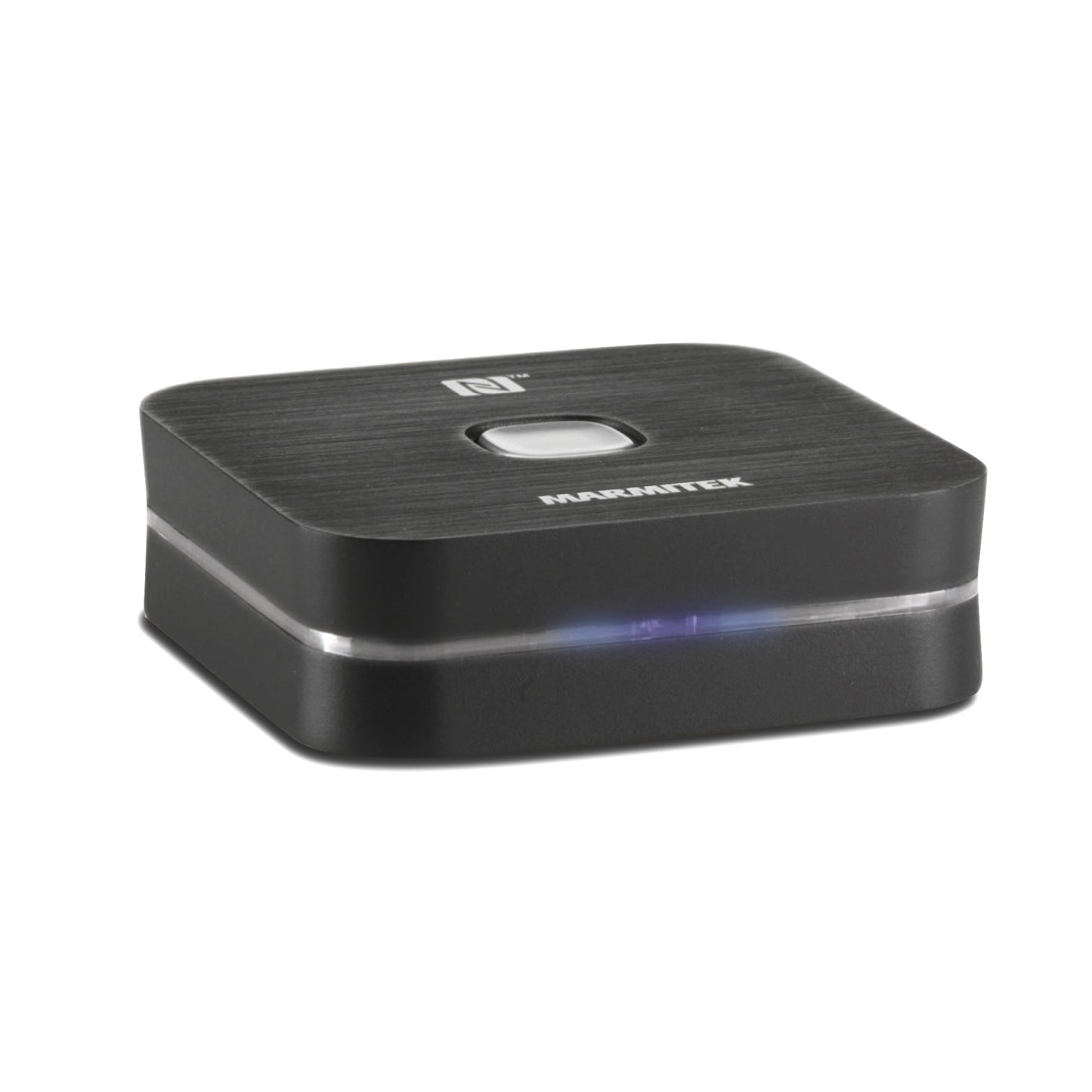
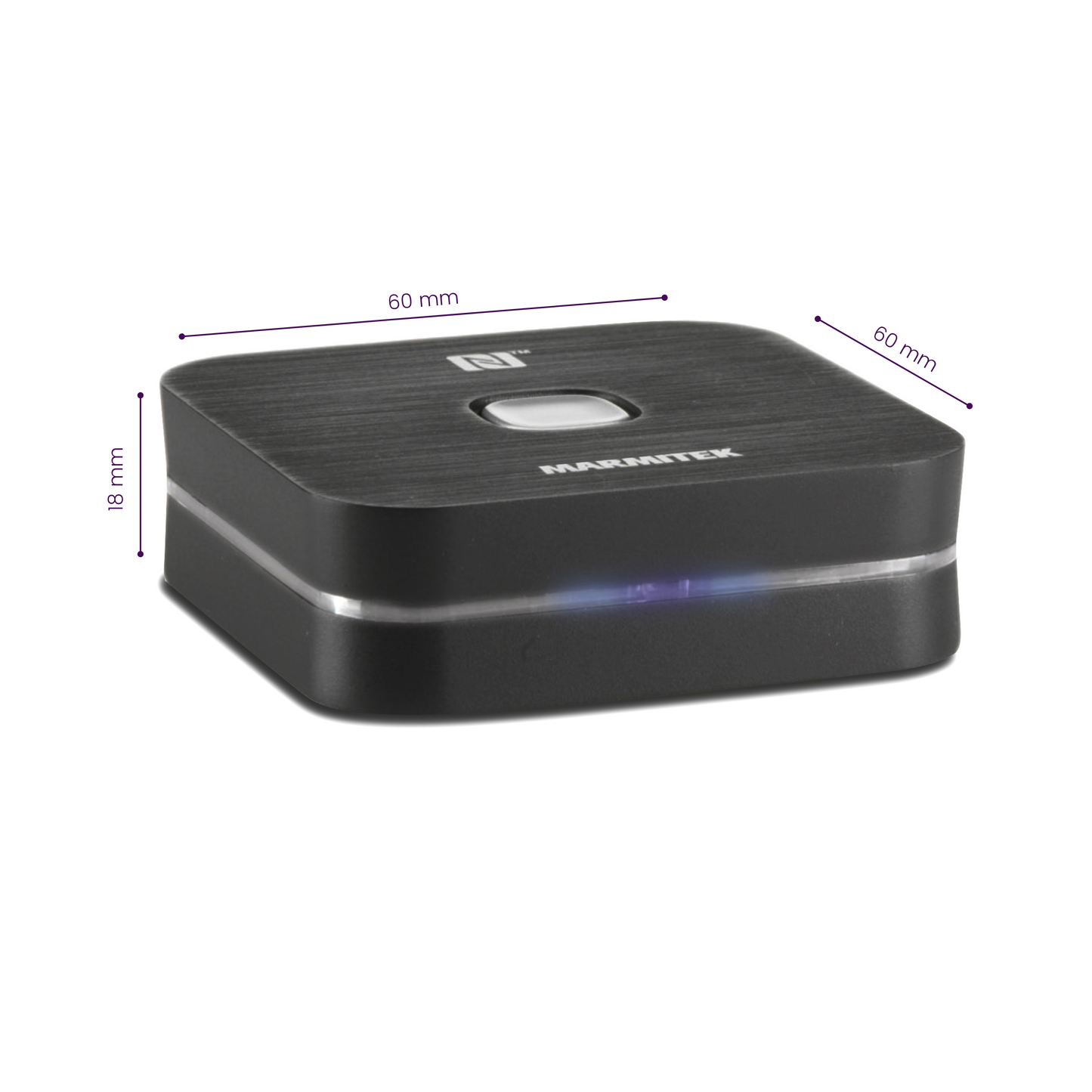

Product description
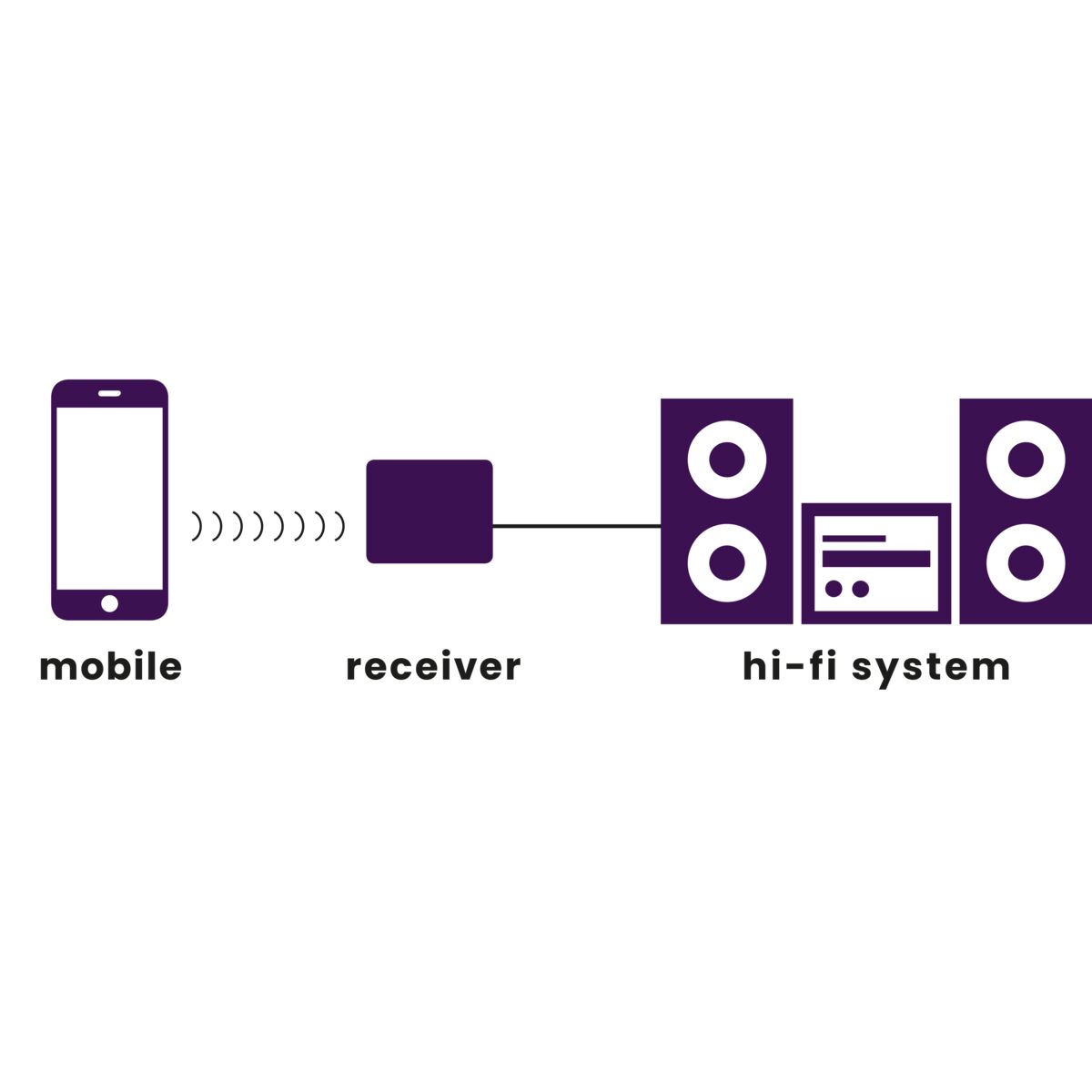
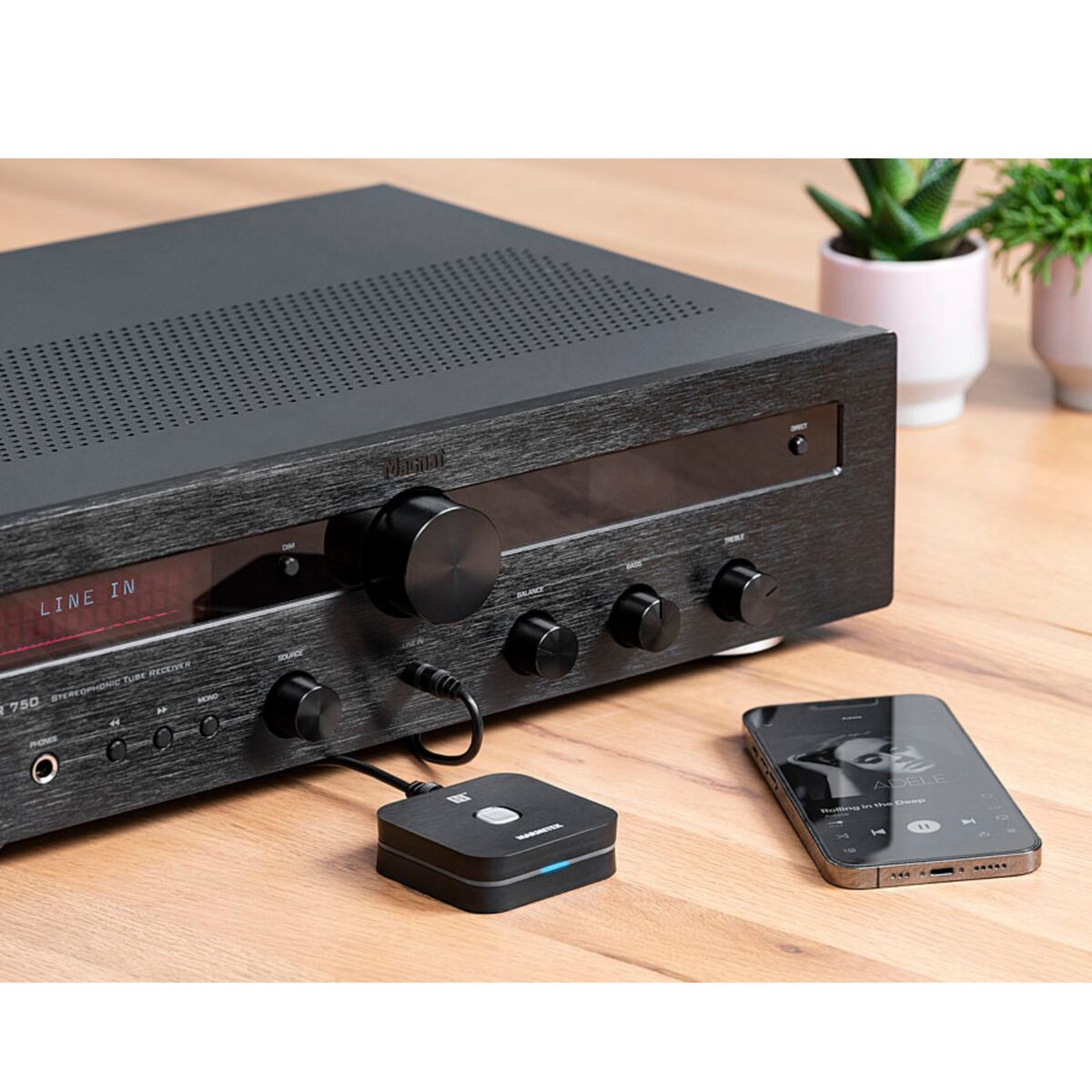
Receive audio from a smartphone on your hi-fi system
- Stream music via Bluetooth to your hi-fi set
- Listen to internet radio or the music stored on your smartphone or tablet PC on your audio system (wirelessly).
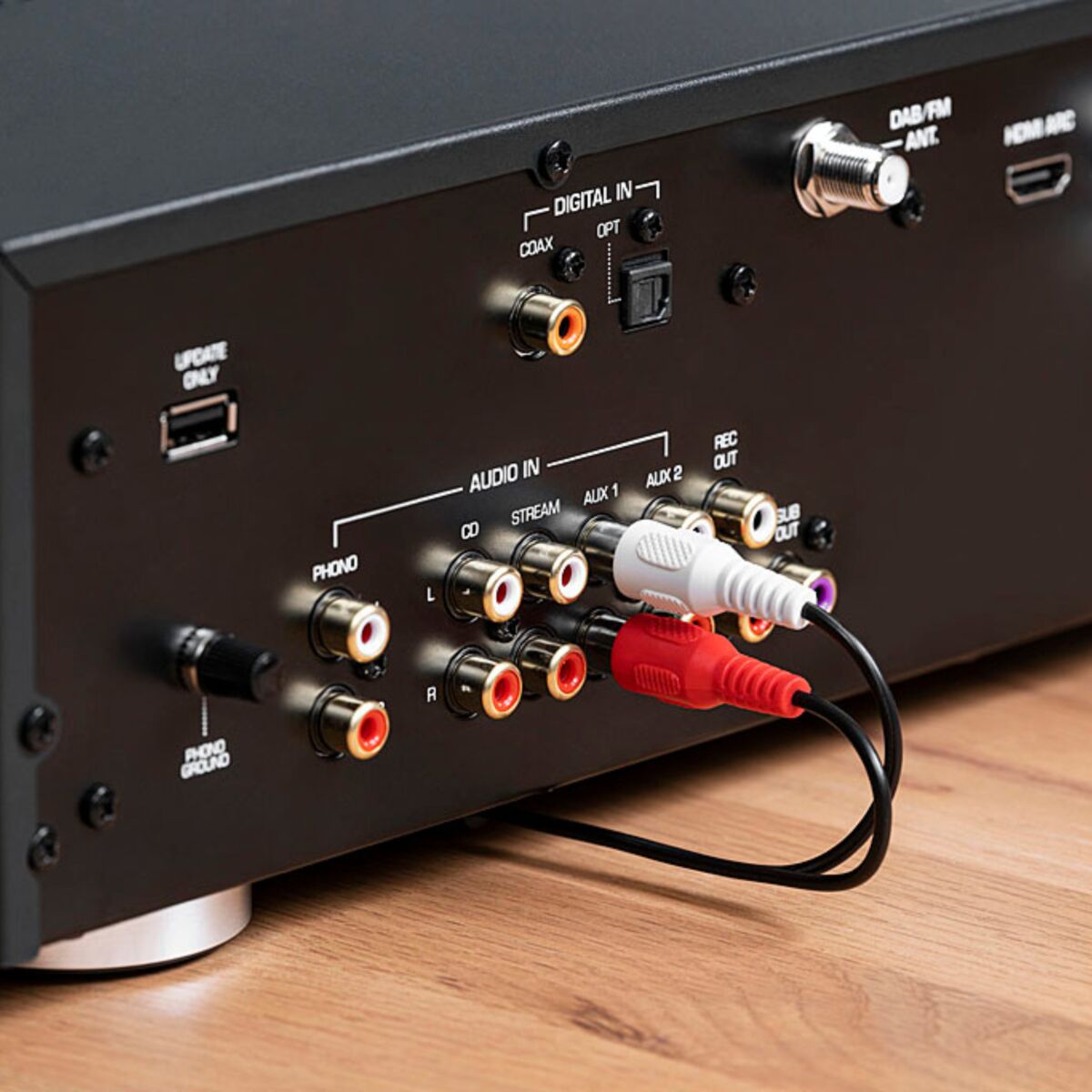
- Works with any audio system, iPhone dock or radio/CD player with aux-in, line-in jack or MP3 link.
- Suitable for all Bluetooth enabled sound sources such as iPhone, Android phone, iPad, etc.
- Uses A2DP Stereo Bluetooth technology.
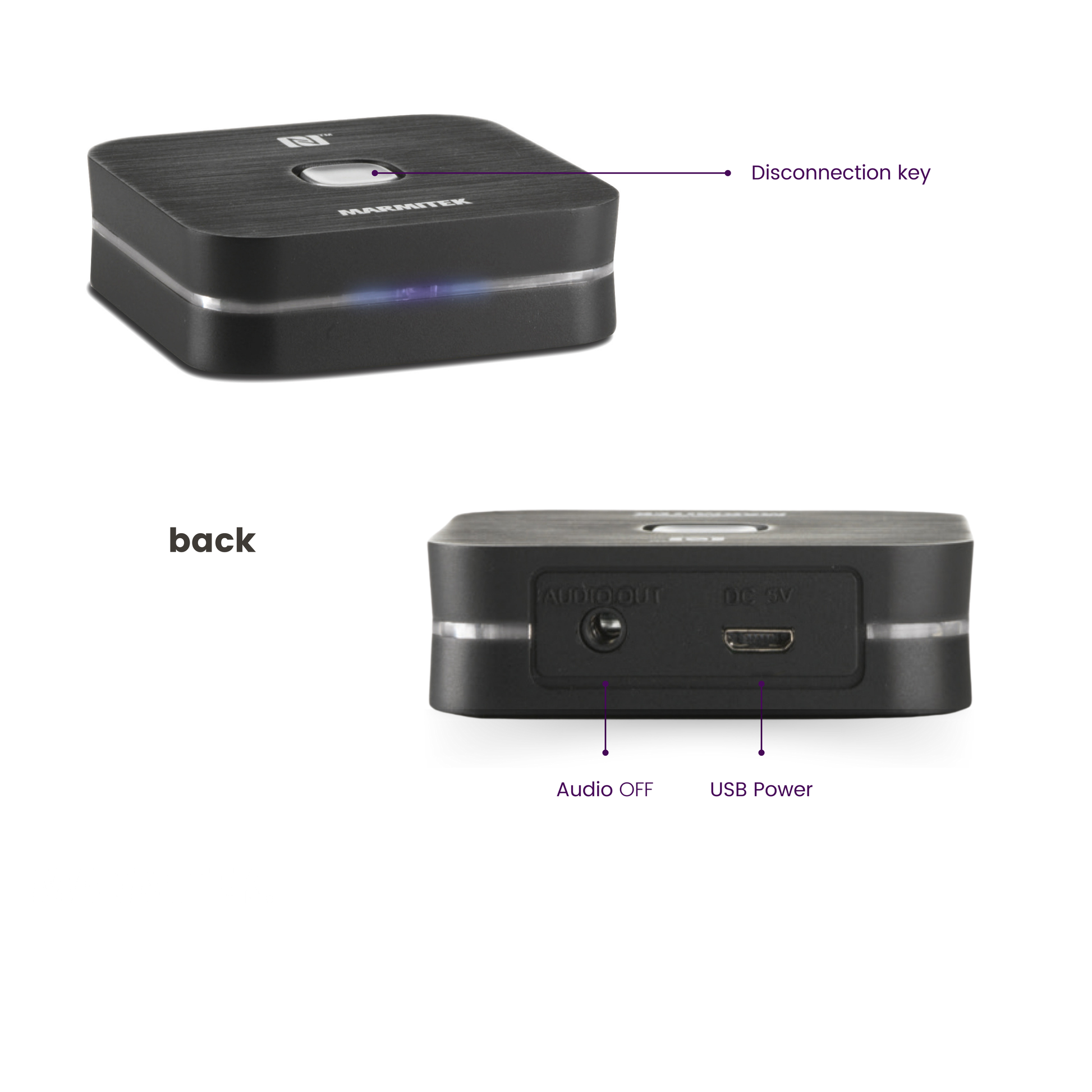
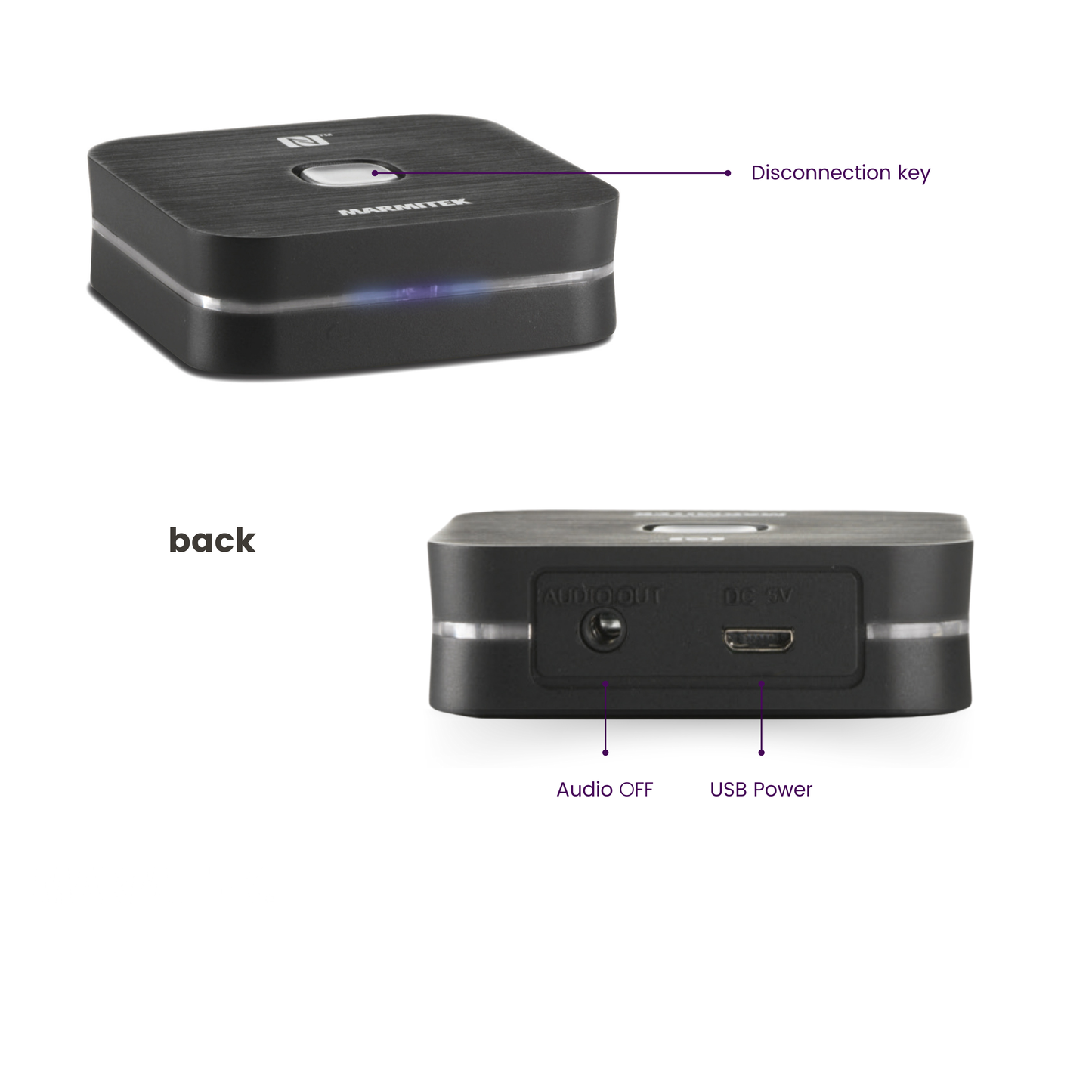
- Listen to music with your friends and easily switch between different music sources using the disconnection key.
- With convenient standby function: always ready for instant connection.
- Supports NFC: simply hold your NFC-enabled smartphone near the audio receiver to connect.
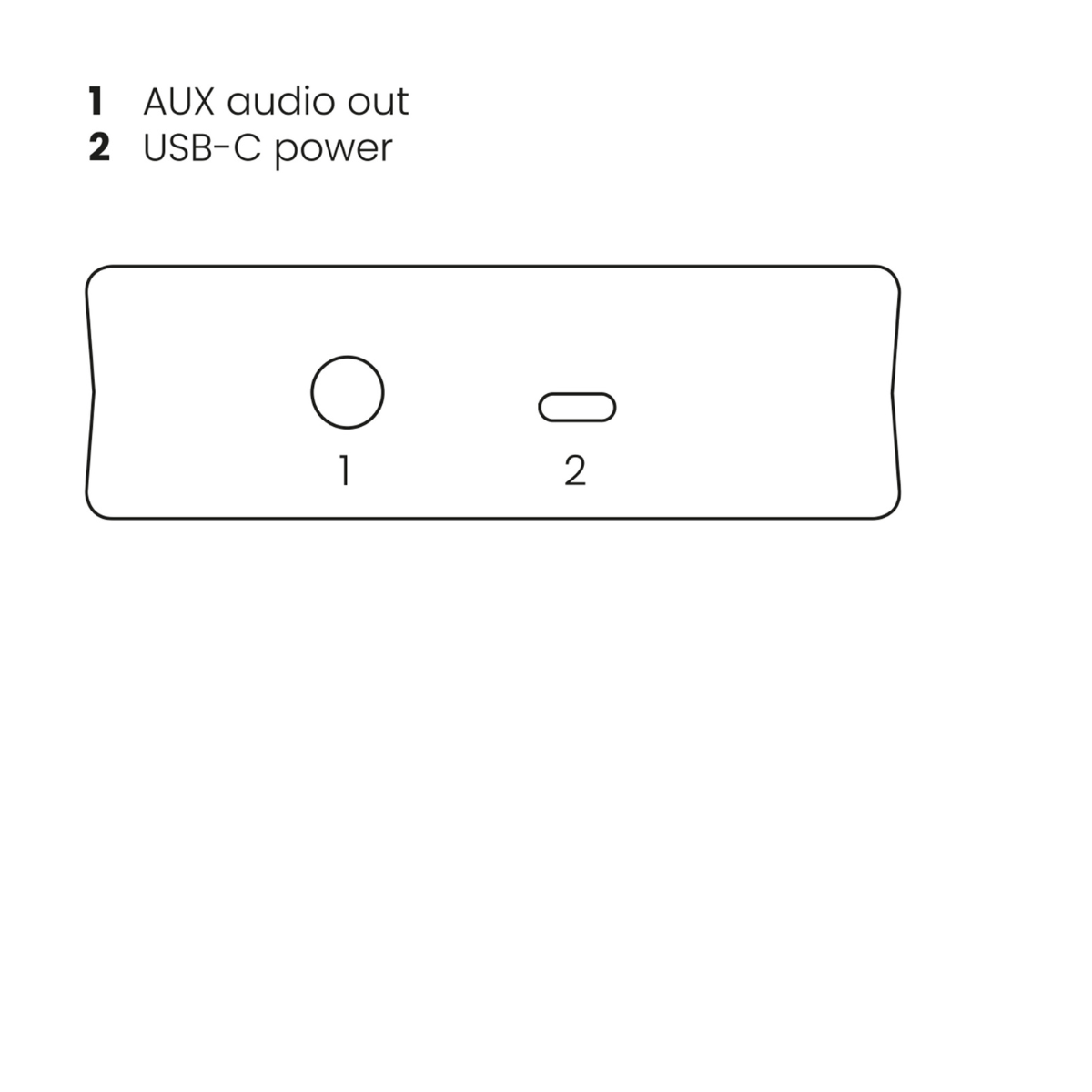
- Powered by USB, either through the supplied USB power adapter or your audio system’s USB connector.
The BoomBoom 80 enables you to stream music wirelessly from your smartphone/tablet to an audio system. You plug the Bluetooth audio adapter into your audio system. Just pair and connect, and from now on you will be listening to your favourite Spotify music in a much better sound quality than from your phone!
The Boom Boom 80 features NFC. This means it instantly makes a connection when your smartphone or tablet passes it, provided your phone or tablet supports this feature. Once the connection is made, any music you play on your smartphone/tablet will be heard through your audio system. Does your smartphone not have NFC? Not to worry. You can still use the BoomBoom 80.
Technical specifications
Reviews
What customers say
Frequently asked questions
-
Can I link numerous devices to my BoomBoom 80?
The BoomBoom 80 can remember up to 8 paired devices. Therefore, re-pairing with each subsequent connection is not required. If a 9th device is paired with the BoomBoom 80, the first smartphone that was paired with the BoomBoom 80 will be erased from its memory. -
Which drivers do I need if I connect the BoomBoom via Bluetooth to my PC?
If you connect a Bluetooth dongle to your PC, Windows will recognise it immediately. However, only the basic functions such as exchanging files will work. Drivers are often supplied with a dongle or they are available on the manufacturer’s website. You will also have to install these. The dongle recognises the BoomBoom 80 as a Bluetooth headset. The music will play automatically via the BoomBoom 80. Even with a PC or laptop with built-in Bluetooth, it may be necessary to install the correct drivers in order to facilitate music transfer. -
No sound comes out of the audio installation.
Ensure that the audio cable is correctly connected (AUX IN), that the correct input has been selected on your audio installation and that your audio system’s volume is set to the desired level. -
Can I adjust the high and low tones in the BoomBoom 80 display?
On a Windows PC, the taskbar often contains a sound control icon which you may click to adjust the high and low tones. However, this depends on the type of audio card in the PC. The commonly used VLC Media Player also has a built-in equalizer. -
What is SBC?
SBC (Low Complexity Subband Coding) enables you to wirelessly listen to audio with reasonable sound quality. SBC is the standard method to send audio via Bluetooth.
Can't figure it out?

Related products


 group
group
- Choosing a selection results in a full page refresh.
- Opens in a new window.