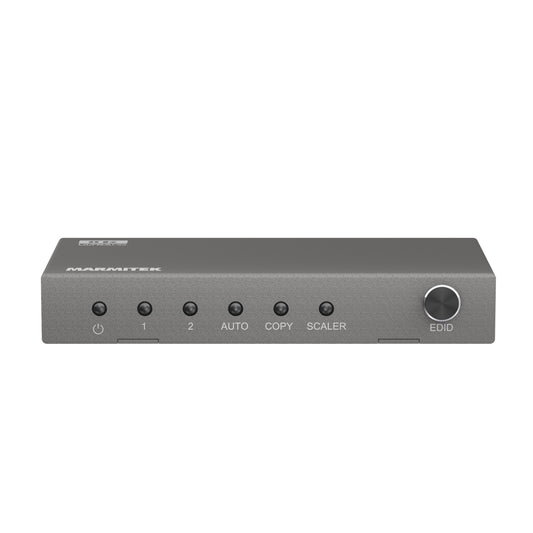
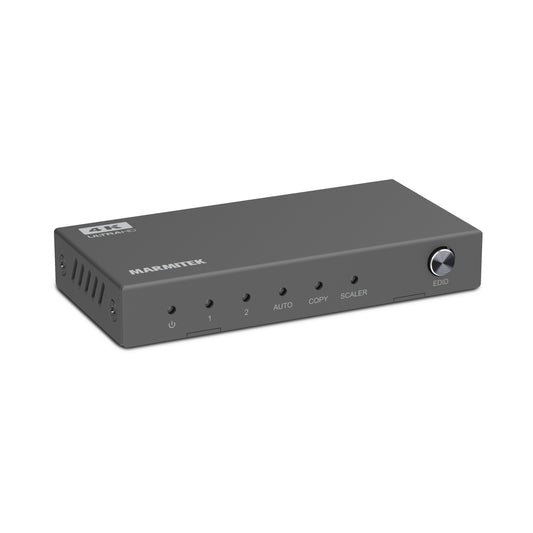
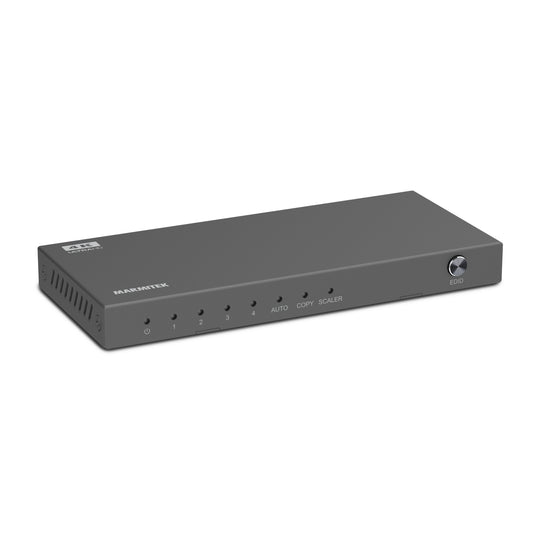
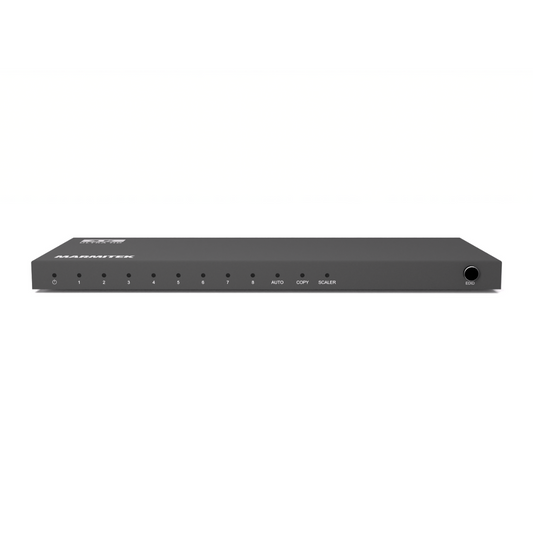
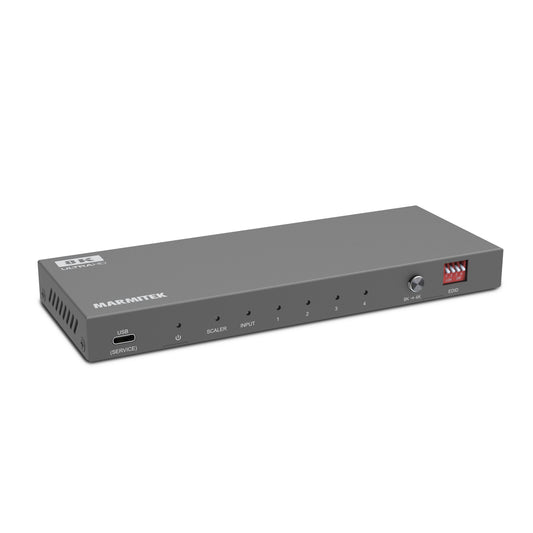
In cafés, bars or hospitality venues, you want everything to run smoothly: displaying multiple screens, sports matches, menus or ambience visuals at the same time without hassle or loss of quality. The Marmitek Split 814 Pro is specifically designed for these professional applications. It allows you to duplicate one HDMI source to four screens while maintaining high resolution, stable audio and reliability. Below you can read how it takes your venue to the next level.
Key features
Below are the technical highlights of the Split 814 Pro and what they mean in practice:
|
FEATURE |
WHAT DOES IT MEAN IN A BAR / CAFÉ APPLICATION? |
|
8K 60 Hz support, HDR, Deep Color, 4:4:4 chroma |
You have future-proof hardware. Even if screens do not yet support 8K, you are ready when it becomes standard. HDR & Deep Color ensure vibrant colours on all screens. |
|
Downscale function |
Sometimes you have screens with lower resolutions (1080p, 4K). The splitter ensures each screen receives the best possible image it can handle, without the need for manual adjustments per screen. |
|
Built-in repeater & equalizer |
The signal remains clean over longer HDMI cables. This is important when screens are spread out (behind the bar, on the terrace, etc.). |
|
HDMI 2.1 / HDCP 2.3 |
Supports the latest standards. Compatible with recent media players, streaming boxes, consoles and smart TVs. |
|
EDID switch |
Allows you to set the maximum resolution for all connected screens. Useful when displays differ (large/small, old/new). |
|
Audio extractor (digital & analogue, 2.0/5.1/7.1 options) |
You can centralise audio through one AV receiver or sound system. No need to manage separate speakers for each screen. |
|
Robust metal housing, low power consumption (~7 W) |
Durable, less hassle, lower risk of malfunctions. Plus: low energy consumption (saves costs long term). |
Practical applications in your venue
Here are concrete ways to use the Split 814 Pro in a café, bar or restaurant:
- Display sports matches simultaneously: four screens showing the same match, for example above the bar, in the corner, outside on the terrace, etc. Guests won’t miss a moment, wherever they sit.
- Menus / promotions / ambience visuals: alongside entertainment screens, you can use one or more displays to show specials, events or announcements. Because the splitter supports 4 screens, you don’t need multiple media players.
- Events / live music nights: display visuals, videos, logos or sponsors across multiple screens, all perfectly synchronised.
- Digital signage integration: increasingly used in hospitality – the Split 814 Pro distributes one central source, simplifying maintenance.
What to consider during installation
For optimal results, keep the following points in mind:
- Use high-quality HDMI cables (preferably short), especially if screens are far apart. Signal loss may occur with longer cables.
- Check the resolution and HDMI/HDCP versions of your displays to determine the common limit and configure EDID correctly.
- Place the splitter in a central location where it is easily accessible for cables and protected from heat or impact.
- Ensure your audio system is compatible with the audio extractor (digital or analogue), especially when using surround or multi-channel audio.
HDMI vs HDMI over UTP/ethernet
An HDMI splitter works with cables, meaning a dedicated HDMI cable runs from the Split 814 Pro to each screen. This provides maximum reliability and image quality, but requires proper planning. In a bar or café environment, running cables can be challenging. Here are your options:
- Direct HDMI: ideal for shorter distances where cables can be neatly concealed. You benefit from sharp images and absolute stability.
- HDMI over UTP/ethernet extenders: when screens are further away, convert the HDMI signal so it can travel via network cables. This allows longer distances without quality loss and offers more installation flexibility.
- Combination: use standard HDMI close to the source and extenders for screens located further away.
This ensures you always benefit from the reliability of wired connections without limitations in distance or layout.
Example scenario: your bar set up with the Split 814 Pro
Imagine you have a bar with a TV above the counter, two screens on the wall and one screen on the terrace. You want to show the same sports match everywhere, with occasional promotions or specials displayed.
- Connect your decoder or streaming box to the Split 814 Pro.
- From the splitter, four HDMI outputs go to the screens. Thanks to the repeater/equalizer, the image remains sharp even on the terrace.
- Use the EDID switch to ensure all screens receive the best possible resolution without errors.
- Route the audio via the extractor to your speaker system, so sound does not come separately from each screen.
Why choose the Split 814 Pro
The Marmitek Split 814 Pro is the professional choice for cafés and bars working with multiple screens. With one central source, you always deliver sharp and stable images and create a consistent atmosphere throughout your venue. Whether it’s sports events, promotions or entertainment: the Split 814 Pro ensures your guests enjoy the same experience everywhere. You invest in convenience, reliability and a presentation that elevates your business to the next level.