


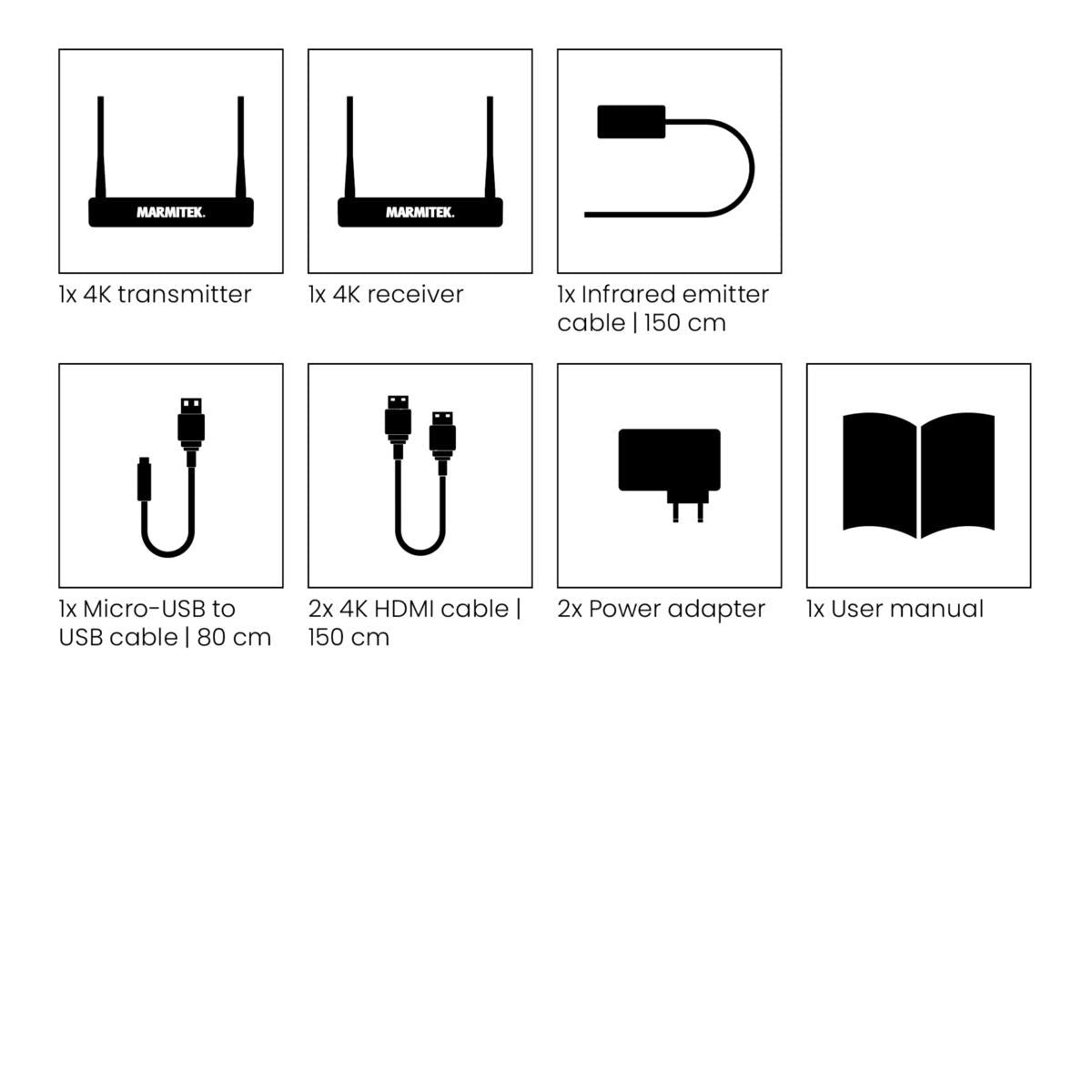
Always included
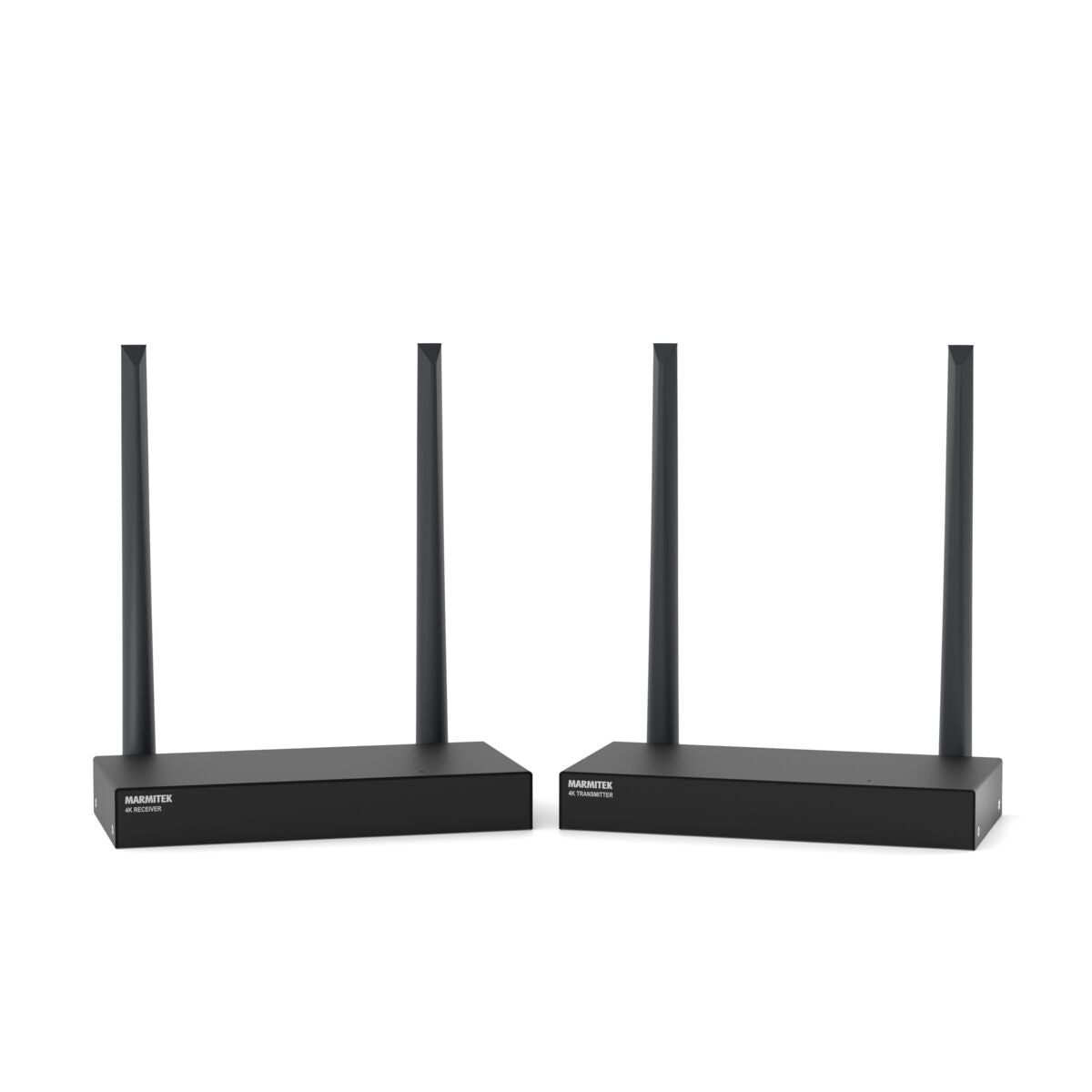
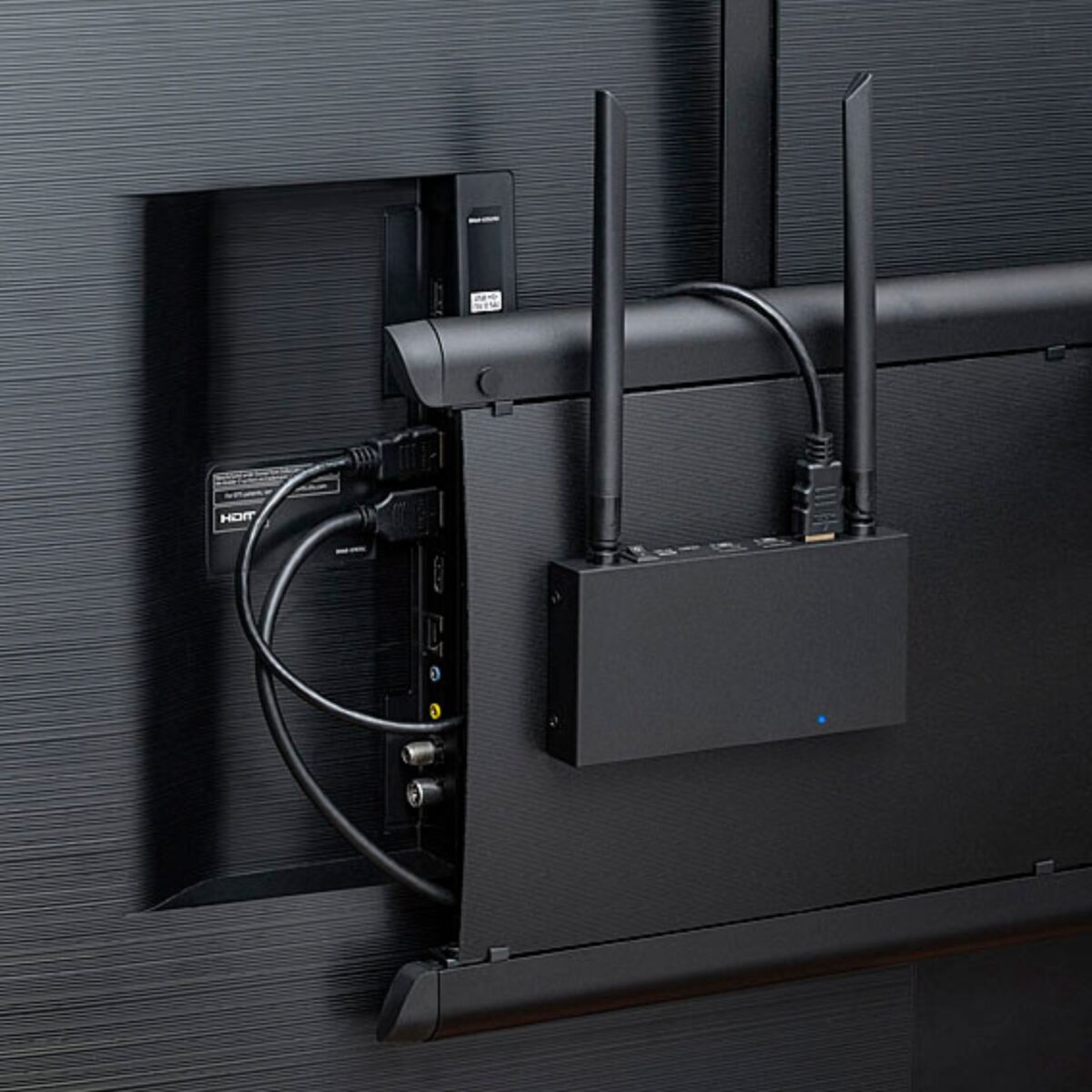
- HDMI transmitter 4K
- HDMI receiver 4K
- IR emitter cable | 150 cm
- Micro-USB to USB cable | 80 cm
- 2x 4K HDMI cable | 150 cm
- 2x Power adapter
- User manual
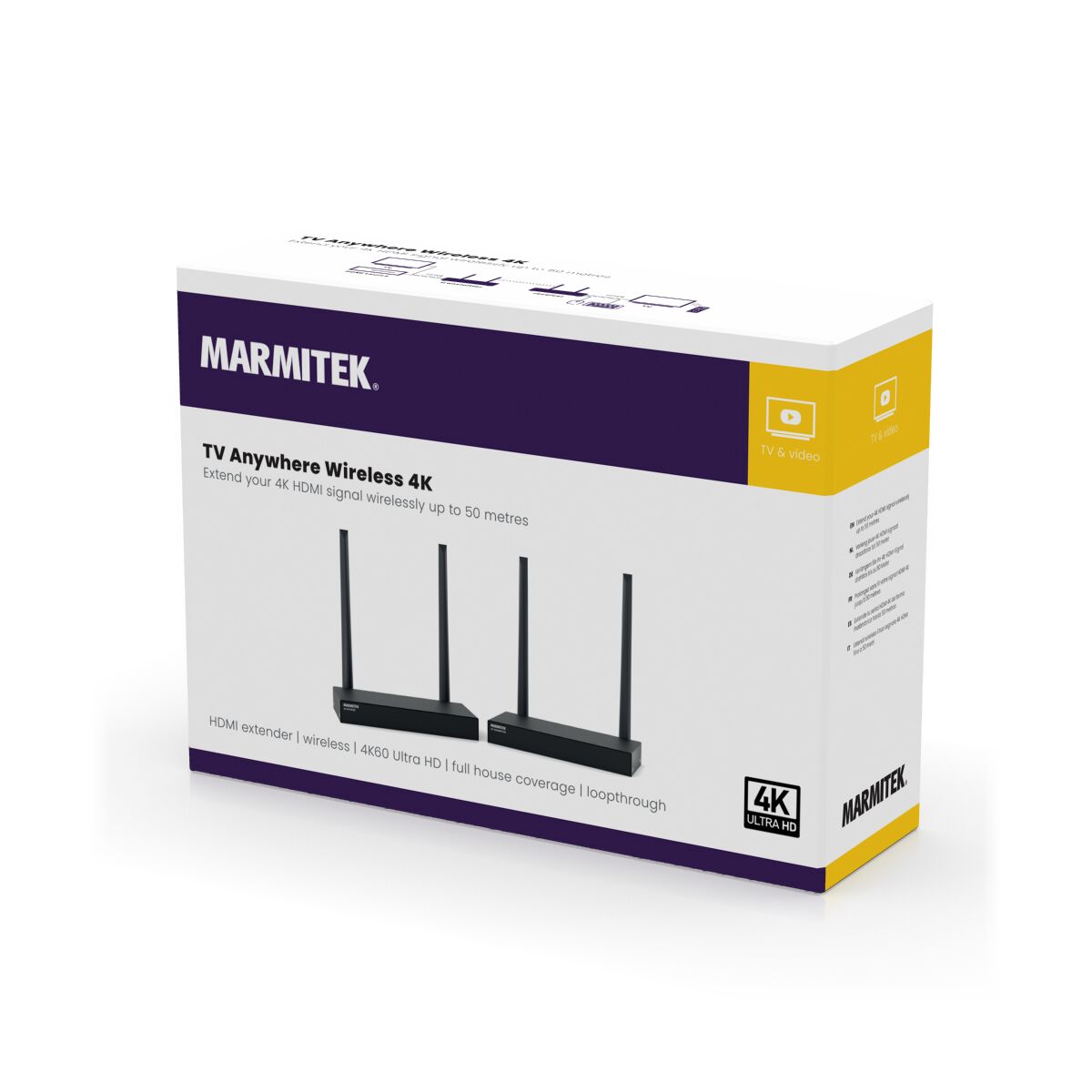
TV Anywhere Wireless 4K
Wireless HDMI extender 4K60
NOTE: ONLY AVAILABLE WITH EU PLUG.
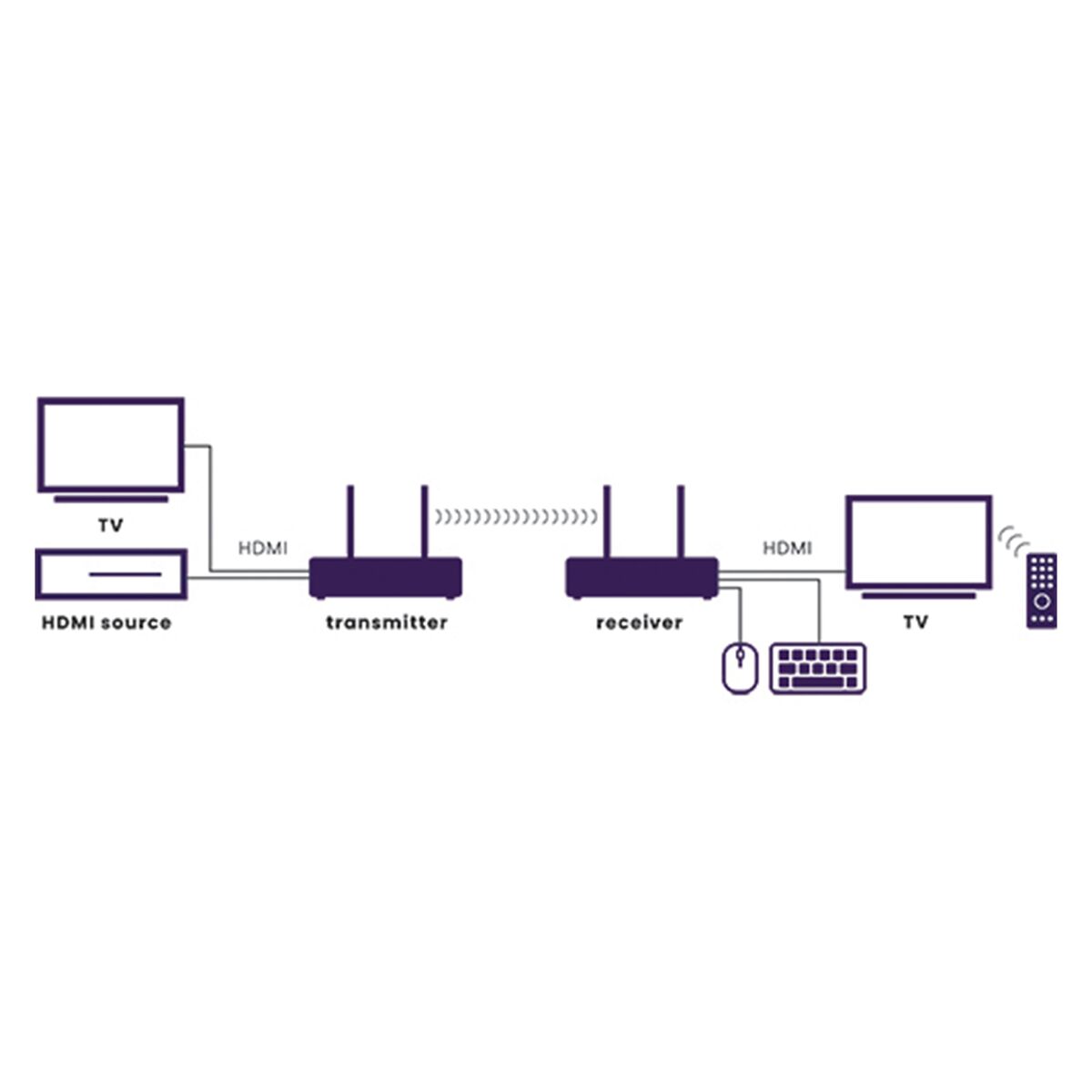
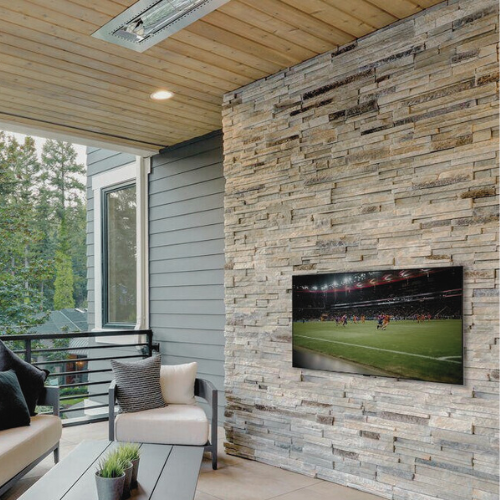
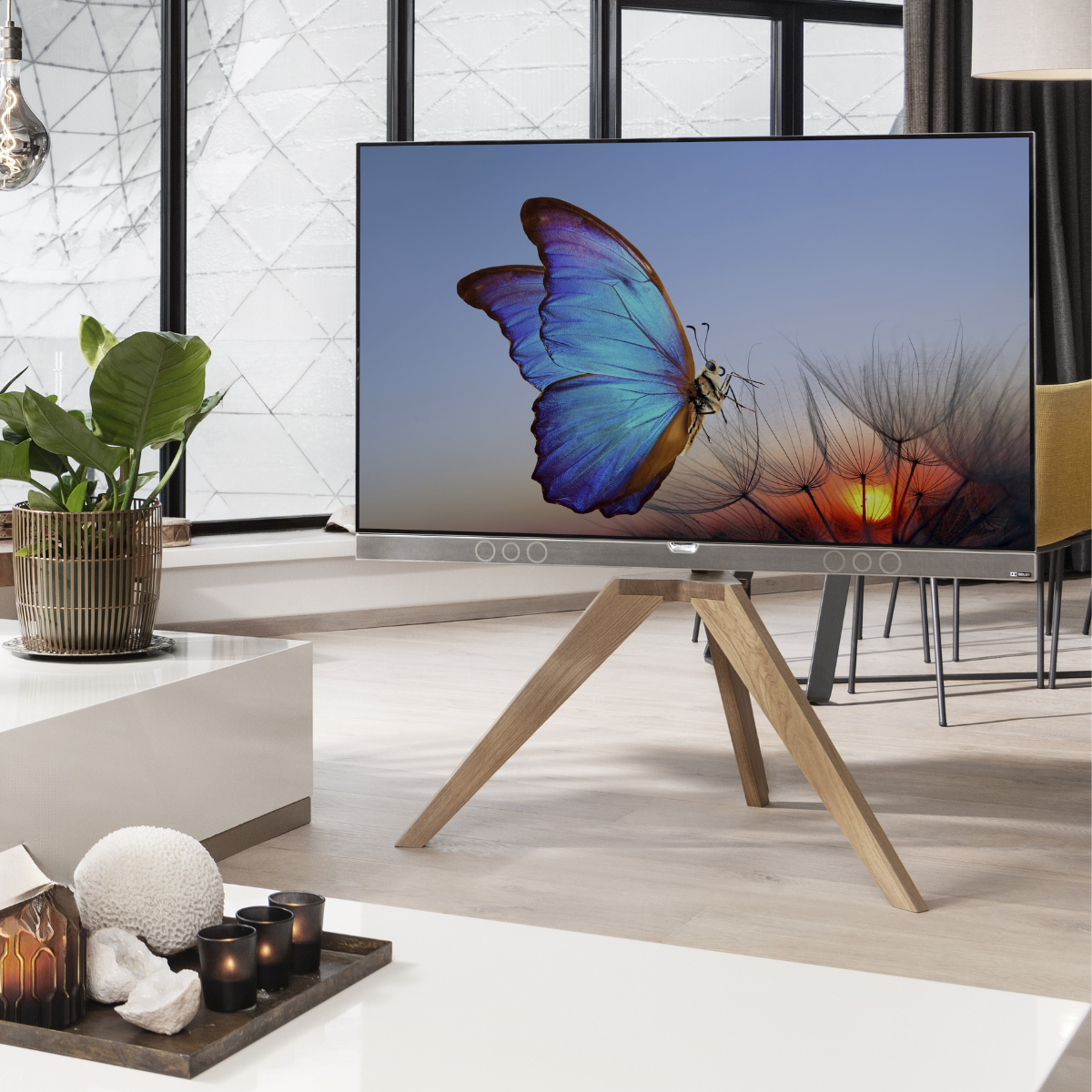
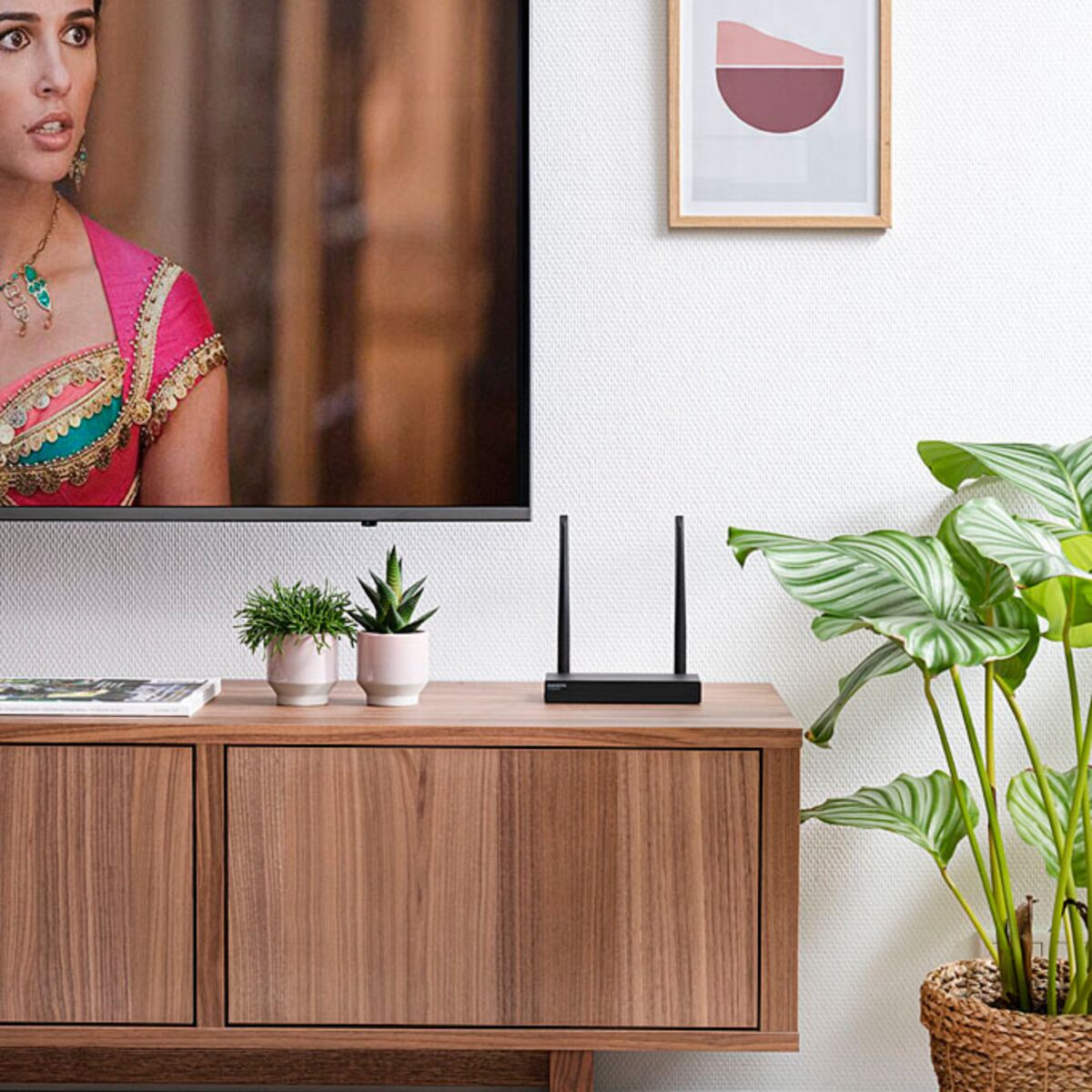
With the TV Anywhere Wireless 4K you can enjoy wireless HDMI within mere seconds. This wireless HDMI extender offers wireless HDMI (4K) from, for example, a TV decoder to a TV or projector. The signal even goes 50 metres through ceilings and walls without any loss of quality, interference or noticeable delay. Watch TV anywhere in and around your house without having a television connection at that specific location and place your TV wherever you want. No need to pull cables anymore!
€ 299,99
In stock
4K60 Ultra HD Wireless, up to 50m
Range - Entire House
Loopthrough Function
Yes! Free Shipping!
Couldn't load pickup availability
Receive a 25% discount on the accessories below
€ 335,98

TV Anywhere Wireless 4K
Wireless HDMI extender 4K60
4K60 Ultra HD Wireless, up to 50m
Range - Entire House
Loopthrough Function
€ 299,99
Product description
- Watch TV anywhere in your home, without laying any cabling!
- Wireless HDMI signal transfer (up to 50m) through walls and ceilings without quality loss or noticeable lag.
- Supports video resolutions up to 4K60 (Ultra HD).
- Watch your favourite TV programmes or films from your decoder, media center PC or Blu-ray player in Ultra HD quality on a 2nd TV/projector anywhere in the home.
- Operate your AV equipment remotely using the infrared return feature.
- Connect your keyboard and mouse to the receiver to control your PC remotely.
- Loopthrough enables you to watch the same content at two locations simultaneously.
Technical specifications
General
Power supply
100-240 VAC, 50/60 Hz, 5V DC adapter
Audio
Audio formats
PCM stereo
Receiver
Output
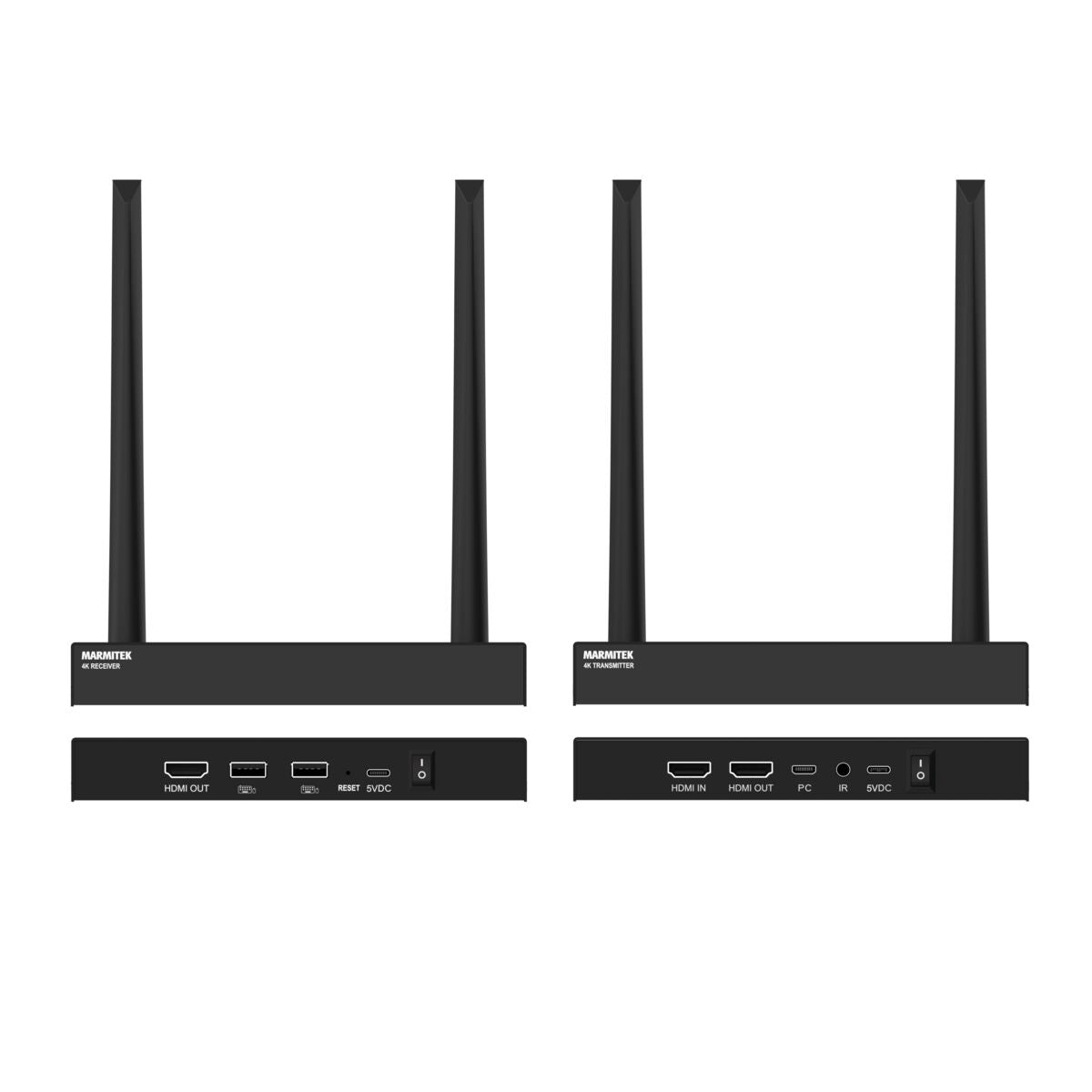
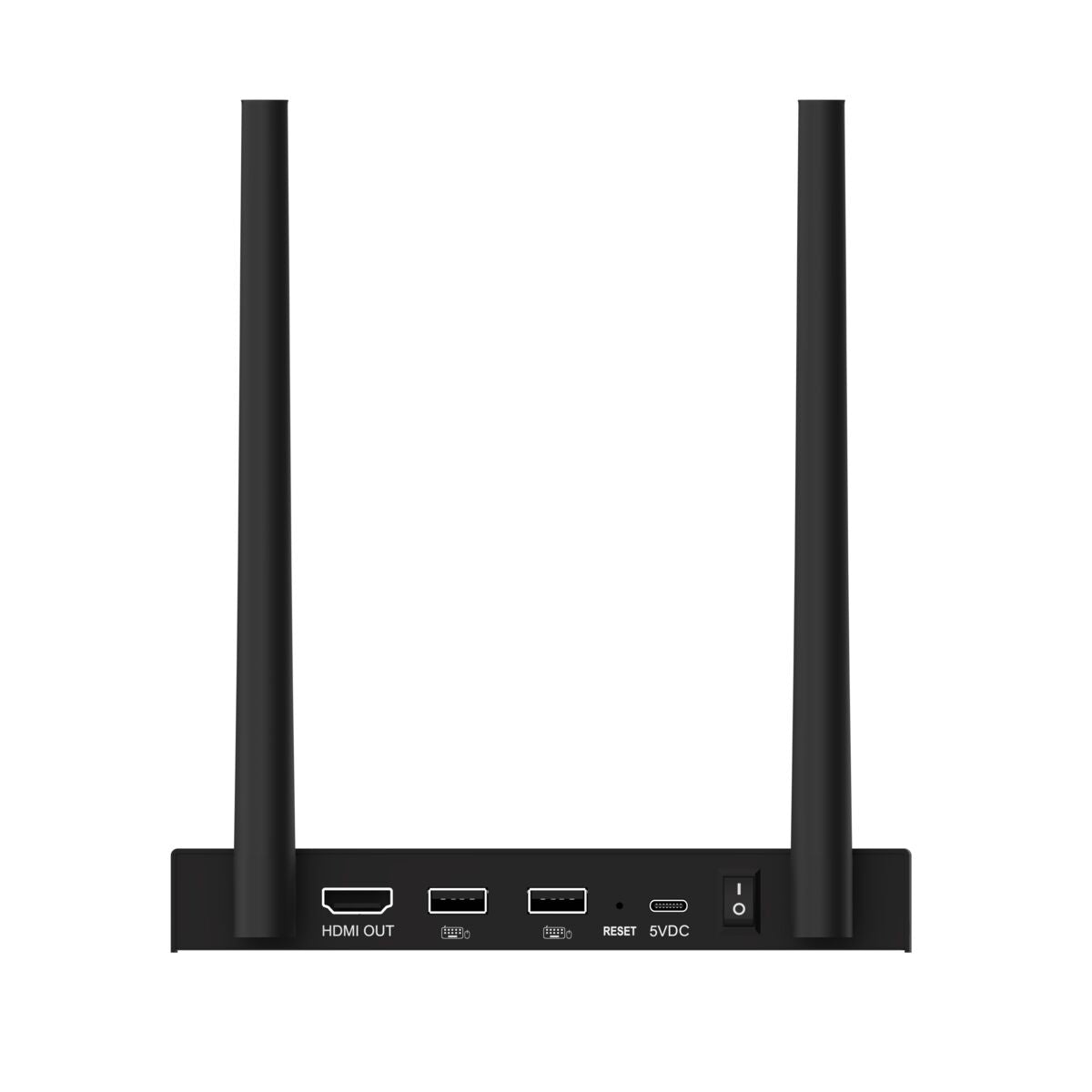
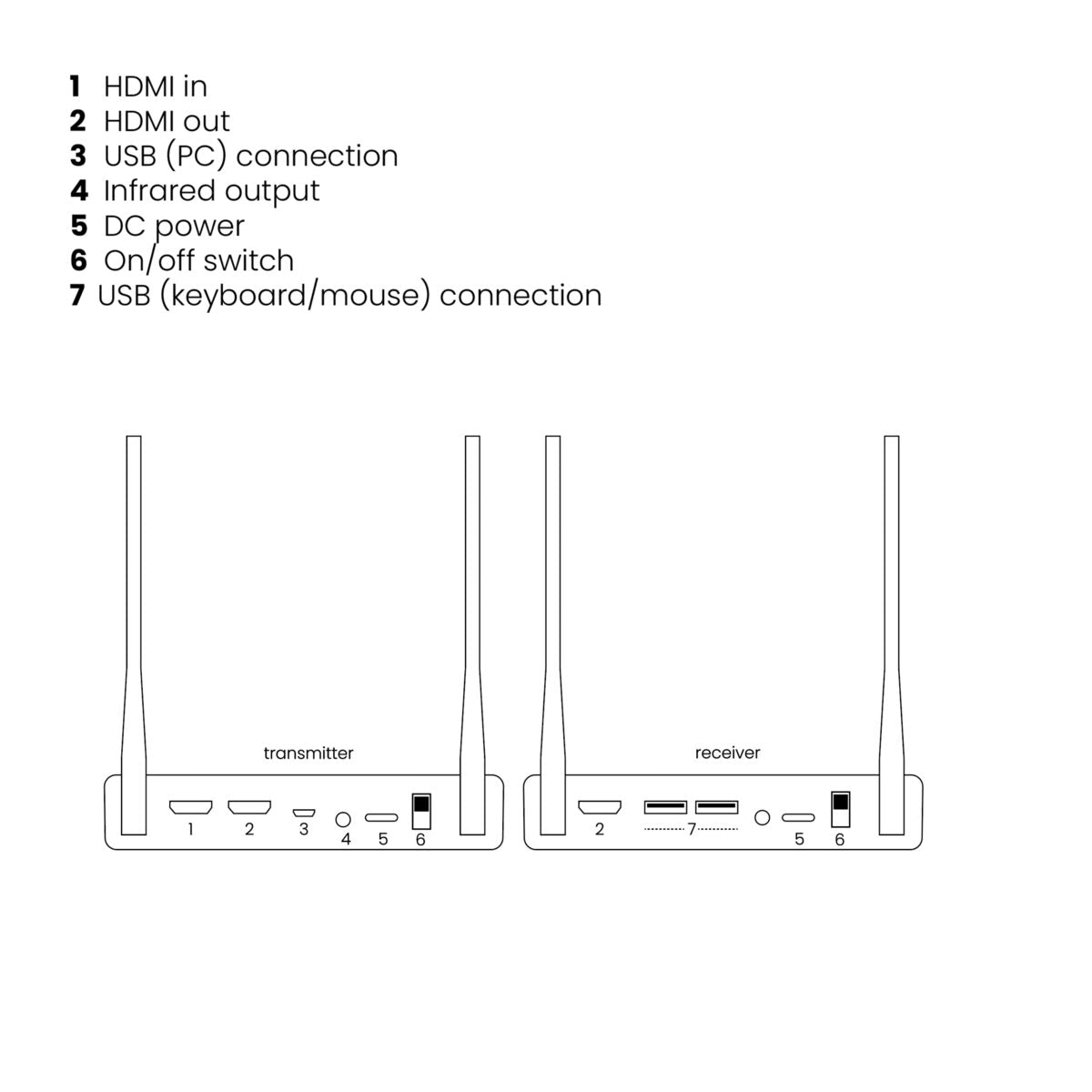
1x HDMI
Infrared input
Built-in IR sensor
USB input
2x USB-A (mouse, keyboard)
Dimensions (L x W x H)
22 x 155 x 77 mm
Weight
320 grams
Technology
Operating Frequency
5 GHz
Operating Range
Up to 100 meters LOS (Line Of Sight), up to 50 meters through walls and ceilings
Latency
<100 ms
Infrared Frequency Range
30 - 60 kHz
Video Compression
H.265
Trasnmitter
AV input
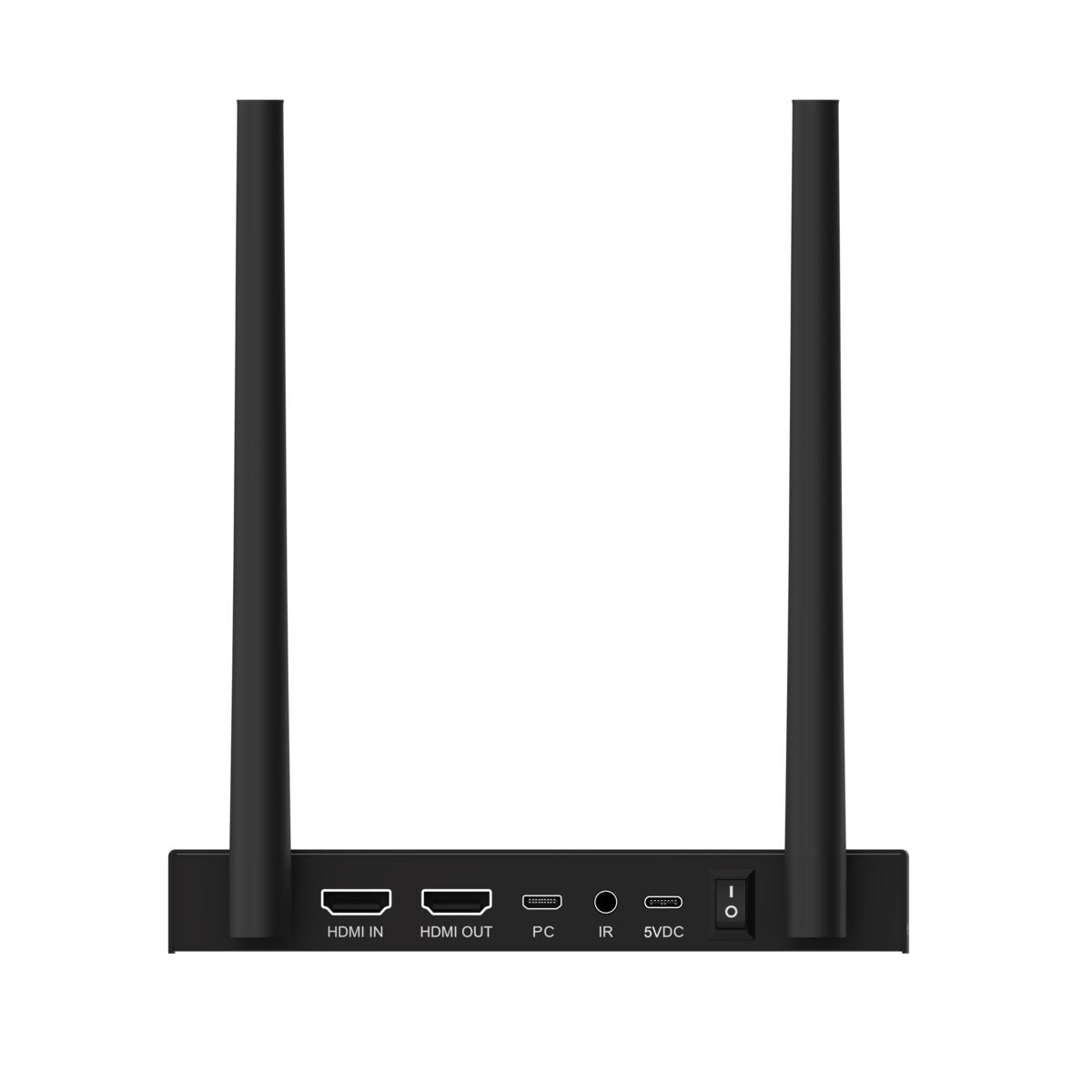
1x HDMI
AV output
1x HDMI (loop-through)
Infrared output
1x 3.5 mm connection
USB output
1x Micro-USB (PC, laptop)
Dimensions (h x w x d)
22 x 155 x 77 mm
Weight
320 grams
Video
Video Resolutions
2160p@50/60Hz (4K), 1080p (Full HD), 1080i, 720p, 576p, 480p
PC Resolutions
Max. 3840 x 2160
HDMI Standards
HDMI 2.0, HDR, DVI, EDID and HDCP 2.2
Downloads
Reviews
What customers say
Frequently asked questions
-
No (or poor) image and sound on TV or projector
- Ensure that the ON/OFF switches at the back of the transmitter and receiver are in the ''ON'' position.
- Ensure that all HDMI cables are connected properly or replace them.
- Ensure that the HDMI source is turned ON and the correct HDMI input is selected on the TV.
- Ensure that the HDMI source is set to a correct video resolution. If necessary, consult the user manual of your HDMI source.
- Disconnect the power adapters from the wall socket and reconnect them to reboot the TV Anywhere Wireless 4K.
-
No or bad connection between the 4K transmitter and 4K receiver
- Move the 4K transmitter and/or the 4K receiver from the immediate vicinity of the connected HDMI sources and Wi-Fi equipment. These may affect the range.
- Slightly adjusting the position of the 4K transmitter and/or 4K receiver may already help out.
- Too much distance between 4K transmitter and 4K receiver. Try using shorter distances.
-
I do have picture, but no (or bad) sound
- The TV Anywhere Wireless 4K supports up to 2CH PCM stereo.
- Check the audio setting in the settings menu of the connected HDMI source and manually set it to 2CH PCM stereo when the automatic setting does not work.
-
The IR return function is not working
- Ensure that the IR LED is properly plugged in.
- Experiment with the location of the IR receiver and IR led cable.
- The IR receiver has a reception sensitivity of max. 10 metres.
- The range is also dependent on the remote control used.
-
Can two systems be used side by side in adjacent rooms without interference?
Yes. Once a receiver is paired with a transmitter, they remain exclusively linked. This allows two separate systems to be used side by side without mutual interference. -
Can I use one system to transmit the same signal to two rooms simultaneously?
Yes. For that, you need an additional receiver (TVAW4K RX) that you pair with the same transmitter. Both receivers will then display the same AV signal. You can connect up to four receivers to one transmitter.
Can't figure it out?

Related products

TVAW4K Pro
Wireless 4K HDMI extender - Possible to connect multiple displays
€ 399,99

TV Anywhere Wireless HD
Wireless HDMI extender
€ 149,99


A member of the
 group
group
 group
group
- Choosing a selection results in a full page refresh.
- Opens in a new window.