


Always included
- USB-C to USB-A Adapter
- User manual
Connect USB C > USB A
USB - C to USB - A adapter
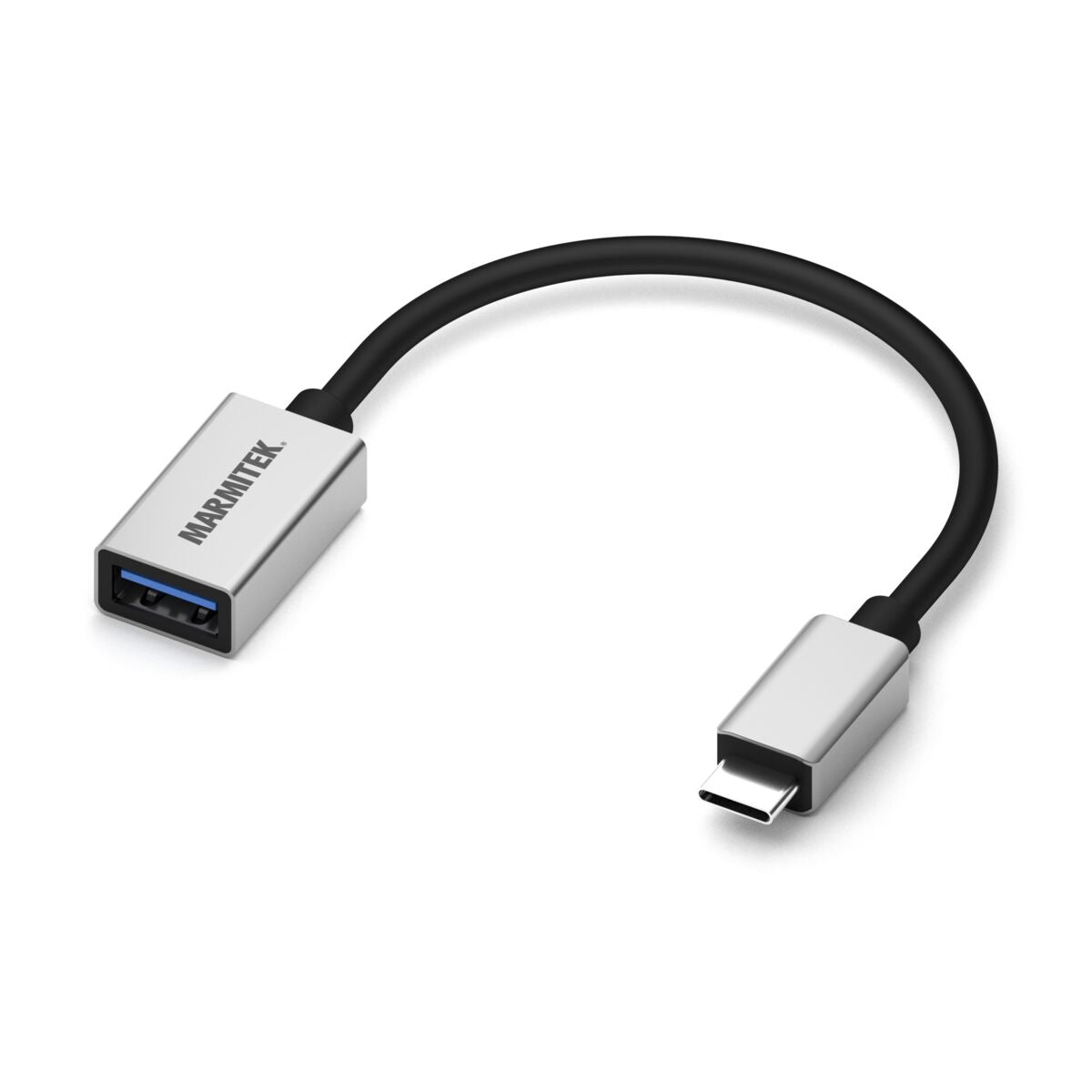
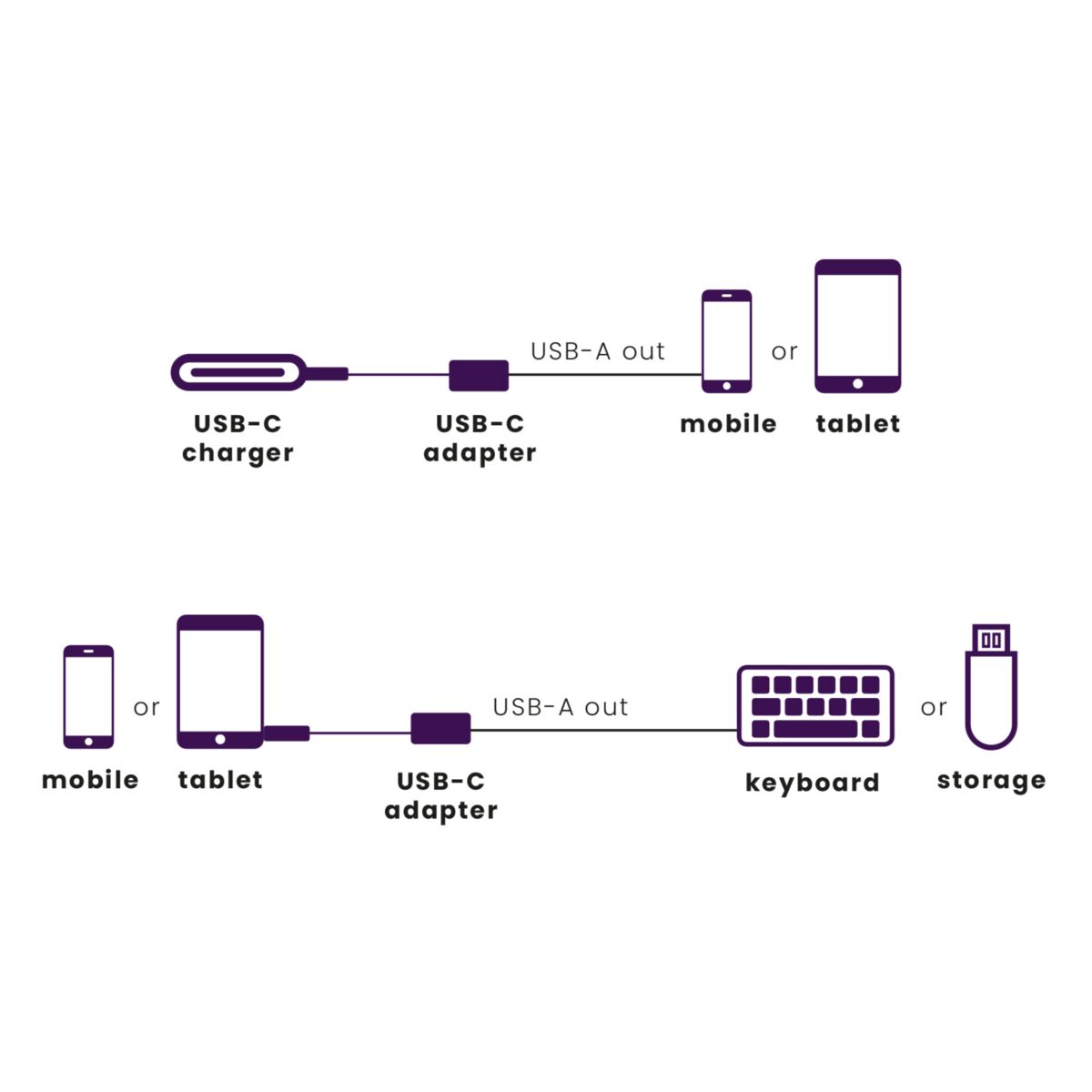
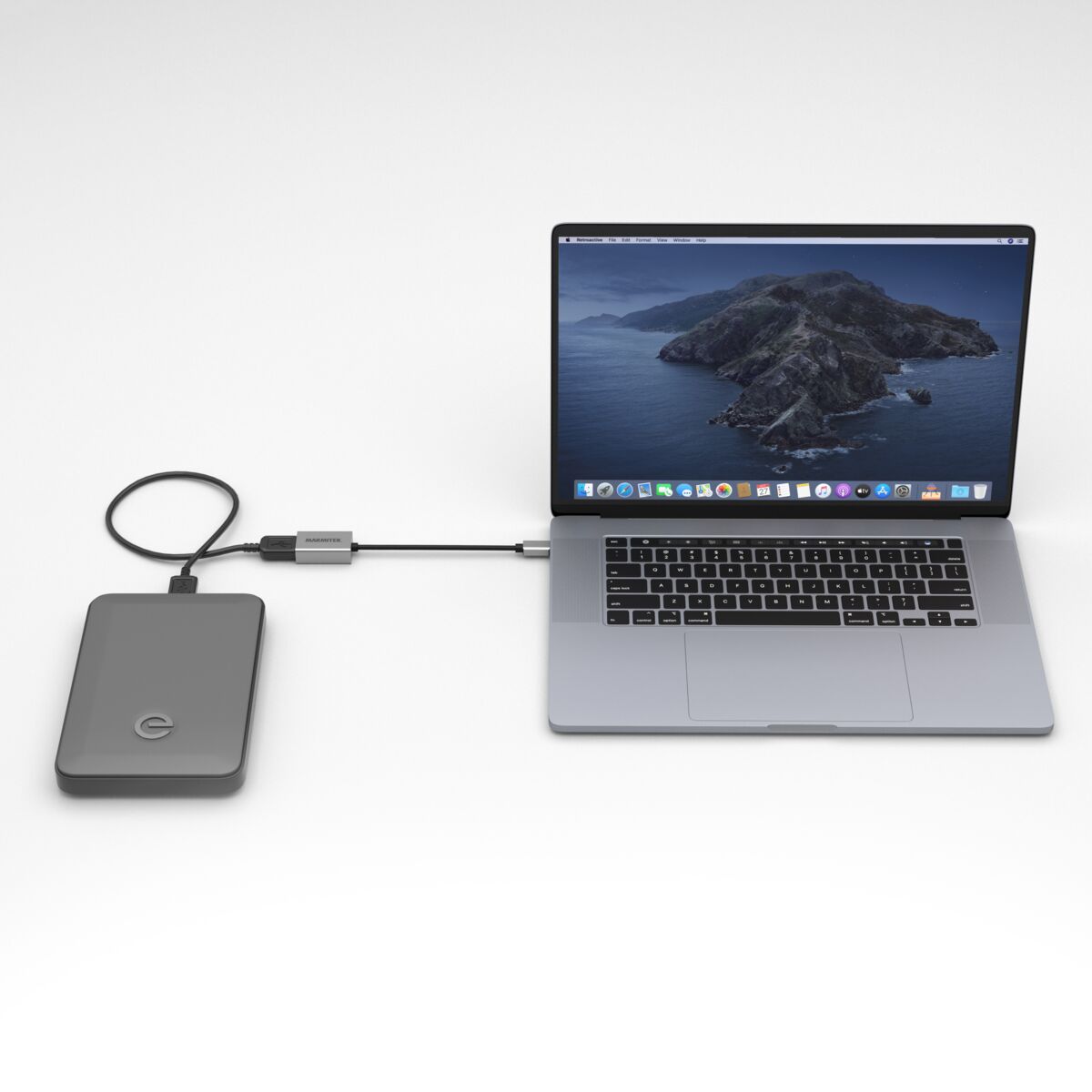
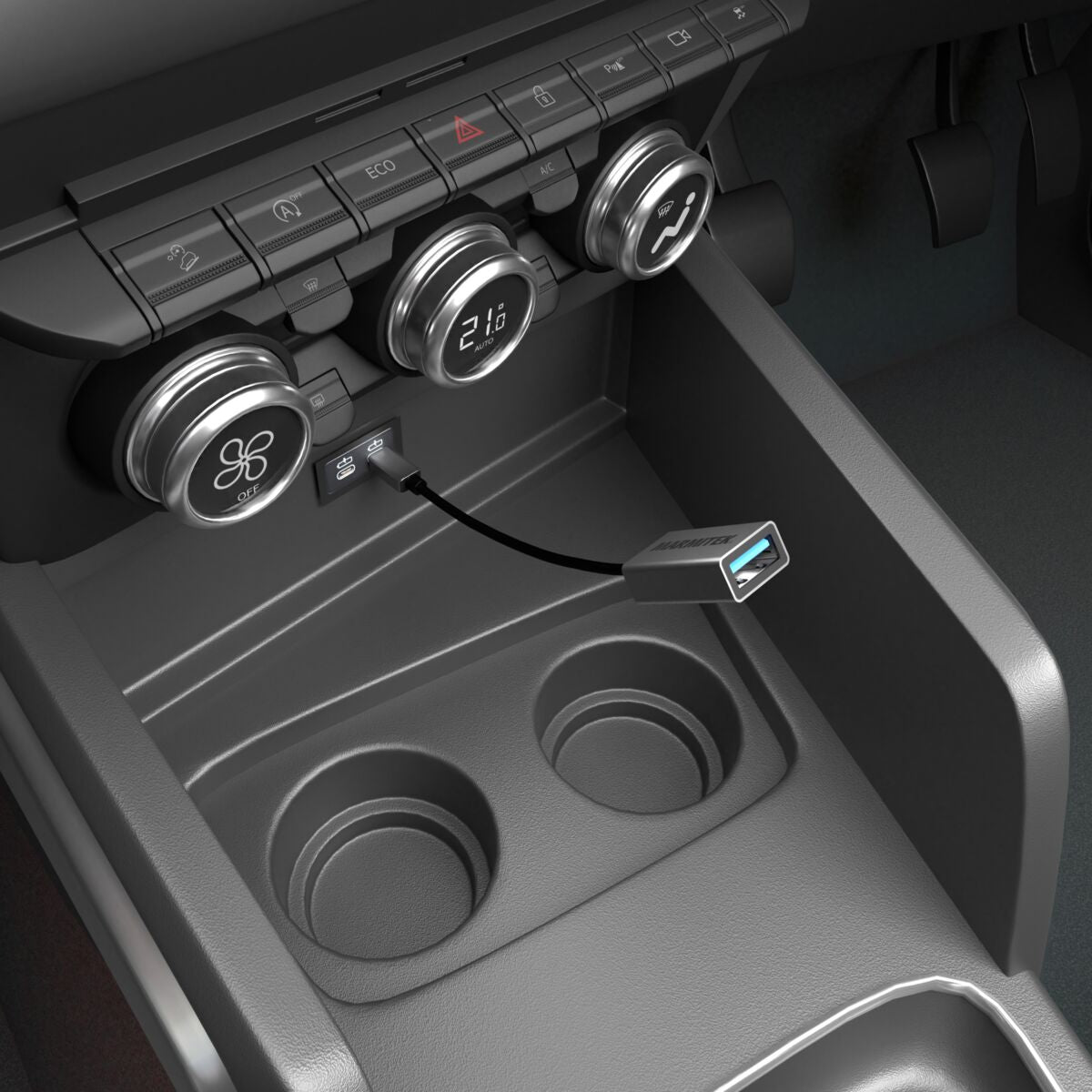
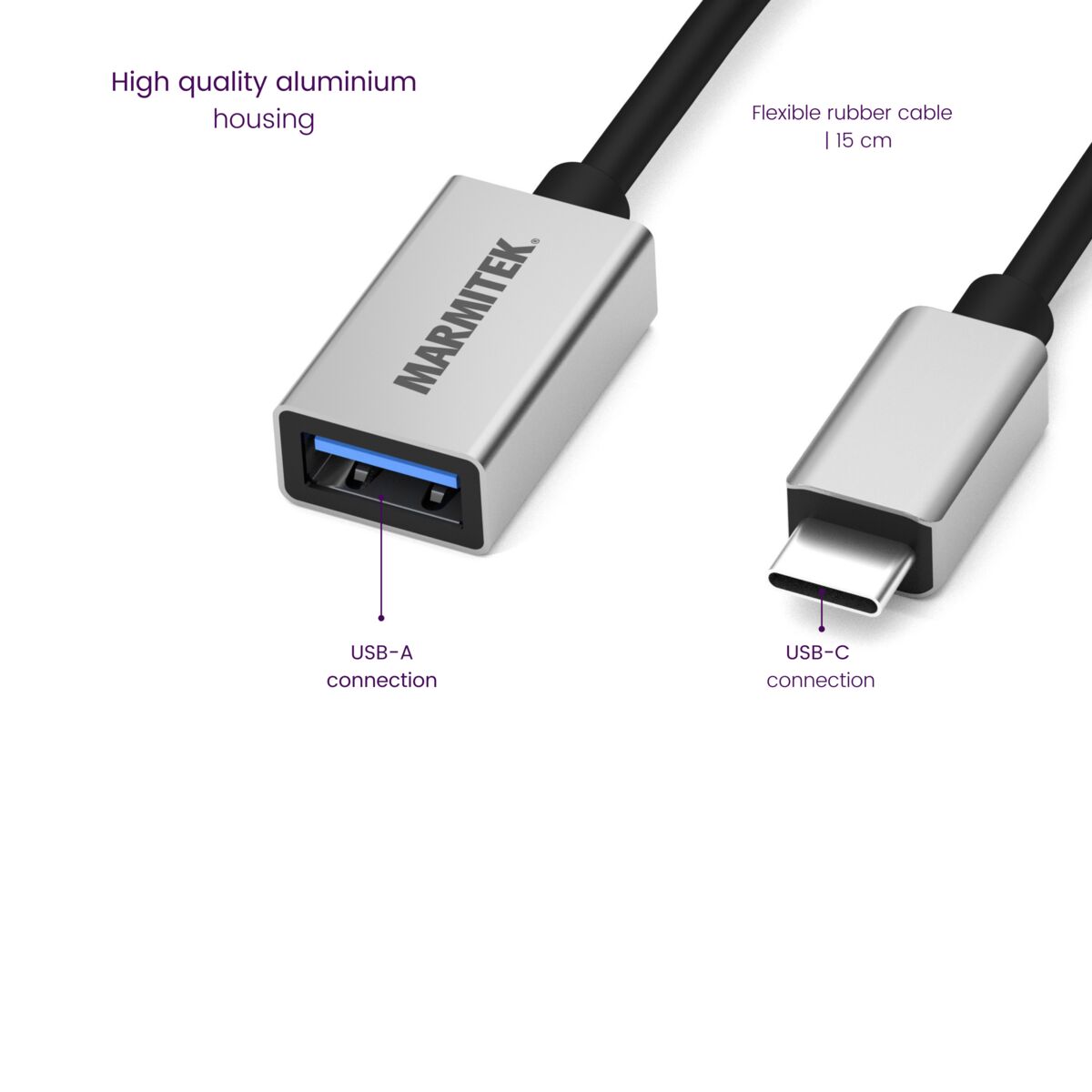
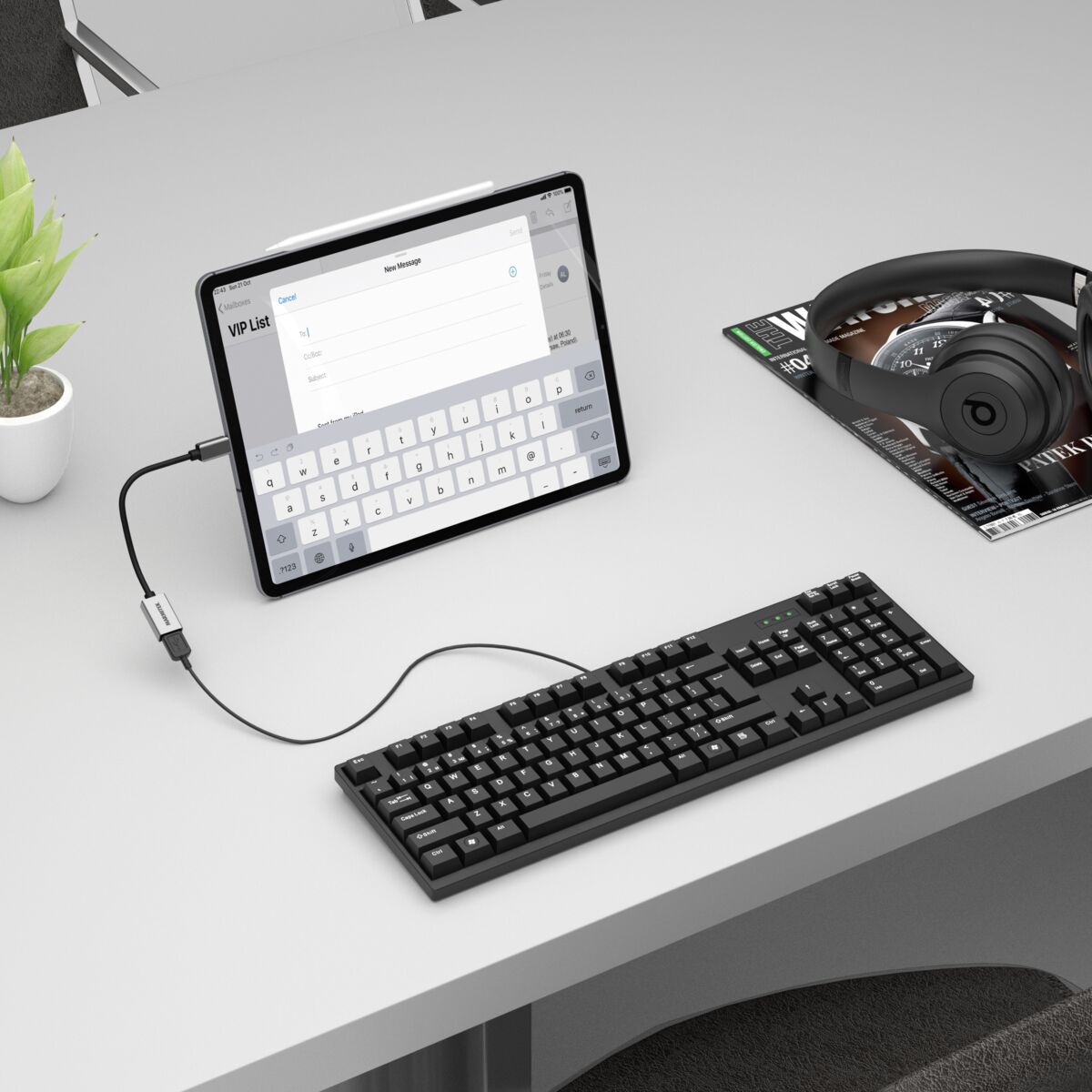
This USB-C adapter converts a USB-C port into a USB-A port. Connect an external hard drive to a laptop or connect a keyboard to a tablet or iPad. Or use your existing USB-A cables to charge a smartphone in a USB-C connection-only car. Flexible 15 cm rubber cable for intensive use. Robust aluminium housing; prevents any interference from outside.
€ 14,99
In stock
No Interference - High Quality Aluminum Housing
Abrasion Resistant - 15cm Flexible Rubber Cable
Only
€ 15,01
away from free shipping
Couldn't load pickup availability

Connect USB C > USB A
USB-C to USB-A adapter
No Interference - High Quality Aluminum Housing
Abrasion Resistant - 15cm Flexible Rubber Cable
€ 14,99
Product description
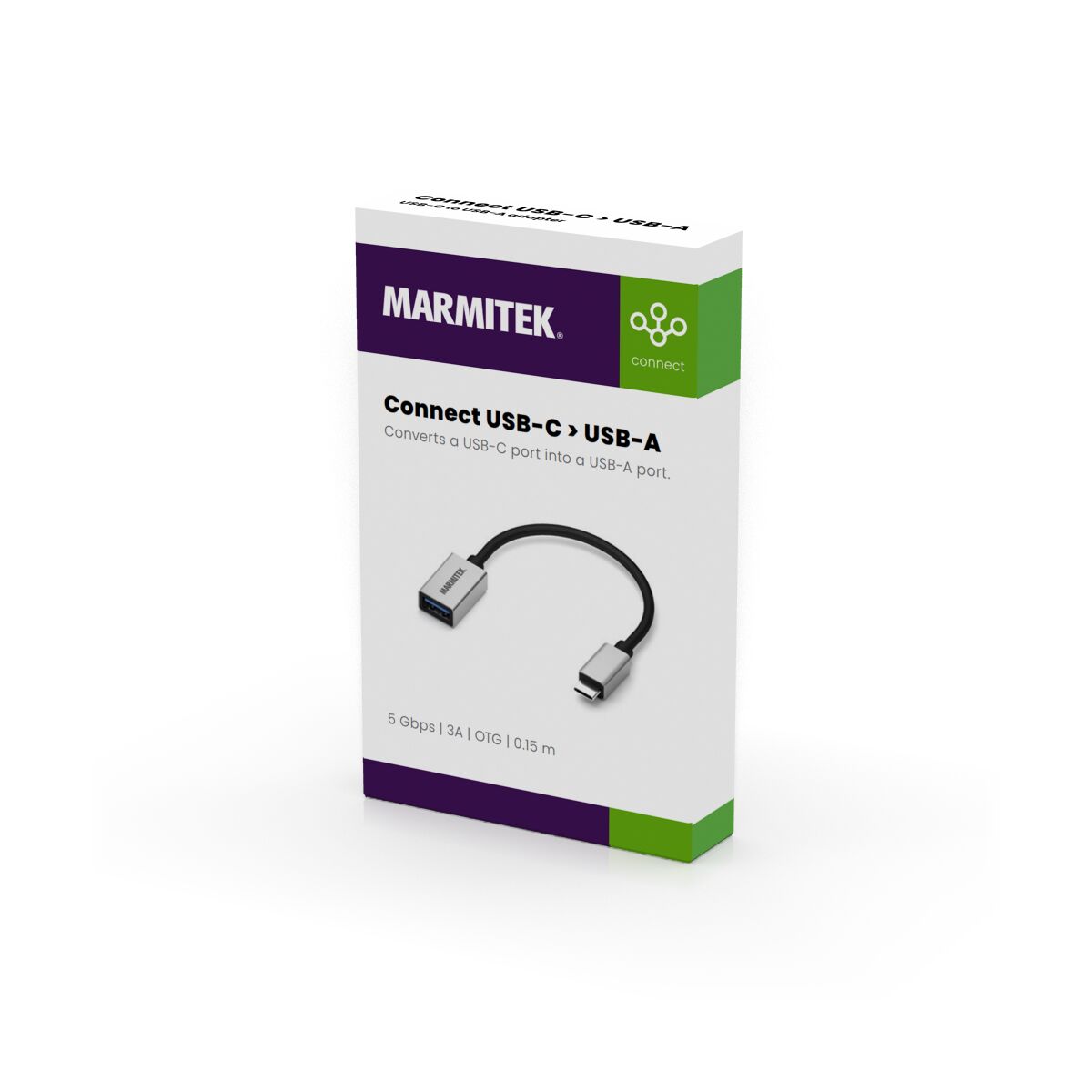
Transforms a USB-C port into a USB-A port.
- Flexible 15 cm rubber cable for intensive use.
- High-quality aluminium housing >> robust and prevents any external interference.
- Turn a USB-A port into a USB-C port to charge old devices via a USB-C port.
- Turn a USB-C port into a USB-A port to connect USB OTG devices*. * Your mobile device must support USB OTG.
For example, connect a keyboard or mouse to an iPad. Or charge your old USB-A device from a device that no longer has a USB-A port (e.g. a new car). This enables you to continue using your old charging cables, so there’s no need to buy new ones.
Technical specifications
Connections
Input
USB-C (male)
Output
USB-A (female)
General
Power
Max 5 V / 3 A
USB version
3.1
Cable length
15 cm
Weight
25 g
Ambient temperature
0° C to 45° C
Ambient humidity
10% up to 95%
Performance
Data transfer
Max. 5 Gbps
Downloads
Reviews
What customers say
Frequently asked questions
-
Does my phone or tablet support On-the-Go (OTG)?
Whether a phone or tablet supports OTG can often be found in the specifications of the device or on the manufacturer's website. In addition, apps can also be downloaded on Android that can be used to determine if there is support for OTG on the device. -
Does this adapter work on any standard USB-C port?
Yes, this adapter is suitable for transferring all data that can normally be transferred via a USB-C cable. -
Do I need to install drivers before use?
No, it is not necessary to install separate drivers for the adapter to work.
Can't figure it out?

Related products

Connect USB C > Audio
USB-C to AUX adapter
€ 14,99

Connect USB C to DisplayPort
USB-C to DisplayPort adapter
€ 22,99

Connect USB C > DVI
USB-C to DVI adapter
€ 24,99

Connect USB C > Ethernet
USB-C to Ethernet adapter
€ 24,99

Connect USB C to HDMI
USB-C to HDMI adapter
€ 24,99

Connect USB C > VGA
USB-C to VGA adapter
€ 24,99


A member of the
 group
group
 group
group
- Choosing a selection results in a full page refresh.
- Opens in a new window.