


Always included
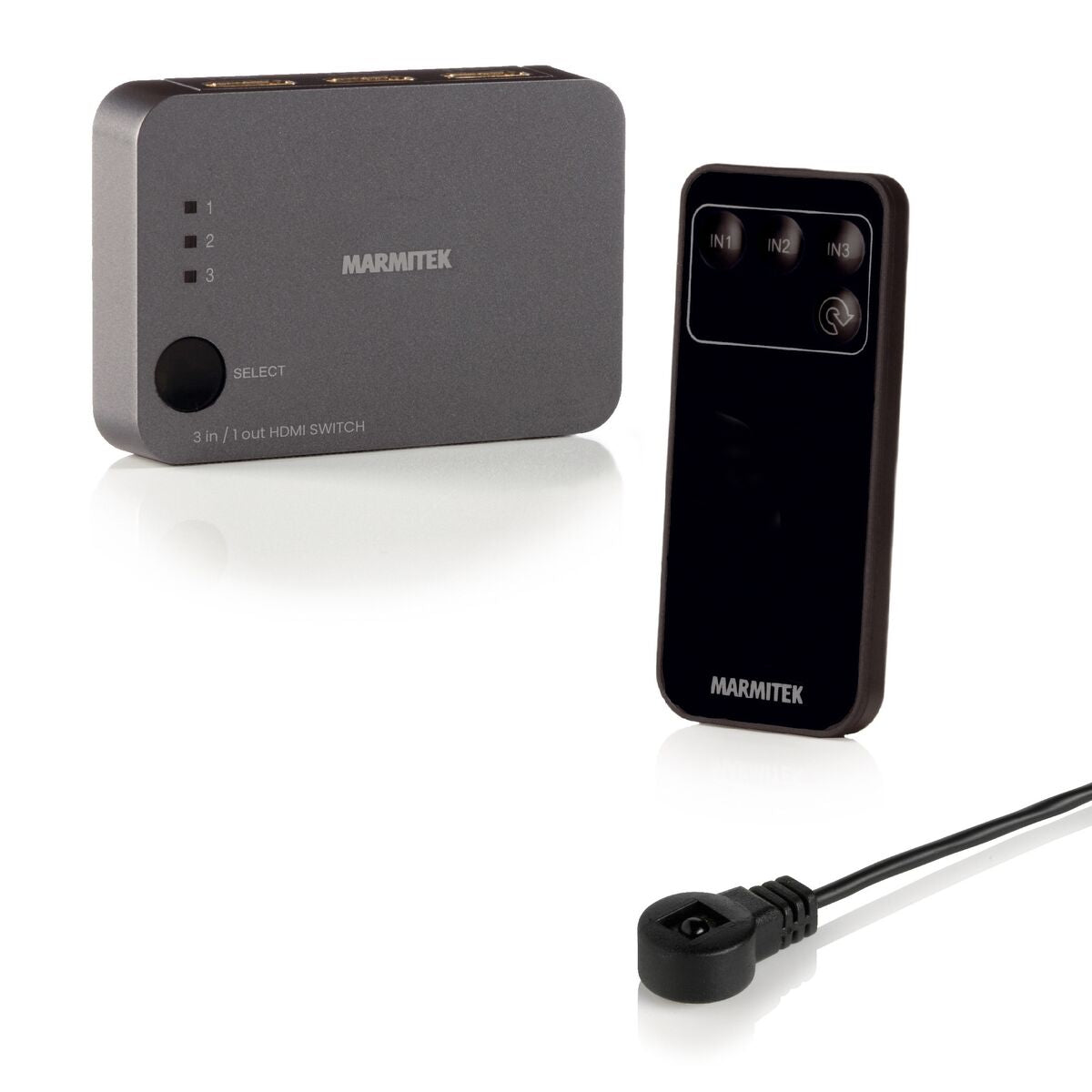
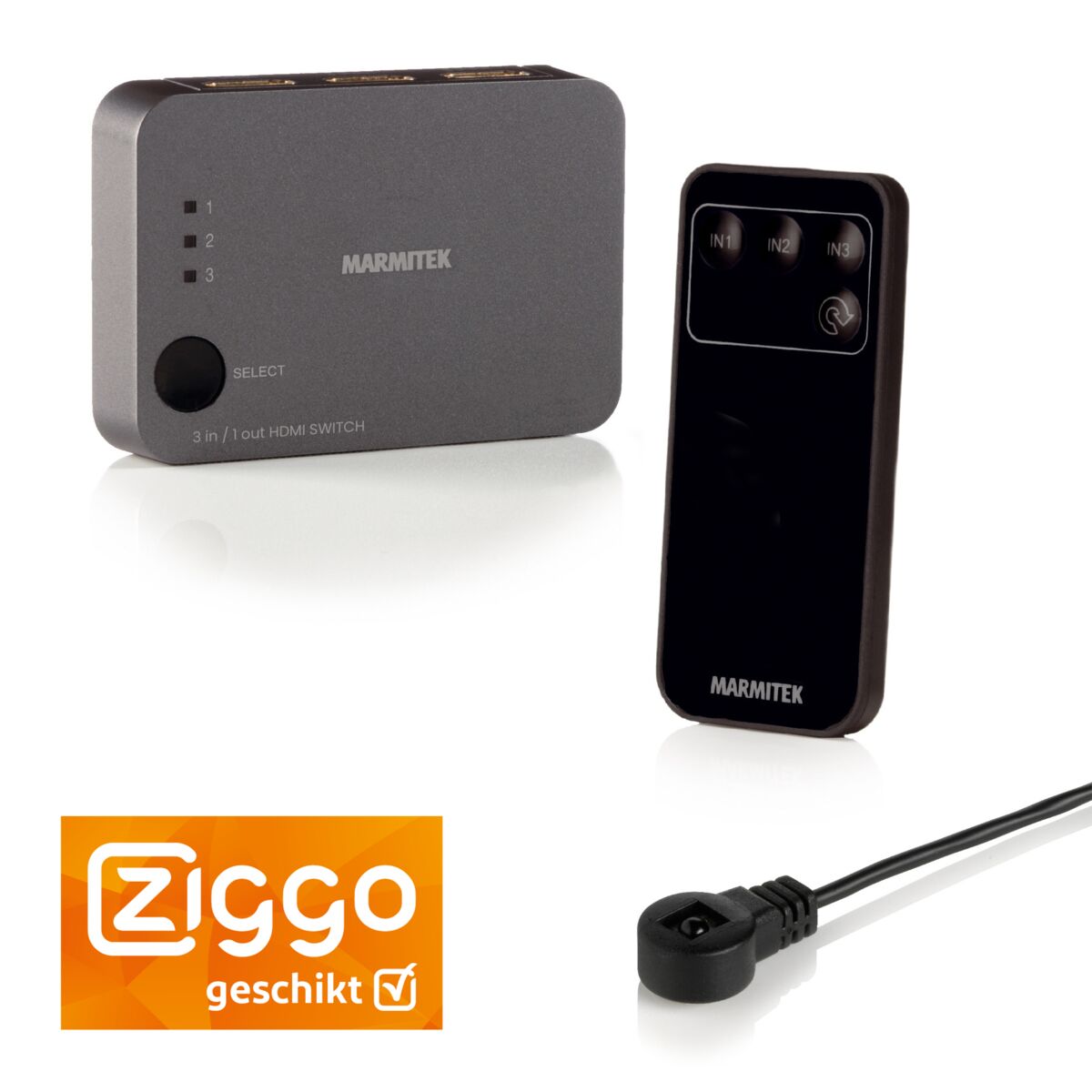
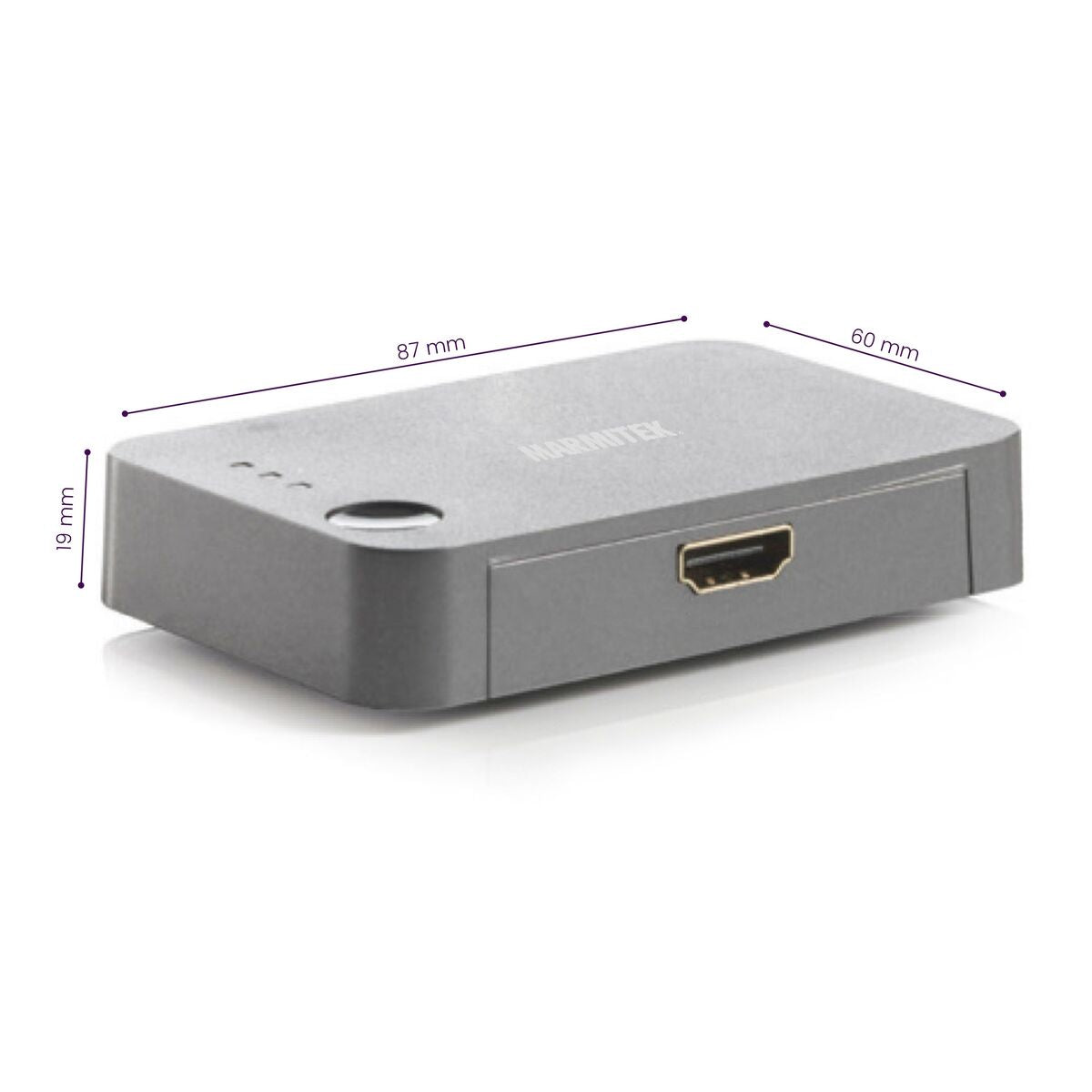
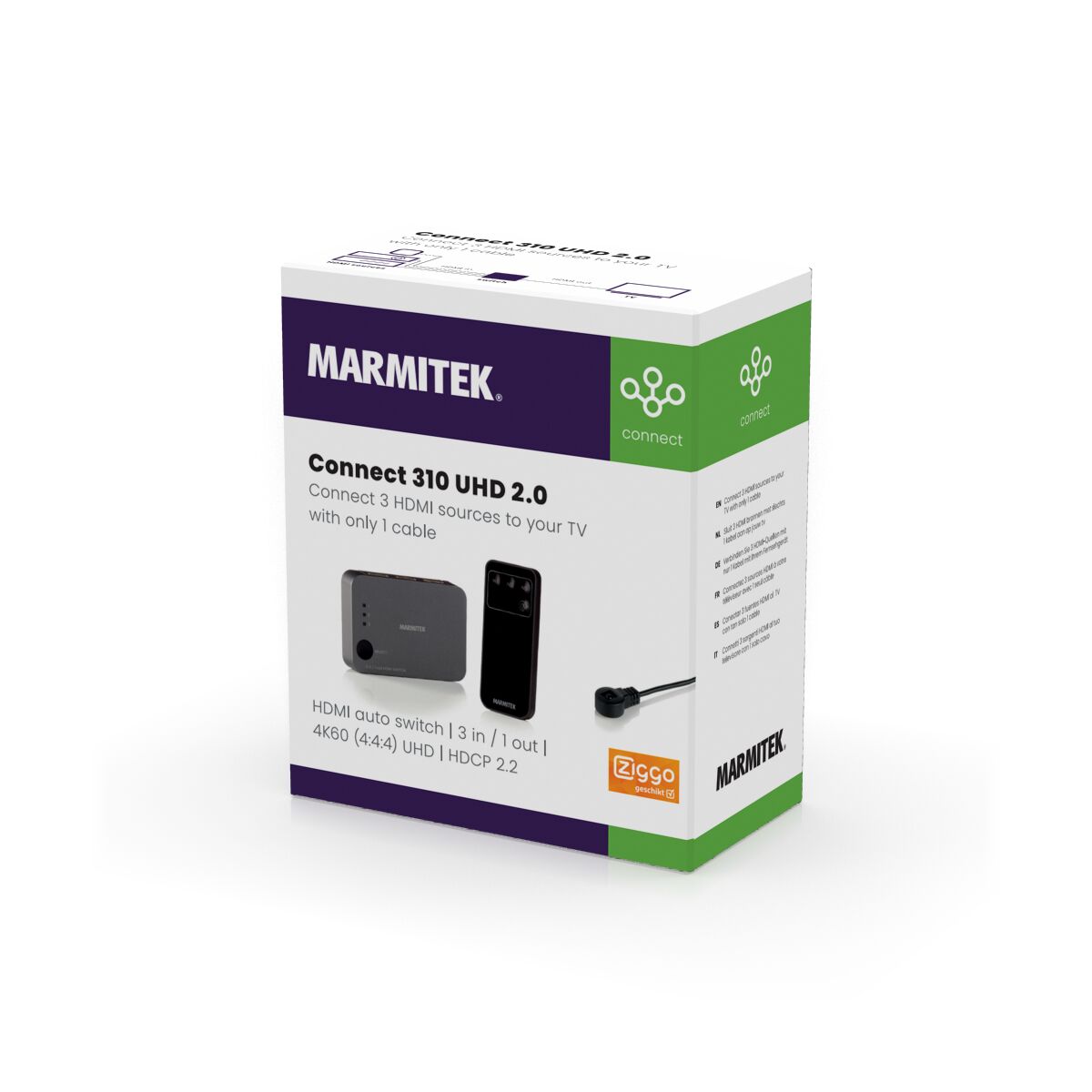
- HDMI switch
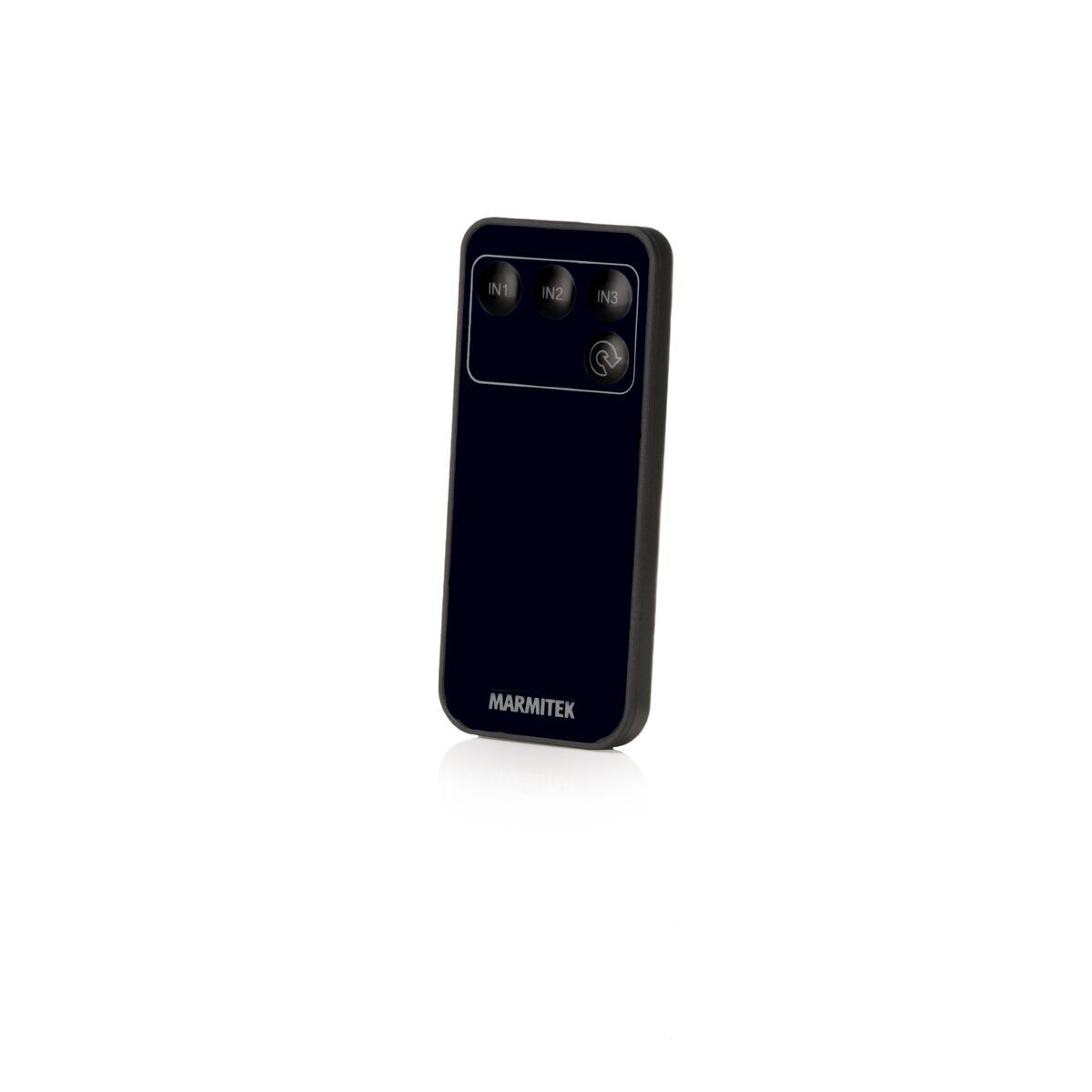
- Remote control | Batteries included
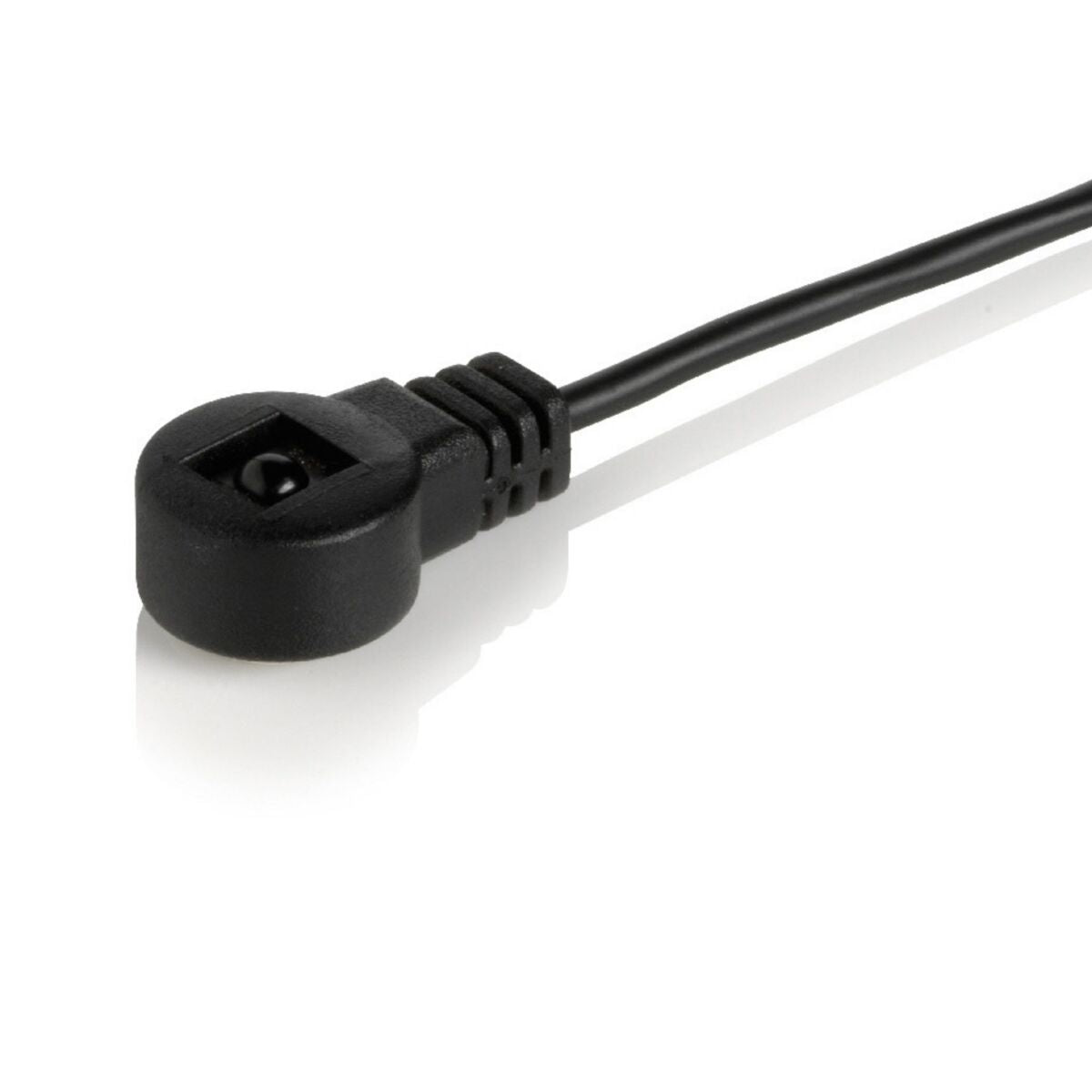
- IR receiver | 150 cm
- 1x USB power cable | 150 cm
- Power adapter
- User manual
Connect 310 UHD 2.0
Connect up to 3 HDMI devices
Automatic Switching
Ultra HD Ready
Support HDCP 2.2
Couldn't load pickup availability
Receive a 25% discount on the accessory below

Product description
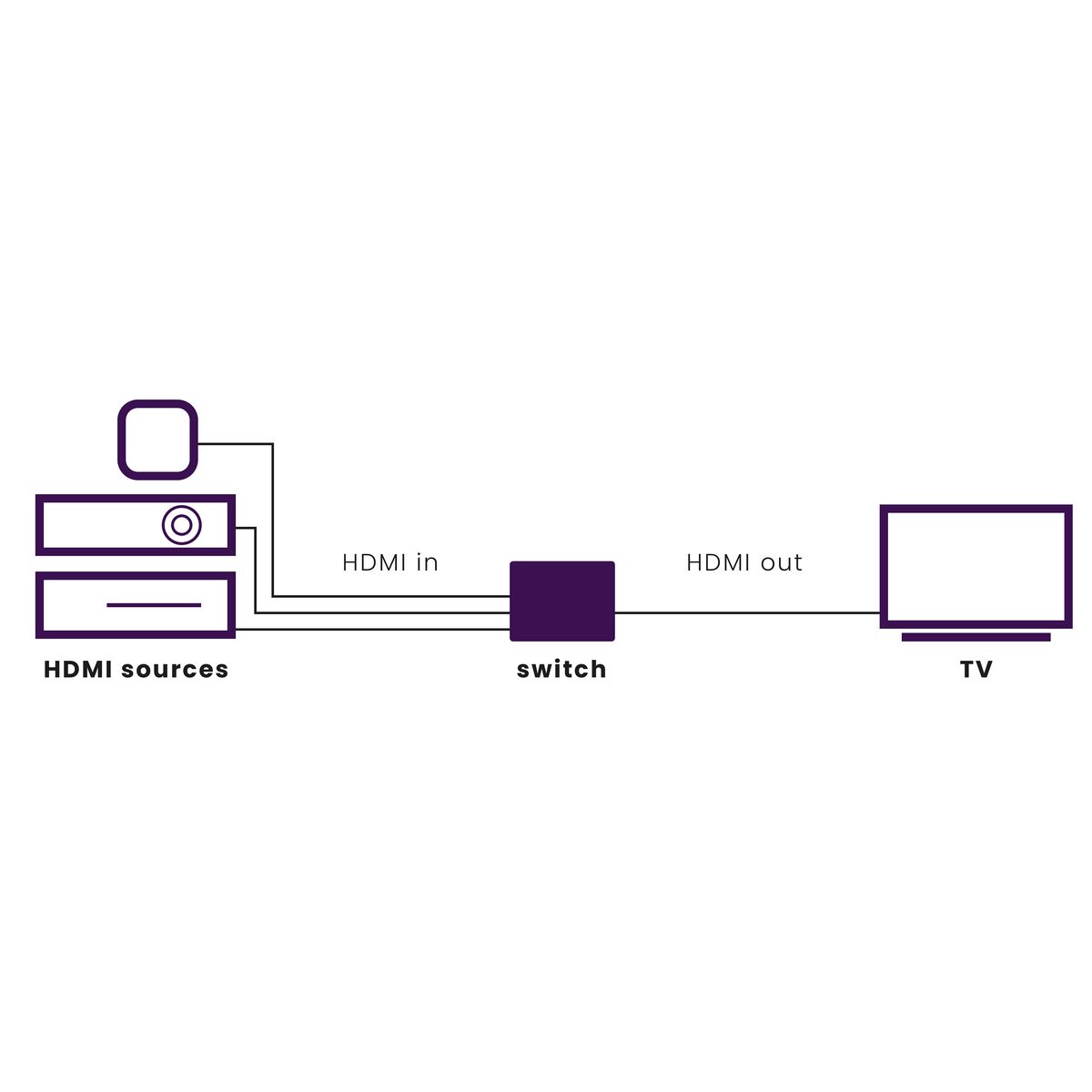
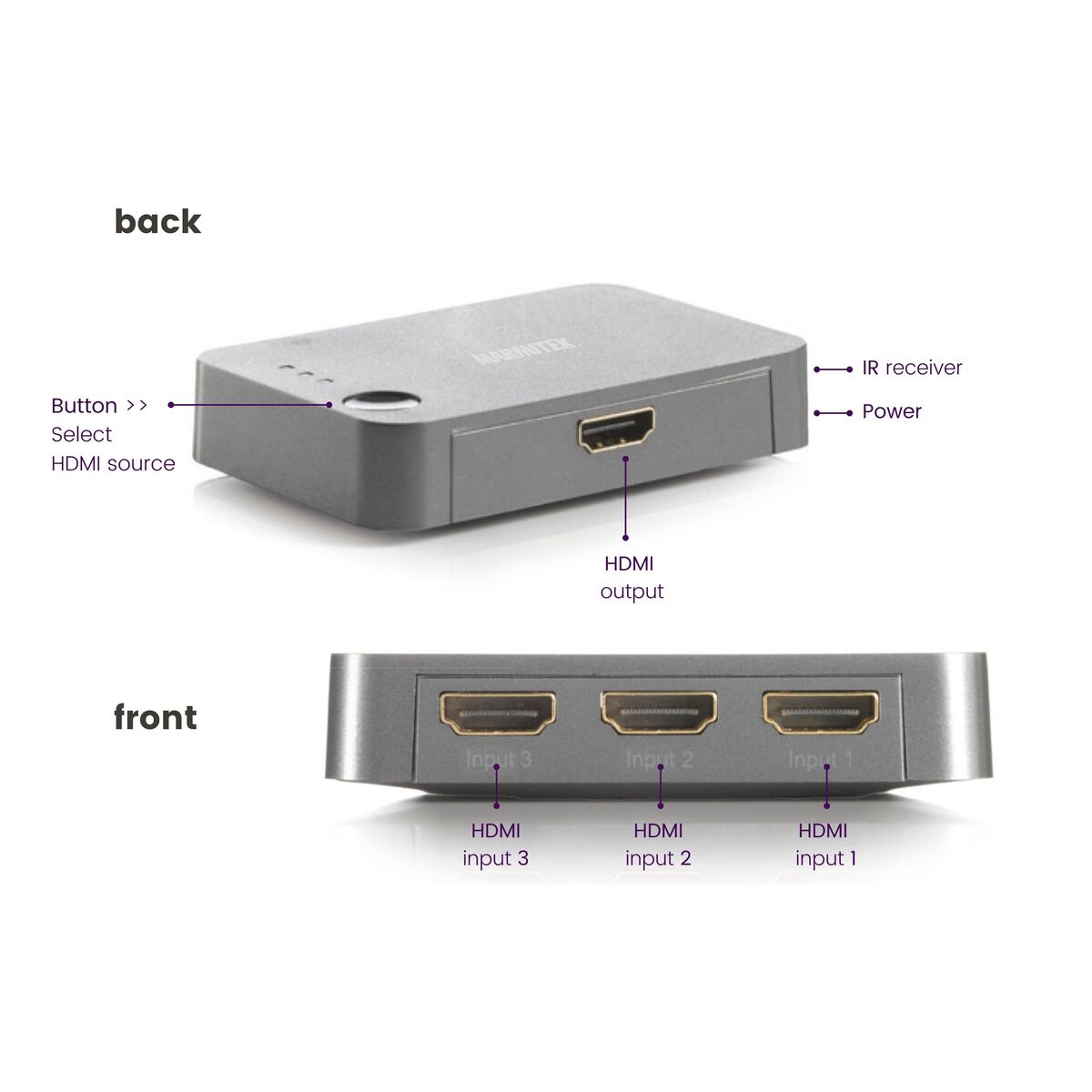
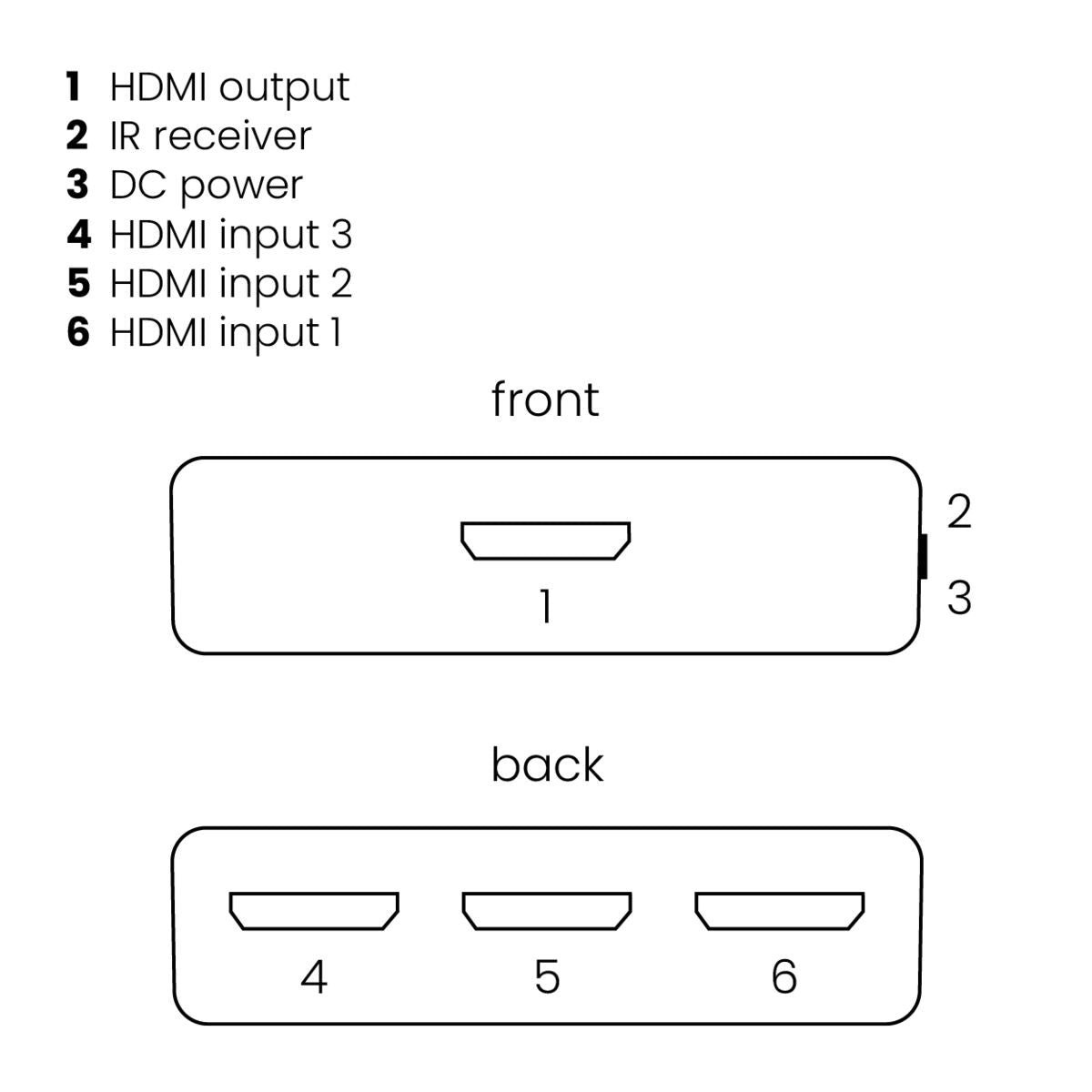
Connect 3 devices with just a single cable to the HDMI input of a TV or projector.
- For connecting game consoles such as PlayStation and Xbox, Blu-ray players, digital TV decoders and all other HDMI devices.
- Suitable for the latest Ultra HD 4K60 resolution (3840 x 2160/60 Hz), High Dynamic Range (HDR), Deep Color and 4:4:4 chroma colours.
- Supports HD Audio and all other common audio formats.
- Switches automatically and/or with remote control.
- Includes separate infrared receiver for operating the switch when it is positioned out of sight.
- Supports HDCP 2.2 for playback of protected 4K Ultra HD content.
- Suitable for simultaneously connecting 3 HDMI devices to your TV.
This HDMI switch enables you to use 1 cable to easily connect 3 devices to your TV. Useful when your TV does not have enough HDMI ports or if you want to have your cables hidden from sight. The Connect 310 UHD automatically switches to the active HDMI source. You can use the remote control to switch between HDMI sources when two sources are active at the same time.
The UHD 2.0 range is suitable for connections with the very latest Ultra HD equipment, provided these are equipped with both HDMI 2.0 and HDCP 2.2 security.
Technical specifications
Reviews
What customers say
Frequently asked questions
-
Won't the image quality decrease when I place the Connect 310 UHD 2.0 in between?
No, with the Connect 310 UHD 2.0, the same image and audio quality will be guaranteed. -
If I switch on an HDMI source, such as a decoder, should I use the switch's remot control to select it as a source?
No, the Connect 310 UHD 2.0 uses auto-switching, so any device that you switch on will be displayed on the screen instantly. -
Which devices can I connect to the Connect 310 UHD 2.0?
All devices with an HDMI output, such as a decoder, DVD player, hard disk recorder, Blu-ray player, game console. -
The remote control does not work.
- Infrared signals have a maximum reach of approximately 10 metres. Try a shorter distance.
- Replace the battery in the remote control, it could be empty.
-
No (or poor) image and sound.
If you experience poor or no image after connecting, try to recover the problem by connecting the devices one at the time to your screen (TV, monitor or projector). This way you can determine whether the problem lies with the HDMI sources, the HDMI cables, this product or the screen. HDMI devices which are not tested and certified by ATC (Authorized Test Centers) can cause image and sound problems.- Check if the power adapter is connected and plugged into the mains.
- Only use High Speed HDMI certified cables for the best picture and sound quality.
- Do not use HDMI cables that are longer than specified in the technical data.
- Both the HDMI source and your screen have to support HDMI fully.
- Check whether your HDMI sources, DVI device and screen support the copy protection HDCP (High-bandwidth Digital Content Protection).
-
No proper 3D pictur.
- Check whether the HDMI source has been set to 3D and/or that this is set to automatic.
- Both the HDMI source as well as the HD screen must support the same 3D formats.
- Check whether the proper 3D picture is reproduced by directly connecting the HDMI source to the screen with an HDMI cable.
Can't figure it out?

Related products

HDMI switch 4K 60Hz - 5 in / 1 out

HDMI switch 8K 60Hz - 4K 120Hz - HDMI 2.1 - 2 in / 1 out

HDMI switch 4K 60Hz - 4 in / 1 out

HDMI switch 4K 60Hz - 4 in / 1 out

4K HDMI matrix - 4x2 matrix switch - HDMI 2.0 matrix switch


 group
group
- Choosing a selection results in a full page refresh.
- Opens in a new window.