


Always included
- VGA to HDMI adapter
- USB-A to USB-C cable | 100 cm
- User manual
Connect VH51A
VGA + audio to HDMI
Supports Full HD 1080p
Plug & play - no software required
Couldn't load pickup availability
Receive a 25% discount on the accessory below



Product description
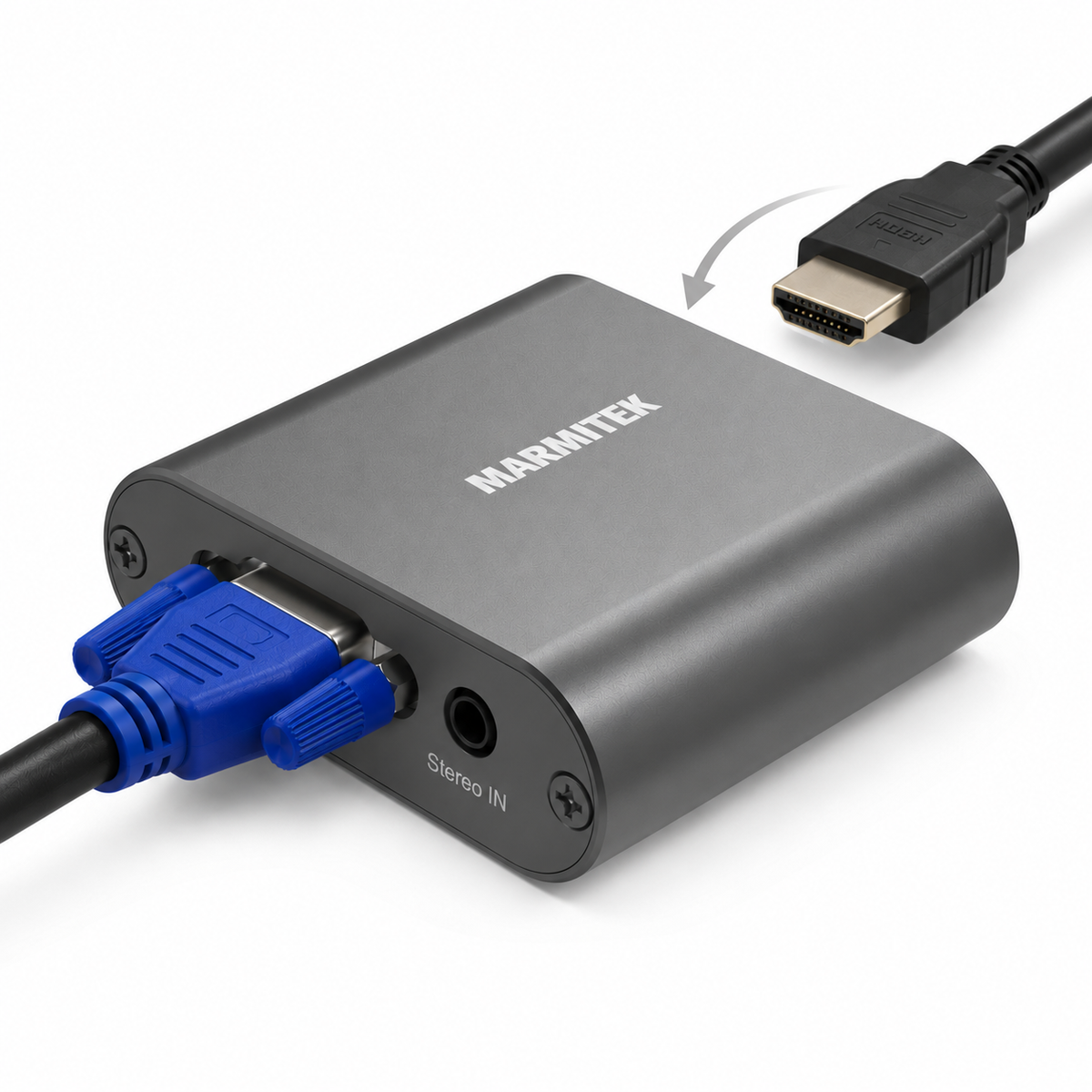
Connect a device with VGA to a display with HDMI
Do you have a PC or laptop with a VGA output, but your TV, monitor or projector only has HDMI? With the Connect VH51A, you can easily connect the two devices.
The adapter converts the analogue VGA video signal to HDMI. Since VGA itself does not transmit audio, you connect the sound separately via the 3.5 mm audio input. The Connect VH51A then combines the video and stereo audio into a single HDMI signal.
- Connect a PC or laptop with a VGA output to a TV, monitor or projector with an HDMI input.
- Convert VGA video and stereo audio into a single HDMI signal.
- Supports Full HD 1080p HDMI output at 60 Hz.
- Plug & play: no software or drivers required.
Continue using older equipment
An older computer often still has a VGA connection, while modern TVs, monitors and projectors mainly use HDMI. With the Connect VH51A, there is no need to replace this equipment. Simply use the existing VGA output and convert the signal to HDMI.
This makes the adapter suitable, for example, for displaying presentations, photos or videos from an older PC or laptop on a larger screen.
Video and audio via HDMI
A VGA connection only transmits video. That is why the Connect VH51A has a 3.5 mm audio input in addition to the VGA input. Connect the headphone or audio output of your computer to this input. The adapter combines the video and audio and sends both to your display via the HDMI output.
Full HD 1080p
The Connect VH51A supports various VGA input resolutions up to 1920 x 1080 at 60 Hz.
Please note: VGA to HDMI
This adapter works exclusively from VGA to HDMI. Use it when your source device, such as a PC or laptop, has a VGA output and your display, TV or projector has an HDMI input.
Do you instead have a device with an HDMI output and a display with a VGA input? Then you need an HDMI-to-VGA adapter, such as the Connect HV15.
Technical specifications
Downloads
Reviews
What customers say
Frequently asked questions
-
Does the Connect VH51A also work from HDMI to VGA?
No. The Connect VH51A only converts a VGA signal to HDMI. If you want to connect an HDMI source to a display with VGA, use an HDMI-to-VGA adapter, such as the Connect HV15. -
Does VGA also transmit audio?
No. VGA only transmits video. Therefore, connect the audio output of your PC or laptop separately to the 3.5 mm audio input of the Connect VH51A. The adapter then combines the video and audio into a single HDMI signal. -
Does the Connect VH51A support Full HD?
Yes. The HDMI output supports Full HD 1080p at 60 Hz. -
Do I need to install software or drivers?
No. The Connect VH51A is plug & play and does not require any software or drivers. -
Can I use the Connect VH51A with a projector?
Yes, as long as the source has a VGA output and the projector has an HDMI input. -
Why is a USB cable included?
The USB connection is used to power the adapter. Connect it to an available USB port or a suitable USB power supply.
Can't figure it out?

Related products

HDMI to VGA adapter

SCART to HDMI adapter

HDMI to SCART adapter


 group
group
- Choosing a selection results in a full page refresh.
- Opens in a new window.