


Always included
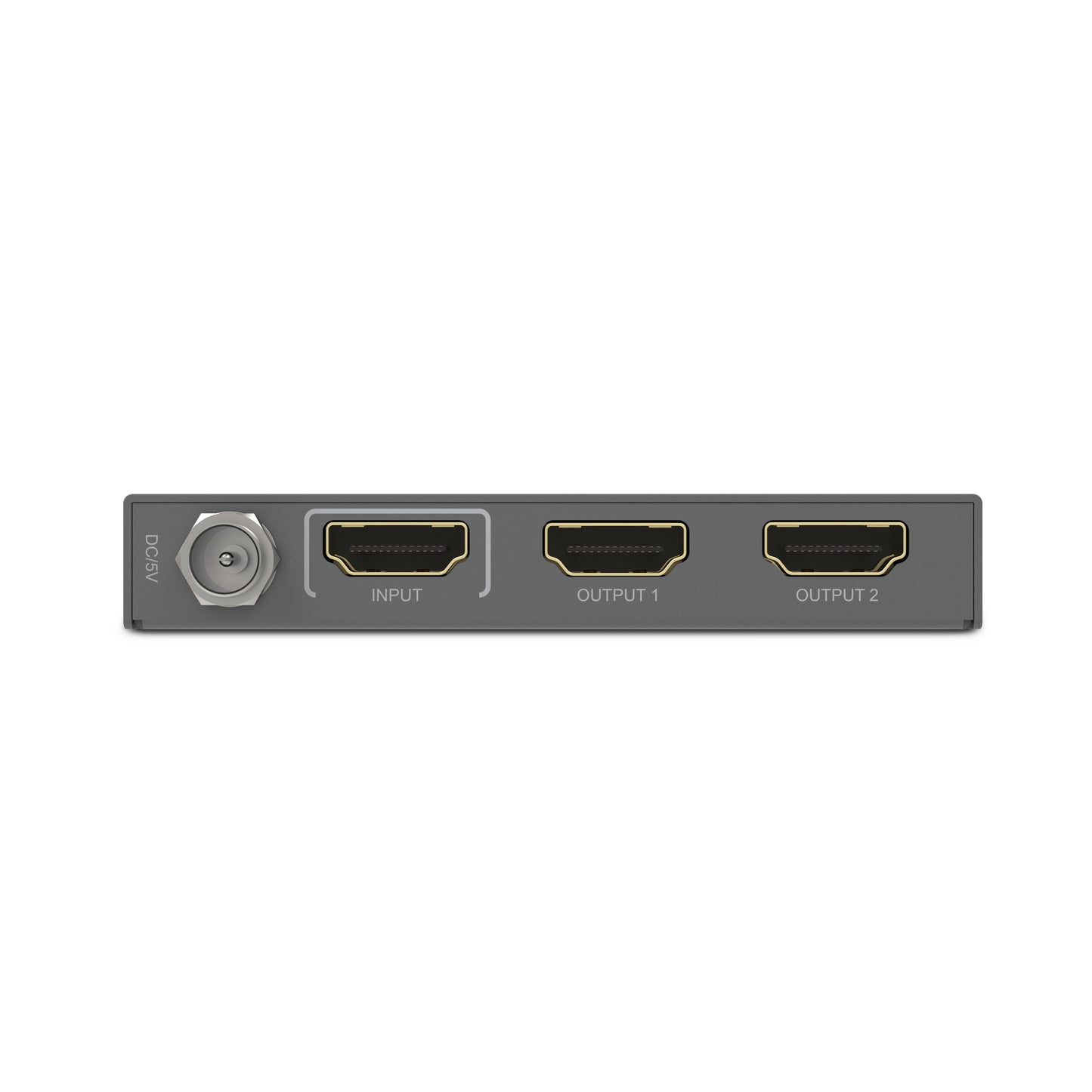
- HDMI splitter
- Power adapter | 150 cm
- User manual
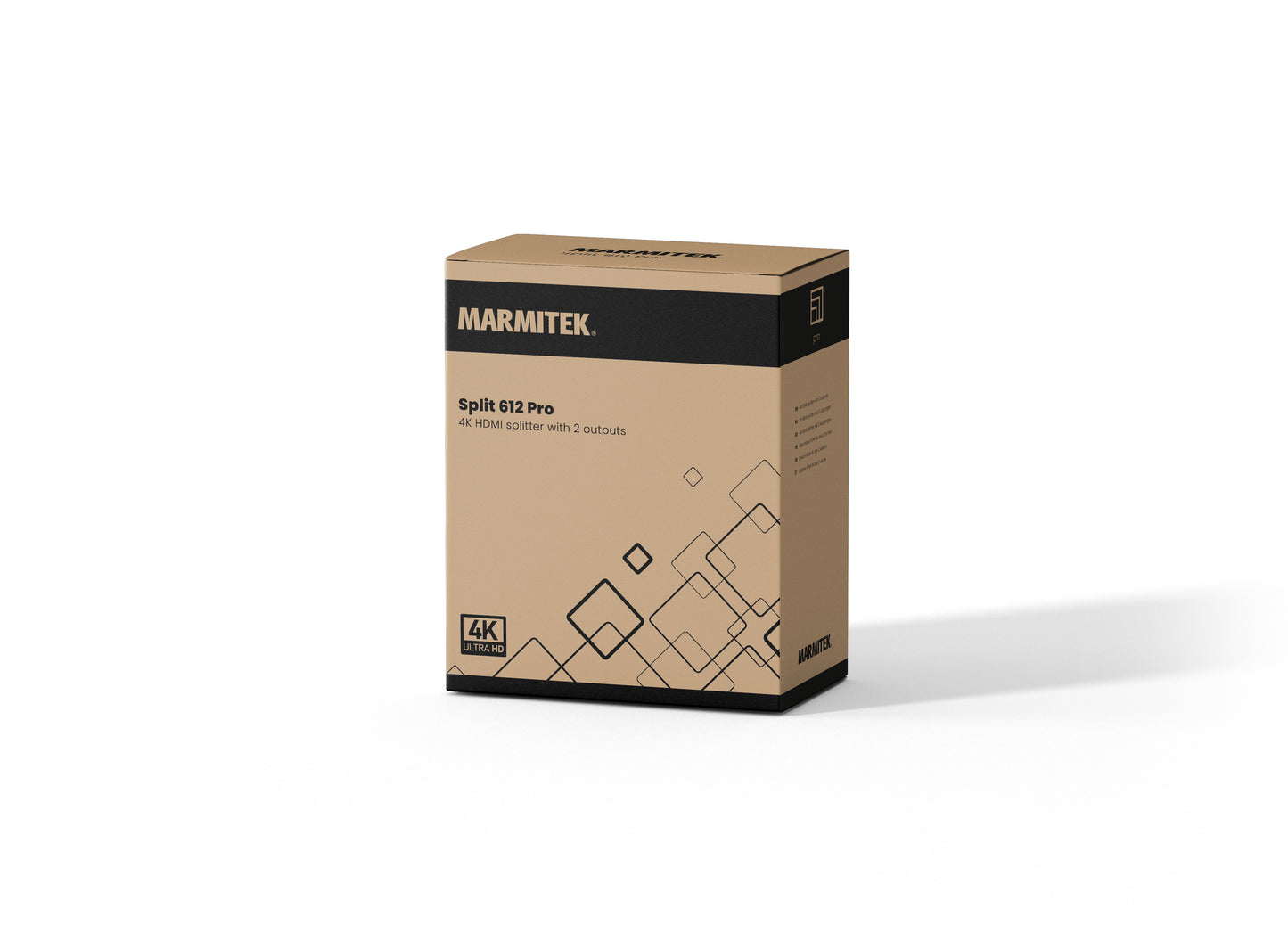
Split 612 Pro
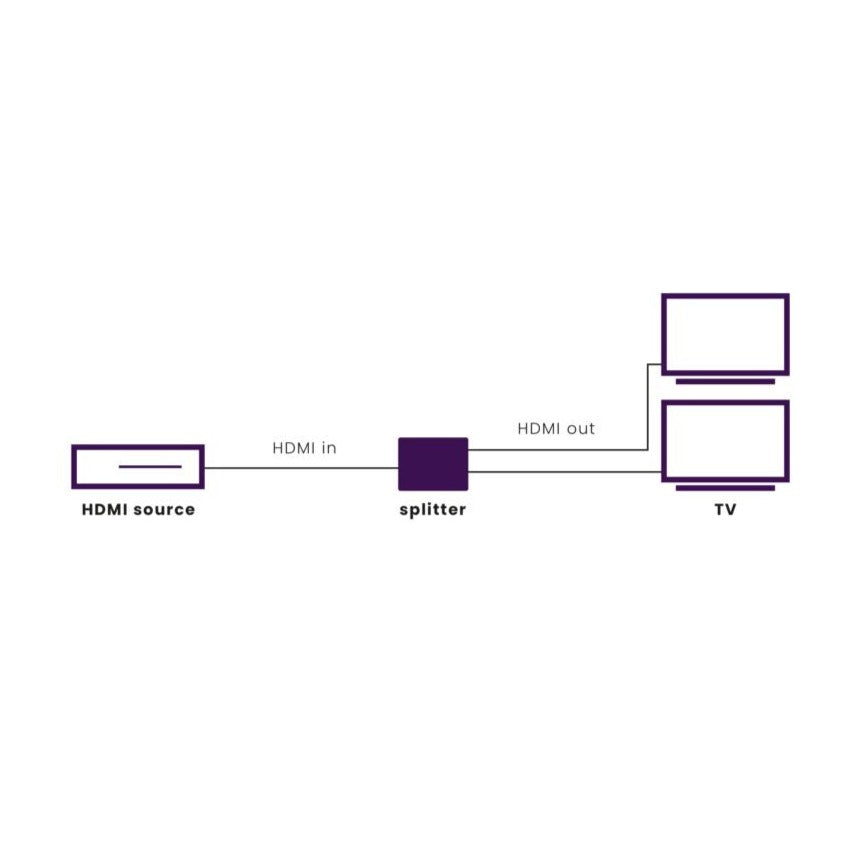
Split an HDMI signal to 2 TVs
Supports Ultra HD 4K60, HDR, Deep Color, 4:4:4 Chroma Colors (18 Gbps)
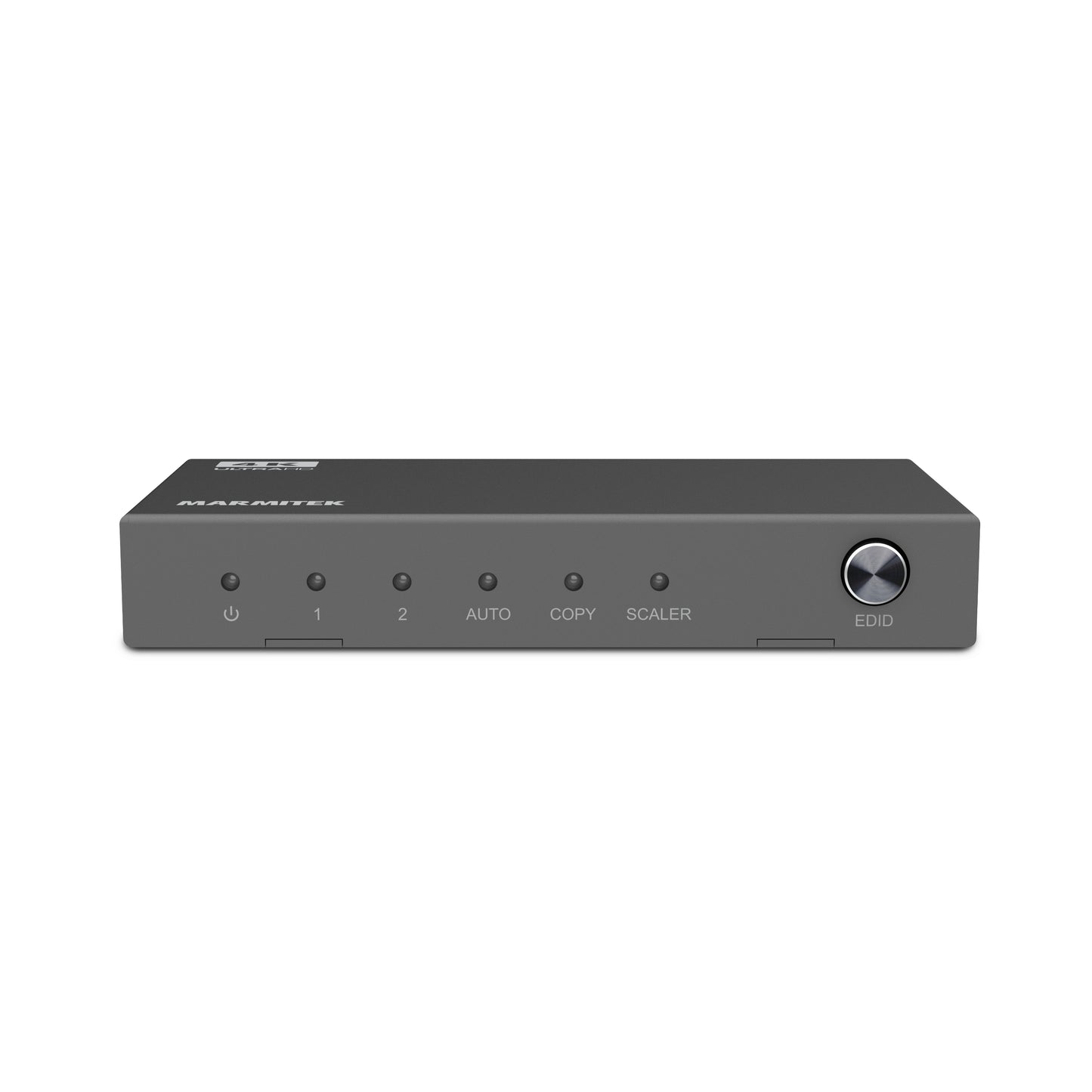
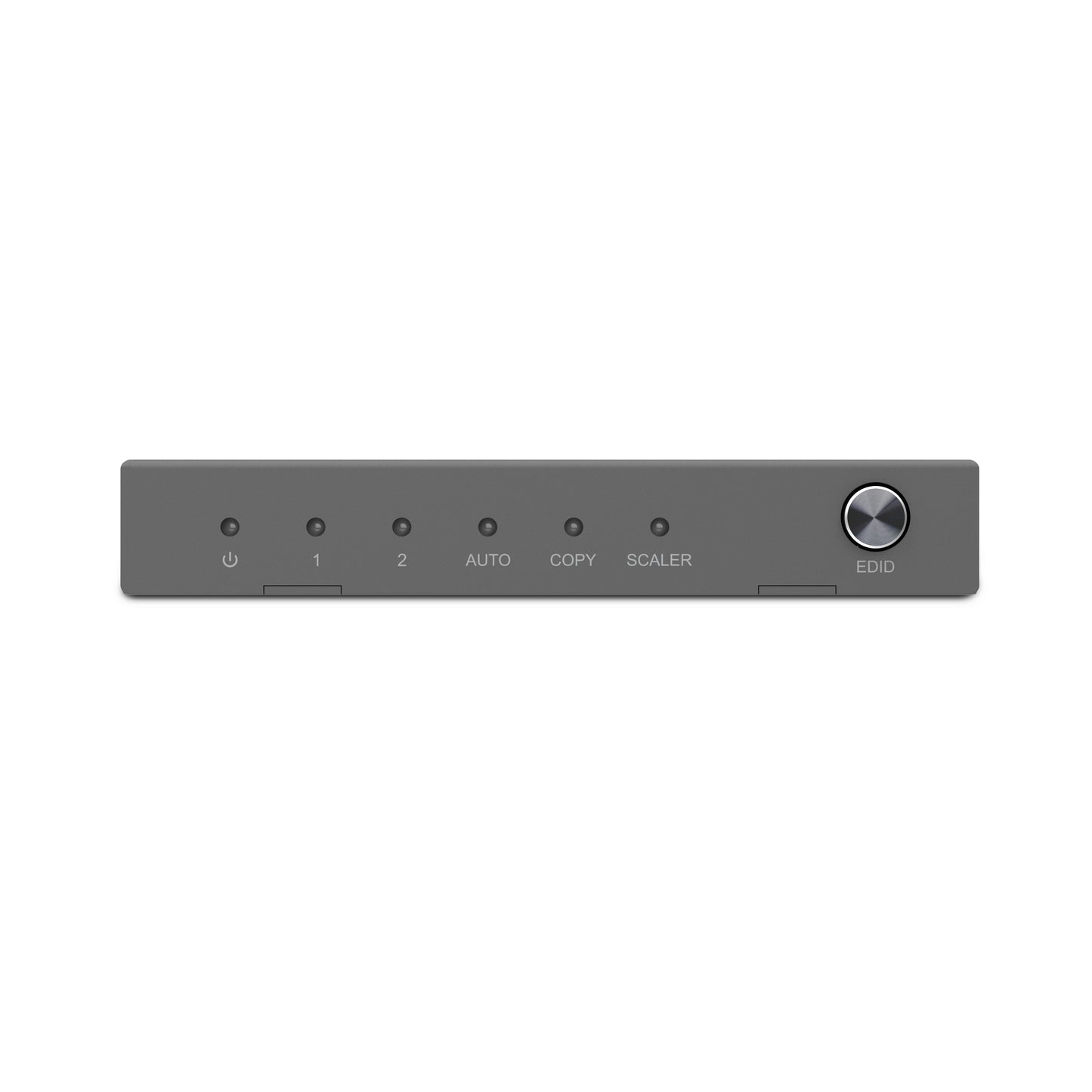
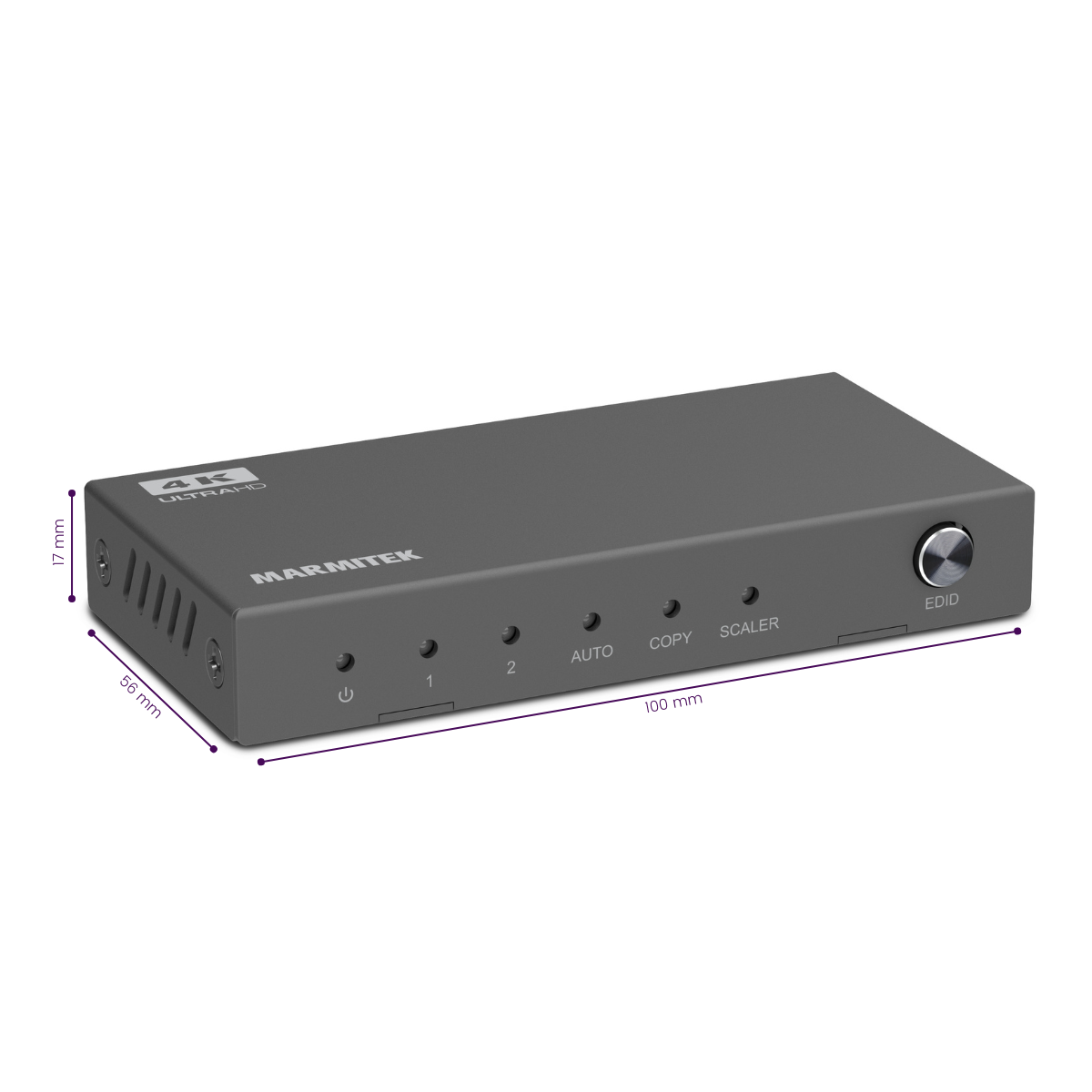
EDID switch
HDMI 2.0
Couldn't load pickup availability
Receive a 25% discount on the accessory below
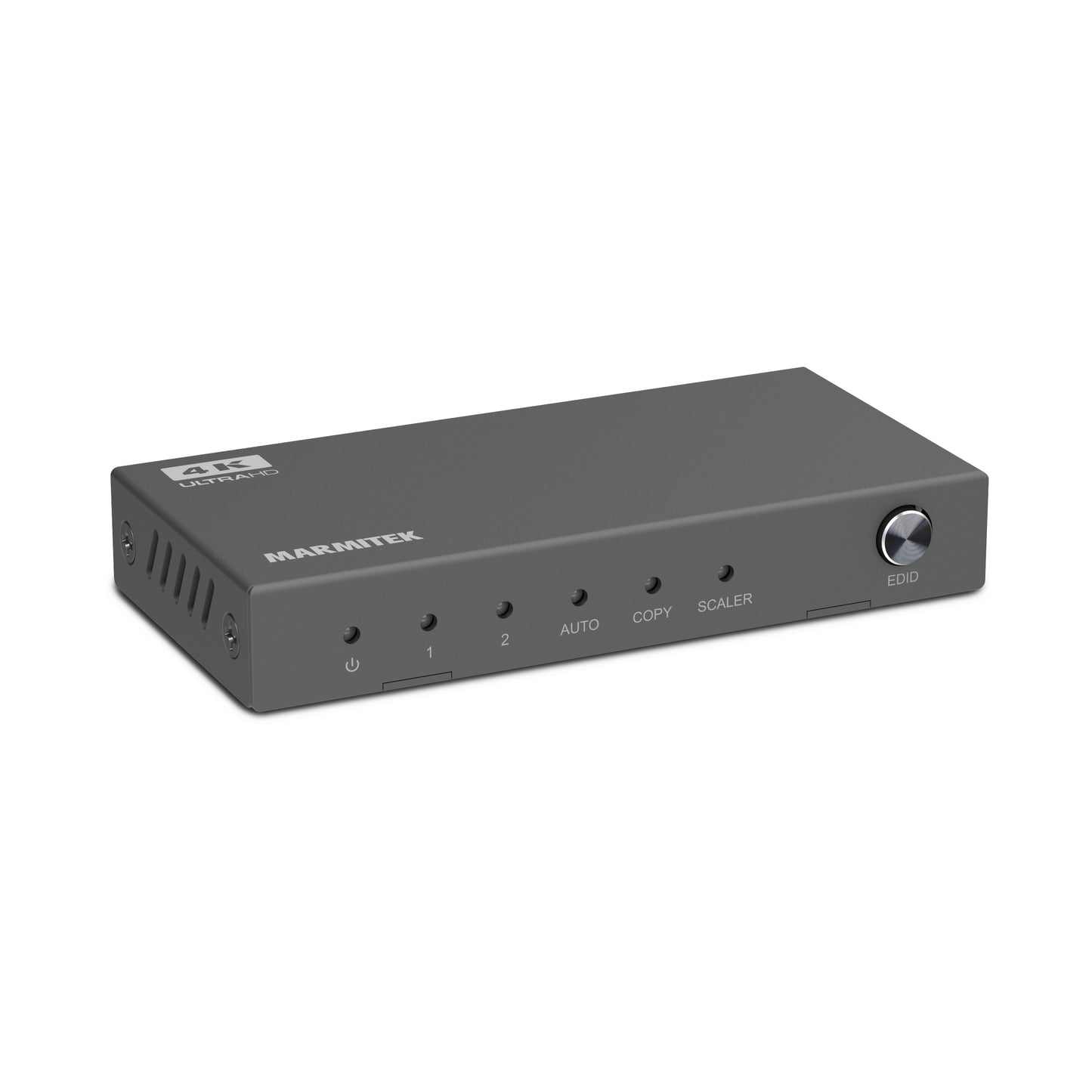
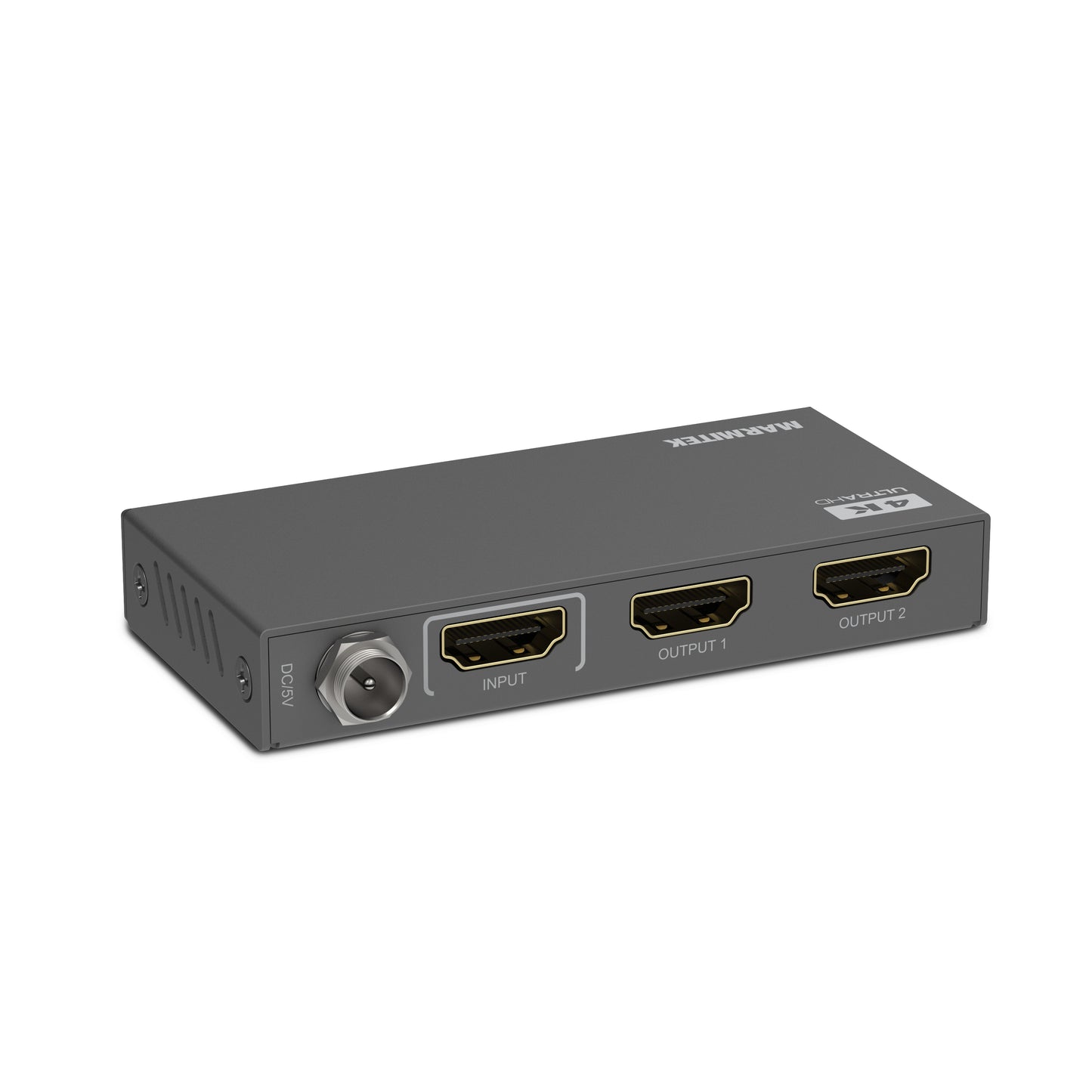
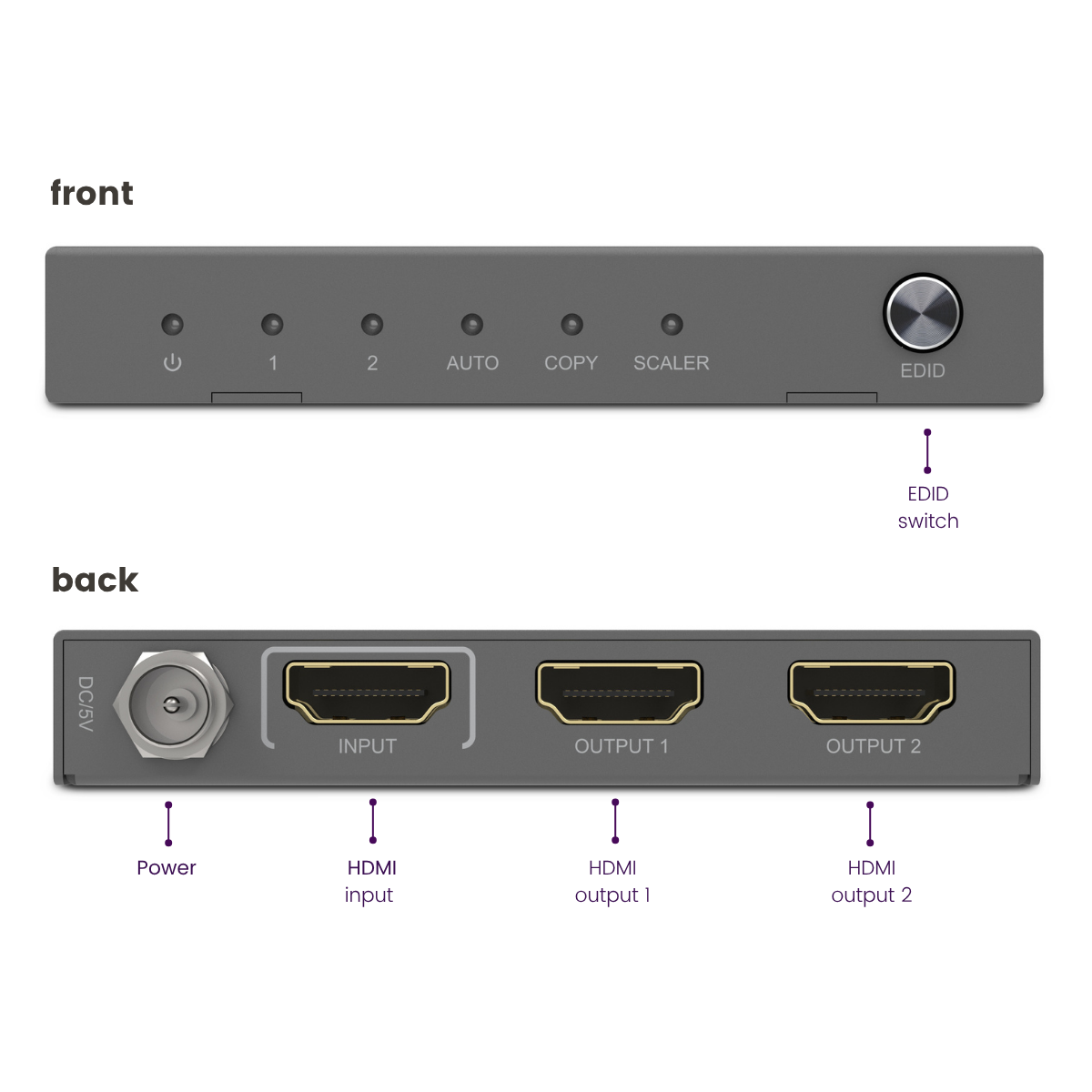
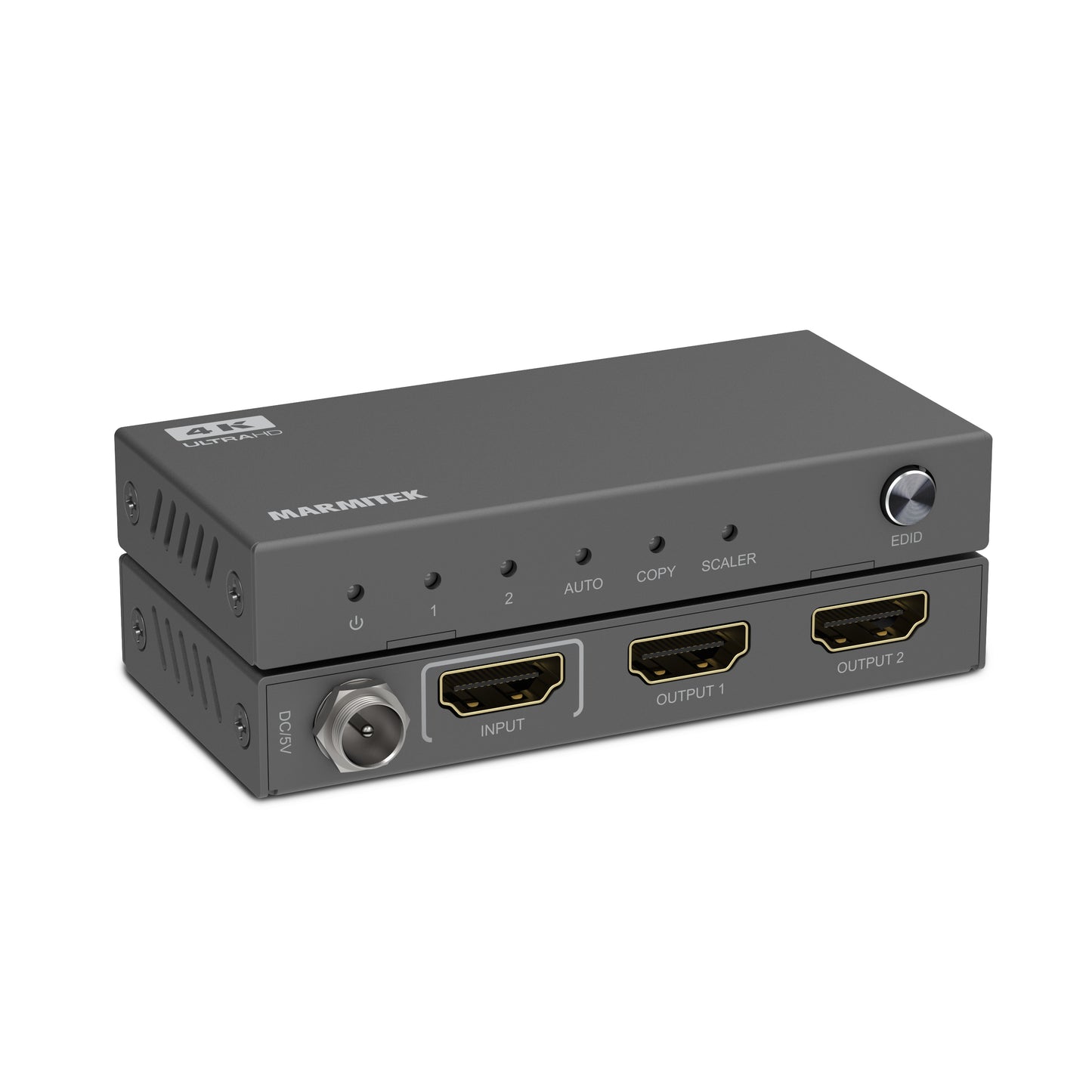


Product description
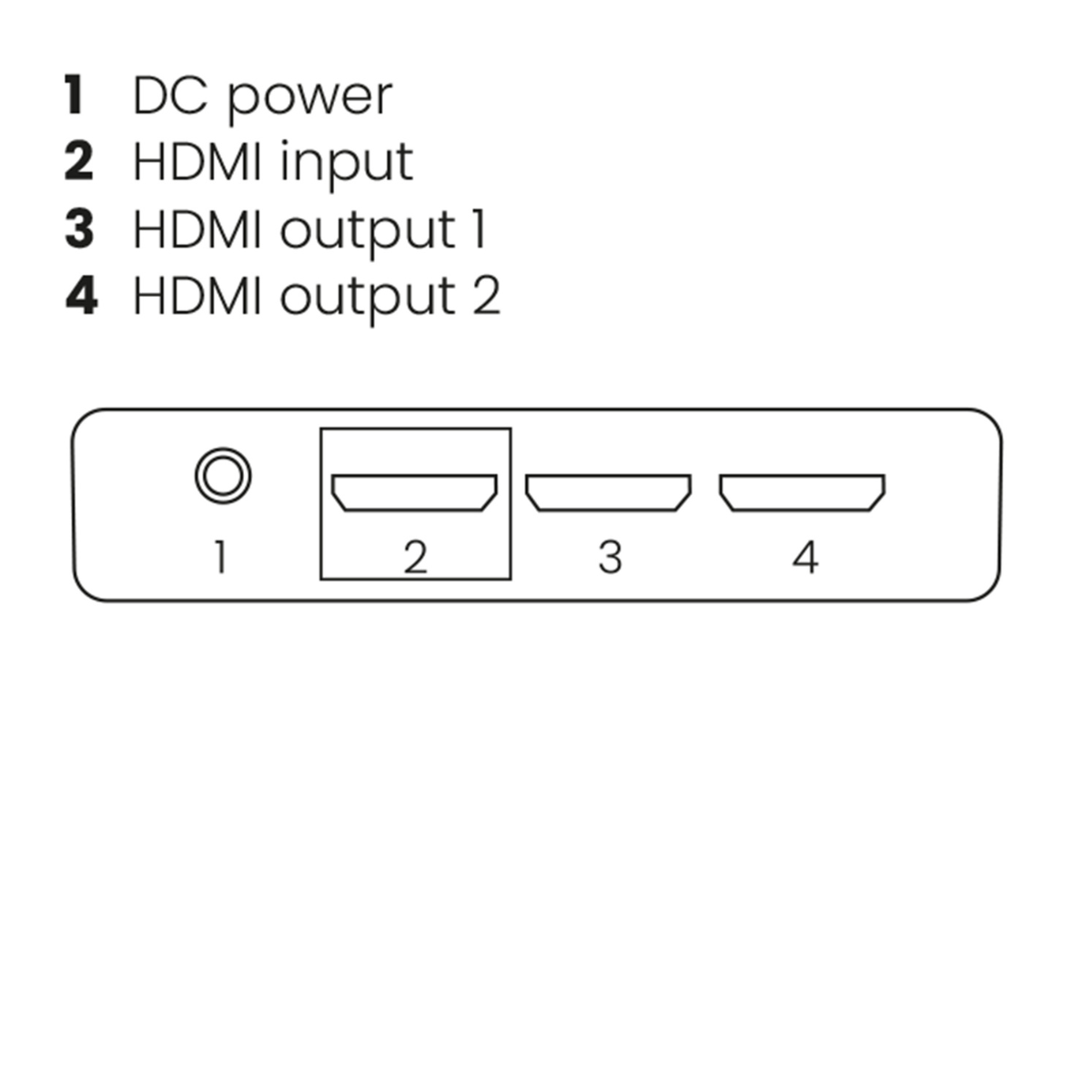
Split an HDMI signal to 2 TVs or projectors.
- Suitable for Ultra HD 4K60 resolution (3840 x 2160/60 Hz), High Dynamic Range (HDR), Deep Color, and 4:4:4 chroma colors.
- Use the downscale function to display videos in the highest possible resolution on all screens
- With built-in repeater and equalizer for correcting any signal loss.
- Supports Dolby Atmos and DTS:X as well as all other common audio formats.
- Interference-free thanks to solid metal, interference-proof quality housing.
- Optionally determine the maximum video resolution on the HDMI output yourself using the unique EDID switch.
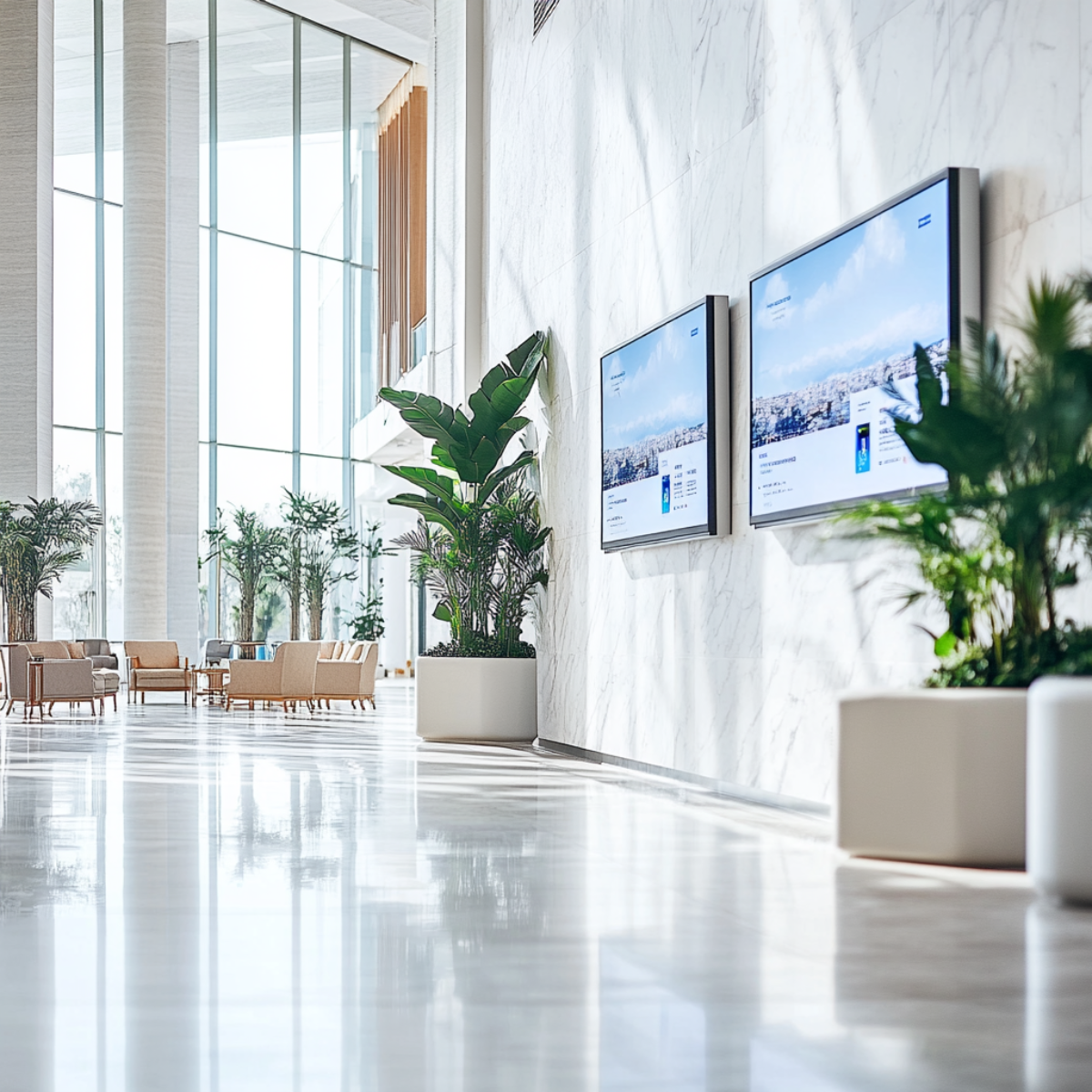
- Suitable for business use, such as meeting rooms, retail presentations, or digital signage applications.
- Easy to integrate by professional AV installers into commercial installations where reliability is essential.
With the Split 612 Pro, you can split the 4K HDMI signal from your decoder or another HDMI source to 2 TVs or projectors. Ideal when you want to display the same presentation, video, or information simultaneously on 2 screens, both at home and in professional environments.
This 4K HDMI splitter is perfectly suitable for connection to the latest Ultra HD equipment with HDMI 2.0 and HDCP 2.2 and offers a stable and high-quality solution for both private and business use.
Technical specifications
Reviews
What customers say
Frequently asked questions
-
Does the image quality remain the same when using this HDMI splitter?
When using an HDMI splitter, the video signal is not damaged. The image quality and the color output from the source device to the screen remain the same. Keep in mind that you should buy an HDMI splitter that supports the maximum resolution of your source device. -
Both connected displays have a different resolution, what happens to the video resolution?
When two displays with different resolutions are used, the HDMI splitter ensures that there is an image on the screen. To do this, the splitter uses 'Extended Display Identification Data' (EDID) to indicate what type of video should be sent by the source device. There are a few modes that can be used: - 'Auto': Automatically detects the highest possible common video resolution and audio format supported by both display devices. - 'Copy': Detects only the video resolution and audio format of the display connected to output 1. -
Can I use the 'Extend' mode on my PC with this HDMI splitter?
HDMI is a protocol that cannot send much information back to the source device. Therefore, HDMI splitters can only copy the incoming signal and cannot extend the screens on your PC. In short: all outputs of the HDMI splitter will display the same screen. -
No video is playing on the screen
If no video is displayed on the screen or if the image quality is poor, there are a few steps you should follow to make the setup work. - When setting up the devices, make sure all cables and devices have the correct HDMI version. - Make sure all devices comply with the same HDCP version. - Try to use HDMI cables with a maximum length of 5 meters. Longer cables may work, but the quality of the video signal decreases quickly after 5 meters. - Try using a different HDMI port on your display; this may help to reset the connection.
Can't figure it out?

Related products

HDMI splitter 4K 60Hz - 1 in / 4 out - HDMI 2.0

HDMI splitter 4K 60Hz - 1 in / 8 out - HDMI 2.0

HDMI splitter 4K - 1 in / 2 out

4K HDMI matrix - 4x2 matrix switch - HDMI 2.0 matrix switch


 group
group
- Choosing a selection results in a full page refresh.
- Opens in a new window.