


HDMI over ethernet extender
Use an HDMI over Ethernet extender to extend an HDMI signal over an Ethernet or network cable. These extenders are very suitable for extending an HDMI signal over long distances. Unlike long HDMI cables, Ethernet cables are relatively inexpensive and available in any desired length. Moreover, optimal picture quality is guaranteed. HDMI over Ethernet is therefore ideal for placing a second TV at a distance from a decoder. The advantage of an HDMI over Ethernet extender is that you can connect multiple receivers to one HDMI transmitter, allowing you to view the same image on multiple TVs in the house.
Would you like to learn more about the possibilities of transmitting HDMI over Ethernet? Or do you want to know what to look for when purchasing an HDMI over Ethernet extender? Read more>>
-
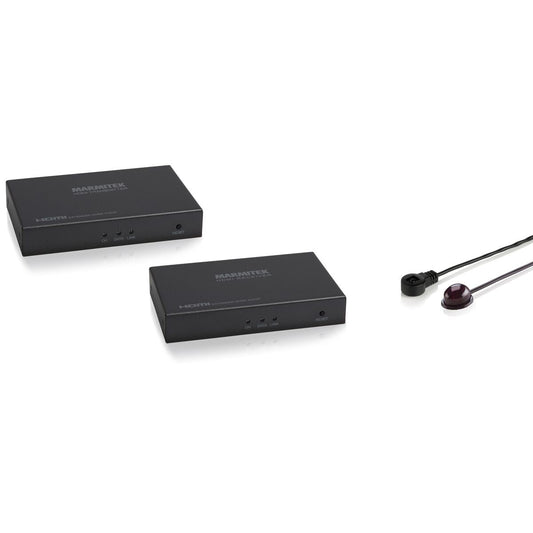
MegaView 91
HDMI over ethernet extender - 100-120 m - IR return
HDMI Standard
HDMI, DVI, EDID, HDCP
Resolution
480p, 576i, 576p, 720p, 1080i, 1080p
Range
120m@1080p
Data Transfer
TCP/IP
Video Bandwidth t
6.75 Gbps
Dimensions
25 x 105 x 60mm
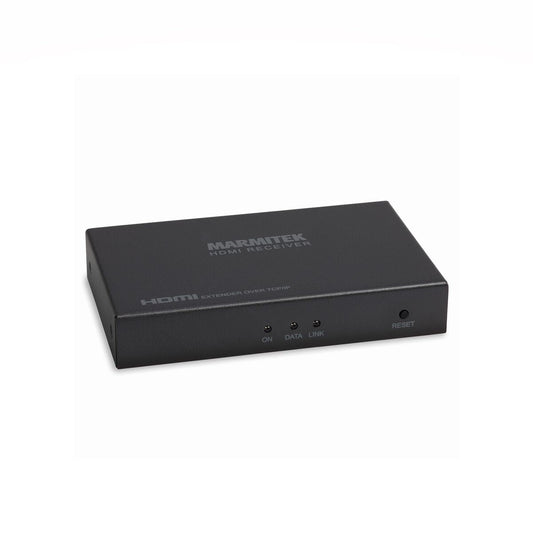
MV91 RX
Extra receiver MegaView 91
Compatible
MegaView 91
HDMI standard
HDMI, DVI, EDID, HDCP
Resolution
480p, 576i, 576p, 720p, 1080i, 1080p
Range
120m@1080p"
Data transfer
TCP/IP, H.264 Compression
Dimensions
25x105x60mm
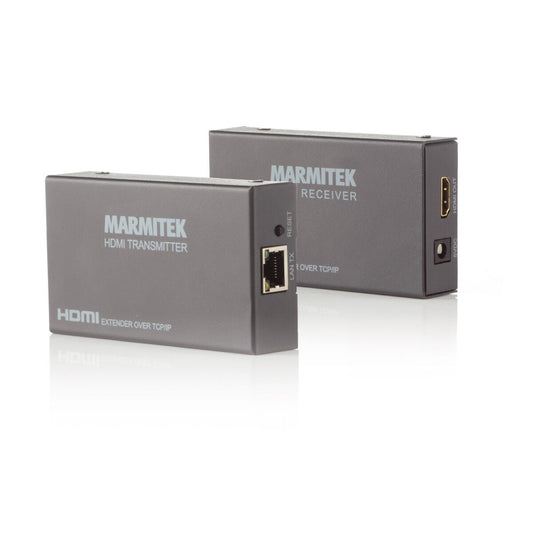
MegaView 90
HDMI over ethernet extender - 100-120 m
HDMI Standard
HDMI, DVI, EDID , HDCP
Resolution
480p, 576i, 576p, 720p, 1080i, 1080p
Range
120m@1080p
Data Transfer
TCP/IP
Video Bandwidth
6.75 Gbps
Dimensions
25 x 105 x 60mm
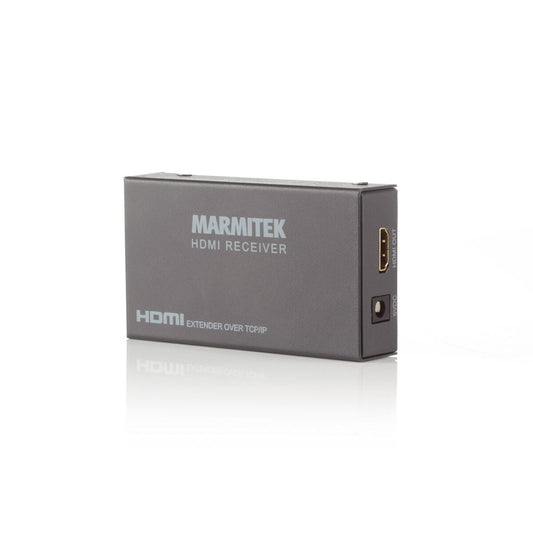
MV90 RX
Extra receiver MegaView 90
Compatible
MegaView 90
HDMI Standard
HDMI, DVI, EDID, HDCP
Resolution
480p, 576i, 576p, 720p, 1080i, 1080p
Range
120m@1080p
Data Transfer
TCP/IP, H.264 compression
Dimensions
25 x 105 x 60 mm

MegaView 95 Pro
4K HDMI extender over Ethernet with KVM
HDMI standard
HDMI 1.4
Resolution
4K30, 1080p, 1080i, 720p, 576p, 480p
Range
120 m
Data transmission
TCP/IP
Video bandwidth
10.2 Gbps
Dimensions
24 x 119.5 x 94 mm

MV95 RX
Extra receiver MegaView 95 Pro
Suitable for
MegaView 95 Pro
HDMI standard
HDMI, DVI, EDID, HDCP
Resolution
up to 4K30
Range
up to 120 metres
Data transmission
TCP/IP, H.264 compression
Dimensions
24 x 119.5 x 94 mm
FAQ
-
What is an HDMI over ethernet extender?
HDMI over ethernet extender sends video and audio over an IP network, allowing you to distribute HDMI signals across longer distances and multiple screens. -
How does an HDMI over ethernet extender work?
The transmitter converts the HDMI signal into a data stream that is sent via your router or switch to one or more receivers. -
When should you use an HDMI over ethernet extender?
When you want to distribute HDMI signals to multiple rooms, for example for digital signage, conferences or educational installations. -
Is there a difference between HDMI cables and an HDMI over ethernet extender?
Yes, an HDMI cable is a direct connection between two devices, while an HDMI over ethernet extender sends the signal over your network for greater flexibility and distance. -
Can an HDMI cable be extended via Ethernet?
Yes, with a Marmitek HDMI over ethernet extender you can extend HDMI signals over hundreds of metres using standard network cables. -
What do I need for an HDMI over ethernet extender?
A Marmitek HDMI over ethernet extender set, CAT5e/CAT6 cables and a network switch or router. -
Does an HDMI over ethernet extender support 4K and HDR?
Yes, depending on the model, 1080p and 4K resolutions are transmitted without loss of quality. -
Can I connect multiple screens via an HDMI over ethernet extender?
Yes, with multicast you can display one source on multiple screens or combine different sources. -
Is an HDMI over ethernet extender difficult to install?
No, the hardware is plug & play, although the network configuration may require some technical knowledge. -
What is the difference between an HDMI over ethernet extender and HDMI over UTP extender?
HDMI over ethernet extender uses your network and supports multiple devices, while HDMI over UTP is a direct point-to-point connection via a single cable.

A member of the group
group
- Choosing a selection results in a full page refresh.
- Opens in a new window.


