


Always included
- IR module
- IR receiver | 300 cm
- 2x IR extension cable with 1 blaster LED | 200 cm
- Mini USB to USB cable | 100 cm
- Power adapter | 180 cm
- User manual
Invisible Control 6 XTRA
Control 8+ AV devices
IR blaster leds
Extra small IR receiver
Couldn't load pickup availability



Product description
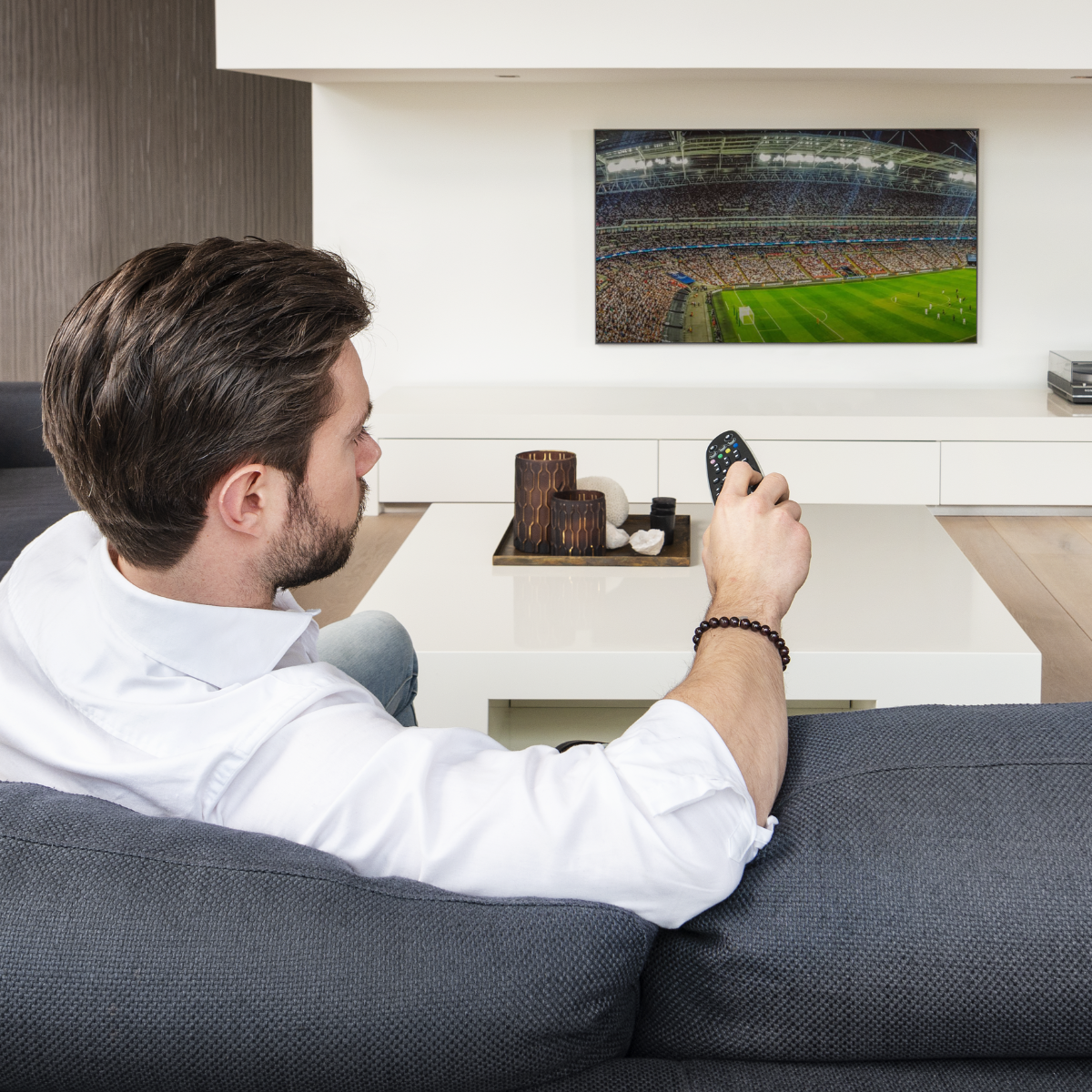
Operate an unlimited number of devices inside a closed cabinet, using your own remote control.
- Operate an unlimited number of devices inside 1 or 2 compartments of a closed (TV) cabinet. Almost invisible to place, with operation guaranteed.
- With the exception of the tiny infrared receiver, the complete set can be placed completely out of sight.
- Very simple and quick installation through innovative infrared technology (infrared blaster LED).
- Place the infrared blaster LED anywhere you want inside the (TV) cabinet and you can operate all audio visual devices in this compartment.
- Works with virtually all brands and models and is suitable for new infrared code formats (such as RC-MM), which are used in many new HD devices and digital TV decoders.
- Due to advanced filtering techniques, impervious to use near flat screen TVs (LCD, LED) and with indirect sunlight.
The Invisible Control 6 XTRA is the most frequently sold infrared extender. This virtually invisible infrared extender works with all equipment* and is very easy to install thanks to the two supplied infrared blasters.
You place the receiver within your remote control's line of sight, having it connected to the module you placed inside the cabinet. You then connect the transmitter to the module. Your remote control's signal is transmitted via the receiver to the module, which returns the signal to the transmitter. The transmitter then 'operates' your audio visual equipment. This ensures that you do not have to open any cabinet doors in order to operate your equipment.
* Equipment that is controlled with infrared. For example, Bang & Olufsen devices cannot be operated with infrared extenders.
Technical specifications
Reviews
What customers say
Frequently asked questions
-
Can I extend the cable with the IR (infrared) blaster LED?
No, that is not a good idea. The signal becomes too weak. The warranty also expires. -
Can I remove one of the IR (infrared) LEDs if I don’t use it?
Do not remove any of the IR LEDs. You can, however, attach the unused IR LED to the bottom or back of the device.
Can't figure it out?

Related products

IR extender - 4 appl.

IR extender - 2 appl.

IR extender - max. 300 m

IR extender - max. 300 m

IR extender - Wireless


 group
group
- Choosing a selection results in a full page refresh.
- Opens in a new window.