


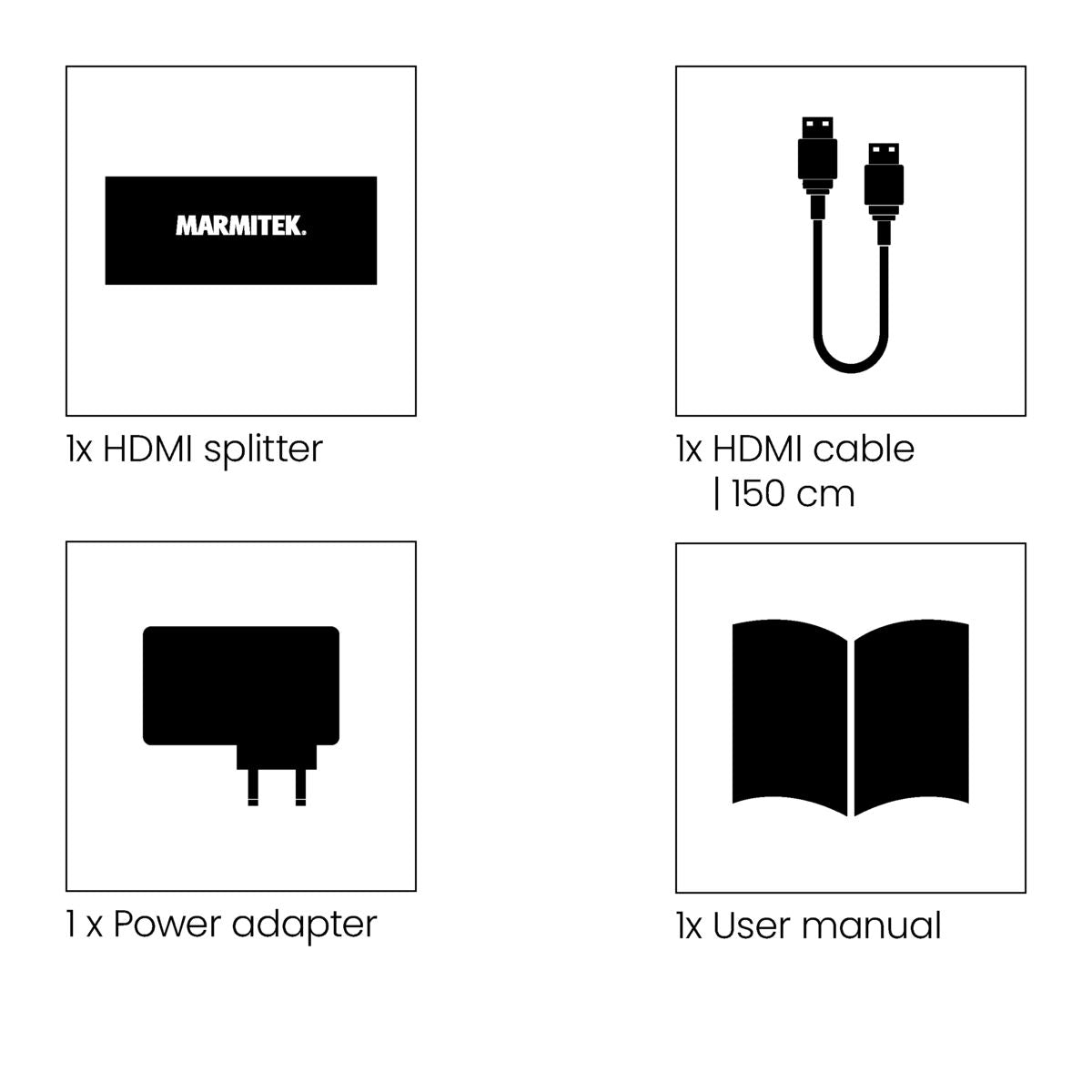
Always included
- HDMI splitter
- Power adapter
- User manual
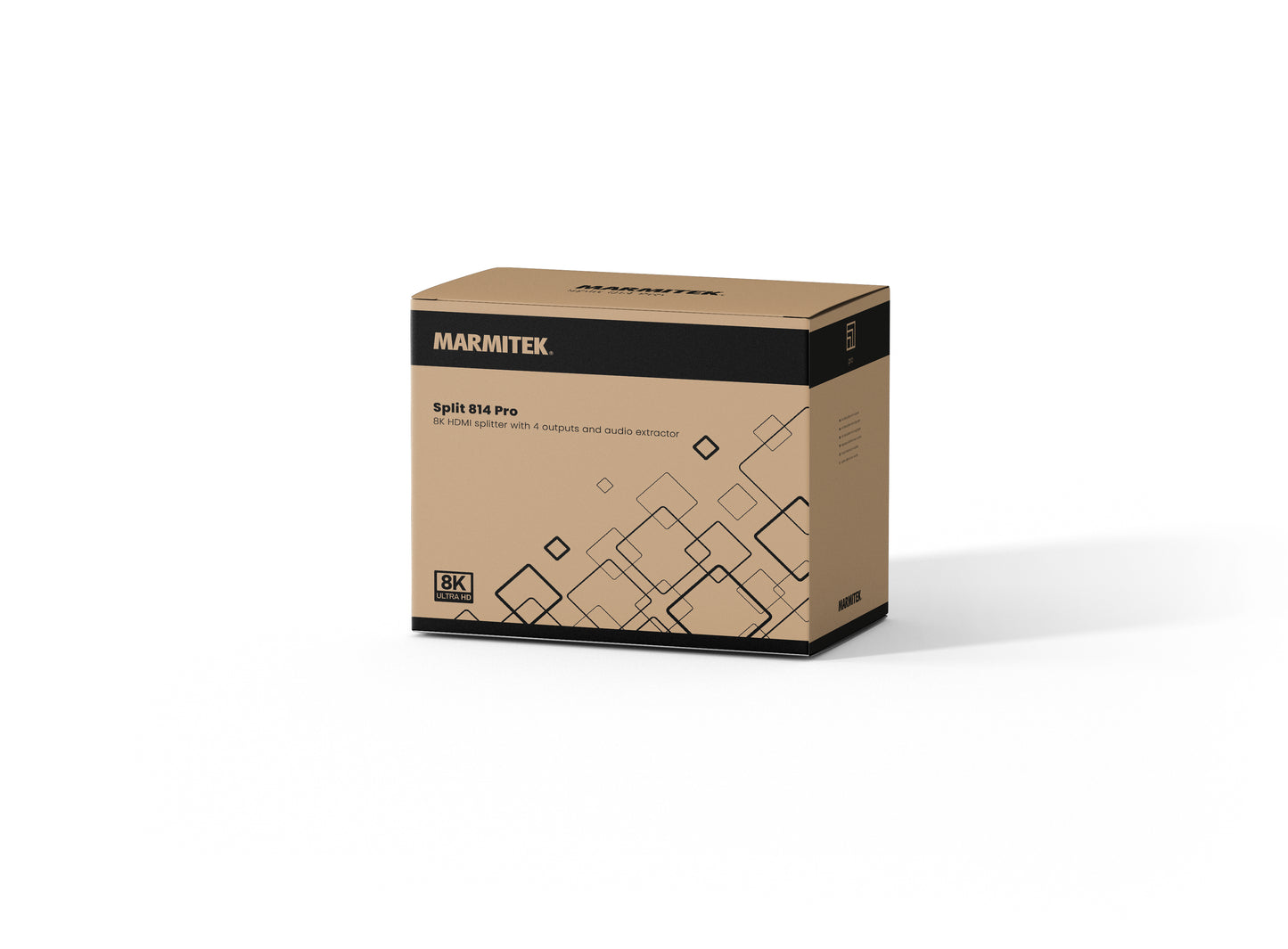
Split 814 Pro
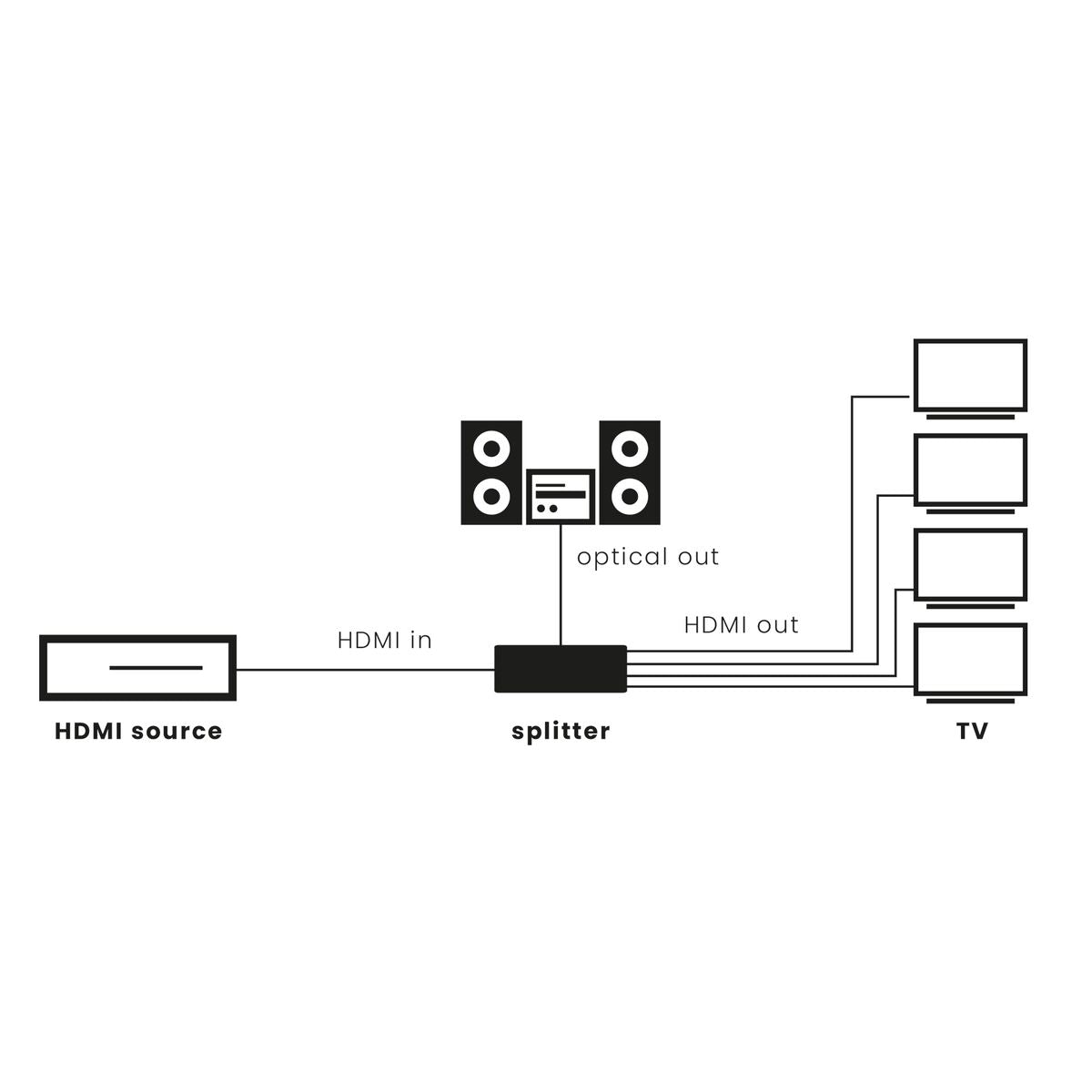
One 8K HDMI source to four screens simultaneously
Supports 8K@60Hz and 4K@60Hz resolutions
Digital audio output for connection to soundbar or amplifier
Compatible with HDR10+, Dolby Vision and DTS:X
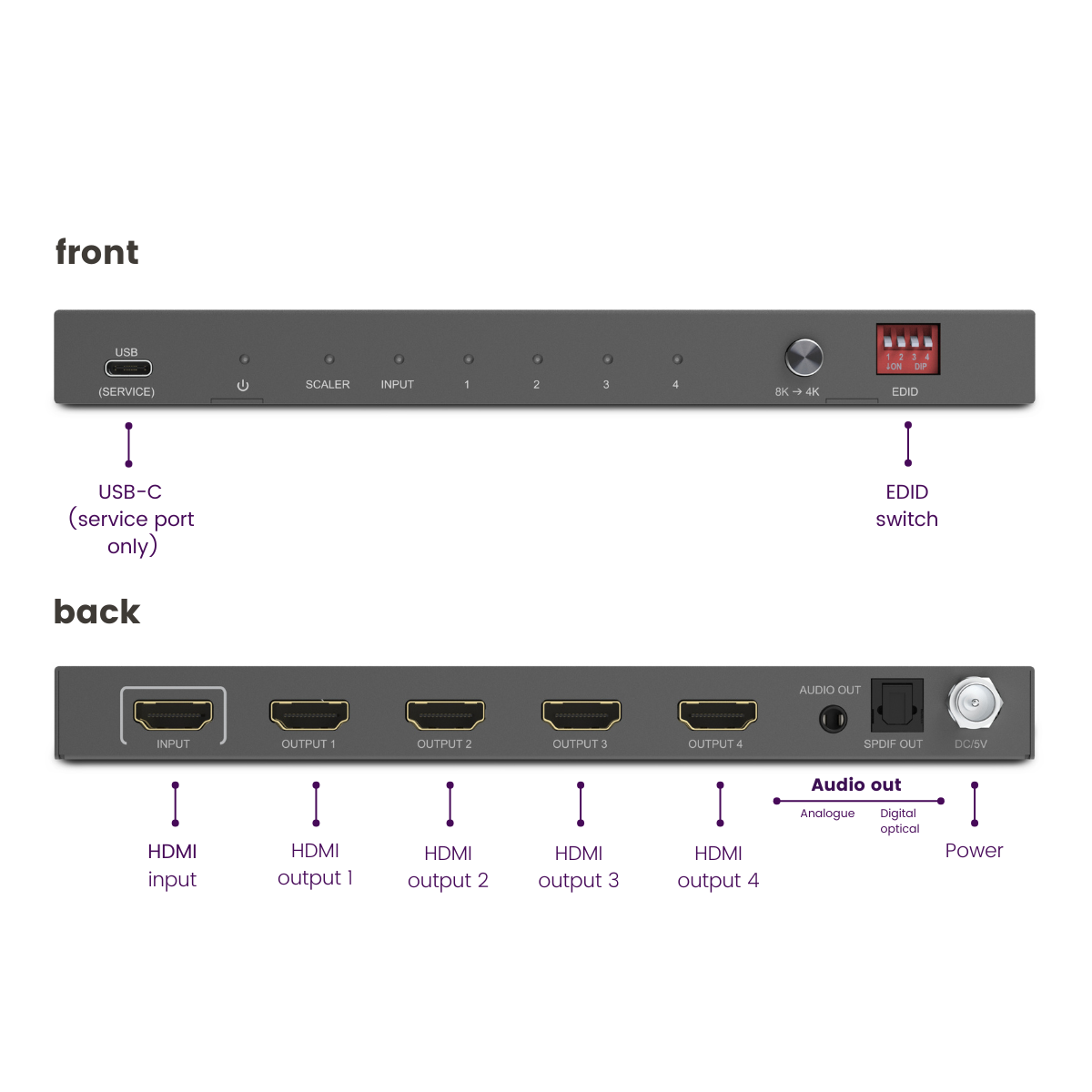
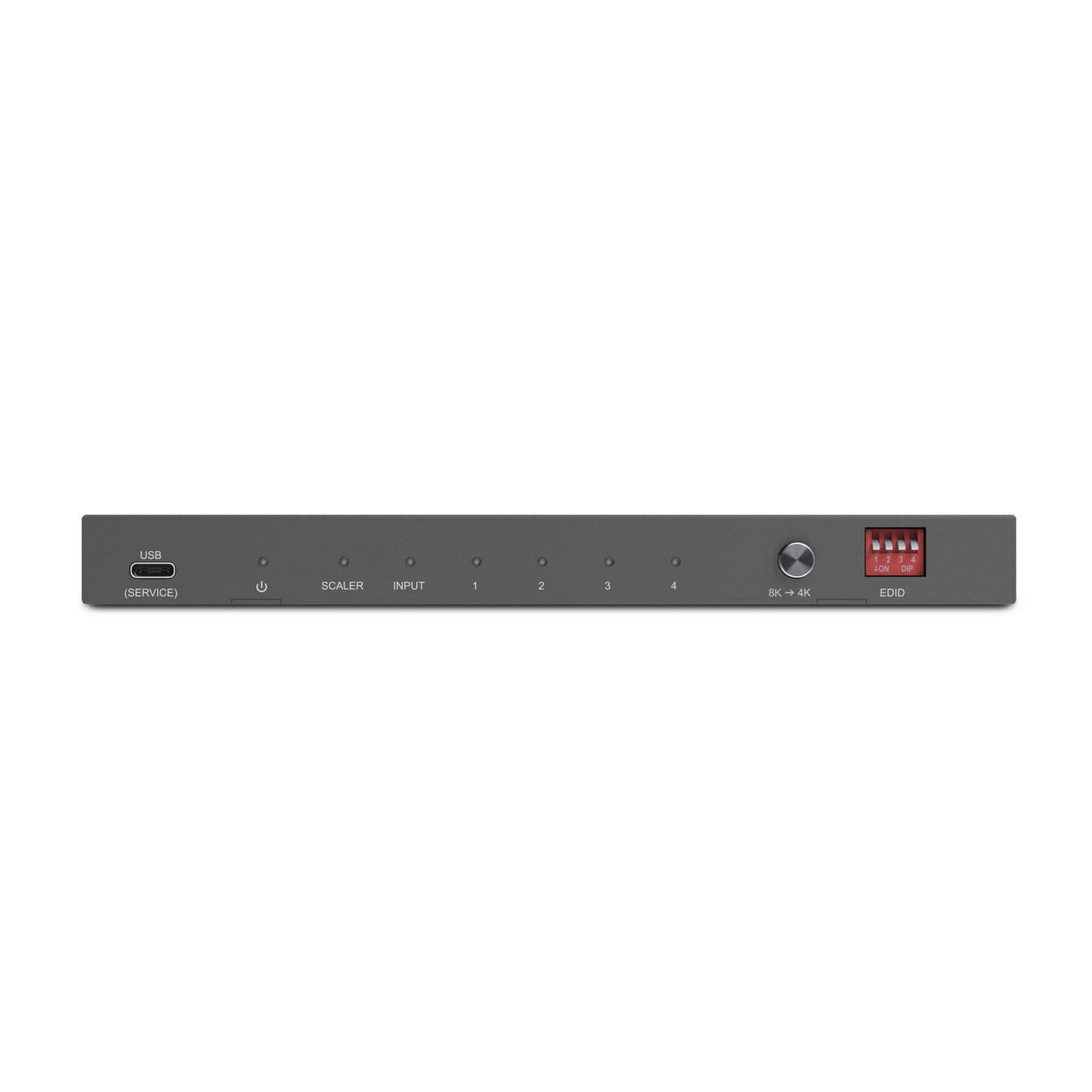
HDCP 2.3 and EDID management for maximum compatibility
Sturdy metal housing for intensive use
Plug & play installation without software
Couldn't load pickup availability
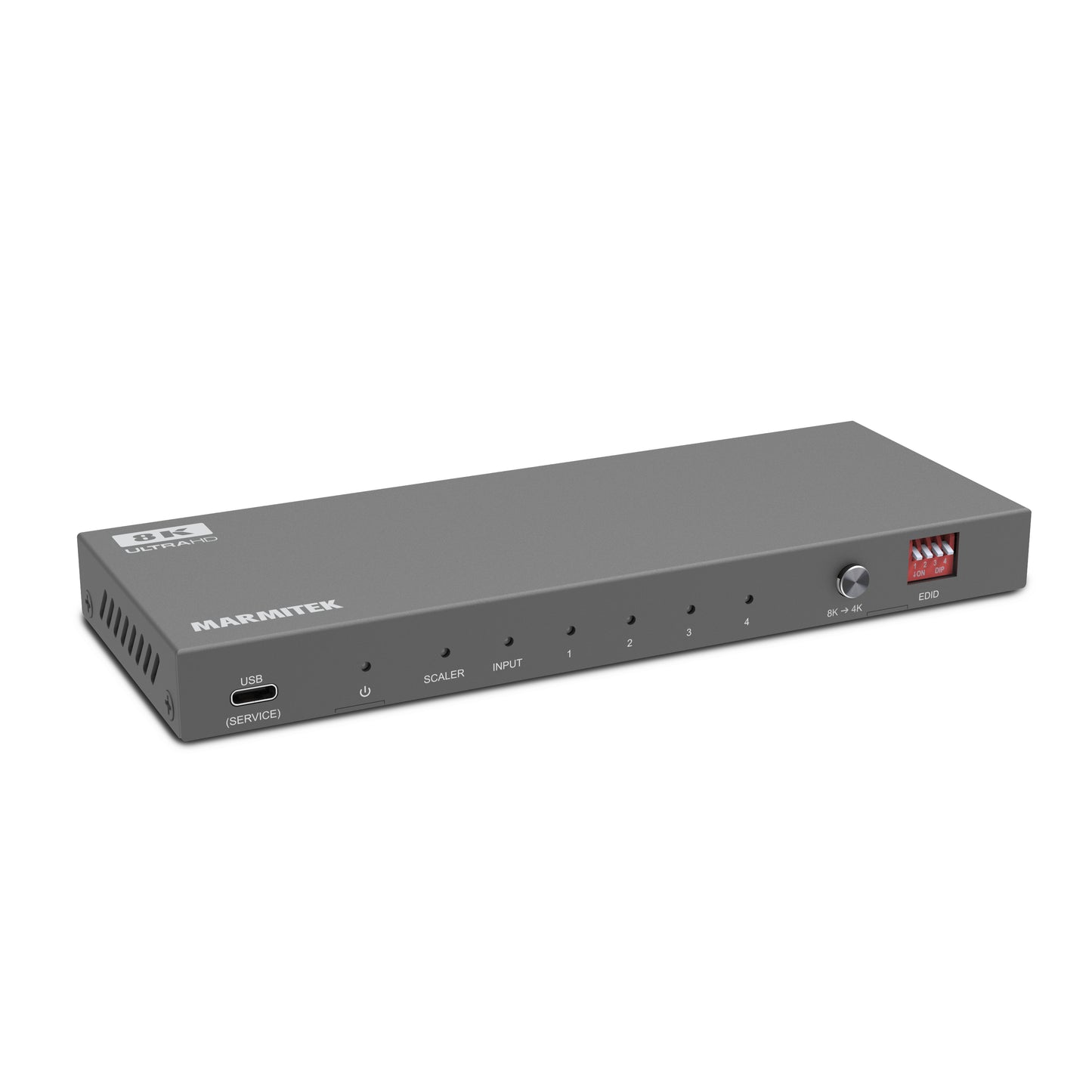
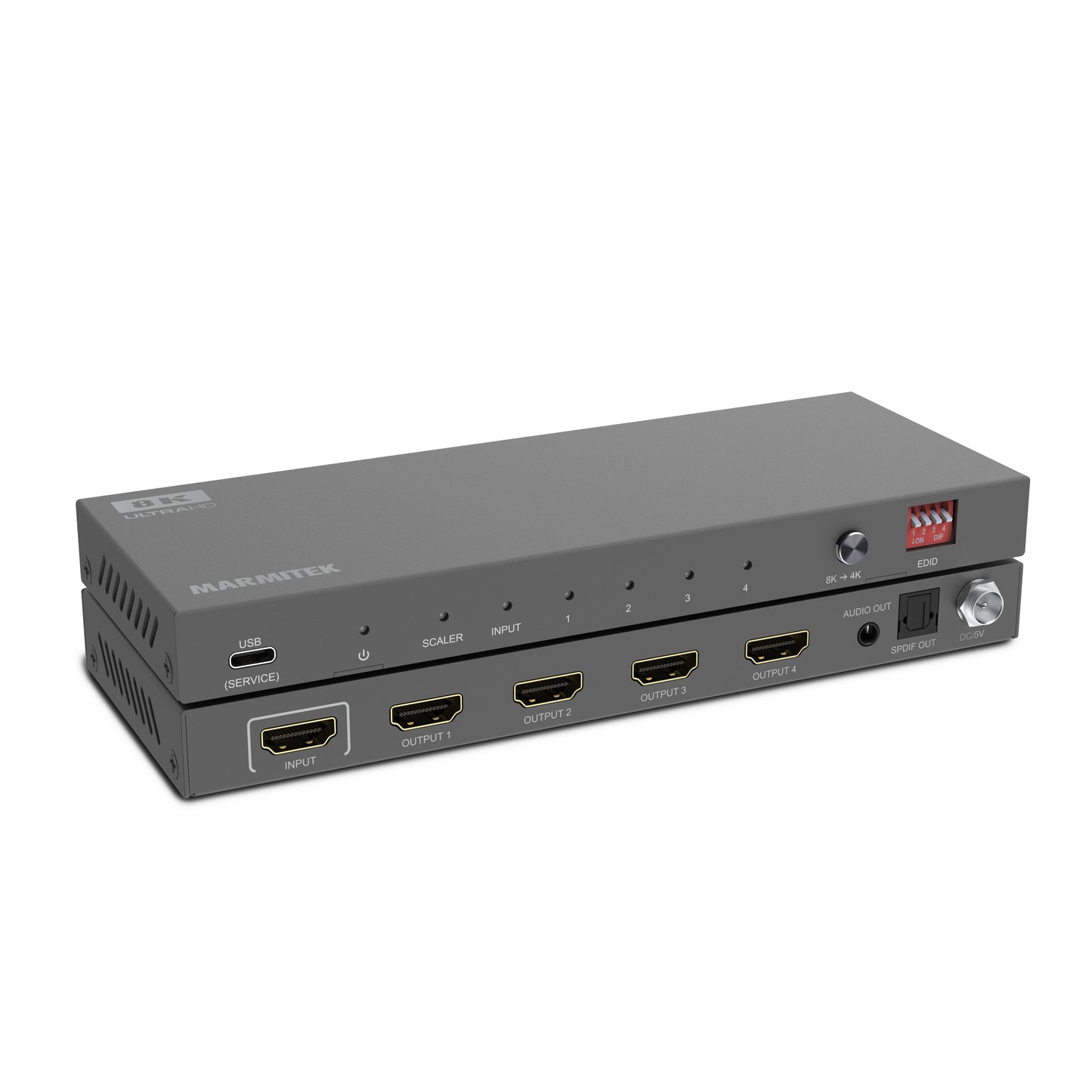
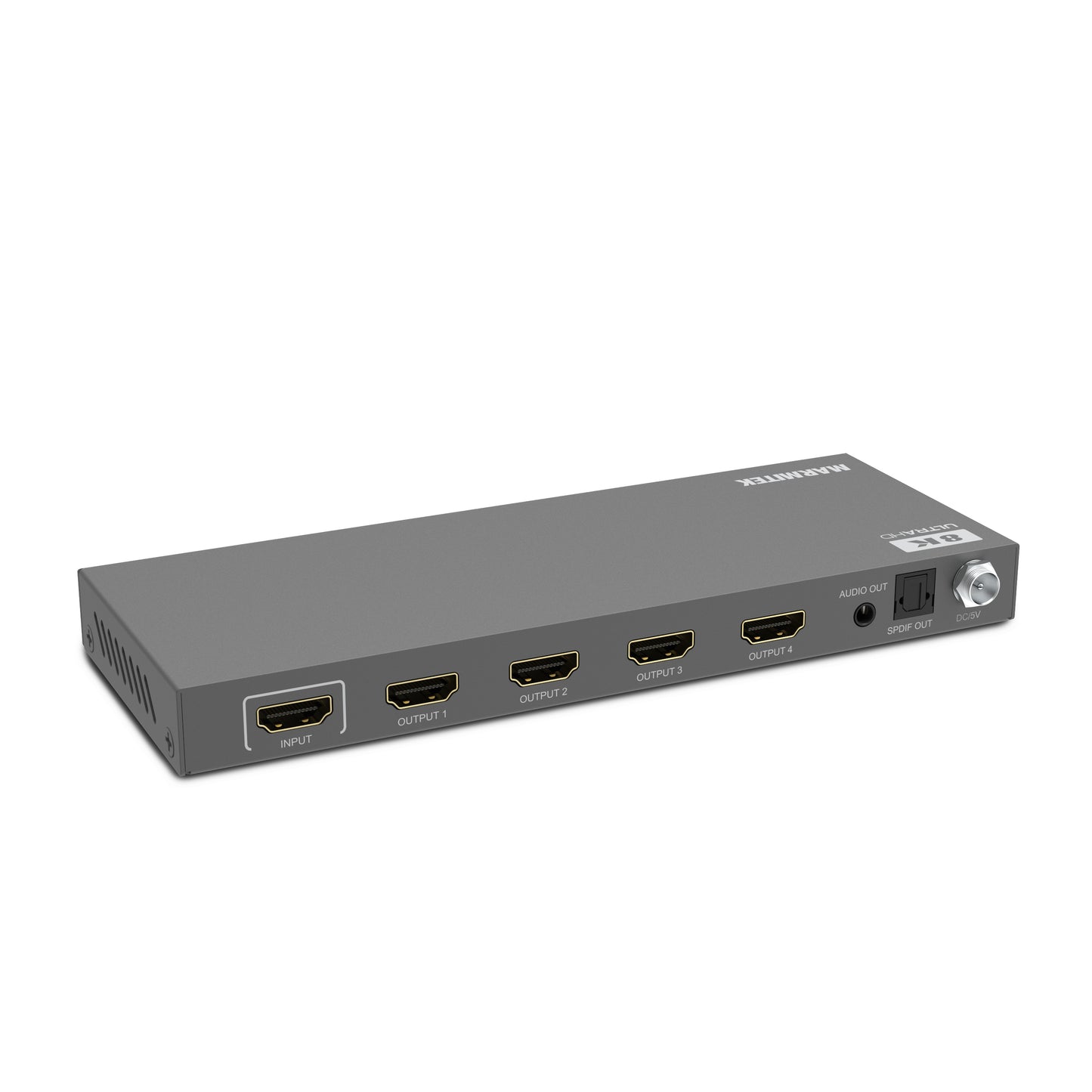
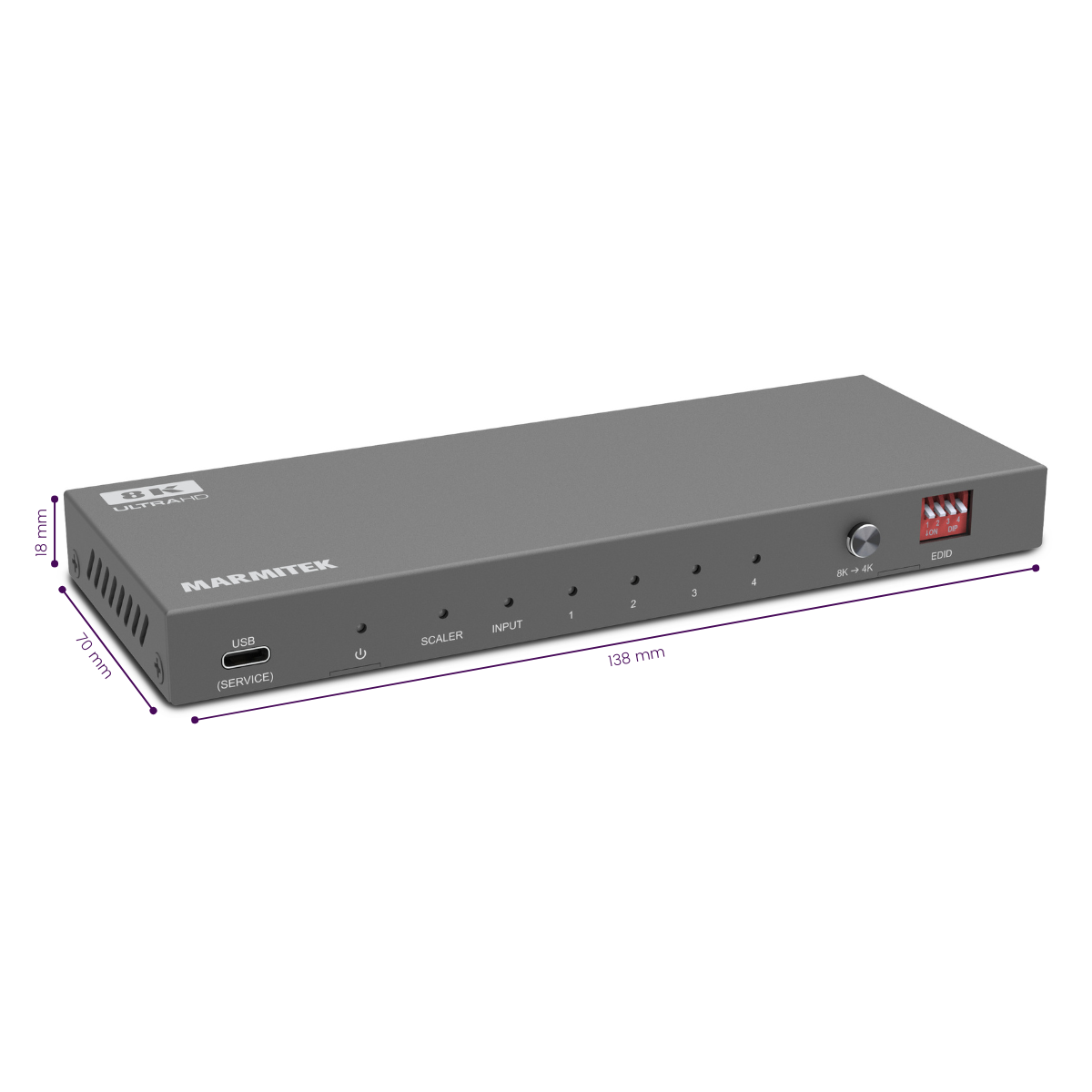
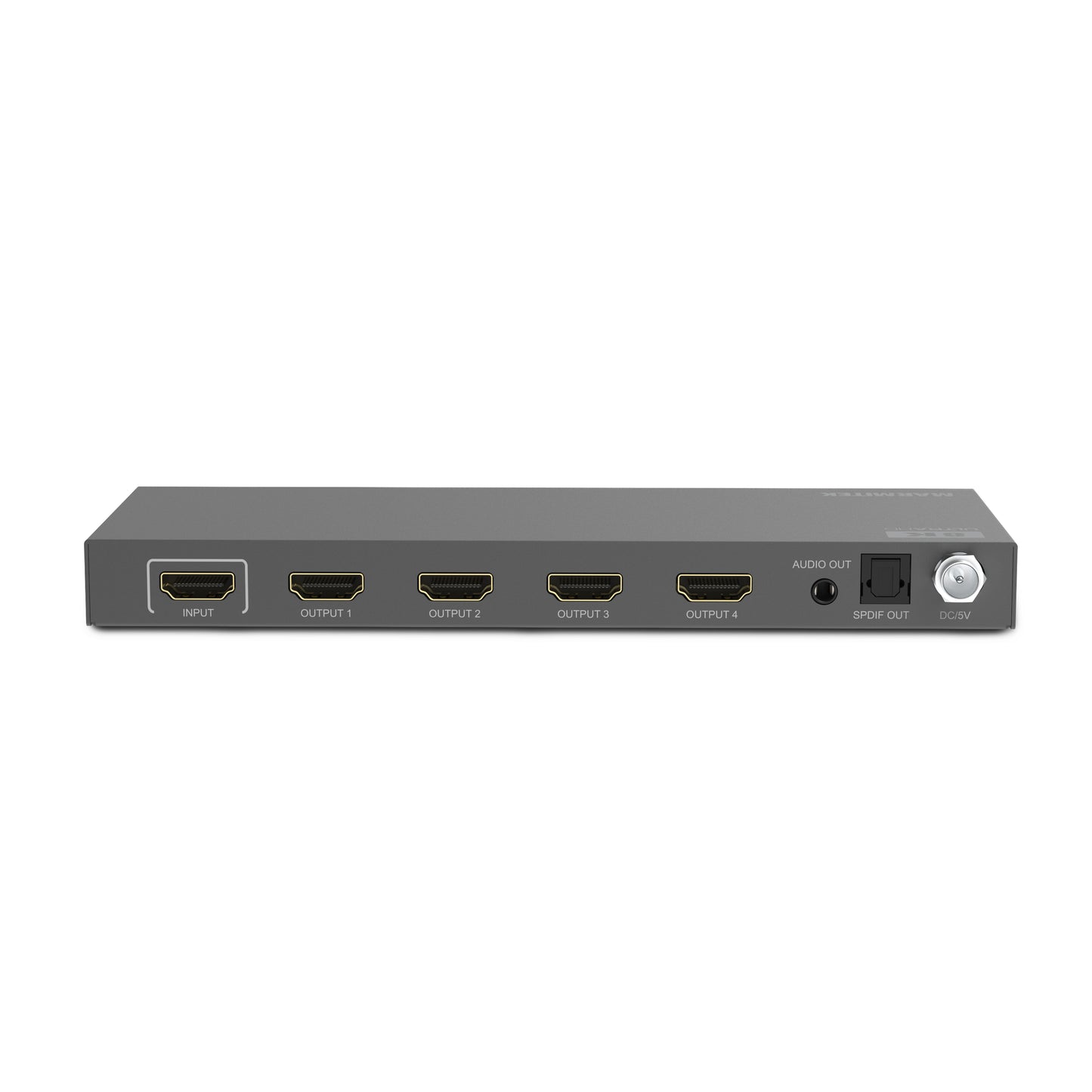

Product description
One source, multiple screens
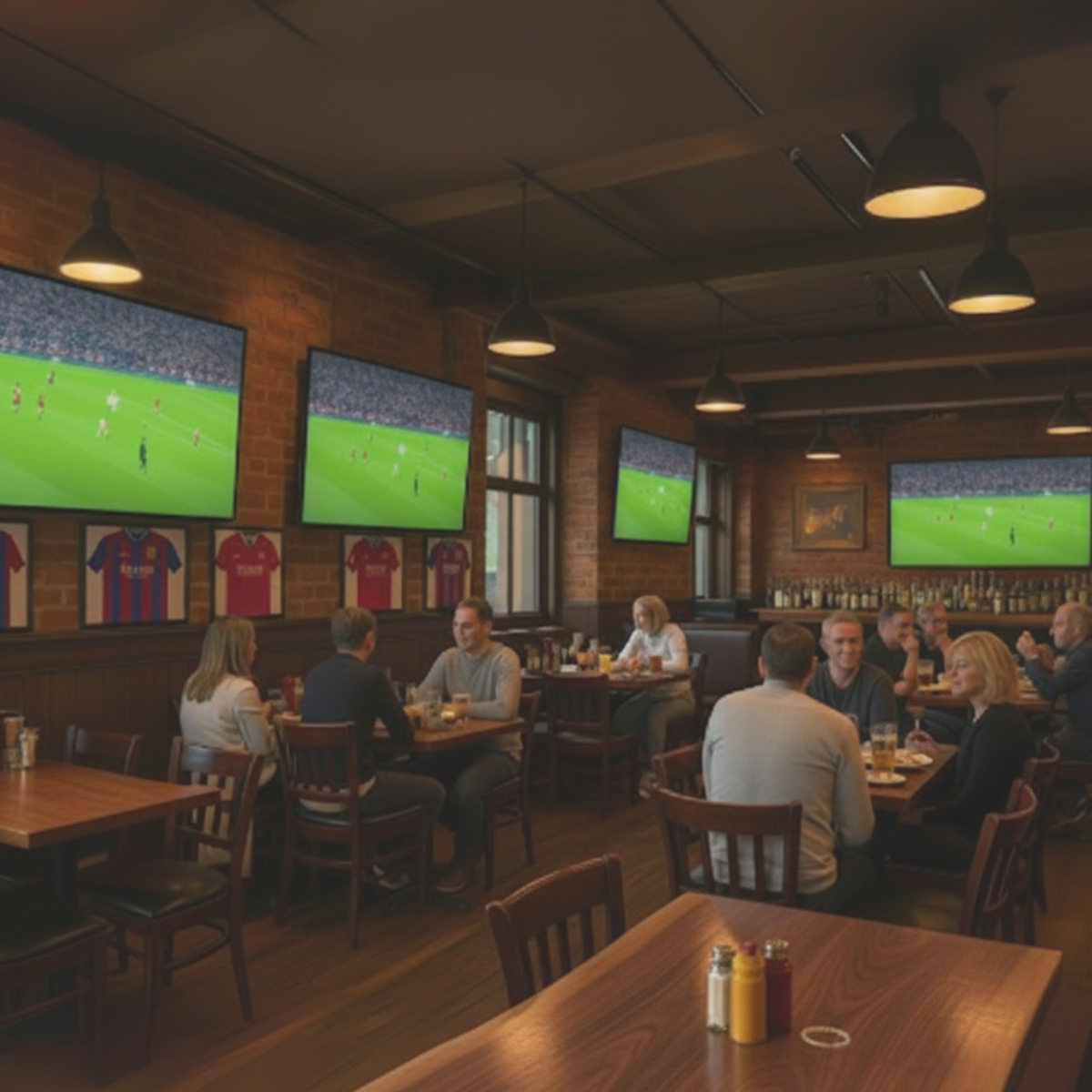
The Split 814 Pro makes it easy to distribute content from a single HDMI source to four displays. This saves time, cabling and costs. Ideal in bars, restaurants or stores where the same content needs to be visible in multiple locations.
High-quality image performance
With support for 8K@60Hz and 4K@60Hz, you benefit from razor-sharp image quality. The HDMI splitter also supports HDR10+, Dolby Vision and other common HDR formats. This ensures that details remain visible, even in dark or very bright scenes.
Flexible audio routing
Thanks to the digital audio output, you can route the sound separately from the TVs to a soundbar, amplifier or audio system. This gives you more flexibility when setting up your installation and allows you to separate audio and video easily.
Reliable in professional environments
The sturdy metal housing and EDID management guarantee stable operation, even during long-term use. Thanks to HDCP 2.3 support, the HDMI splitter works with virtually all modern sources, such as media players, set-top boxes and game consoles.
Applications
- Hospitality: display the same TV signal on multiple screens
- Retail: show promotional videos throughout the store
- Meeting rooms: present content on multiple screens
- Waiting areas: control information screens in sync
- Home cinema: share content to multiple TVs or projectors
Key features in detail
- Resolutions: up to 8K@60Hz, 4K@120Hz, 1080p
- HDR support: HDR10+, Dolby Vision, HLG
- Audio formats: Dolby Atmos, DTS:X
- Extra audio output: digital optical output for external audio system
- Compatibility: HDCP 2.3, EDID management
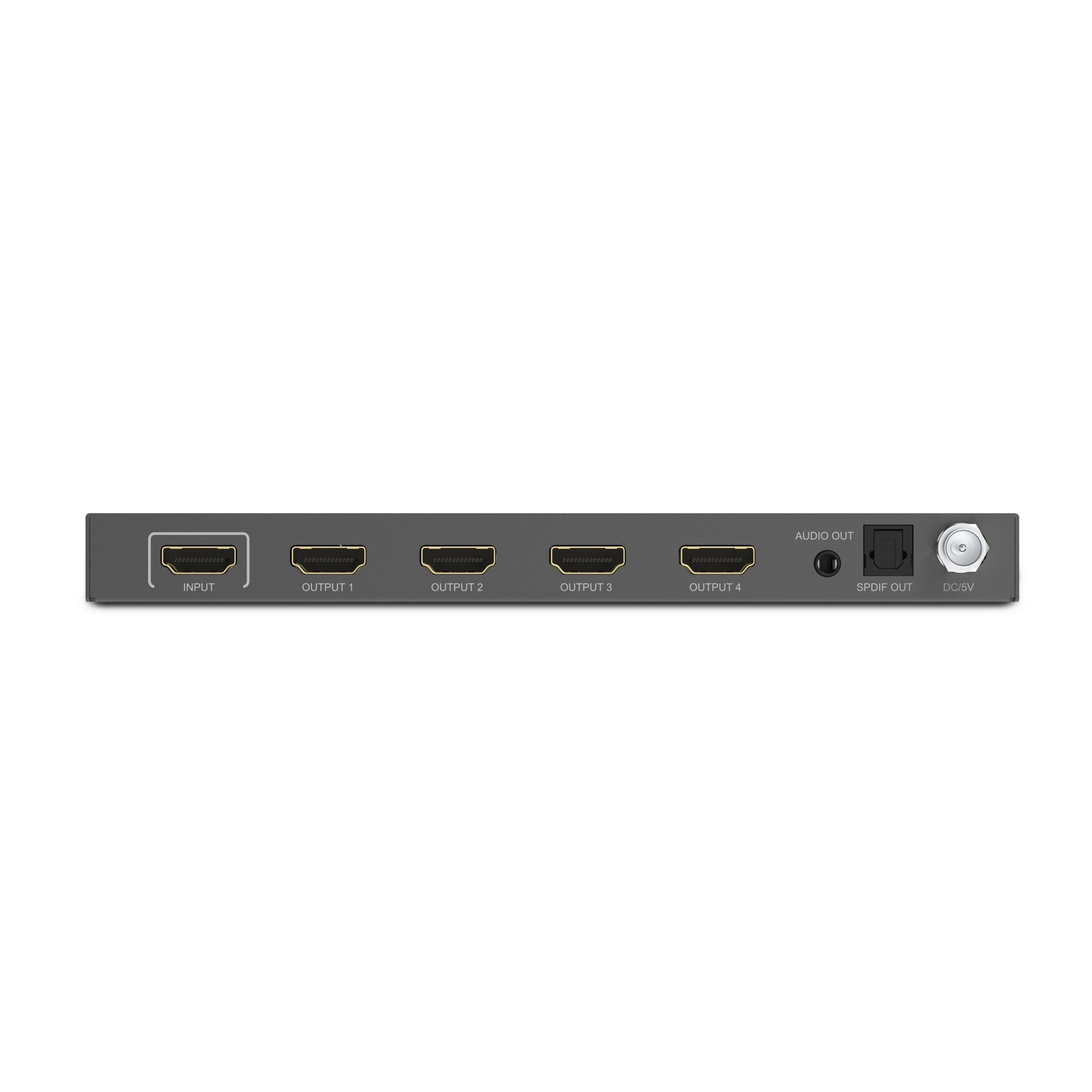
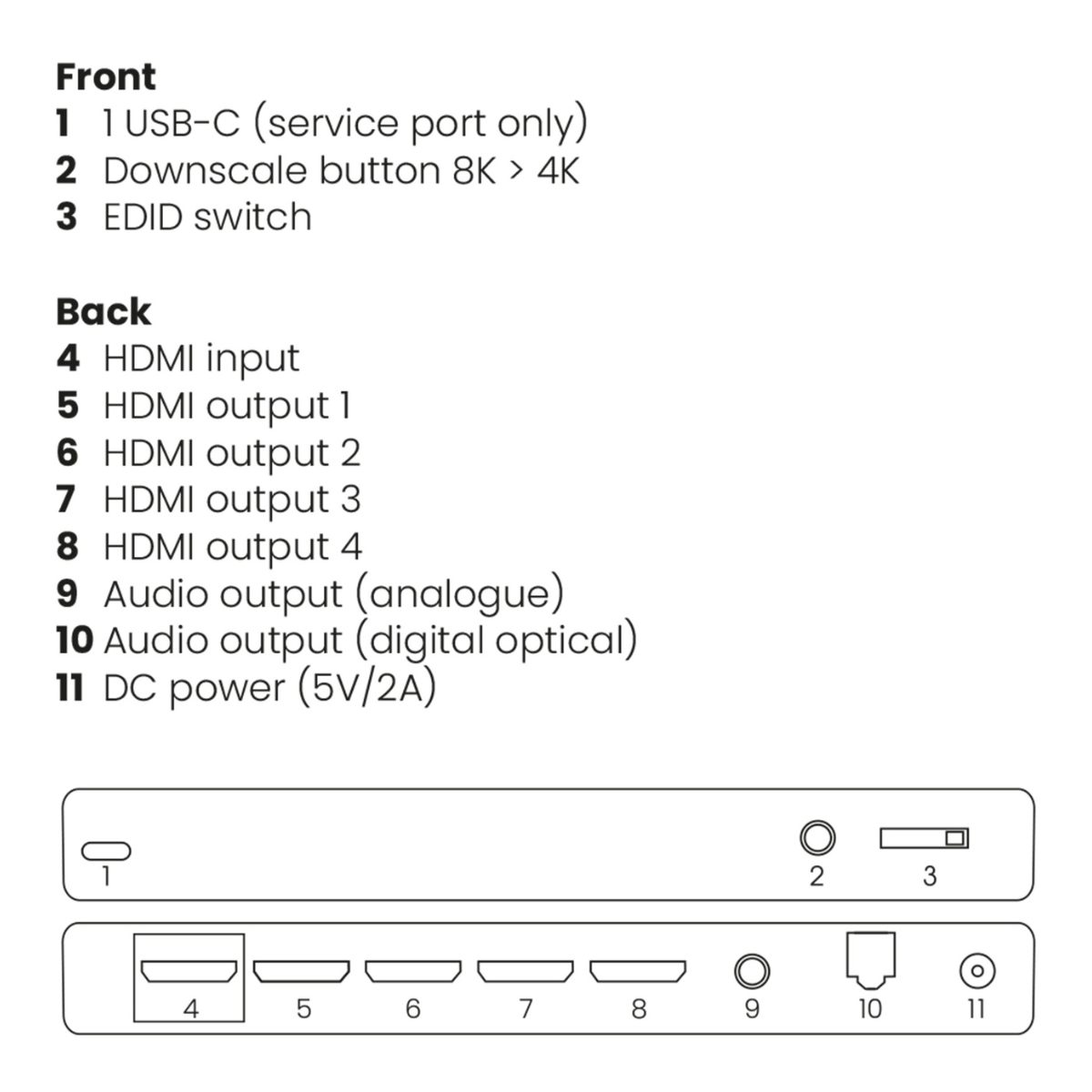
- Inputs/outputs: 1x HDMI in, 4x HDMI out, digital audio out
- Housing: robust metal, suitable for 24/7 use
Technical specifications
Reviews
What customers say
Frequently asked questions
-
Can I display different content on the screens at the same time?
No, the HDMI splitter always shows the same signal on all connected screens. -
Does the Split 814 Pro work with 1080p screens?
Yes, the HDMI splitter automatically scales to the maximum resolution supported by each display. -
Does this product affect image quality?
No, the HDMI splitter provides lossless signal transmission. -
Is additional software required?
No, installation is fully plug & play. -
Does the HDMI splitter support audio?
Yes, all common audio formats, including Dolby Atmos and DTS:X, are supported. -
Can I use longer HDMI cables?
Yes, but the maximum cable length depends on the resolution and cable quality. -
Does the Split 814 Pro support HDMI 2.1?
Yes, the HDMI-splitter complies with HDMI 2.1 specifications. -
How does EDID management work?
EDID ensures optimal compatibility by automatically adjusting resolution and audio settings. -
Is this product suitable for continuous use?
Yes, the metal housing is designed for intensive professional use. -
Can I connect my soundbar or amplifier via the Split 814 Pro?
Yes, via the digital audio output. This allows you to route audio separately from the TVs to an external audio system. -
Two connected displays have different resolutions, what happens to the video resolution?
When two displays with different resolutions are used, the HDMI-splitter ensures that both screens receive a signal. The HDMI splitter uses 'Extended Display Identification Data' (EDID) to inform the source device which video format should be transmitted. Several modes can be used: - 'Auto': Automatically detects the highest common resolution and audio format supported by both displays. - 'Copy': Detects only the resolution and audio format of the display connected to output 1. -
Can I use the 'Extend' mode on my PC with this HDMI splitter?
HDMI is a protocol that cannot send much information back to the source device. Therefore HDMI splitters can only copy the incoming signal and cannot extend displays. In short: all outputs of the HDMI splitter will show the same screen. -
No video is displayed on the screen.
If no video appears or image quality is poor, follow these steps: - Ensure all cables and devices support the correct HDMI version. - Ensure all devices use the same HDCP version. - Use HDMI cables with a maximum length of 5 metres. Longer cables may work but signal quality decreases quickly. - Try another HDMI port on your display to reset the connection.
Can't figure it out?

Related products

HDMI splitter 4K 60Hz - 1 in / 4 out - HDMI 2.0

HDMI splitter 4K 60Hz - 1 in / 8 out - HDMI 2.0

HDMI splitter 4K - 1 in / 2 out

HDMI splitter 8K - 1 in / 2 out - HDMI 2.1 | 8K60 | 4K120 | HDCP 2.3

4K HDMI matrix - 4x2 matrix switch - HDMI 2.0 matrix switch


 group
group
- Choosing a selection results in a full page refresh.
- Opens in a new window.