


TVA6400
Couldn't load pickup availability

Product description
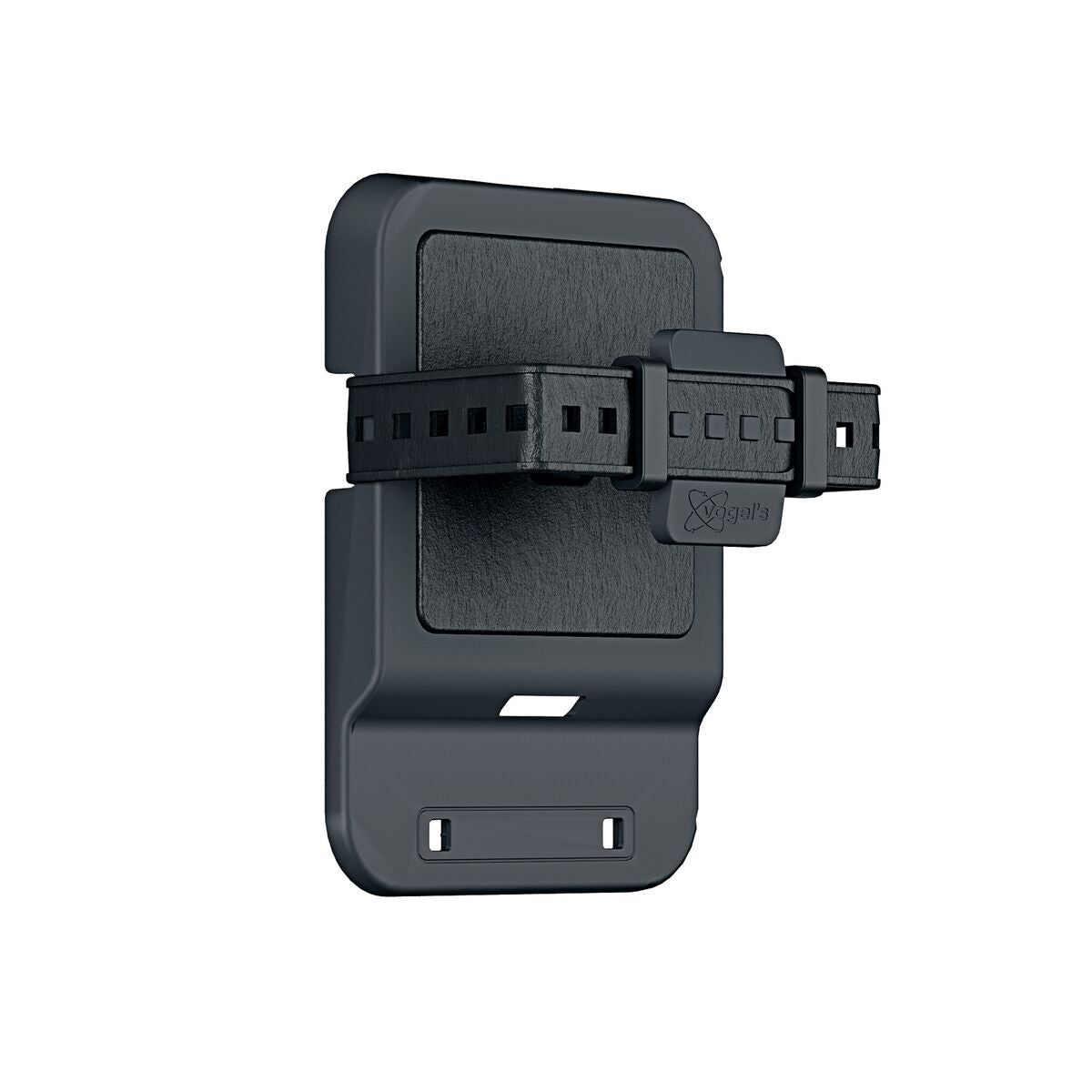
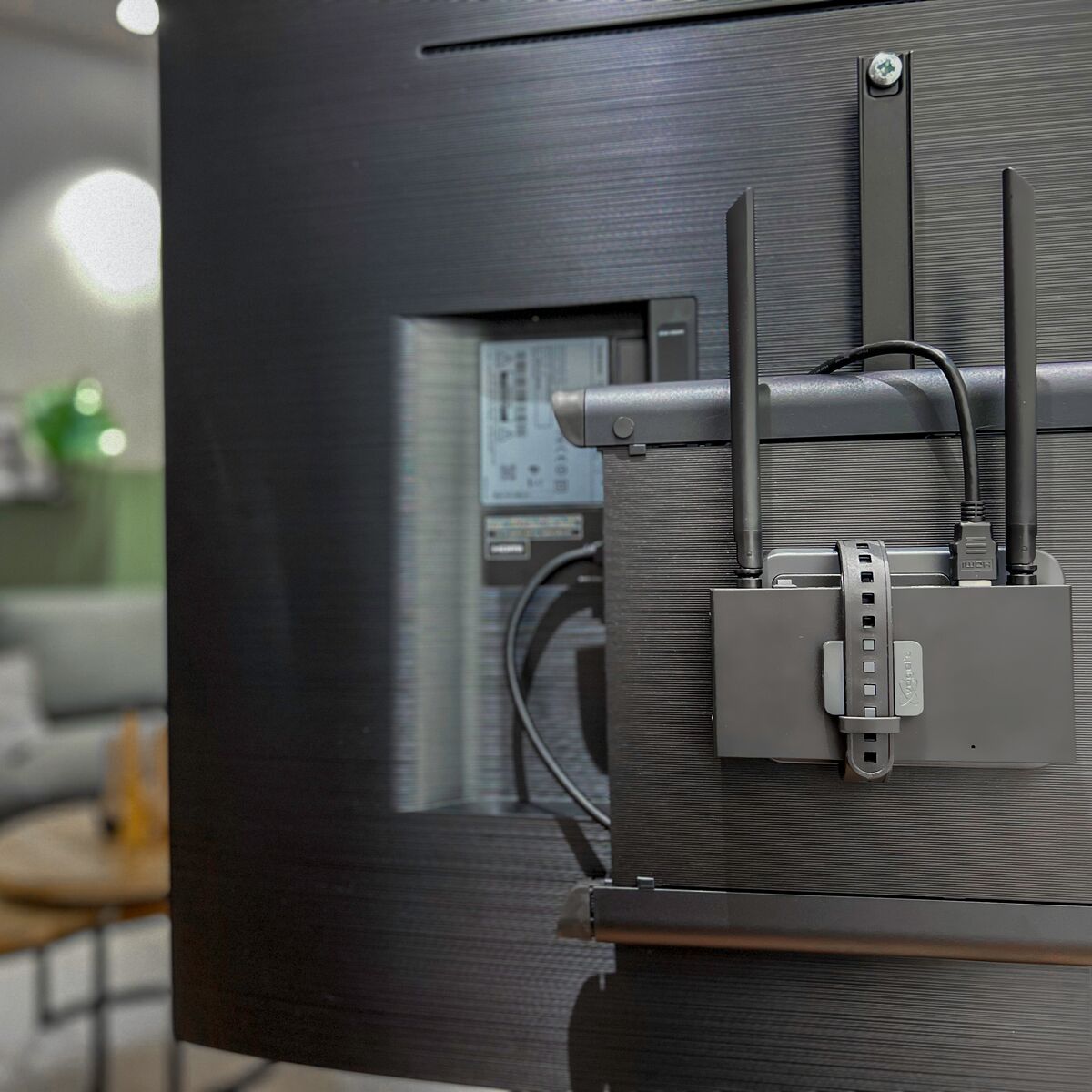
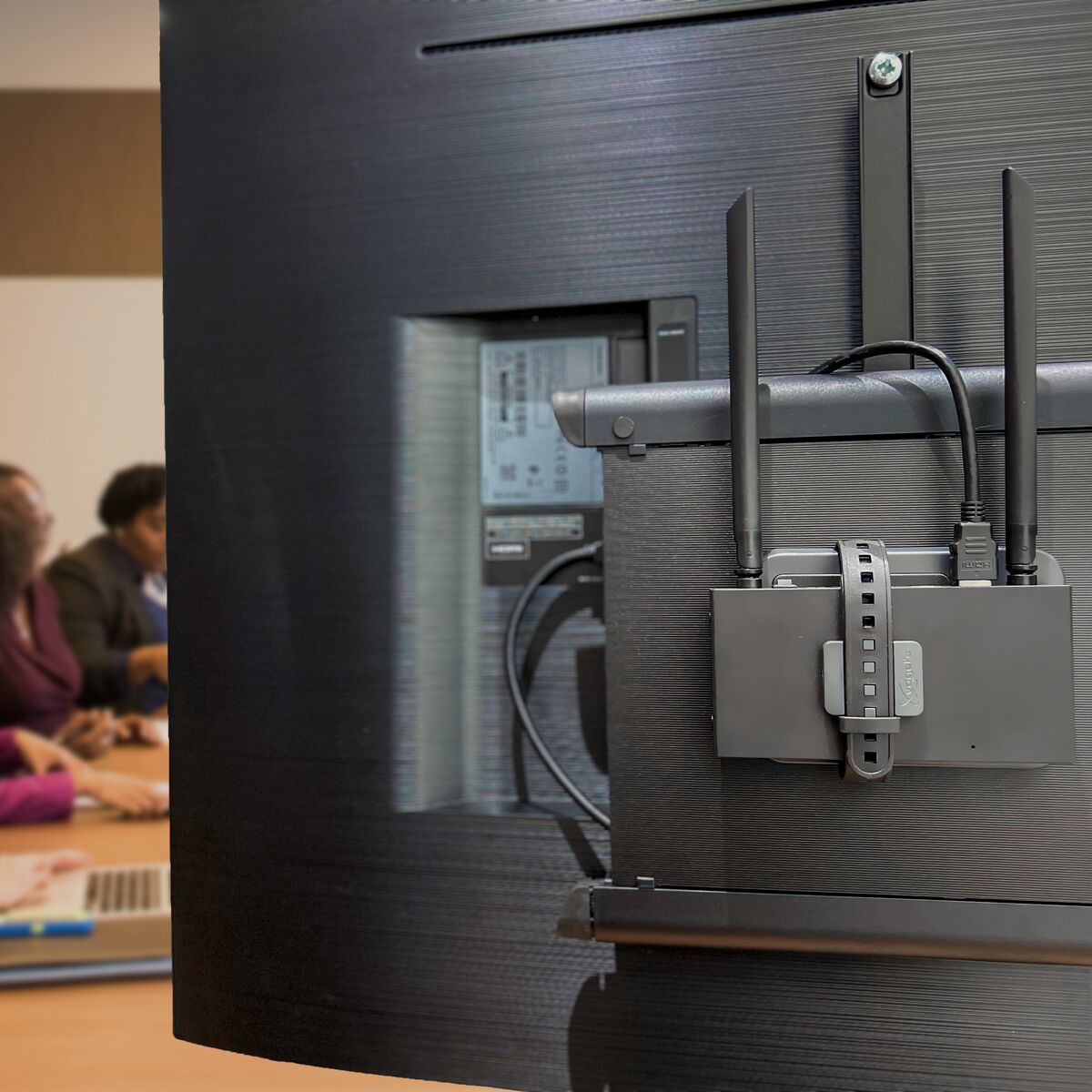
- Install the HDMI receiver of the TV Anywhere Wireless HD, 4K or 4K Pro behind a TV or display.
- To be mounted on a TV/display, on a TV bracket or on a wall.
- Suitable for TV Anywhere Wireless HD, 4K, 4K Pro and TVAW4K RX (additional HDMI receiver for the TV Anywhere Wireless 4K Pro).
Downloads
Reviews
What customers say
Frequently asked questions
-
There are no frequently asked questions known for this product yet. Still need help? Please contact us via our support page
There are no frequently asked questions known for this product yet. Still need help? Please contact us via our support page
Can't figure it out?

Related products

Wind-up radio - 4500 mAh lithium-ion battery - Solar panel

Wireless HDMI presentation system - Wireless HDMI from (multiple) laptop(s) to tv/display/projector

Bluetooth transmitter - AptX Low Latency - AptX HD

Wireless audio transmitter and receiver for TV sound and digital audio

Bluetooth receiver - NFC

HDMI Audio Extractor 4K 120 Hz - 8K 60 Hz - 4K 60 Hz - eARC - ARC - HDMI 2.1 - HDR

IR extender - >8 appl.

Wireless 4K HDMI presentation system - 4K Conferencing solution


HDMI switch 8K 60Hz - 4K 120Hz - HDMI 2.1 - 2 in / 1 out

Presentation clicker with Digital Pointer, Zoom and Air Mouse

Wireless speakers connection

Wireless HDMI cable - Wireless HDMI from laptop to display

Wireless audio transmitter and receiver

4K HDMI matrix - 4x2 matrix switch - HDMI 2.0 matrix switch

Wireless audio transmitter and receiver for subwoofer

Wireless HDMI extender 4K60

Wireless speaker connection - Wireless audio transmitter & receiver set

Wireless 4K HDMI presentation system + 1 extra USB-C dongle

Wireless Speaker− and Subwoofer Connection - Complete Set for Passive Speakers and Active Subwoofer

Wireless Speaker and Subwoofer Connection – For 2 Passive Speakers and 1 Active Subwoofer


 group
- Choosing a selection results in a full page refresh.
- Opens in a new window.