


Split 618 Pro
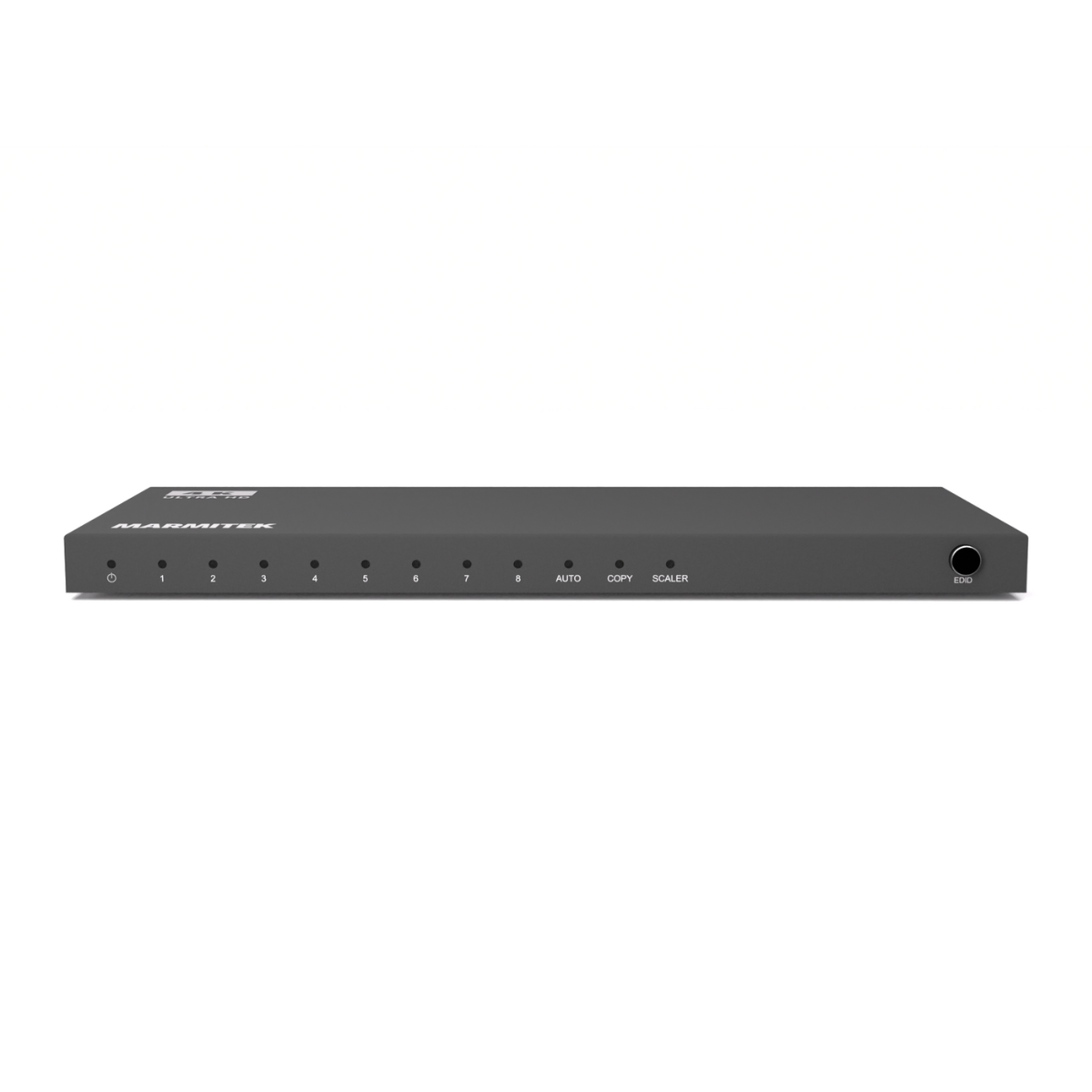
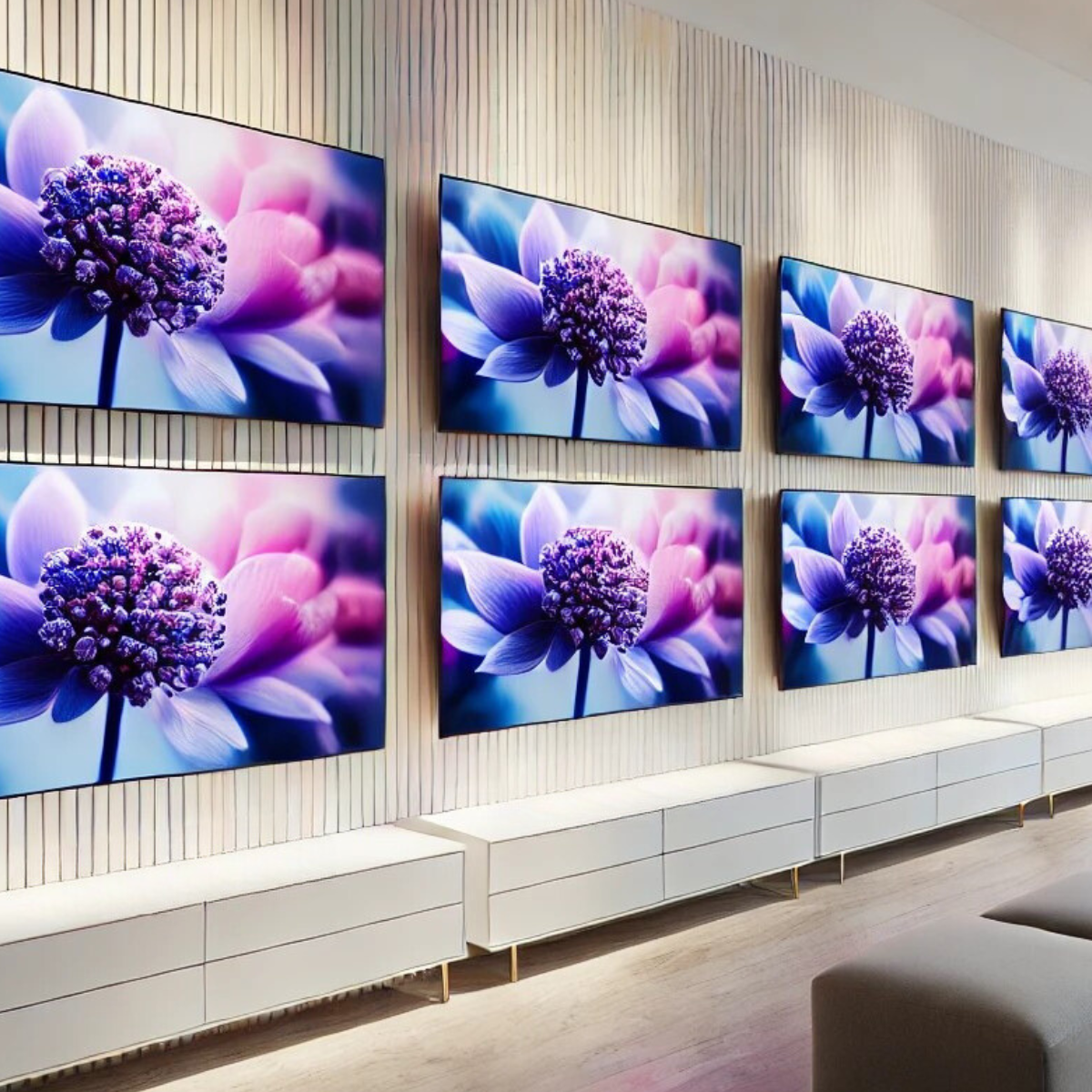
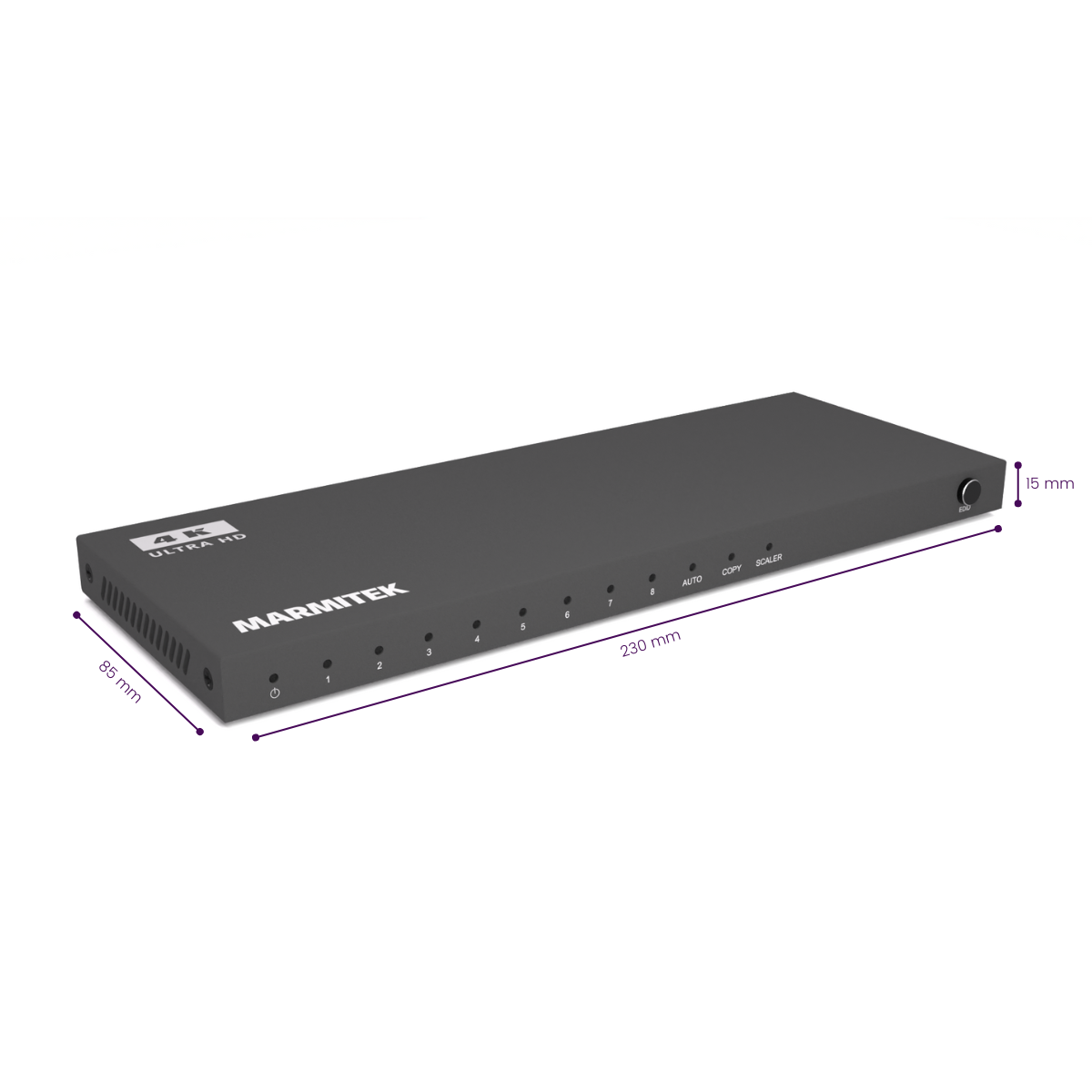
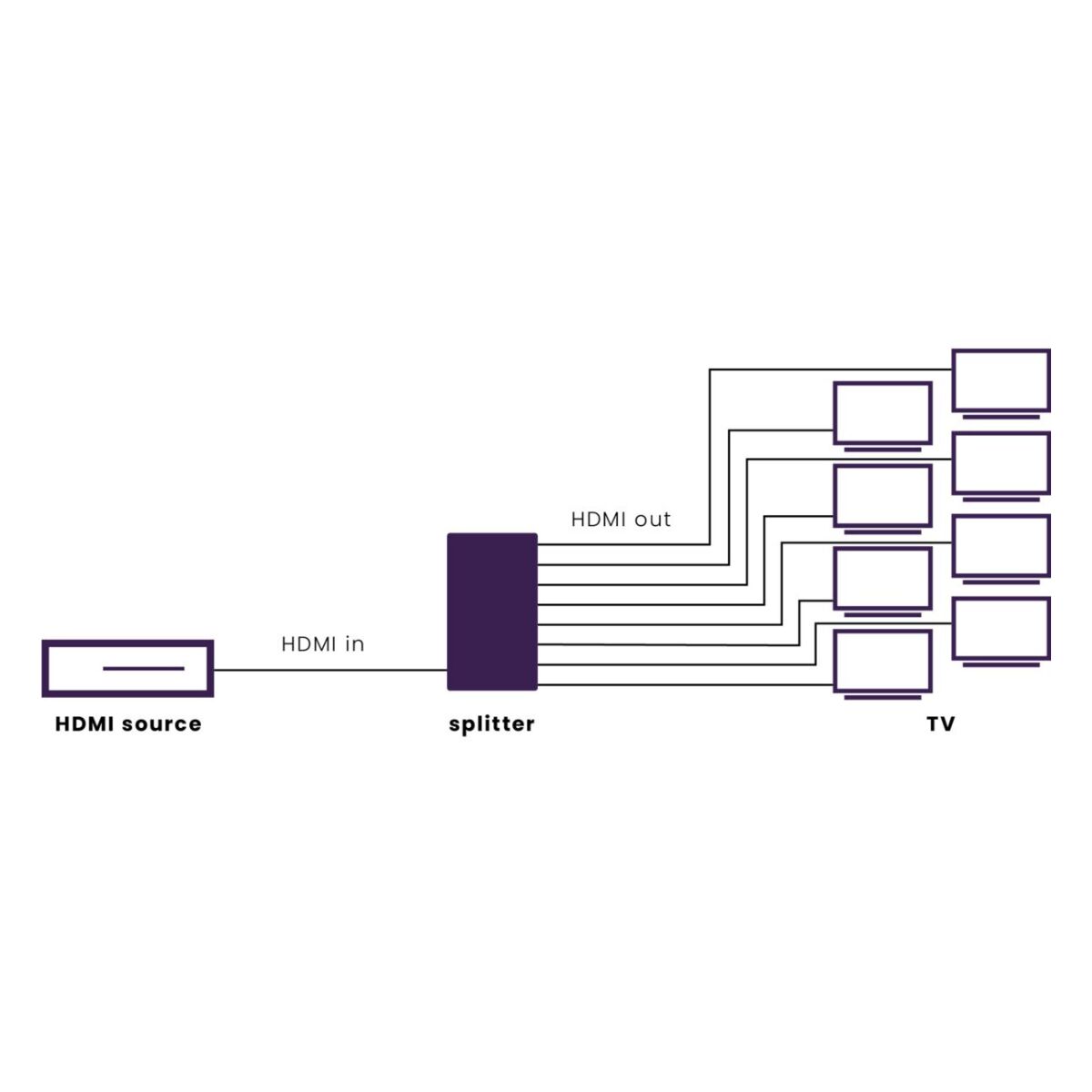
One HDMI source to 8 screens simultaneously
Supports Ultra HD 4K60 (HDMI 2.0)
Downscaler for a mix of 4K and Full HD screens
Supports daisy chaining of up to three splitters (max. 22 screens)
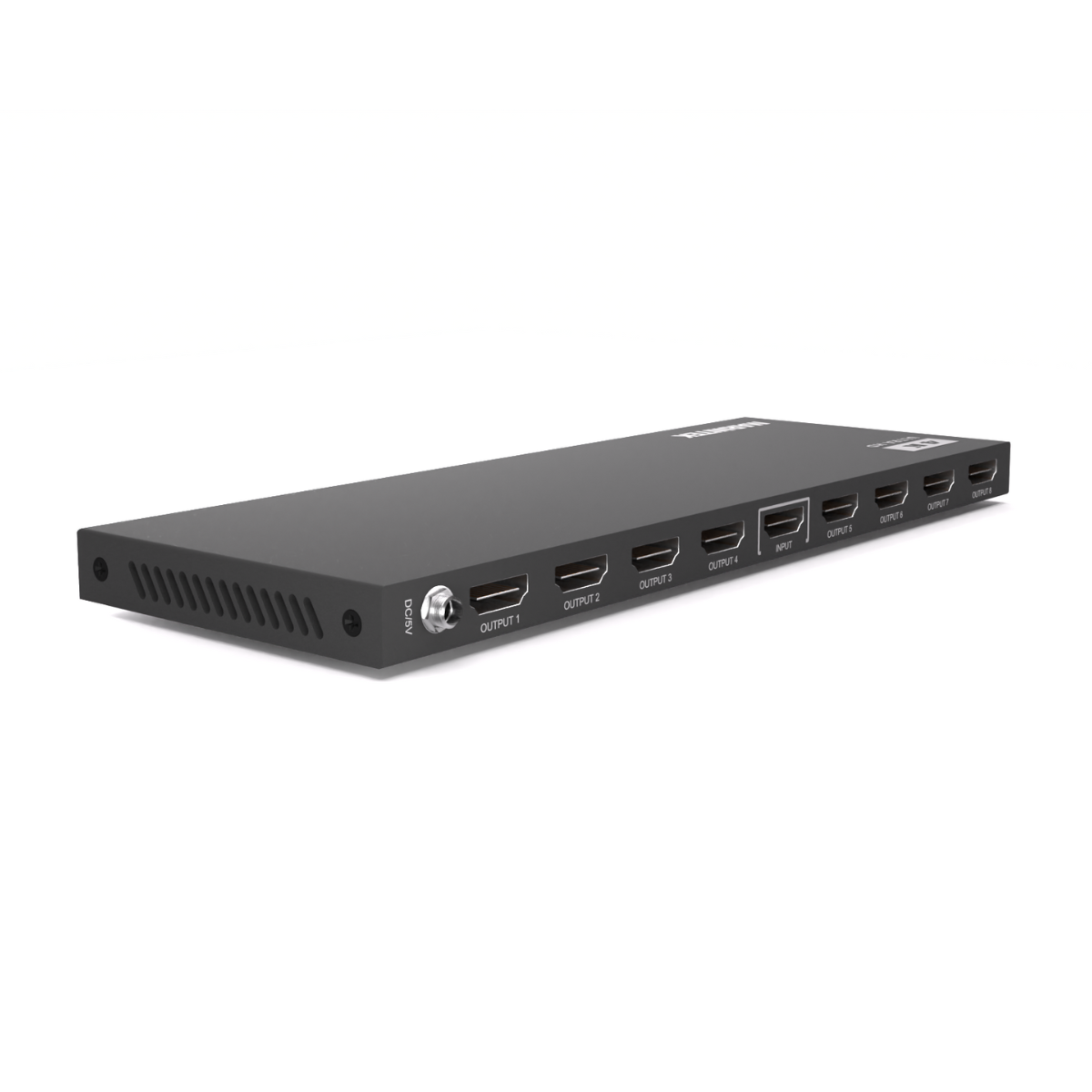
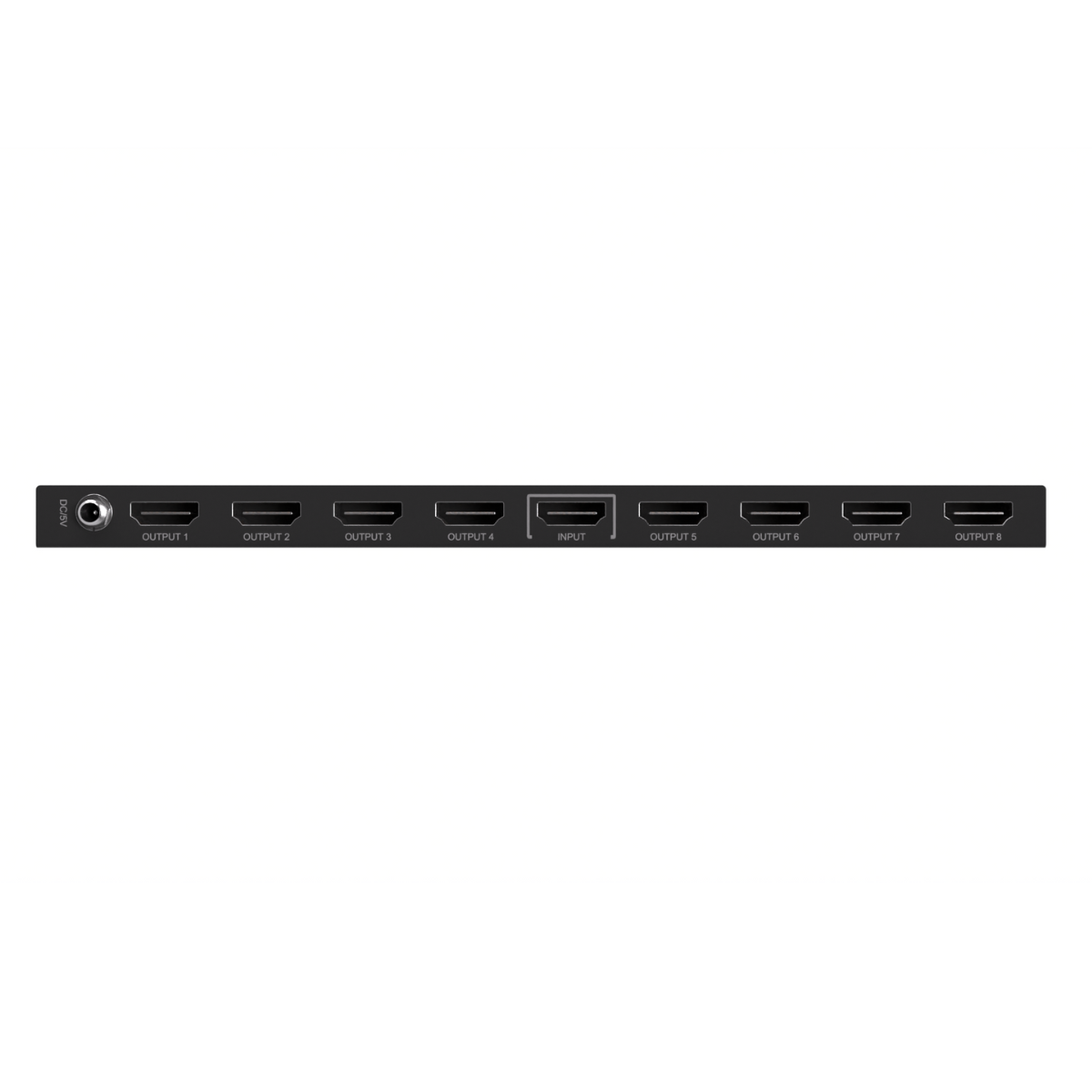
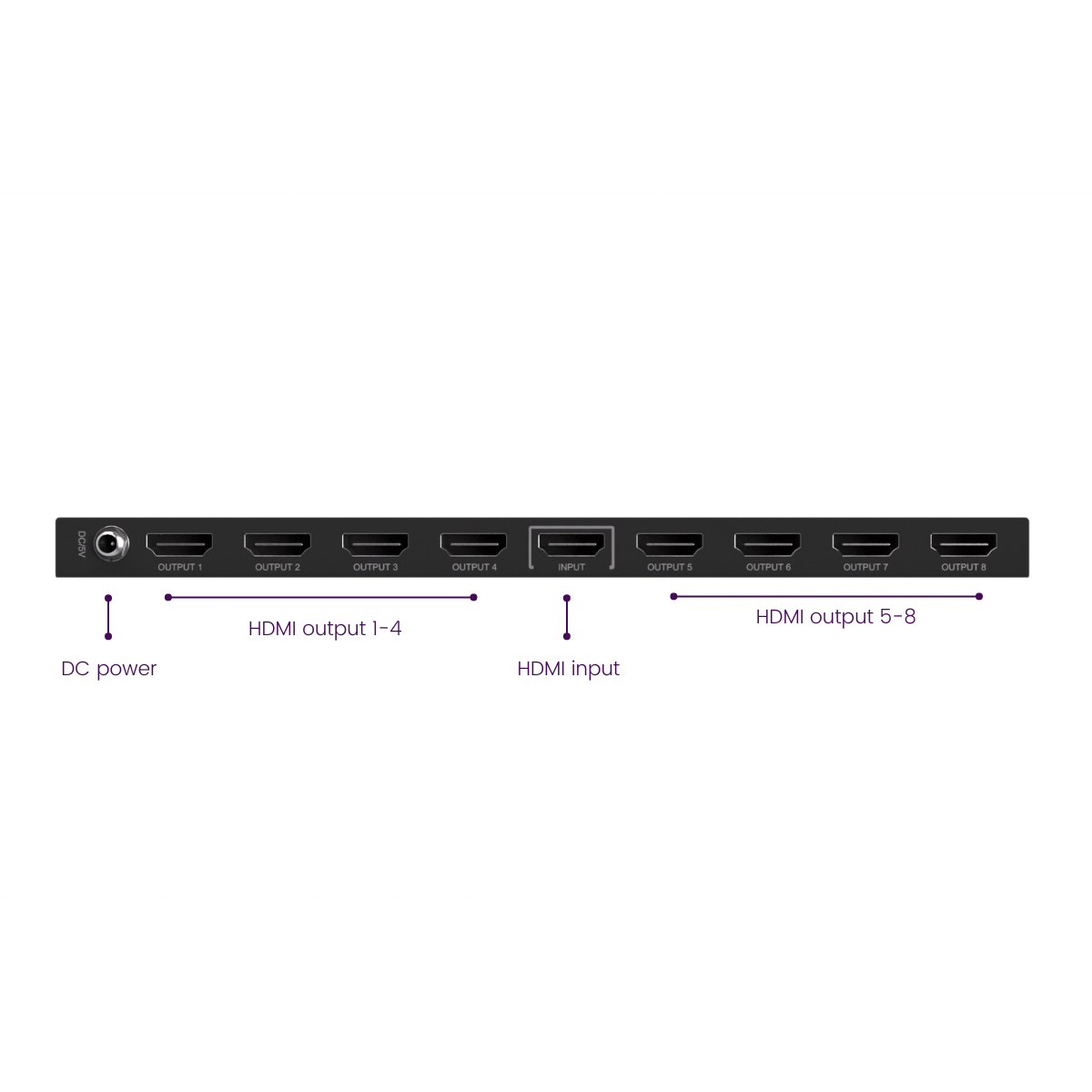
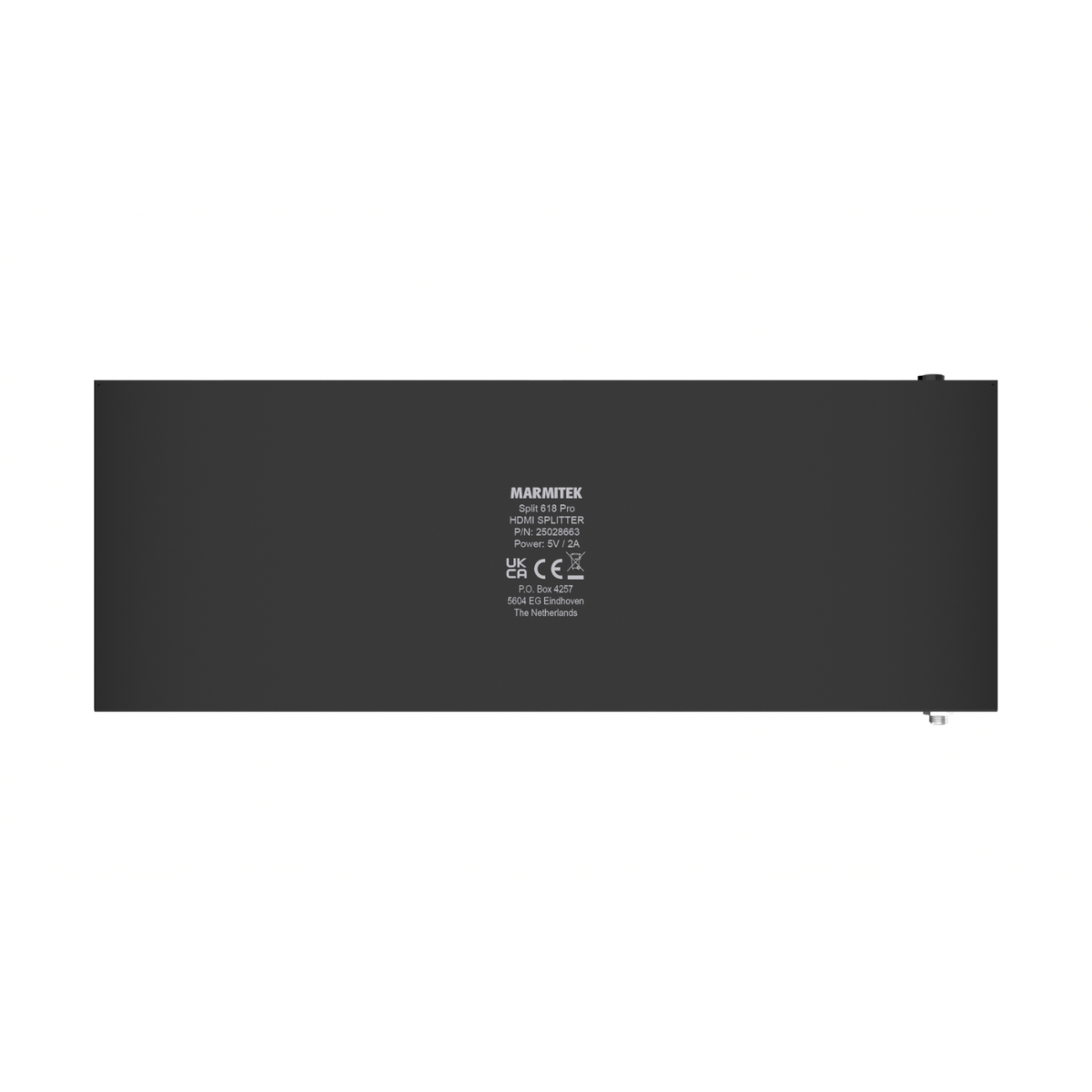
DC power supply with screw connector
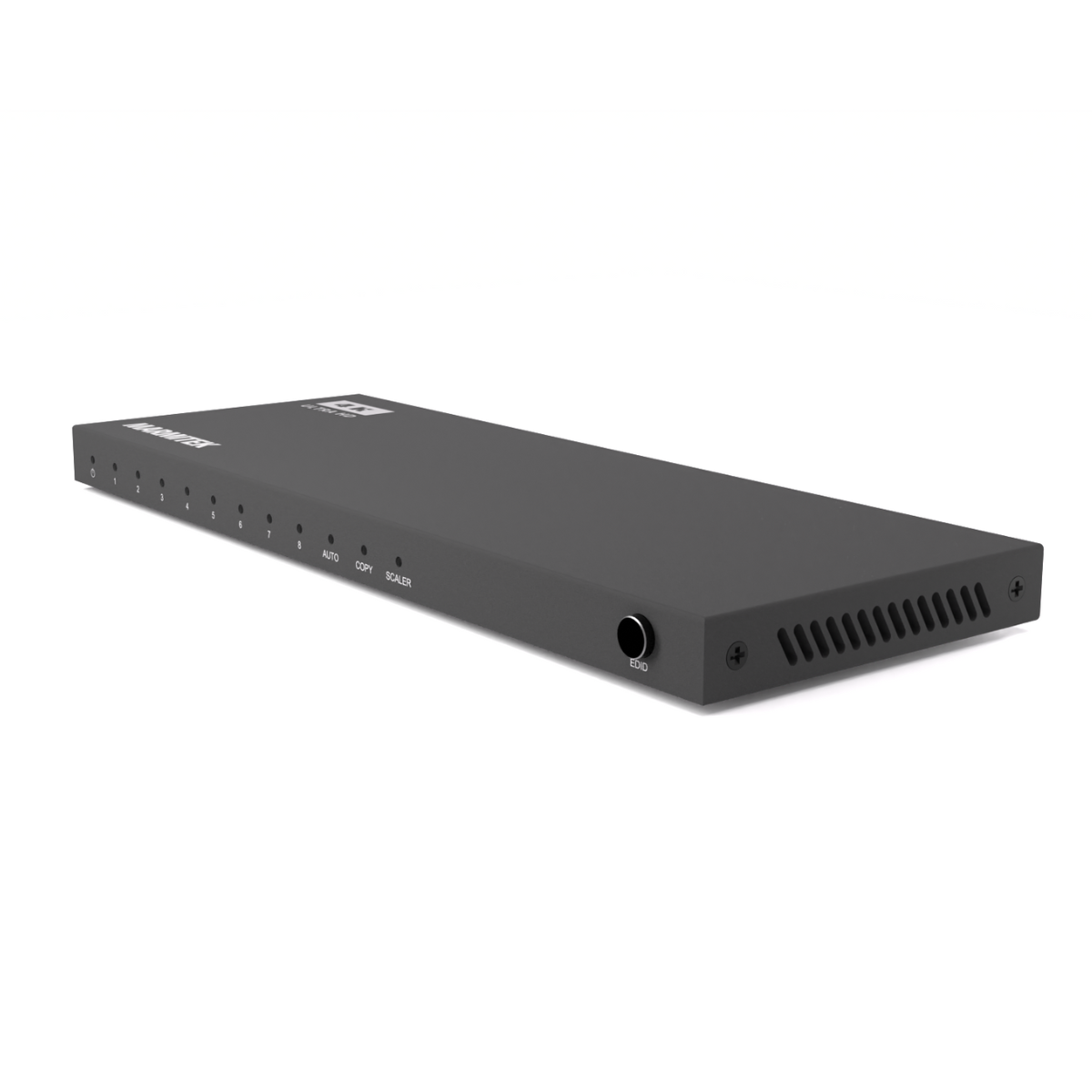
Sturdy metal design for optimal signal quality
Couldn't load pickup availability
Receive a 5% discount on the accessory below

Product description
One signal, multiple screens
The Split 618 Pro makes it easy to distribute an HDMI signal from, for example, a media player, laptop or decoder to eight displays or projectors. This is ideal for presentations, video walls, digital menu boards or information kiosks.
Perfect image, even with different resolutions
Thanks to the built-in video downscaler, it is no problem to use 4K and Full HD screens together. While traditional HDMI splitters adjust to the lowest resolution (and apply this to each output), the Split 618 Pro always delivers the highest image quality per connected screen.
Expandable up to 22 screens
Need more than eight outputs? Simply connect multiple Split 618 Pros together. With up to three Split 618 Pro HDMI splitters in a daisy chain, you can create up to 22 HDMI outputs.
Robust and reliable
The metal design protects the electronics and prevents interference. The built-in repeater amplifies the HDMI signal so that each screen receives the best possible quality. Thanks to the DC power supply with screw connector, the power connection is always secure.
Applications
- Digital menu boards in hospitality and retail
- Meeting and conference rooms
- Trade show stands and presentations
- Video walls in shops or offices
- Sports bars, canteens and hospitality venues with multiple screens
Main features in detail
- HDMI 2.0 – supports 4K60 resolution
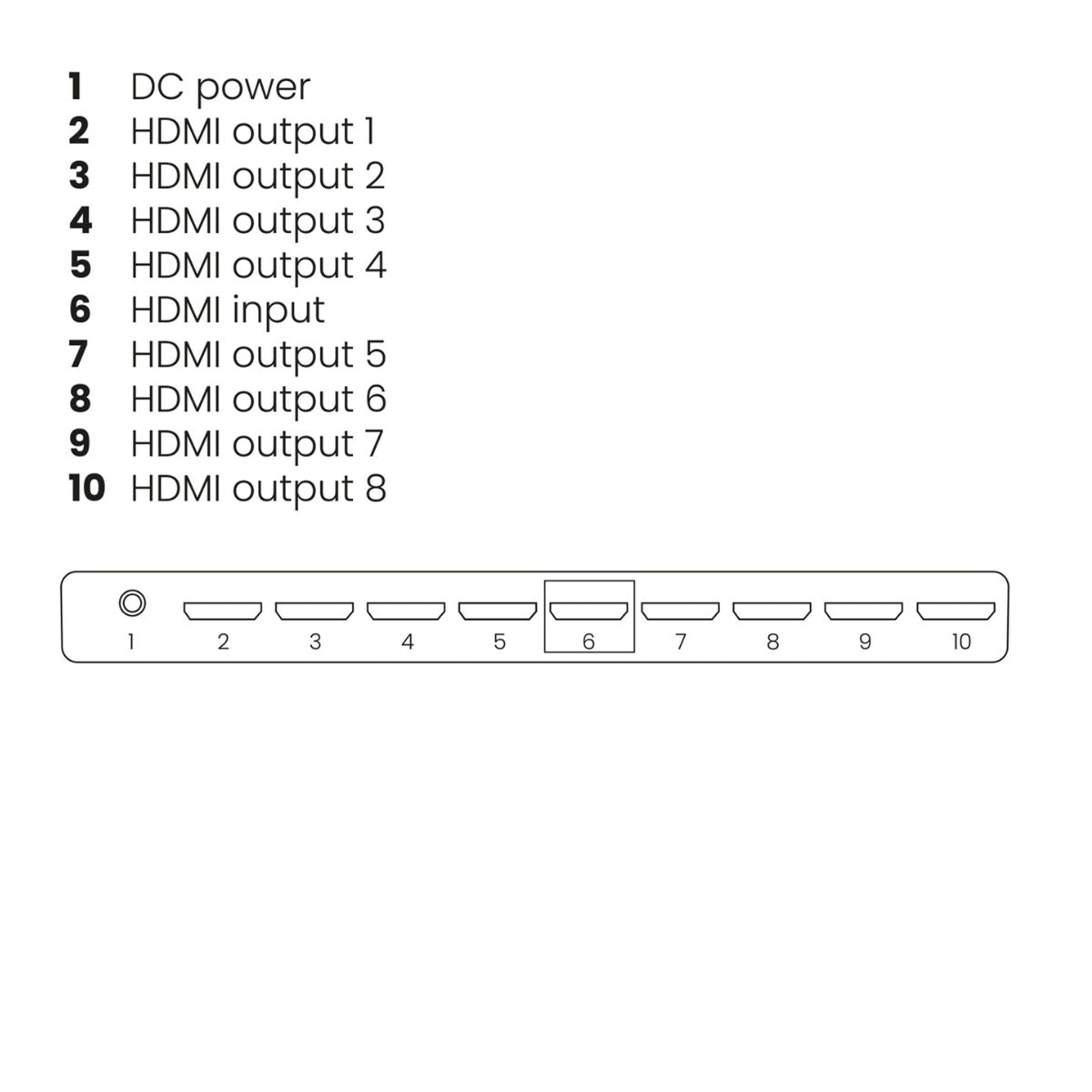
- 1 HDMI input, 8 HDMI outputs
- Video downscaler – mix of 4K and Full HD screens
- Built-in repeater – amplifies signal per output
- DC power supply with screw connector
- Sturdy metal housing
- Daisy-chain function (max. 3 HDMI splitters)
Technical specifications
Reviews
What customers say
Frequently asked questions
-
Does the image quality remain the same when using this HDMI splitter?
When using an HDMI splitter, the video signal is not degraded. The image quality and color from the source device to the display remain identical. Make sure you purchase an HDMI splitter that supports the maximum resolution of your source device. -
Both connected displays have a different resolution, what happens to the video resolution?
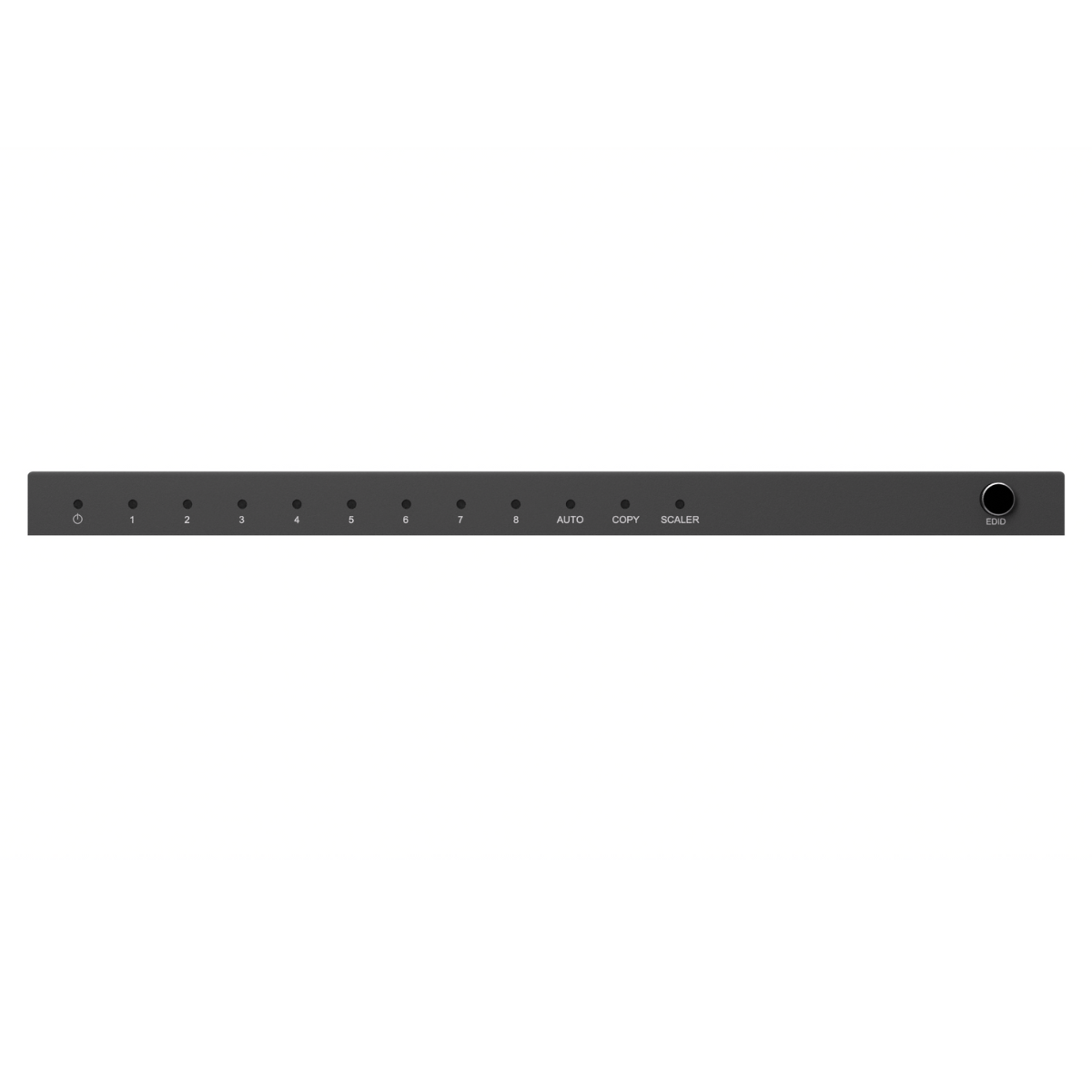
When two displays with different resolutions are used, the HDMI splitter ensures that an image is displayed. To do this, the splitter uses 'Extended Display Identification Data' (EDID) to indicate what type of video should be sent from the source device. There are several modes available: - 'Auto': Automatically detects the highest possible common video resolution and audio format supported by both displays. - 'Copy': Detects only the video resolution and audio format of the display connected to output 1. -
No video is playing on the screen
If no video appears on the screen or if the image quality is poor, follow these steps to make the setup work. - Ensure all cables and devices have the correct HDMI version. - Make sure all devices comply with the same HDCP version. - Try using HDMI cables with a maximum length of 5 meters. Longer cables may work, but the video signal quality quickly decreases after 5 meters. - Try another HDMI port on your display, this can help reset the connection. -
Can I use Full HD screens alongside 4K?
Yes, thanks to the built-in downscaler, this works perfectly. -
How many screens can I connect at most?
Up to 22, by using three splitters in a daisy-chain. -
Does this product work with any HDMI source?
Yes, as long as the source supports HDMI 2.0. -
Does the splitter affect image quality?
No, the signal remains completely intact, even in 4K60. -
Is there any delay (latency)?
No, the signal is transmitted instantly. -
Do I need to use all outputs?
No, you can connect only a few screens if you like. -
Can I use the splitter for audio-only signals?
Yes, audio is transmitted via HDMI as usual. -
How do I connect multiple splitters together?
Use output 8 from the first splitter to connect the second one. -
Is there a maximum cable length?
Yes, this depends on the resolution and the quality and specification of the HDMI cable used, usually up to 15 meters. -
Is an HDMI cable included?
No, you need to purchase it separately.
Can't figure it out?

Related products

HDMI splitter 4K 60Hz - 1 in / 4 out - HDMI 2.0

HDMI splitter 4K 60Hz - 1 in / 2 out - HDMI 2.0

4K HDMI matrix - 4x2 matrix switch - HDMI 2.0 matrix switch

HDMI splitter 4K - 1 in / 2 out

HDMI splitter 8K - 1 in / 2 out - HDMI 2.1 | 8K60 | 4K120 | HDCP 2.3


 group
group
- Choosing a selection results in a full page refresh.
- Opens in a new window.