

With an USB-C adapter, you can connect a MacBook, Chromebook or laptop with only a USB-C connection to a TV, monitor or beamer with an HDMI, DVI, VGA or DisplayPort input. Or connect a USB-C device to a wired network (LAN). We offer solutions to connect devices that are equipped with USB-C to devices with HDMI, DVI, VGA, DisplayPort, Ethernet, audio (AUX) or USB-A.
Want to know how it works? Read more>>
Want to know how it works? Read more>>
-

Connect USB C Hub 4
Docking station - 1 in / 4 out - HDMI 2.0 4K60 - USB 3.2 - Up to Gbps Ethernet
Connections
USB-C to HDMI, USB-C, USB-A, Ethernet
USB version
3.2
HDMI standard
HDMI 2.0, 4K60, 18 Gbps, HDCP 1.4/2.2, PCM
Required
Thunderbolt 3 or USB Type-C with DP 1.2 Alt Mode
Case
Plastic
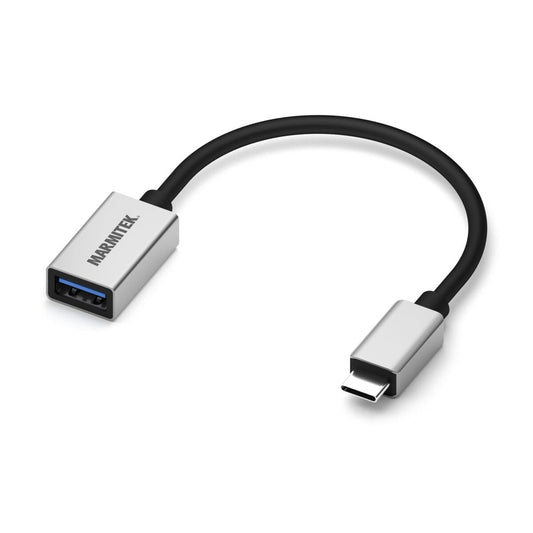
Connect USB C > USB A
USB-C to USB-A adapter
Connections
USB-C to USB-A
USB version
3.1
Cable length
0.15 m
Housing
Aluminium
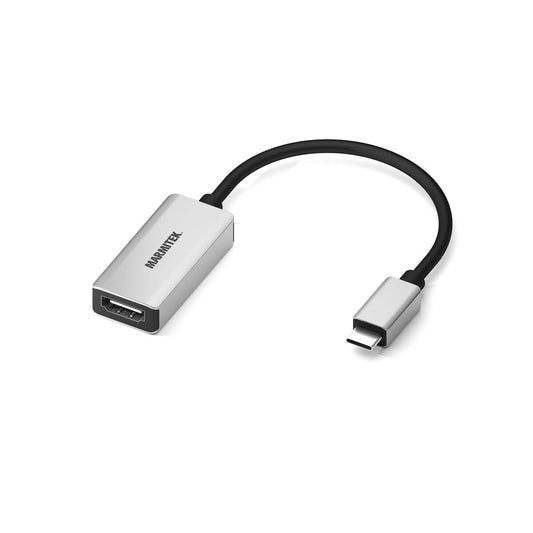
Connect USB C to HDMI
USB-C to HDMI adapter
Connections
USB-C to HDMI
USB Version
3.1
HDMI Standard
HDMI 2.0b
Cable Length
0.15m
Required
Thunderbolt 3 or USB Type-C with DP 1.2 Alt Mode
Housing
Aluminum
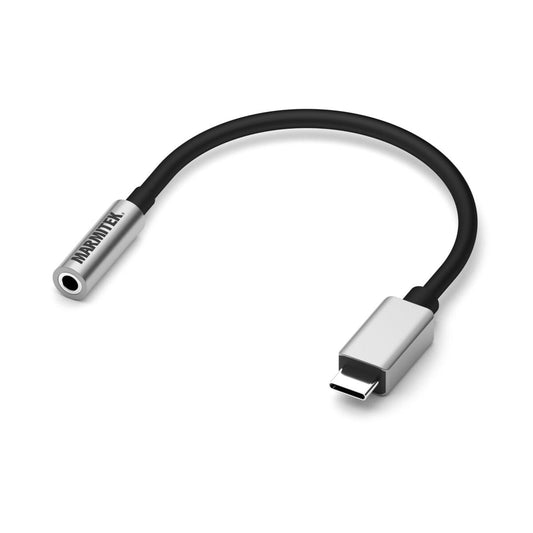
Connect USB C > Audio
USB-C to AUX adapter
Connections
USB-C to Aux
USB Version
3.1
Cable Length
0.15m
Housing
Aluminium
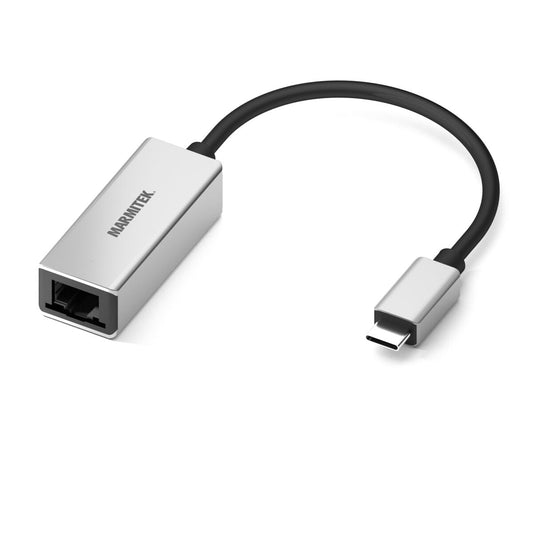
Connect USB C > Ethernet
USB-C to Ethernet adapter
Connections
USB-C to Ethernet
USB Version
3.1
HDMI Standard
HDMI 2.0b
Cable Length
0.15m
Housing
Aluminium
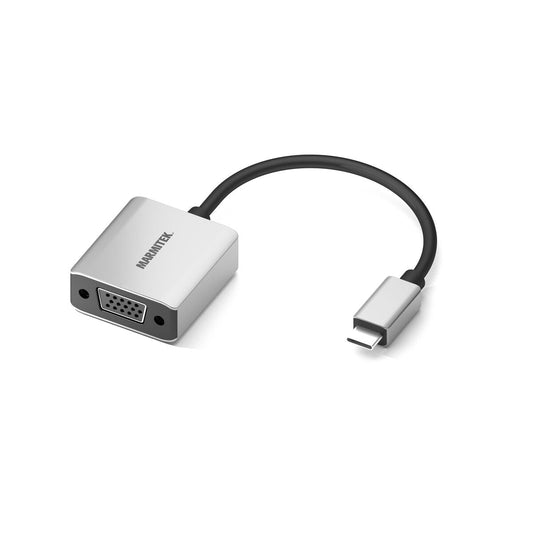
Connect USB C > VGA
USB-C to VGA adapter
Connections
USB-C to VGA
USB Version
3.1
HDMI Standard
HDMI 2.0b
Cable Length
0.15m
Required
Thunderbolt 3 or USB Type-C with DP 1.2 Alt Mode
Housing
Aluminum
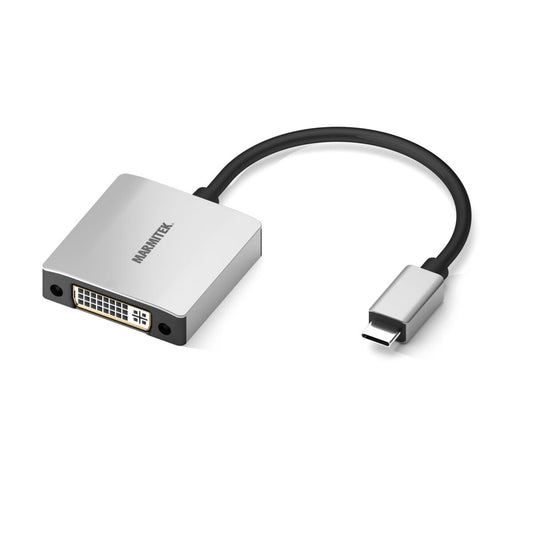
Connect USB C > DVI
USB-C to DVI adapter
Connections
USB-C to DVI
USB Version
3.1
HDMI Standard
HDMI 2.0b
Cable Length
0.15m
Required
Thunderbolt 3 or USB Type-C with DP 1.2 Alt Mode
Housing
Aluminum
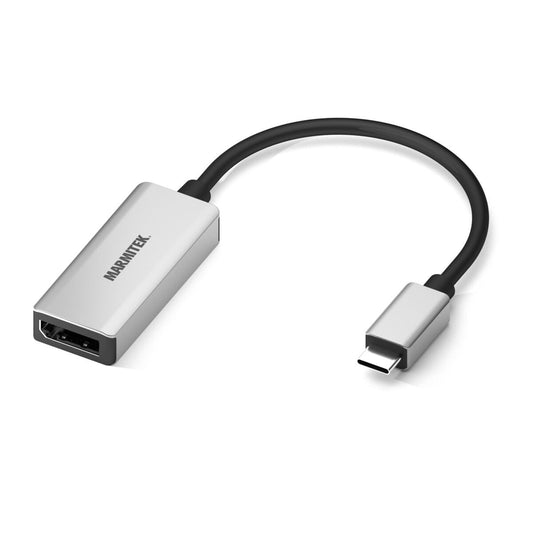
Connect USB C to DisplayPort
USB-C to DisplayPort adapter
Connections
USB-C to DisplayPort
USB Version
3.1
HDMI Standard
HDMI 2.0b
Cable Length
0.15m
Required
Thunderbolt 3 or USB Type-C with DP 1.2 Alt Mode
Housing
Aluminum
FAQ
-
What is the advantage of a Marmitek USB-C adapter?
High quality, sturdy connectors and reliable signal transmission. -
When do I use a USB-C adapter?
If your laptop or tablet only has a USB-C port and you want to connect other devices. -
Does a USB-C to HDMI adapter support 4K?
Yes, most Marmitek models support 4K@60Hz video. -
Does a USB-C adapter also work with MacBook and iPad?
Yes, Marmitek adapters are fully compatible with macOS, iPadOS and Windows. -
Does a USB-C adapter need power?
No, but some models support Power Delivery to charge your laptop at the same time. -
Can I use multiple ports at the same time?
Yes, with multiport adapters you can use video, data and power simultaneously. -
Is installation required?
No, connect it and it works instantly, without software. -
What is the difference between a hub and an adapter?
A hub expands ports, an adapter converts one signal into another type. -
Does a USB-C adapter also work with smartphones?
Yes, if your phone supports DisplayPort Alt Mode. -
What is the advantage of a Marmitek HDMI adapter?
Reliable signal transmission, sturdy housing and support for high resolutions.

A member of the group
group
- Choosing a selection results in a full page refresh.
- Opens in a new window.


