


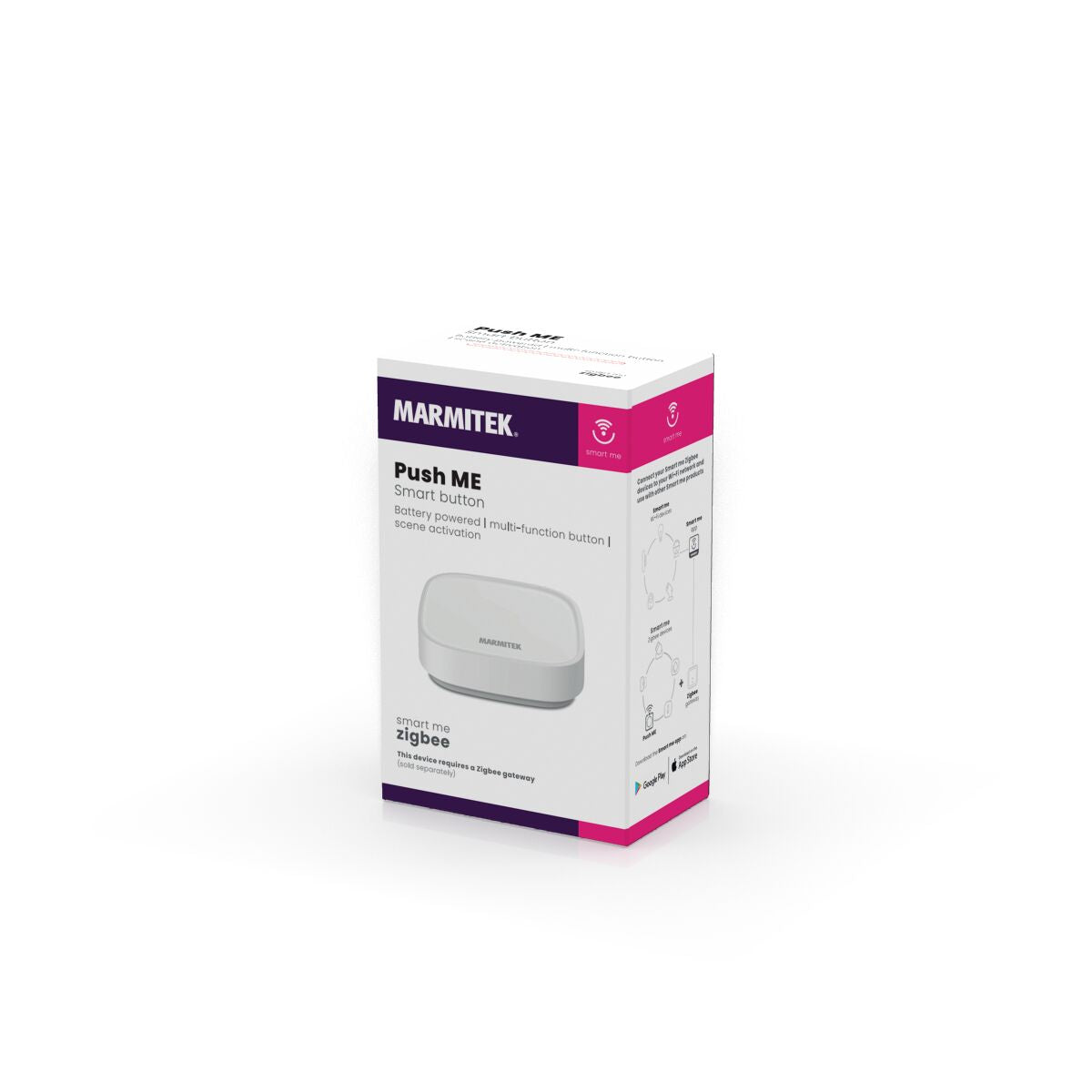
Always included
- Zigbee switch
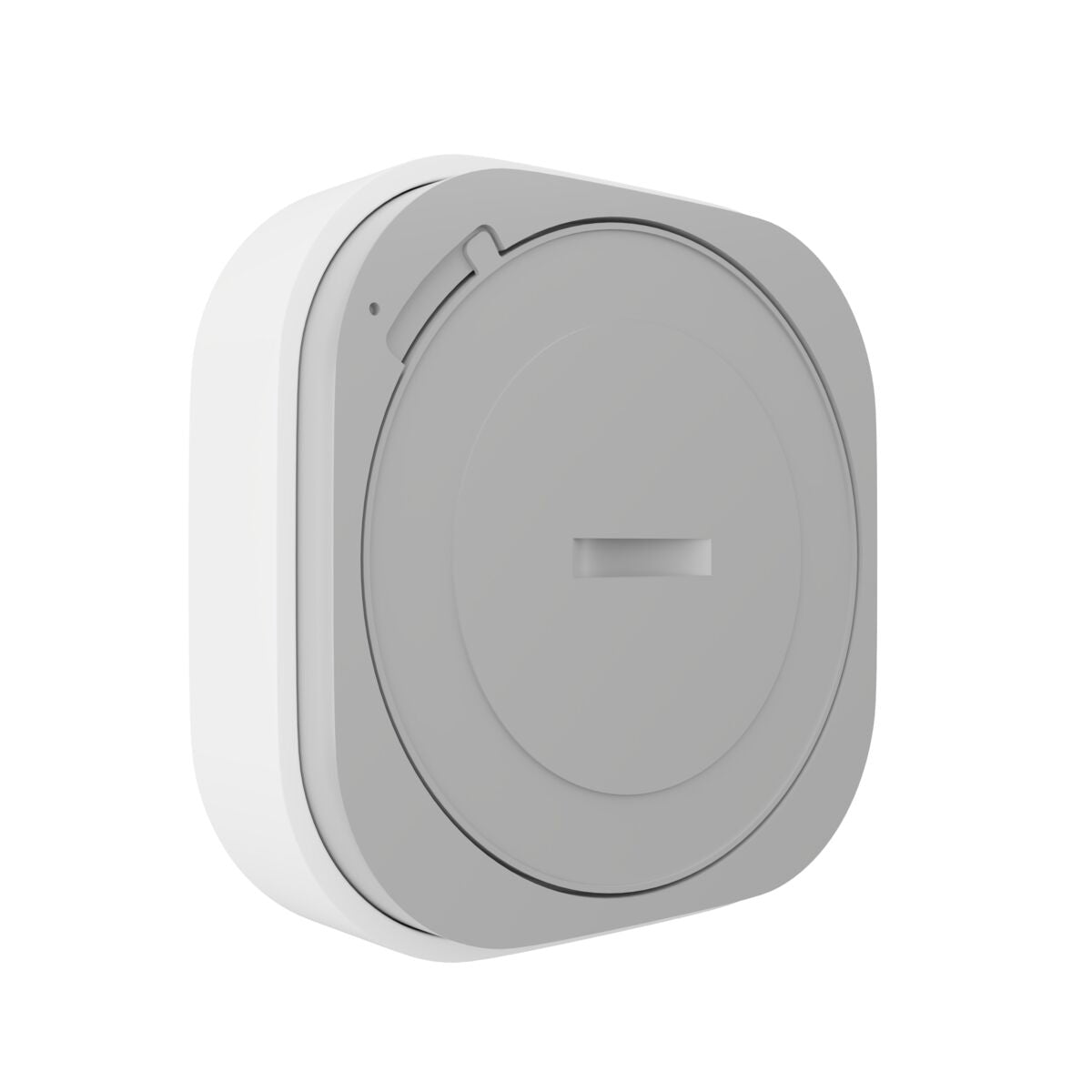
- CR2032 battery
- 3M tape
- User manual
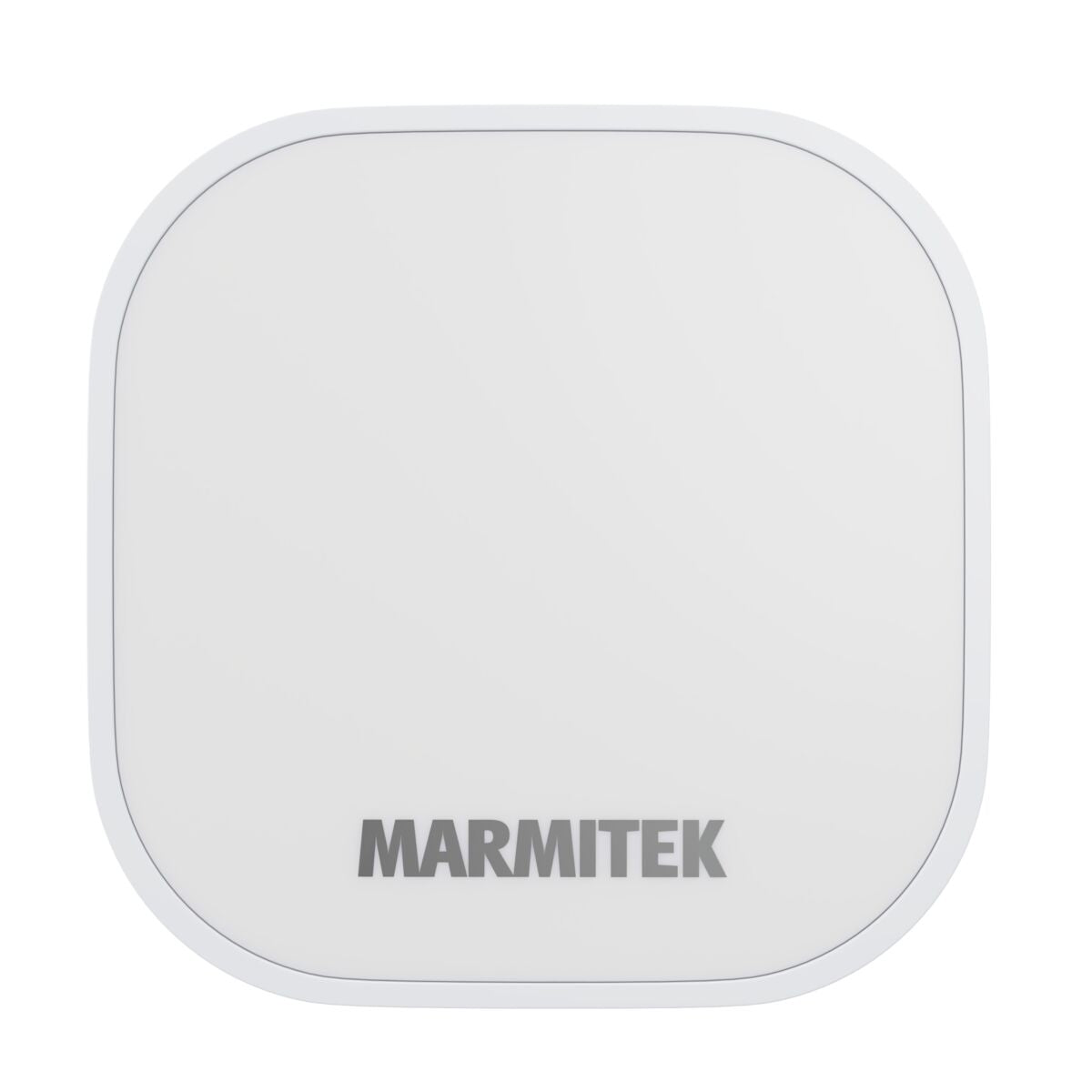
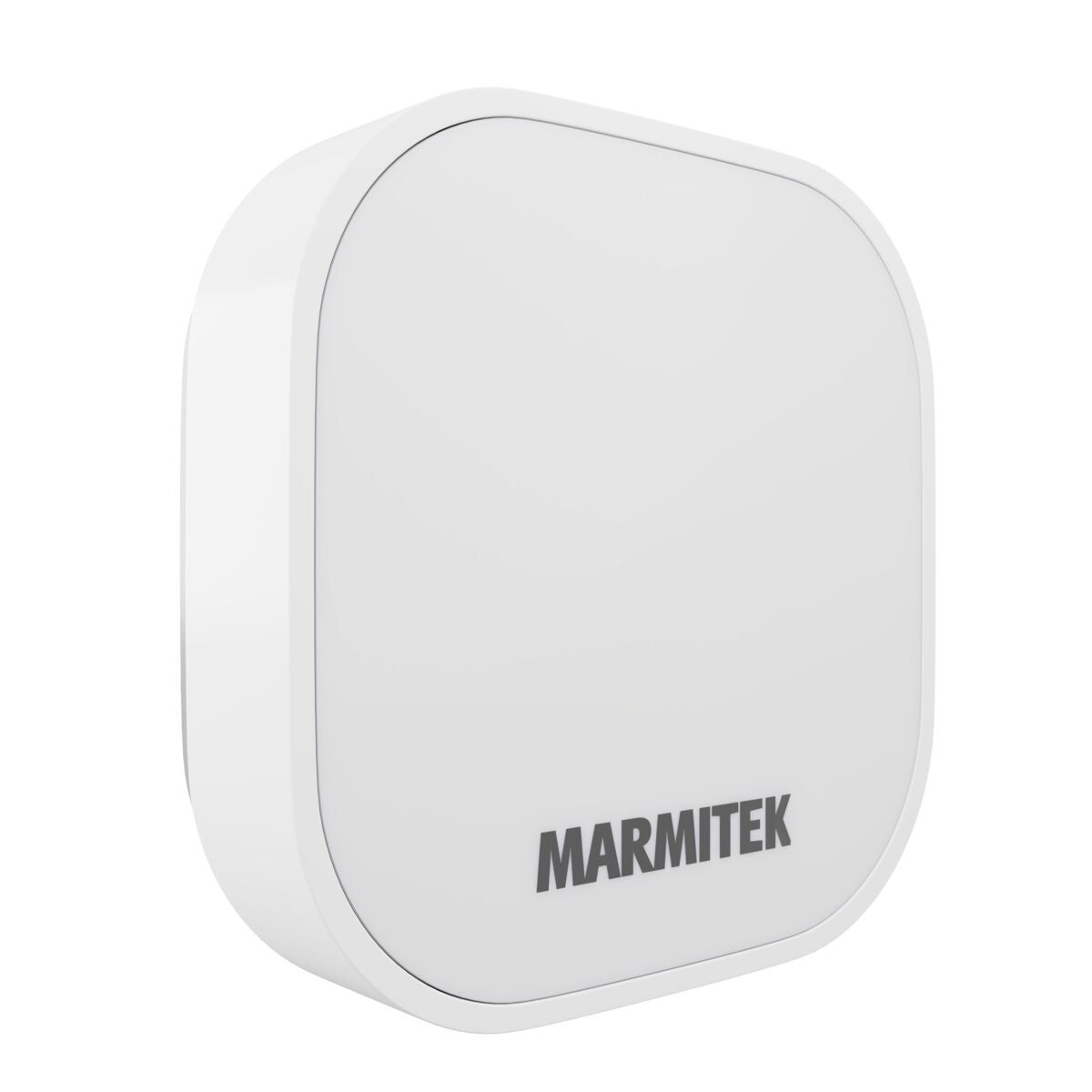
Push ME
Zigbee switch - Scene Activation
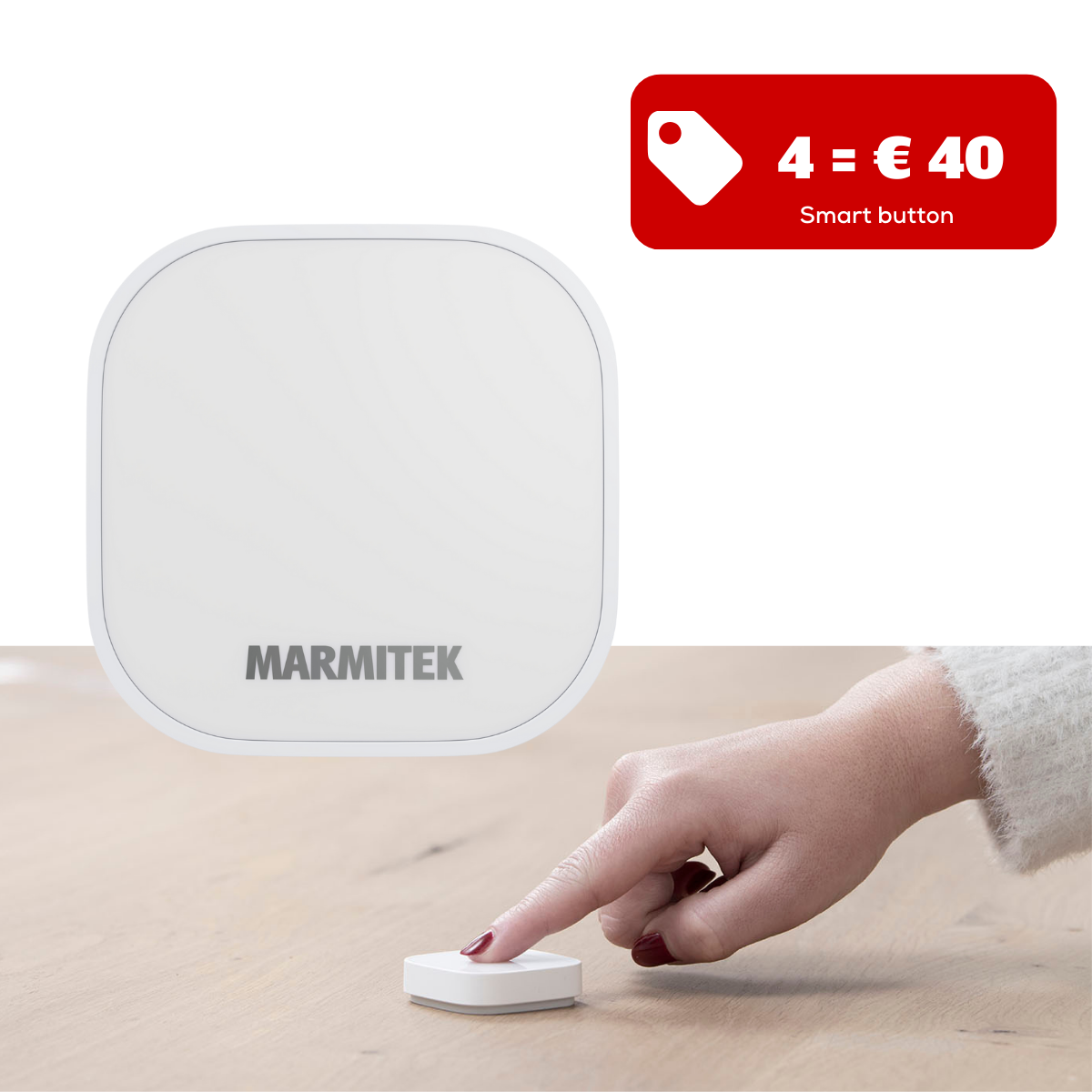
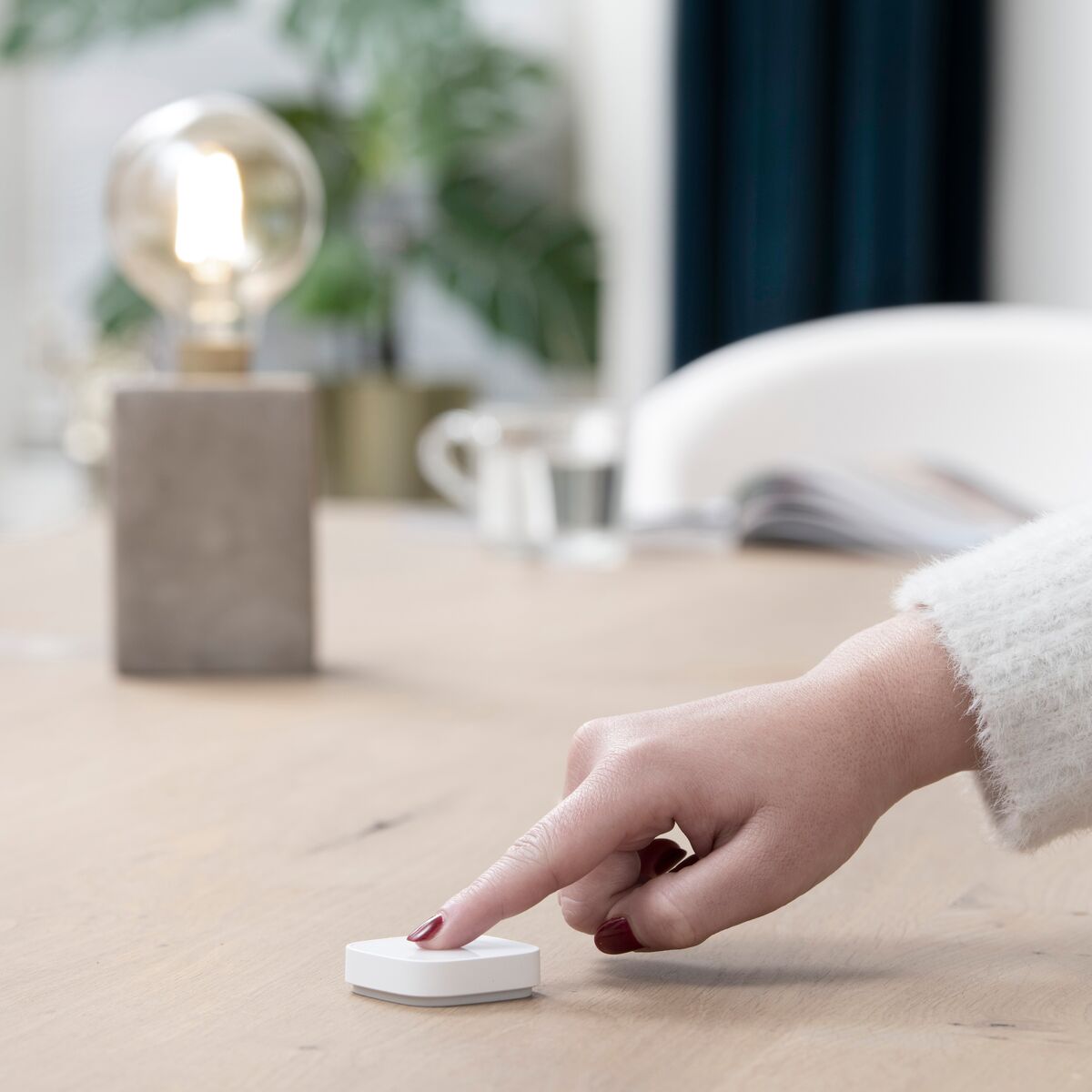
Do you have smart products in your home and don't want to operate them only via the Smart me app? This smart button is used to activate scenarios that you have programmed in the app at the push of a button. Each smart button can activate up to 3 different scenarios. For example, all lamps ON, all lamps OFF or all lamps in twilight mode. This product requires the Marmitek Link ME (Zigbee gateway) and works with all Marmitek Smart me LED bulbs, sensors and plugs.
115,00 kr
-20%
144,00 kr
Available soon
Zigbee 3.0
Requires Link ME (Zigbee Gateway)
Activate 3 Scenarios
1 App
Notify me
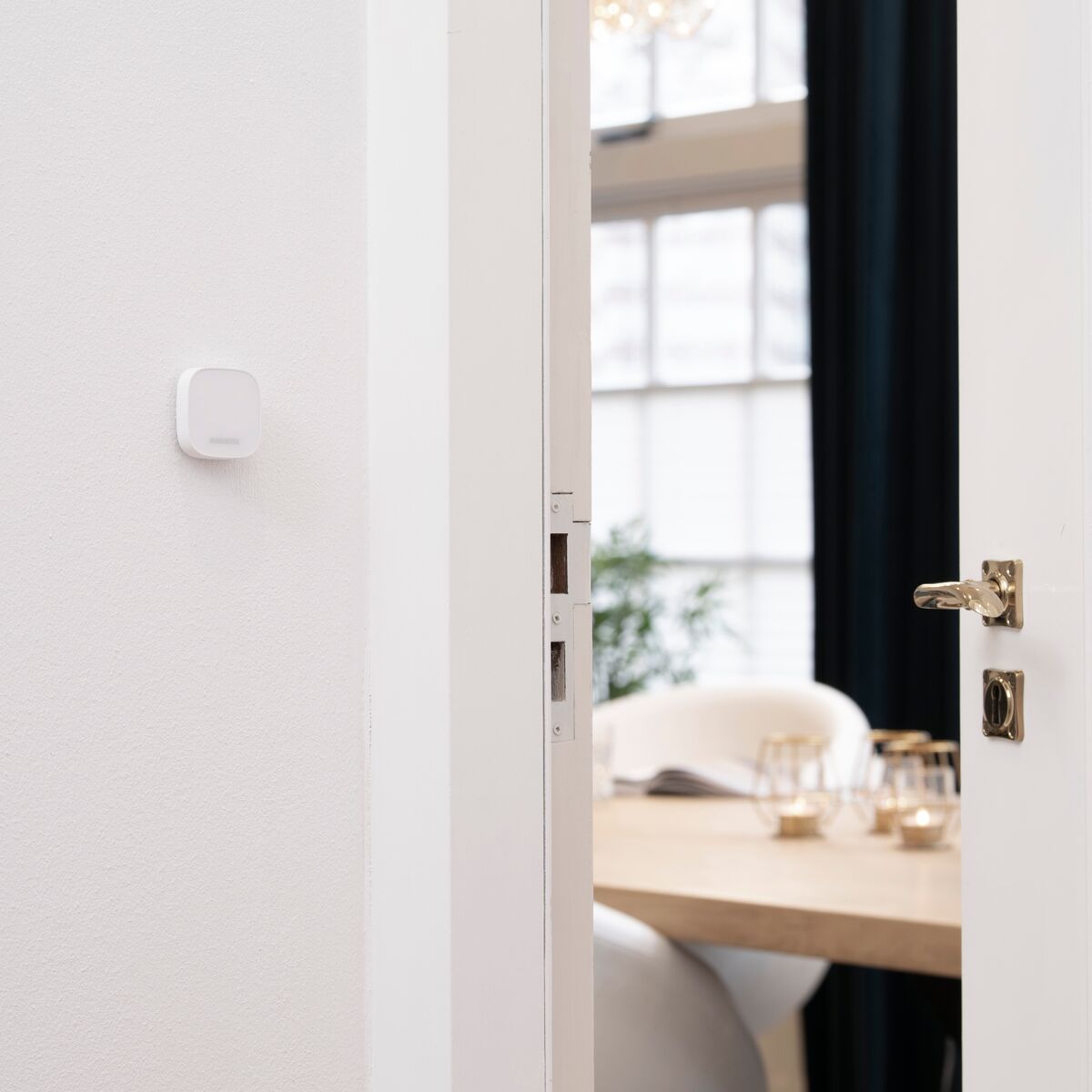

Push ME
Zigbee switch - Scene Activation
Zigbee 3.0
Requires Link ME (Zigbee Gateway)
Activate 3 Scenarios
-20%
115,00 kr
144,00 kr
Product description
- This product requires a Zigbee gateway (sold separately).
- Use this button to activate Smart me products or to execute scenarios.
- Use as emergency or alarm button in or around your home.
- Assign up to 3 different actions (one click, double click, long press).
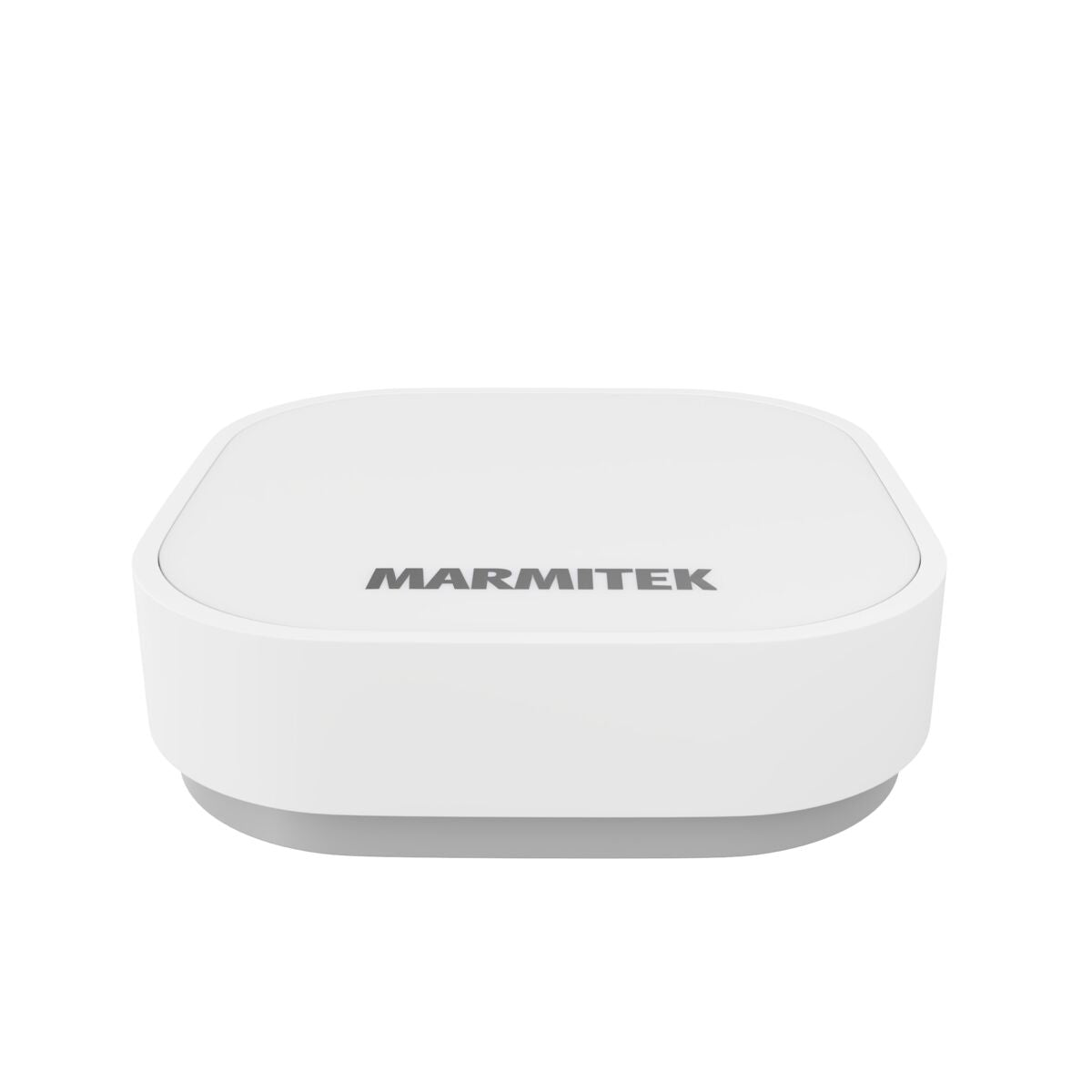
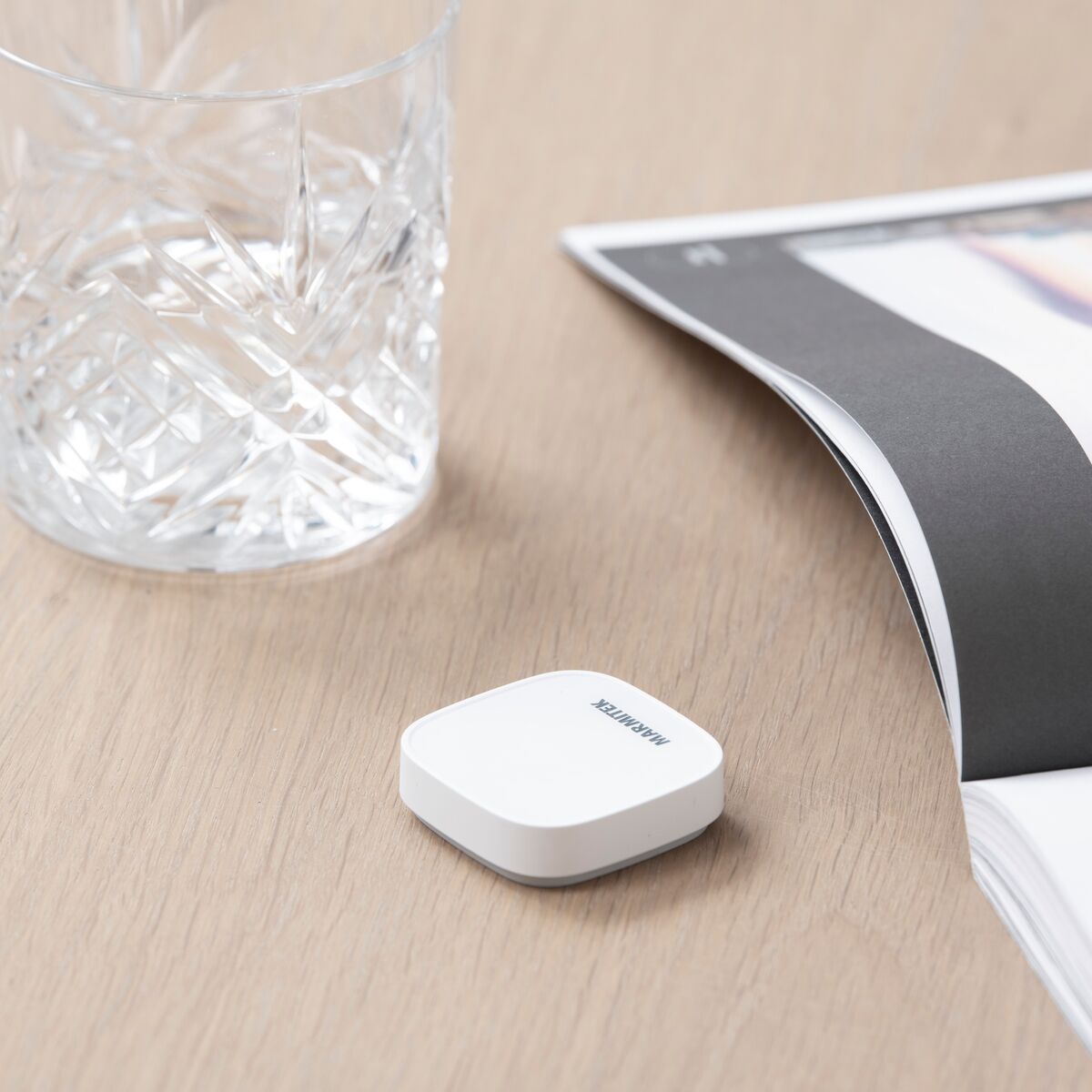
- The small size, battery and adhesive strip make it possible to place the button anywhere in your home or stick on any surface.
- Easy setup via the free Smart me app.
Technical specifications
General
Wireless technology
Zigbee 3.0
Range
Up to 30 meters in an open area
Power supply
Battery CR2032
Standby current
< 5µA
Dimensions (h x w x d)
45 x 45 x 13 mm
Performance
Number of buttons
1
Trigger method
One click, double click, long press 5s
Battery life
10,000 (1 year @ 30 per day)
Downloads
Reviews
What customers say
Frequently asked questions
-
What is a Zigbee endpoint?
A Zigbee endpoint does not transmit the Zigbee signal to other Zigbee products, the signal stops here. These are usually battery-powered products. If they also have to transmit the Zigbee signal to other Zigbee products the batteries are empty very quickly. -
The product has a button cell battery as power supply. Does it last as long as stated in the user manual?
Because the Zigbee protocol is very energy efficient, the batteries do indeed last as long as in the manual. -
If I start using a different WiFi router, do I have to reinstall all my Zigbee products?
If your new WiFi router gets the same SSID and password as your old WiFi router, everything will continue to work. If this is not the case, you will have to register your WiFi products again. If you have registered your Zigbee gateway again, all your Zigbee products will immediately work again, so you do not have to register them again. -
Where can I find the Marmitek Zigbee use more products?
Our Smart me app uses the Tuya technology. You can also install our Smart me products in other apps that use the Tuya technology. This can also be done the other way around. You can also easily install third-party products with the Tuya logo in the Smart me app. -
Can I also use Zigbee third-party products with the Smart me app?
You can use all Zigbee products that use the Tuya technology with the Smart me app. You do need the Link ME gateway for this. You can also use the lamps from Philips Hue and Ikea TRÅDFRI with the Smart me app. -
Can I connect my Zigbee products to multiple gateways?
No, a Zigbee product can only be linked to 1 gateway.
Can't figure it out?

Related products

Push LE BLK
Zigbee switch - Wireless - 3 Functions
323,00 kr
150,00 kr

Push LO BLK
Zigbee switch - Wireless - 6 Functions
380,00 kr
173,00 kr


A member of the
 group
group
 group
group
- Choosing a selection results in a full page refresh.
- Opens in a new window.