

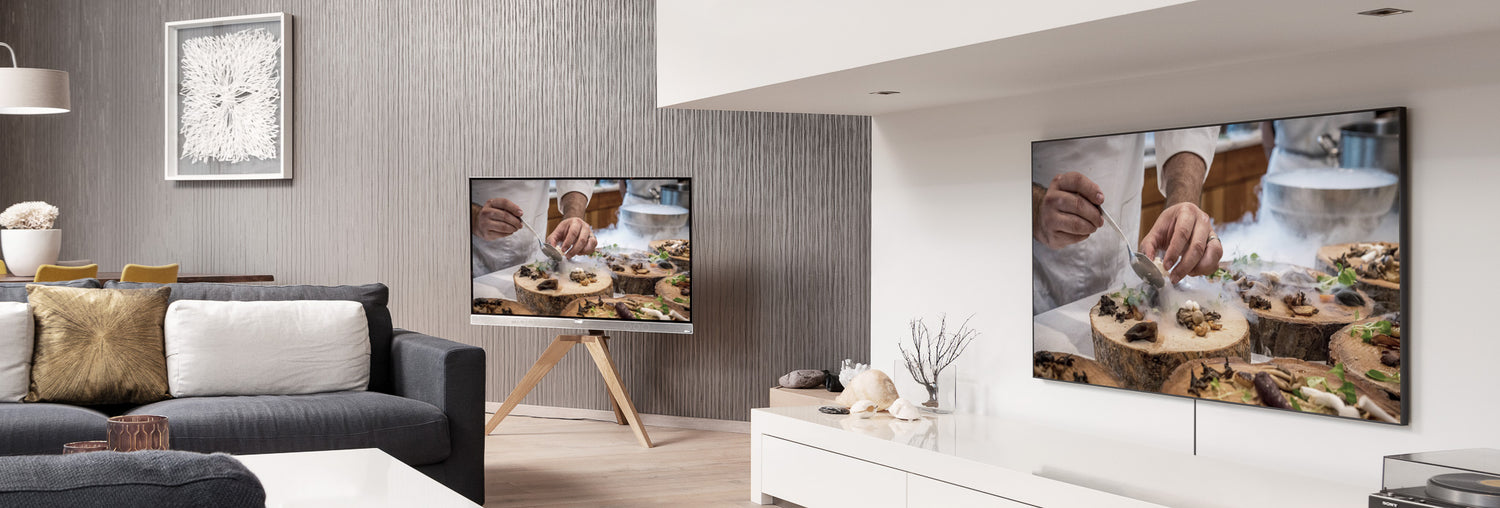
HDMI splitter
HDMI splitters are the ideal solution for connecting multiple screens to one HDMI device. Whether you want to use different screens to show the same presentation or film, or want to selectively play certain images on a TV or beamer, with our HDMI splitters you can be sure that you are compatible with the latest developments in the audio/video field.
With our HDMI splitters you can connect up to 8 TVs to 1 HDMI port on your HDMI device. Not only the number of TVs to be connected is important when making a choice for an HDMI splitter. Here you will discover everything about the benefits and types of HDMI splitters. We are happy to help you choose the right HDMI splitter for your situation Read more>>
-
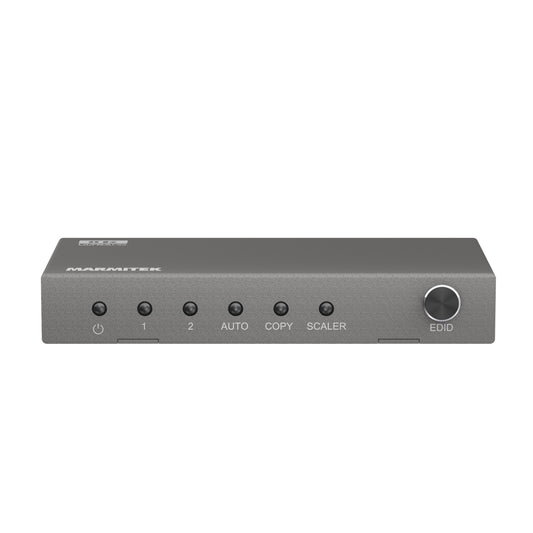
Split 712
HDMI splitter 8K - 1 in / 2 out - HDMI 2.1 | 8K60 | 4K120 | HDCP 2.3
Connections
1 in / 2 out
Resolution
8K 60Hz, 4K 120Hz
Video bandwidth
48 Gbps
Case
Metal
Dimensions
14 x 90 x 44 mm
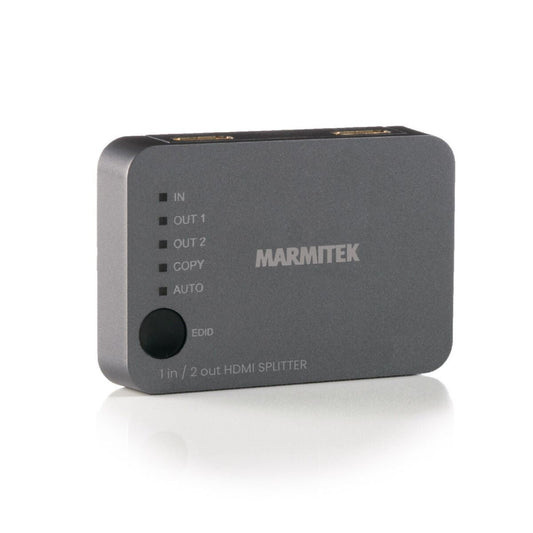
Split 312 UHD
HDMI splitter 4K - 1 in / 2 out
Connections
1 in / 2 out
Resolution
4K 60Hz
Video Bandwidth
18 Gbps
Housing
Plastic
Dimensions
19 x 87 x 60 mm
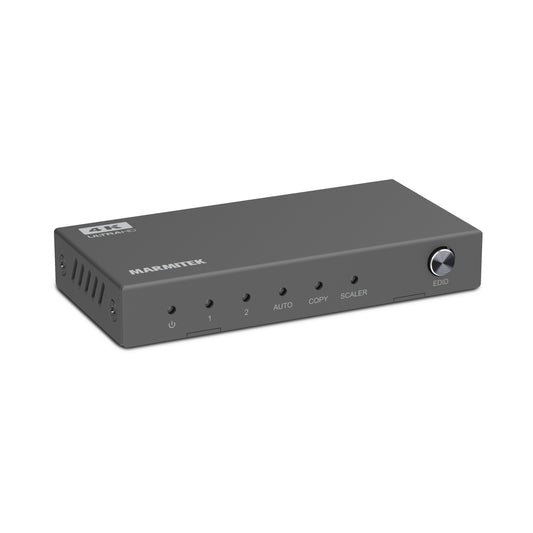
Split 612 Pro
HDMI splitter 4K 60Hz - 1 in / 2 out - HDMI 2.0
Connections
1 in / 2 out
Resolution
4K 60Hz
HDMI version
2.0
Video Bandwidth
18 Gbps
Housing
Metal
Dimensions
14 x 90 x 44 mm
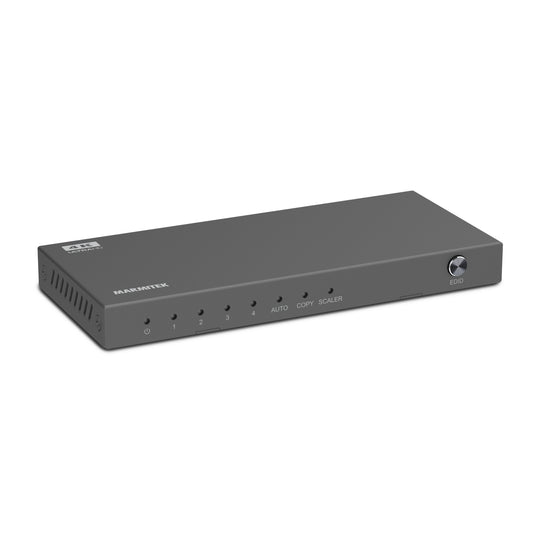
Split 614 Pro
HDMI splitter 4K 60Hz - 1 in / 4 out - HDMI 2.0
Connections
1 in / 4 out
Resolution
4K 60Hz
HDMI version
2.0
Video Bandwidth
18 Gbps
Housing
Metal
Dimensions
14 x 136 x 61 mm
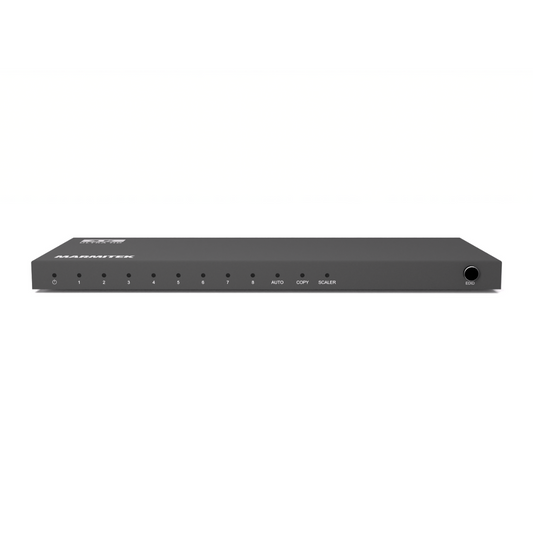
Split 618 Pro
HDMI splitter 4K 60Hz - 1 in / 8 out - HDMI 2.0
Connections
1 in / 8 out
Resolution
4K 60Hz
Downscaler
Yes
Daisy-chain
Up to 3 splitters
Housing
Metal
Dimensions
15 x 230 x 85 mm
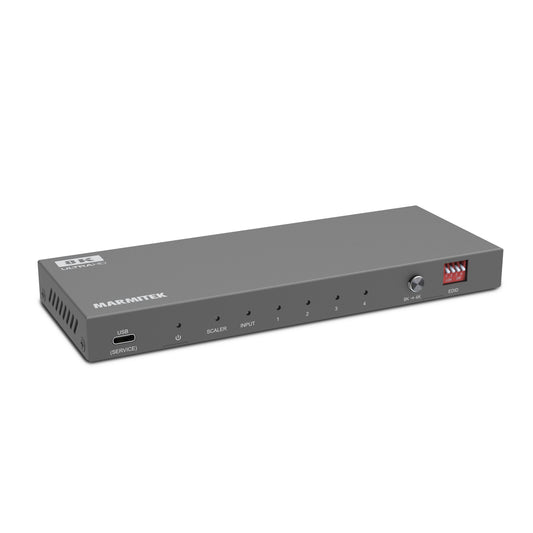
Split 814 Pro
HDMI splitter 8K 60Hz - 1 in / 4 out - HDMI 2.1
Connections
1 HDMI in, 4 HDMI out, digital audio out
Resolution
Up to 8K@60Hz, 4K@120Hz
HDR support
HDR10+, Dolby Vision, HLG
Audio
Dolby Atmos, DTS:X
Compatibility
HDCP 2.3, EDID management
Housing
Robust metal
Dimensions
18 x 188 x 70 mm
FAQ
-
What is an HDMI splitter?
An HDMI splitter distributes one HDMI signal from your source, such as a TV decoder, media box or laptop, to multiple screens at the same time. -
How does an HDMI splitter work?
Connect the HDMI source to the input of the splitter and connect the outputs to your screens. The splitter copies the signal so each screen displays the same image. -
What is the difference between an HDMI splitter and an HDMI switch?
An HDMI splitter sends one source to multiple screens, while a switch allows multiple sources to be connected to one TV. -
How can I connect multiple HDMI devices to my TV?
In that case, do not use a splitter but an HDMI switch. A splitter only works in one direction: one source → multiple screens. -
What is better, audio via HDMI or optical?
HDMI is usually better, because it transmits both audio and video digitally and supports more audio channels than an optical cable. -
Does an HDMI splitter support 4K and HDR?
Yes, Marmitek HDMI splitters support 4K@60Hz, HDR and HDCP 2.2, so you maintain razor-sharp image quality. -
Is there any quality loss when using a splitter?
No, Marmitek HDMI splitters maintain the original resolution and colour depth without signal loss. -
Can I show different images on each screen?
No, all screens display the same image from the same source. For different images you need multiple sources or a matrix HDMI switch. -
Does an HDMI splitter need power?
Some models do, especially with long cables or 4K signals. The power supply ensures a more stable signal. -
Why choose a Marmitek HDMI splitter?
For reliable signal distribution, 4K resolution support and compatibility with all common HDMI devices.

A member of the group
group
- Choosing a selection results in a full page refresh.
- Opens in a new window.


