


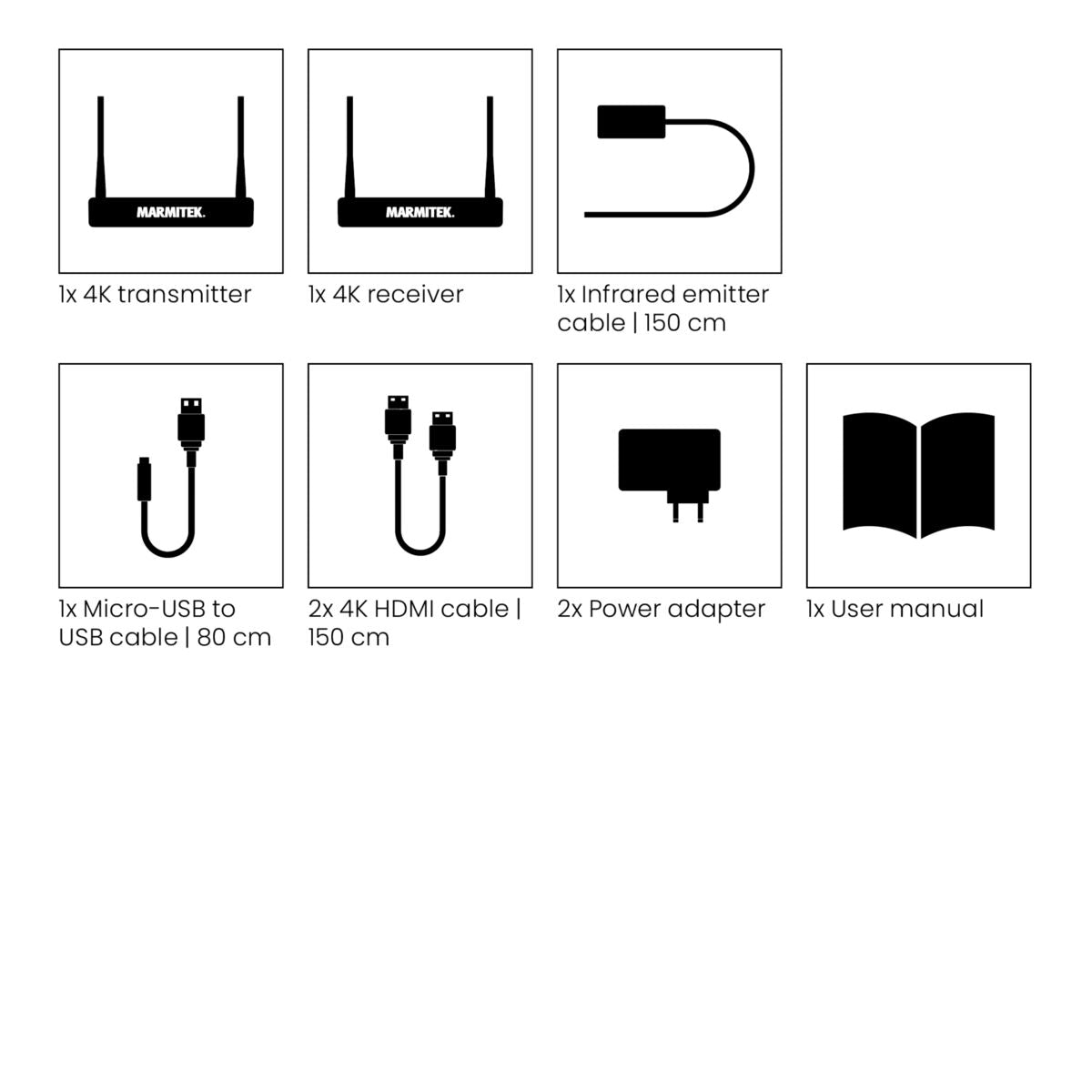
Always included
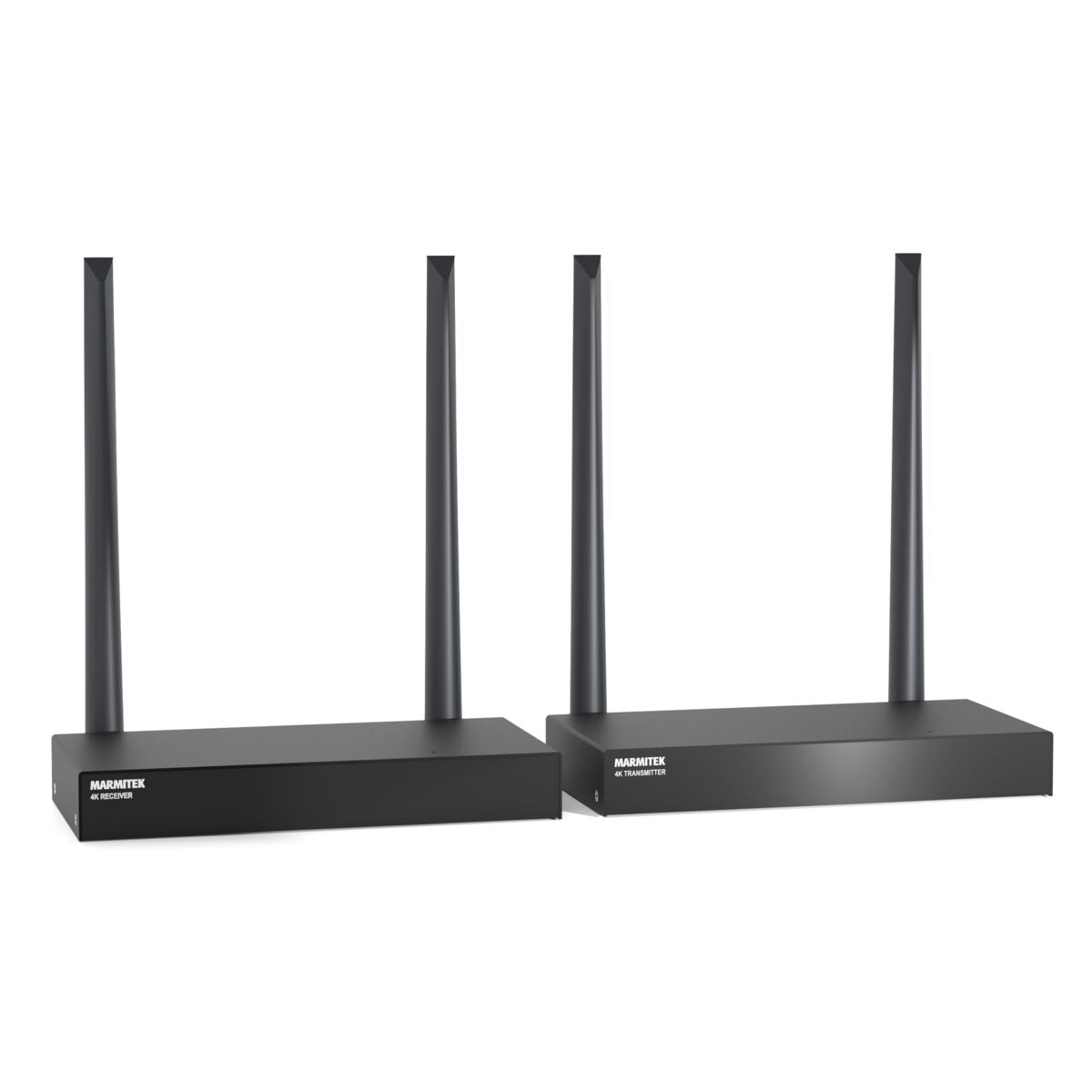
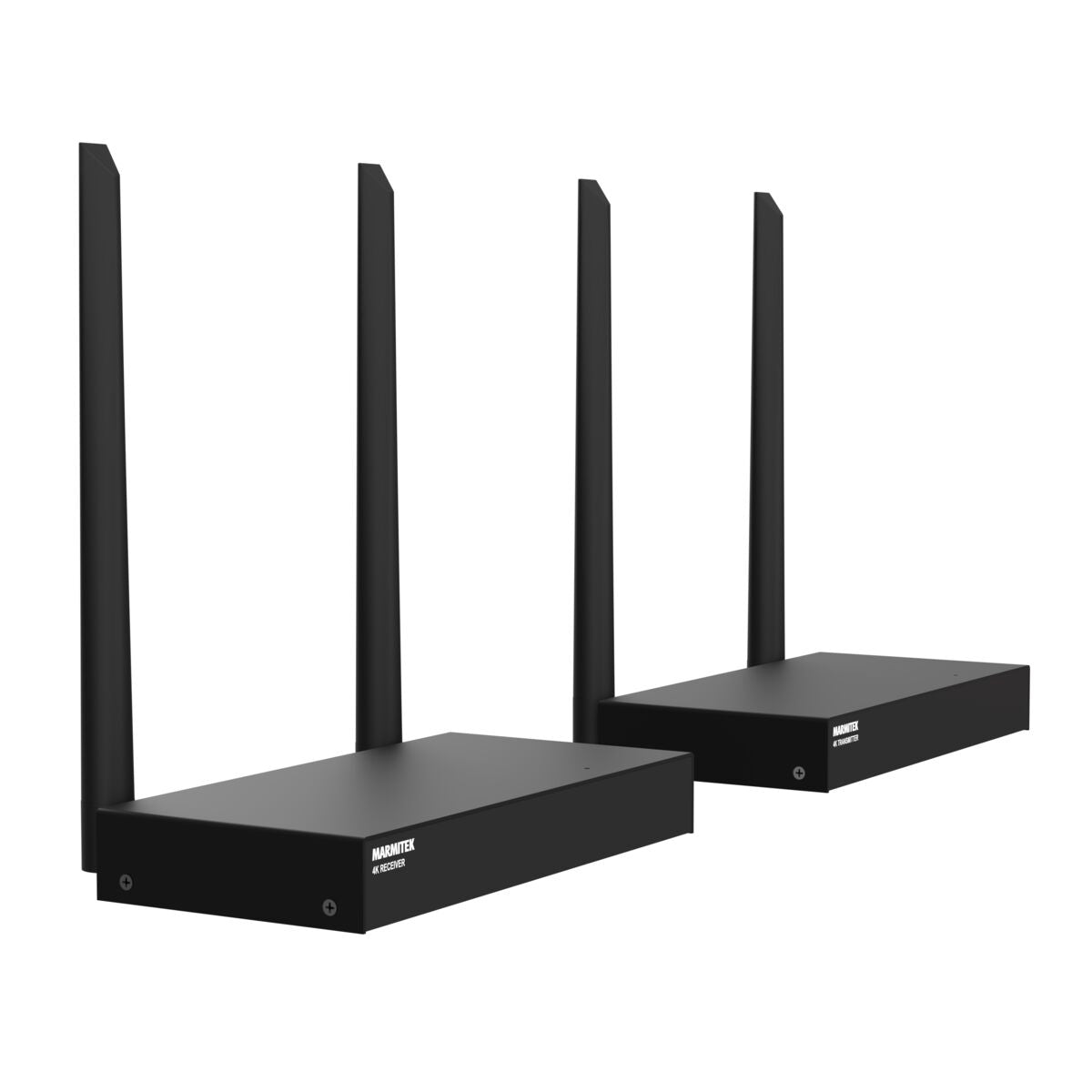
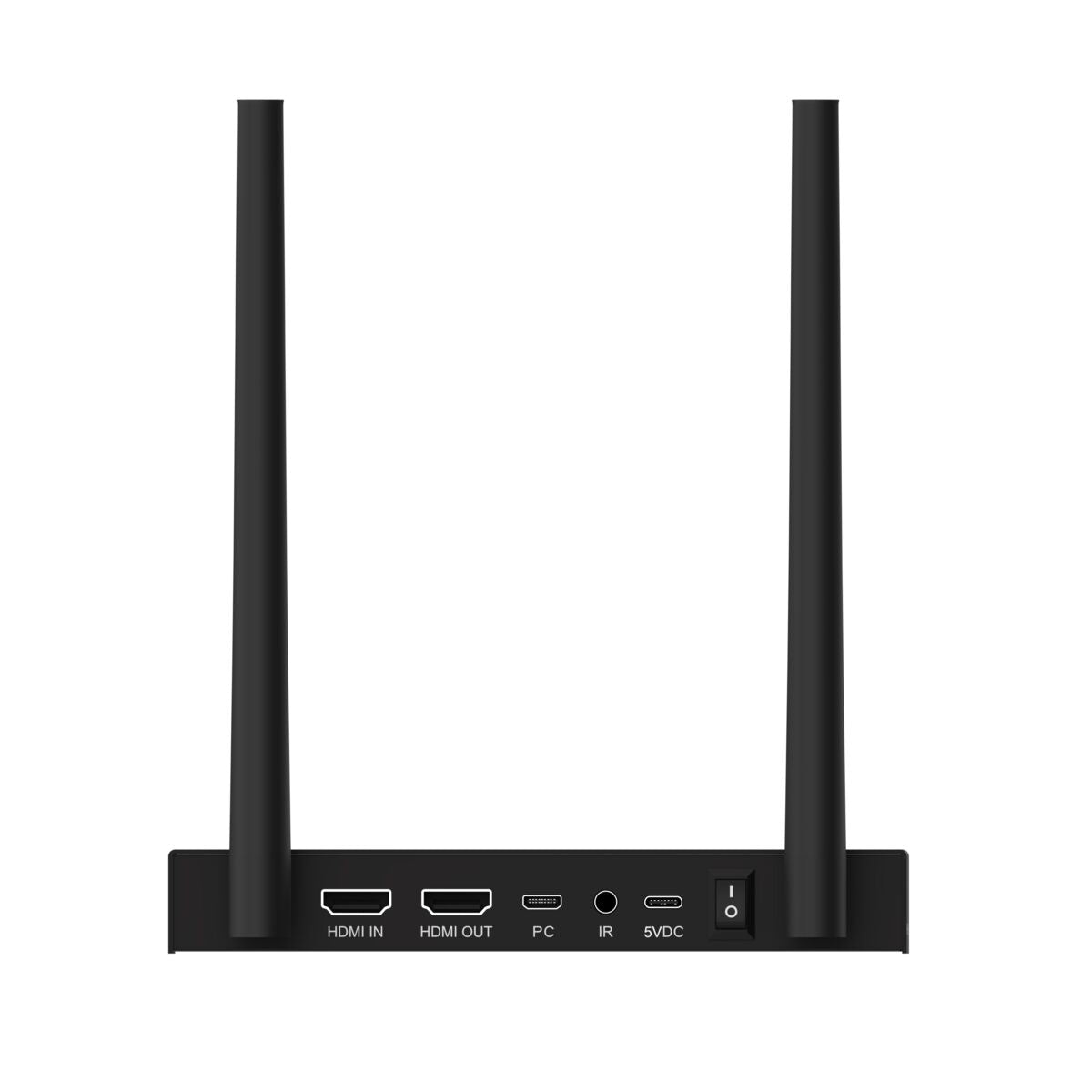
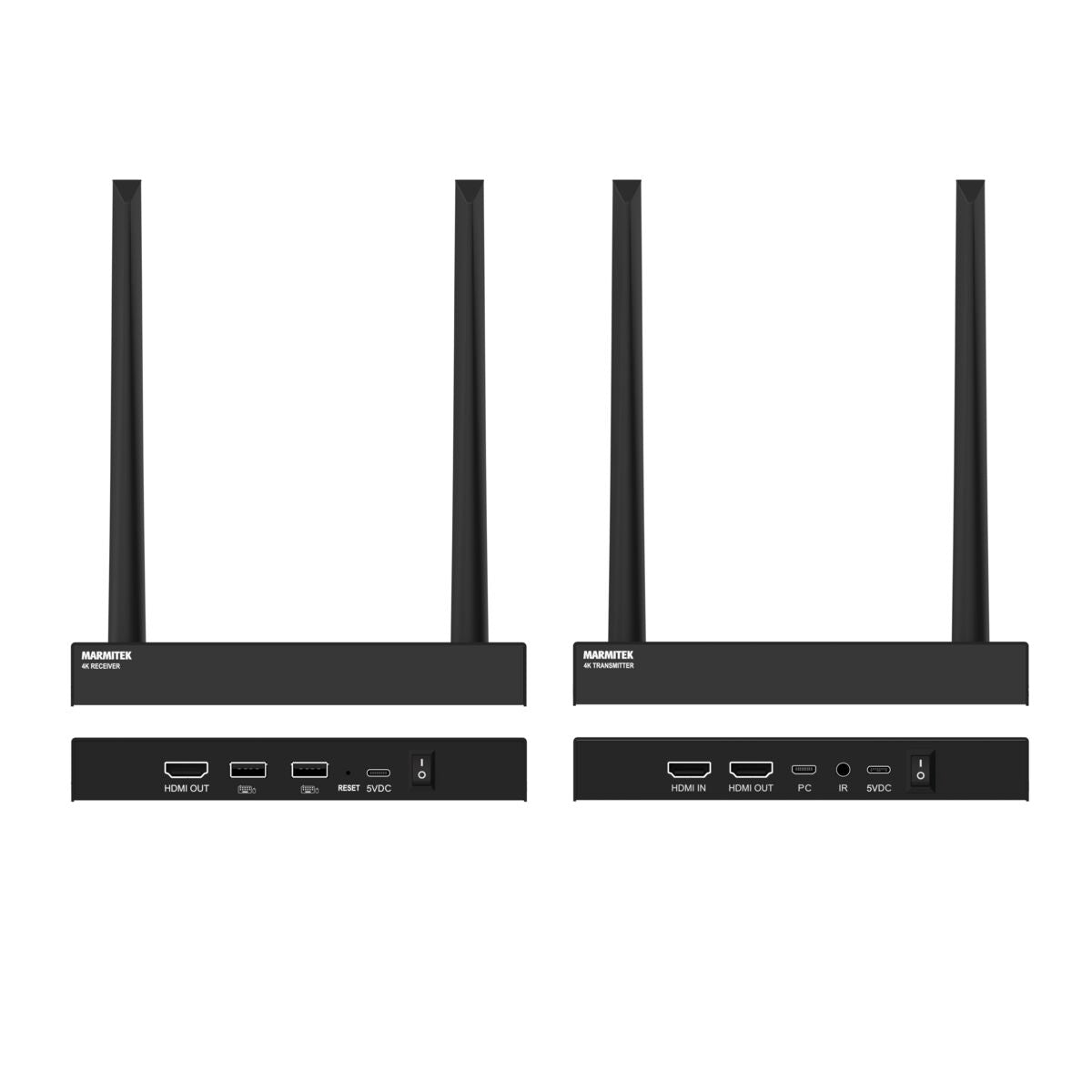
- HDMI transmitter 4K
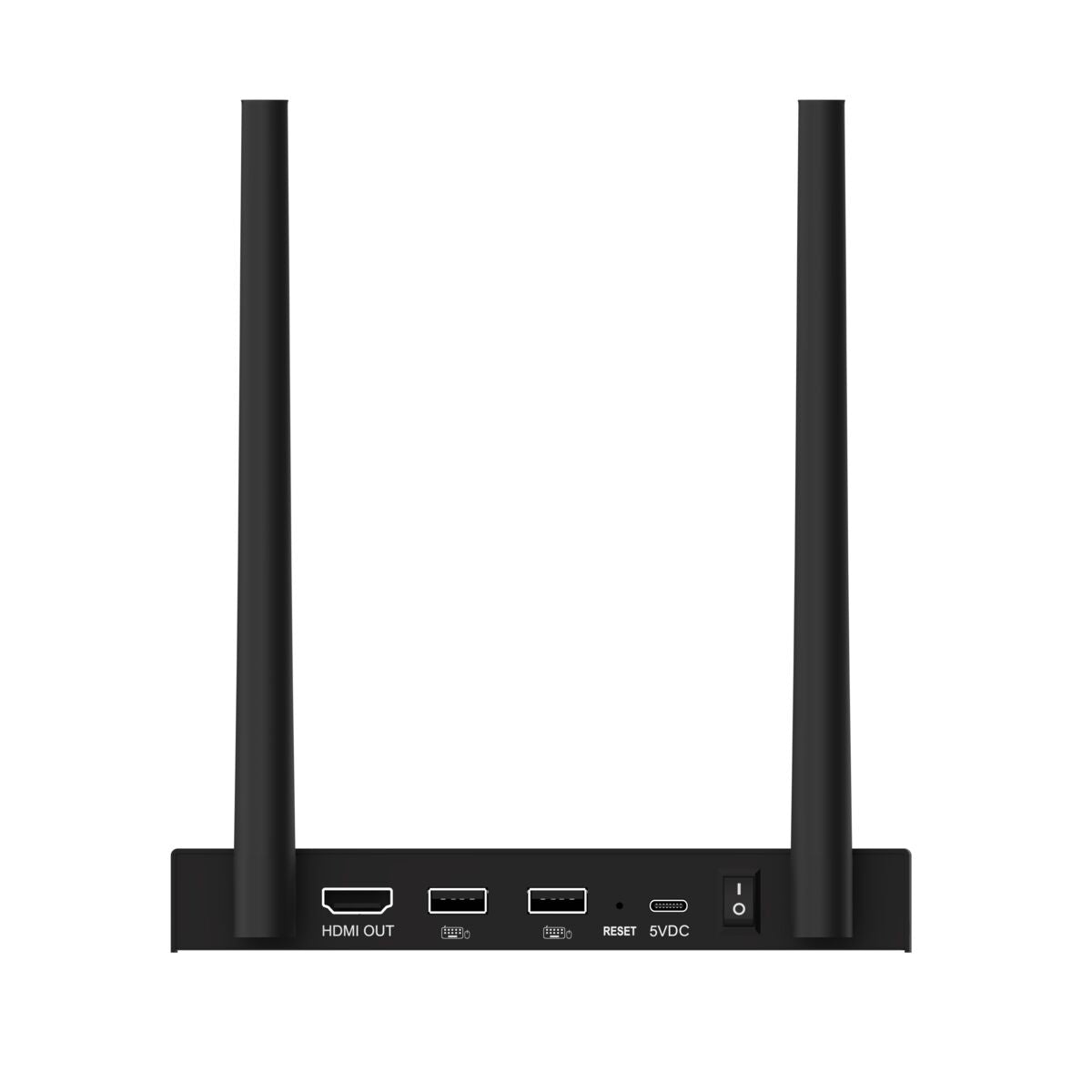
- HDMI receiver 4K
- IR emitter cable | 150 cm
- Micro-USB to USB cable | 80 cm
- 2x 4K HDMI cable | 150 cm
- 2x Power adapter
- User manual
TVAW4K Pro
Wireless 4K HDMI extender - Possible to connect multiple displays
NOTE: ONLY AVAILABLE WITH EU PLUG.
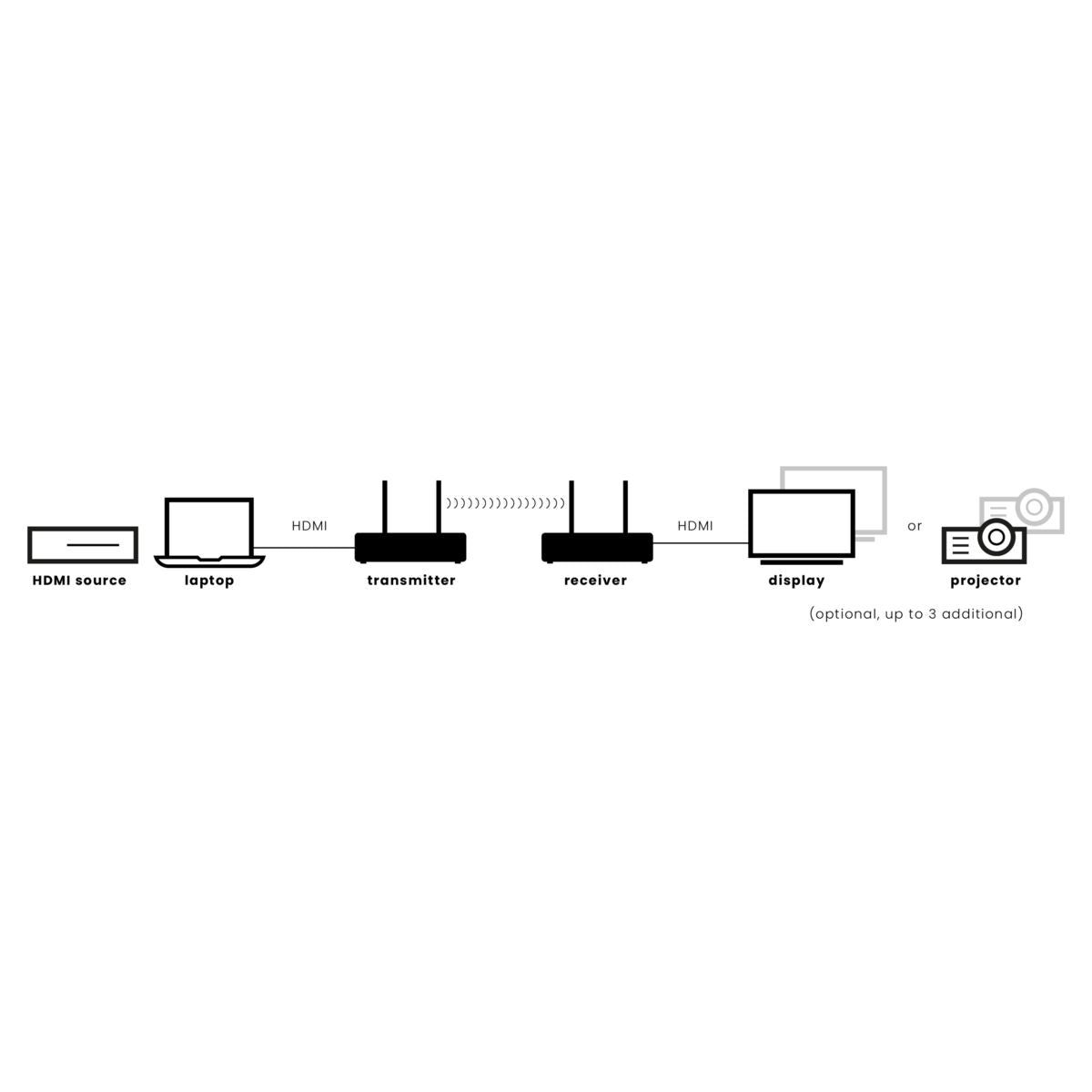
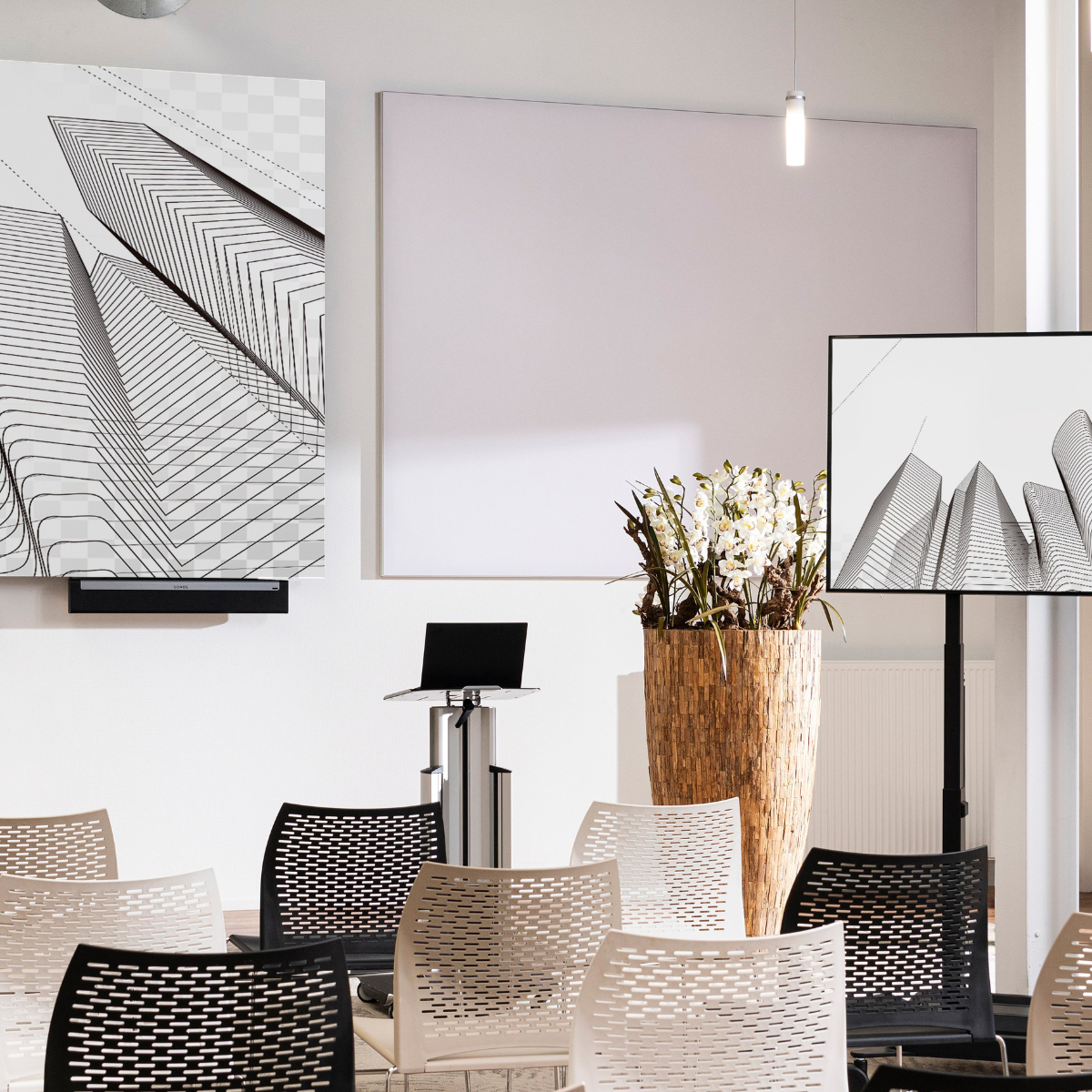
The TVAW4K Pro allows you to set up a wireless HDMI connection within mere seconds. This wireless HDMI extender offers wireless HDMI (4K) from an AV source, laptop or computer, to a display or projector. The signal travels 50 metres through ceilings and walls without any loss of quality, interference or any noticeable delay. An ultimate solution in situations where you can't, or don't want to, install any cabling. The TV Anywhere Wireless 4K Pro supports up to 4 separate HDMI receivers (sold separately), allowing you to stream content to, or present on, multiple displays or projectors simultaneously. Ideal for large rooms that are equipped with multiple output devices.
€ 399,99
In stock
4K60 Ultra HD Wireless, up to 50m
Wirelessly connect multiple TVs (with additional receiver)
Range - Entire Home
Loopthrough Function
Touchback support
Yes! Free Shipping!
Couldn't load pickup availability
Receive a 25% discount on the accessories below
€ 549,98


TVAW4K Pro
Wireless 4K HDMI extender - Possible to connect multiple displays
4K60 Ultra HD Wireless, up to 50m
Wirelessly connect multiple TVs (with additional receiver)
Range - Entire Home
€ 399,99
Product description
Send an HDMI signal wirelessly across a room or building.
- Wireless HDMI signal transfer (up to 50m) through walls and ceilings without quality loss or any noticeable delay.
- Supports video resolutions up to 3840 x 2160 pixels (4K60 Ultra HD).
- Link up to 4 wireless HDMI receivers (sold separately) for distribution to multiple screens simultaneously.
- Operate AV equipment remotely using the integrated IR return channel.
- Built-in KVM function allows you to connect a keyboard and mouse to the HDMI receiver (in this set), for controlling a PC or laptop remotely.
- HDMI loopthrough outputs a copy of the AV signal to feed a local display or projector.
- 4K video upscaling for video sources with low-resolution.
Technical specifications
General
Power supply
100-240 VAC, 50/60 Hz, 5V DC adapter
Audio
Audio formats
PCM stereo
Receiver
Output
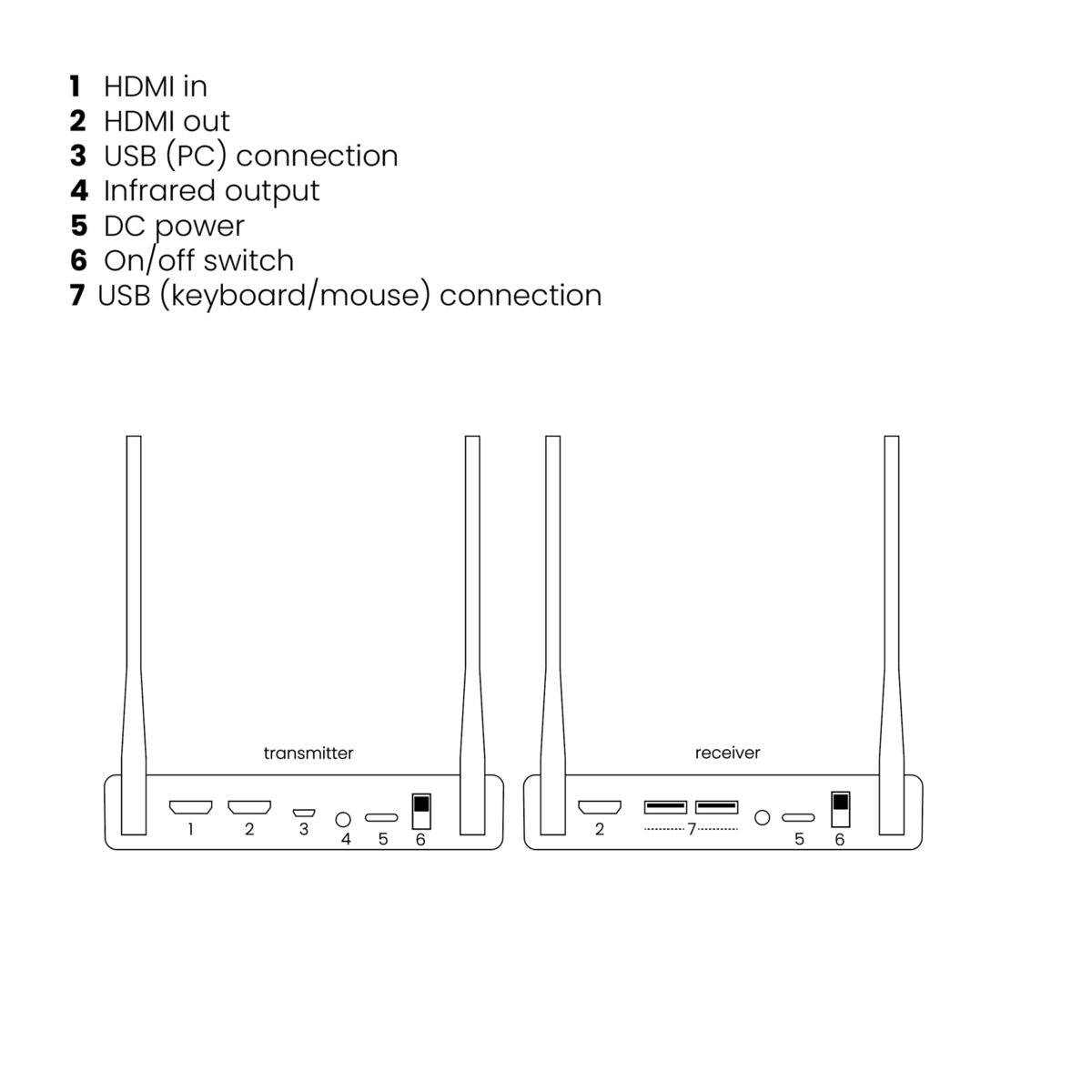
1x HDMI
Infrared input
Built-in IR sensor
USB input
2x USB-A (mouse, keyboard)
Multiple receivers
Up to 4
Dimensions (h x w x d)
22 x 155 x 77 mm
Weight
320 grams
Technology
Operating Frequency
5 GHz
Operating Range
Up to 100 meters LOS (Line Of Sight), up to 50 meters through walls and ceilings
Latency
<100 ms
Infrared Frequency Range
30 - 60 kHz
Video Compression
H.265
Trasnmitter
AV input
1x HDMI
AV output
1x HDMI (loop through)
Infrared output
1x 3.5 mm jack
USB output
1x Micro-USB (PC, laptop)
Dimensions (h x w x d)
22 x 155 x 77 mm
Weight
320 grams
Video
Video Resolutions
2160p@50/60Hz (4K), 1080p (Full HD), 1080i, 720p, 576p, 480p
PC Resolutions
Max. 3840 x 2160
HDMI Standards
HDMI, HDR, DVI, EDID and HDCP
Reviews
What customers say
Frequently asked questions
-
No (or poor) image and sound on the TV or projector
- Check whether the ON/OFF switch on the back of the transmitter and receiver is in the ''ON'' position.
- Check that all HDMI cables are properly connected or replace them.
- Check that the HDMI source is ON and the correct HDMI input is selected on the TV.
- Check that the HDMI source is set to the correct video resolution. If necessary, consult the user manual of your HDMI source.
- Remove the power adapters from the socket and reinsert them to restart the TVAW4K.
-
No or poor connection between the 4K transmitter and 4K receiver
- Move the 4K transmitter and/or the 4K receiver away from the connected HDMI sources and WiFi equipment. These can influence the range.
- Slightly changing the position of the 4K transmitter and/or 4K receiver can help.
- The distance between 4K transmitter and 4K receiver is too great. If necessary, test with shorter distances.
-
I have a picture but no (or poor) sound
The TVAW4K supports up to 2CH PCM stereo.- Check the sound setting in the settings menu of the connected HDMI source and manually set it to 2CH PCM stereo if the automatic setting does not work.
-
The IR return function does not work
- Check whether the IR LED cable is properly installed.
- Experiment with the location of the IR LED cable.
- The IR receiver has a reception sensitivity of max. 10 meters.
- The range also depends on the remote control used.
Can't figure it out?

Related products

TVAW4K Pro
Wireless 4K HDMI extender - Possible to connect multiple displays
€ 399,99

TV Anywhere Wireless HD
Wireless HDMI extender
€ 119,99


A member of the
 group
group
 group
group
- Choosing a selection results in a full page refresh.
- Opens in a new window.