


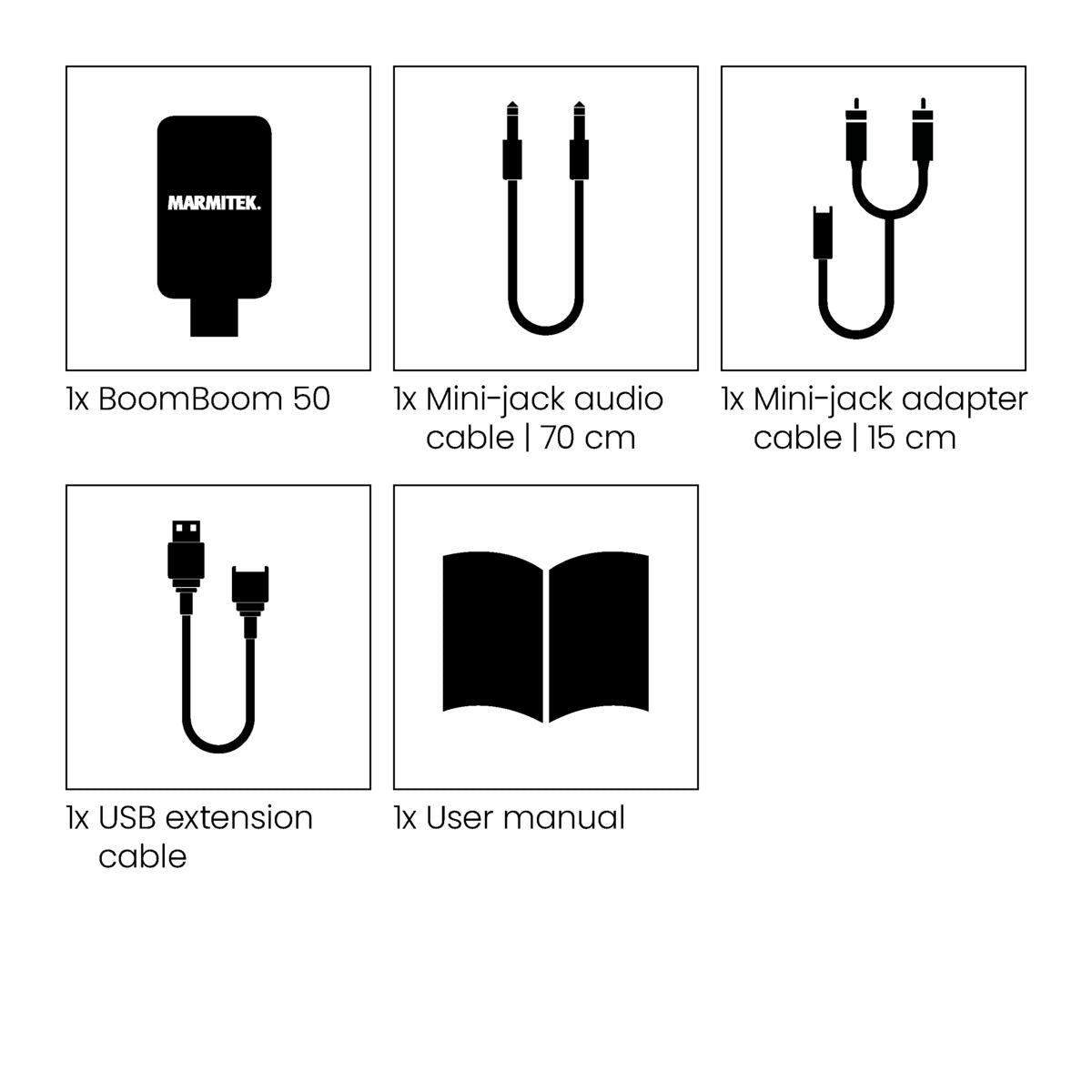
Always included
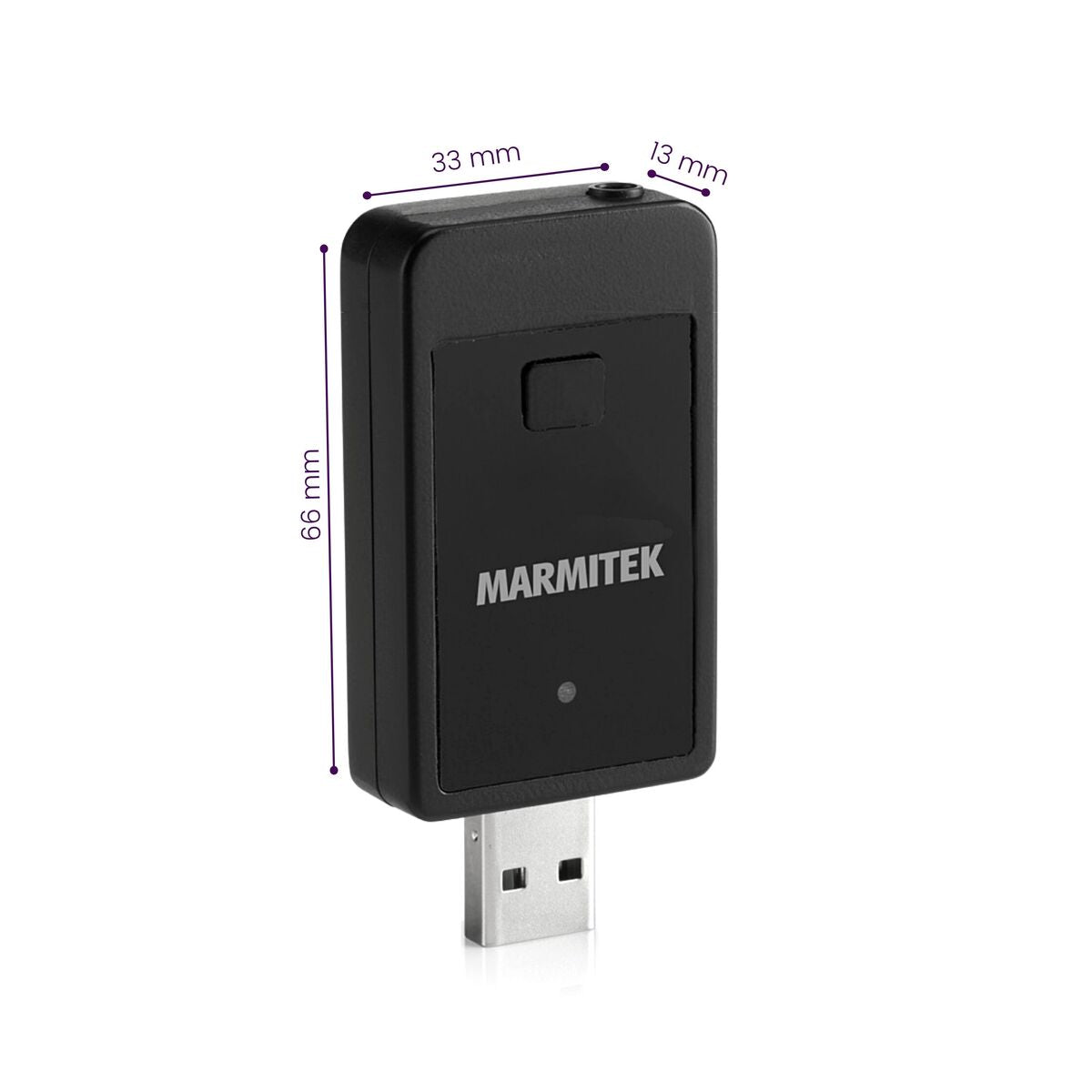
- Bluetooth audio transmitter
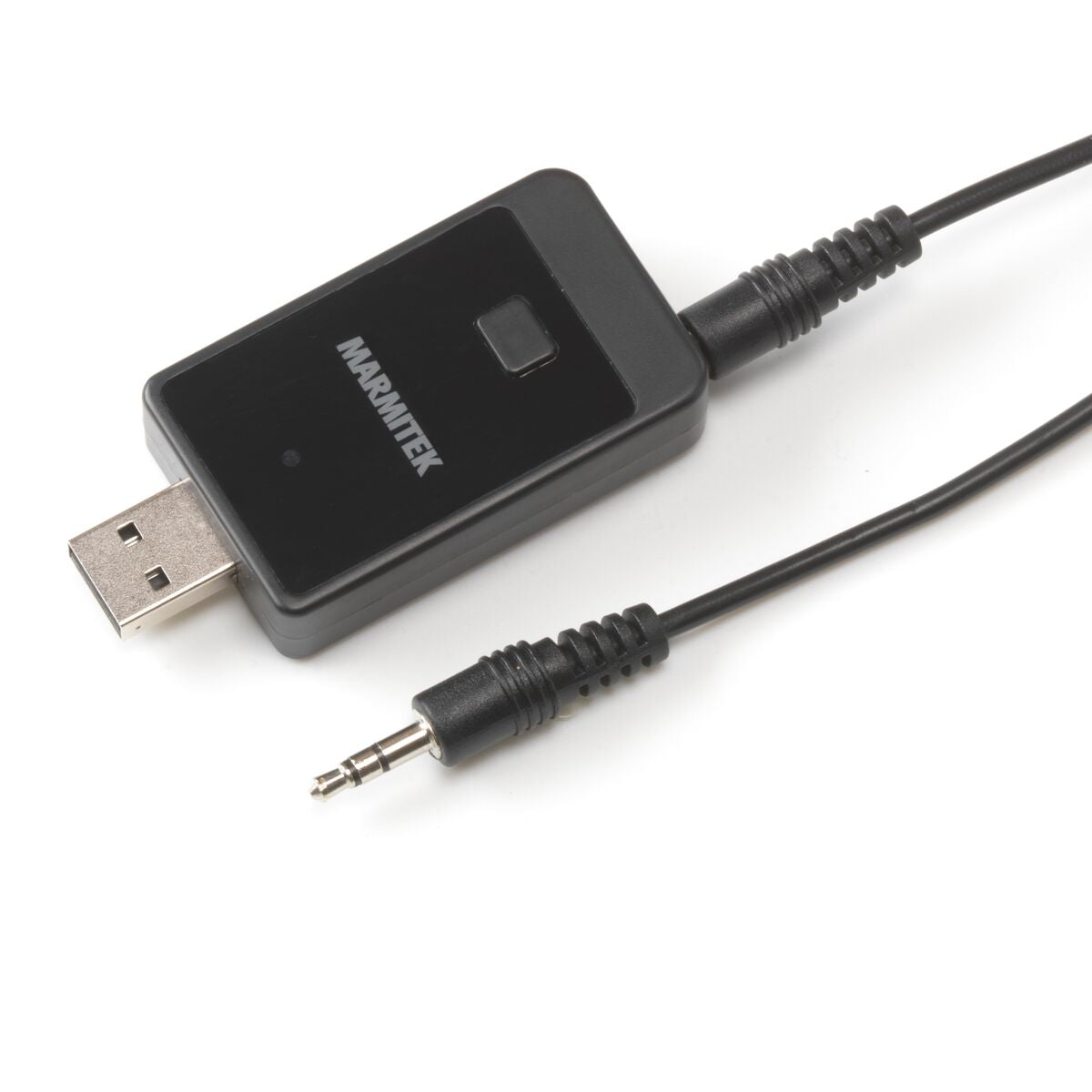
- Mini-jack audio cable | 70 cm
- Mini-jack adapter cable 15 cm
- USB extension cable
- User manual
BoomBoom 50
AAC
Built-in microphone
Couldn't load pickup availability
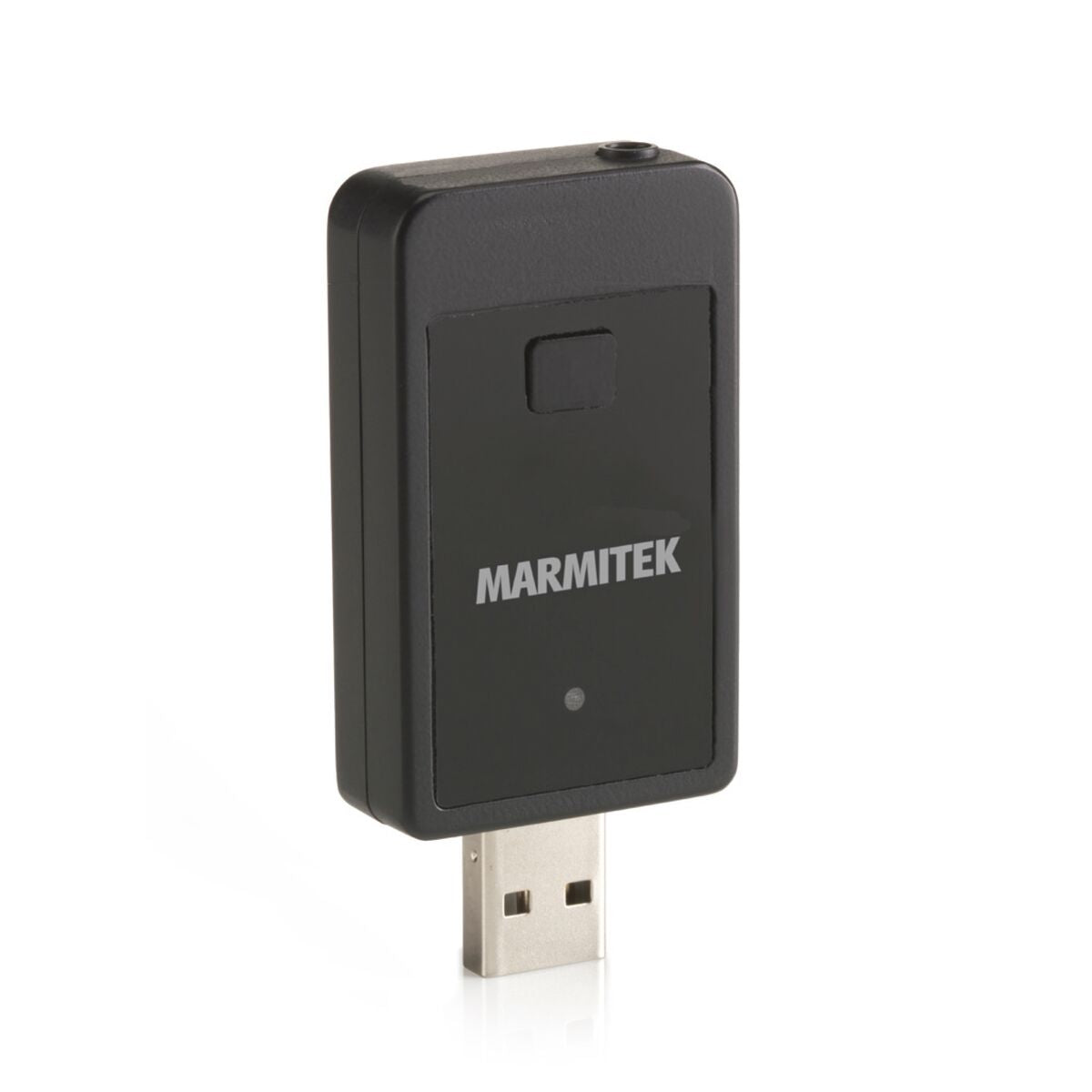

Product description
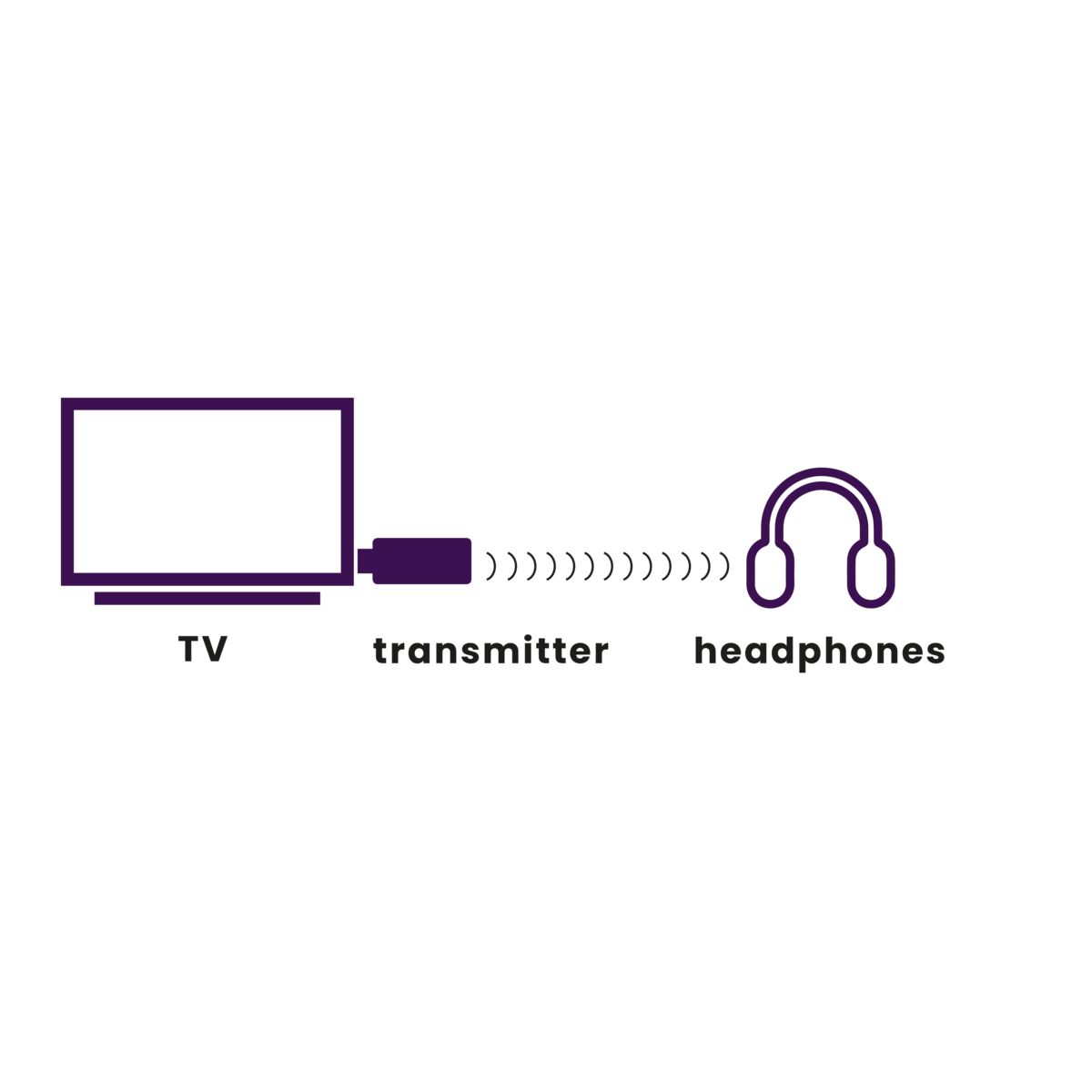
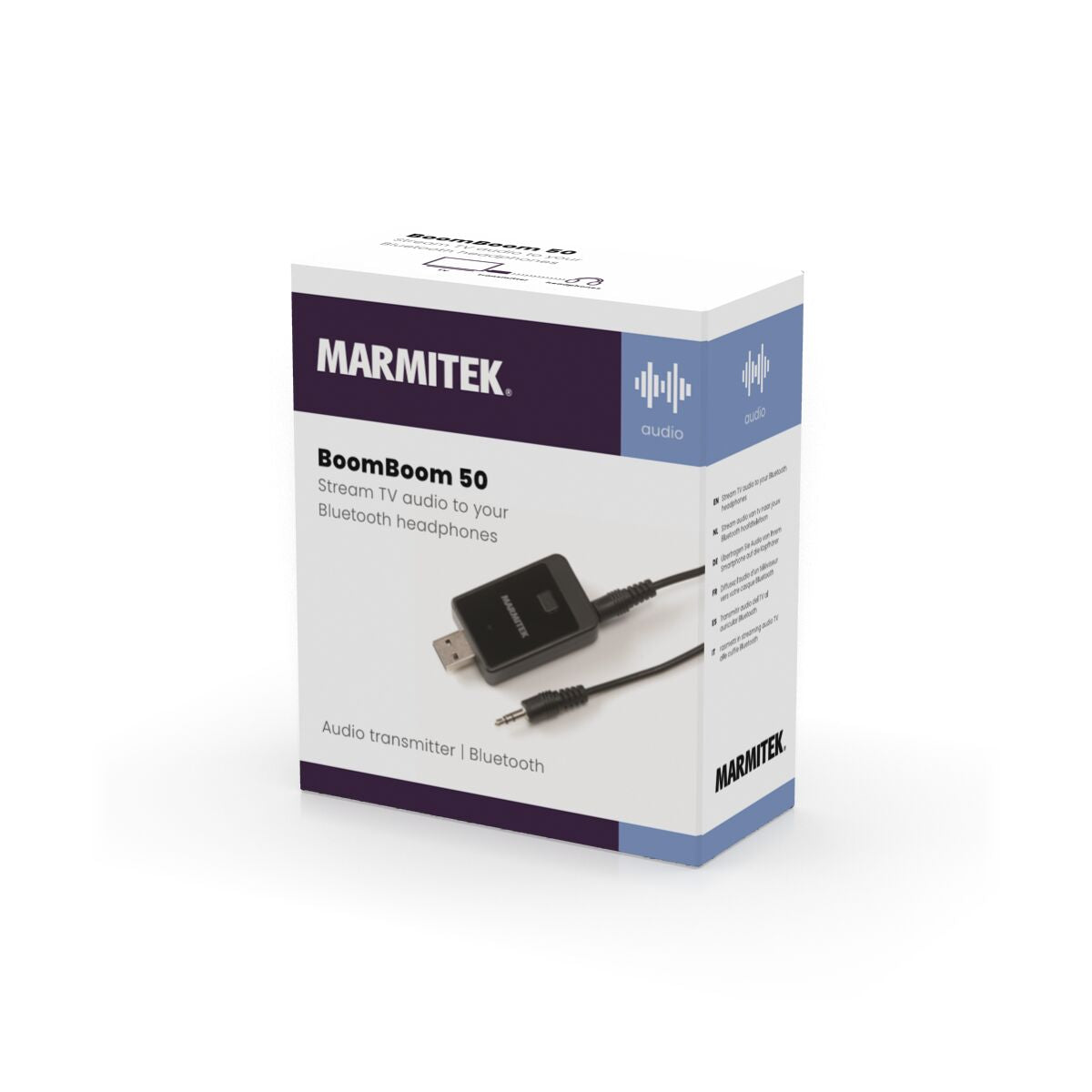
Stream your TV's sound to your wireless Bluetooth headphones.
- Adds a Bluetooth audio transmitter to existing equipment (e.g. TV, audio system, PC, laptop)
- Streams sound from a TV to, for example, your Bluetooth headphones.
- Uses advanced pairing technology.
- Provides excellent sound quality.
- Plug & Play, no need to install anything.
- Ideal for the elderly and hearing impaired
- Hear the TV clearly again. (when used in combination with Bluetooth headphones)
The BoomBoom 50 enables you to use Bluetooth to stream your TV's sound to your Bluetooth headphones! So, now you can also stream audio from audio-video equipment that has no Bluetooth (e.g. A TV) to your Bluetooth headphones! Enjoy a programme or a football match on TV without burdening someone, or hear everything that is said on TV in perfect quality.
Moreover, the BoomBoom 50 provides excellent sound quality and is therefore ideally suited to listen to your audio system's sound wirelessly through your headphones.
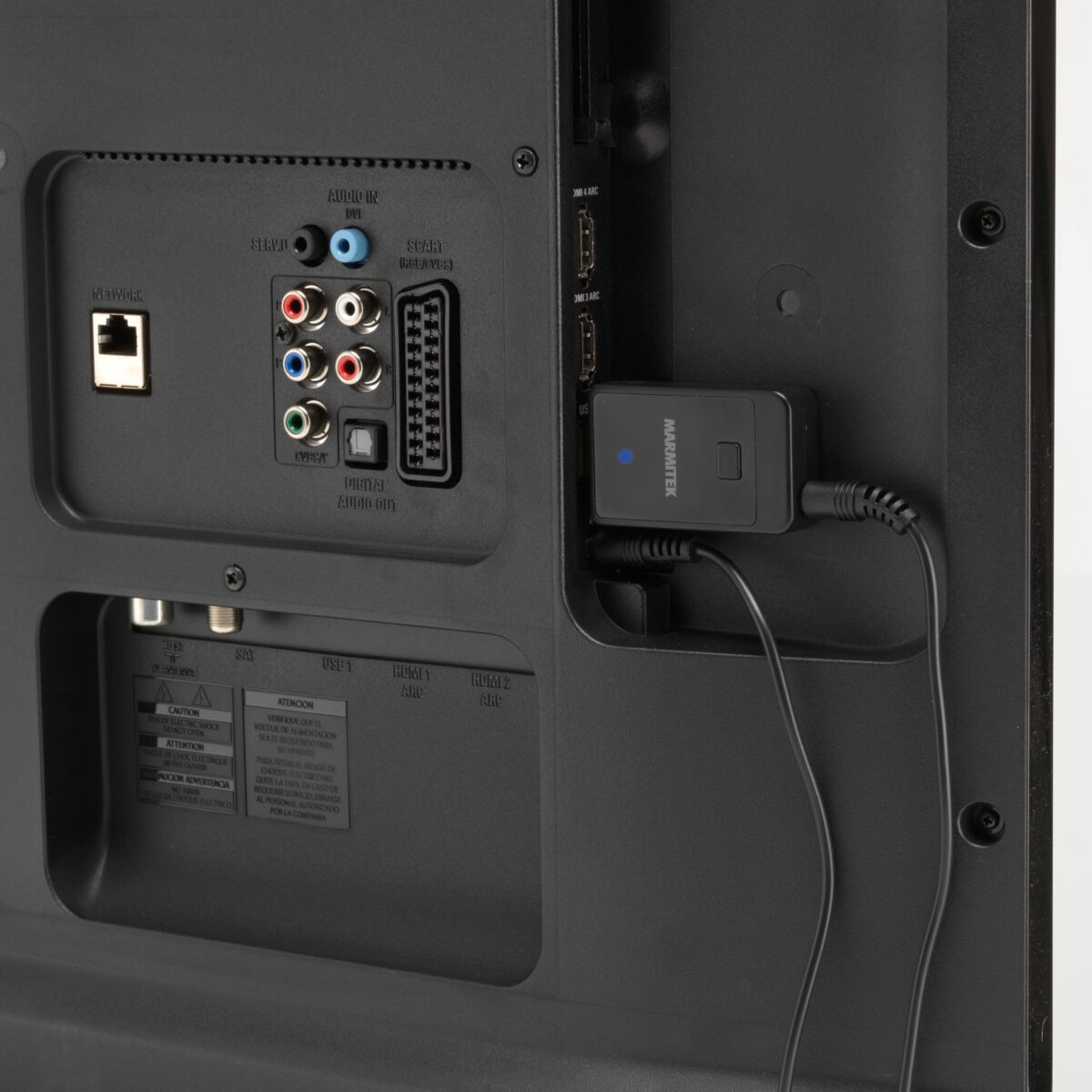
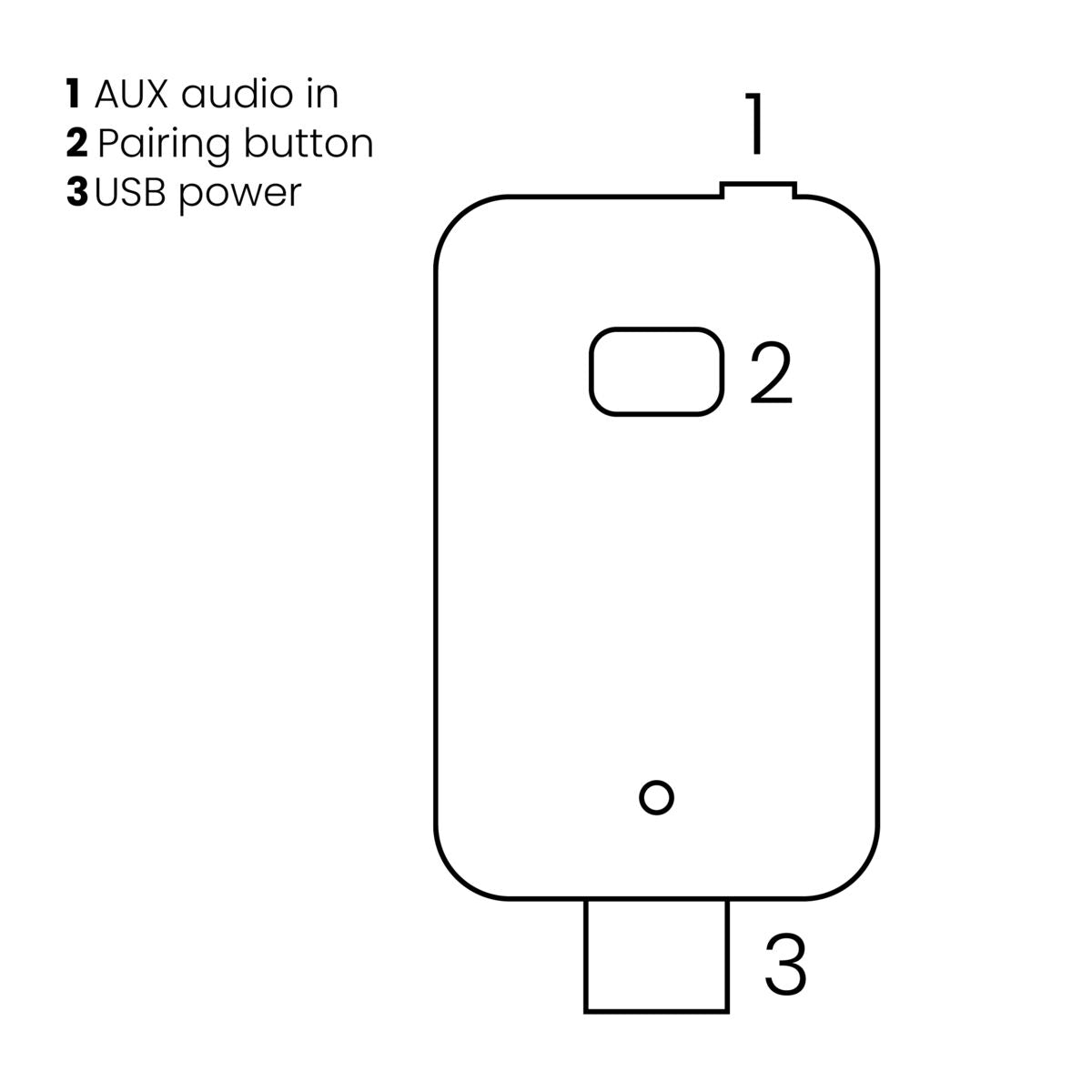
The BoomBoom 50 is also easy to set up. Just connect the product to your TV's USB connection (this provides its power) and then, to enable audio transmission, connect it to your TV using the supplied cable.
You only need to connect the BoomBoom 50 to your TV once. After this, directly pairing your Bluetooth headset with the BoomBoom 50 is very simple, thanks to its advanced pairing technology.
Next time, if you don't want to listen to your TV's audio through your headphones, you won't need to disconnect any cables from the product. (If connected to the TV via audio out)
Technical specifications
Downloads
Reviews
What customers say
Frequently asked questions
-
Can I link numerous devices to my BoomBoom 50?
The BoomBoom 50 can remember up to 8 paired devices. Therefore, re-pairing with each subsequent connection is not required. If a 9th device is paired with the BoomBoom 50, the first smartphone that was paired with the BoomBoom 50 will be erased from its memory -
Can I only use the BoomBoom 50 with headphones?
No, you can use the BoomBoom 50 with any Bluetooth device with audio playback capability. Including, for example, a Bluetooth speaker or a Marmitek BoomBoom 90 Bluetooth music receiver. If attached to your audio system, you can choose whether you want to hear the sound using the audio system and/or your headphones, or through the TV s speakers. -
I am unable to pair my BoomBoom 50.
Please, ensure that:- The BoomBoom 50 has been powered on and in pairing mode state (red / blue LED flashes slowly).
- Your headphones are in pairing mode (refer to your headphones' user manual).
- The distance between your headphones and the BoomBoom 50 is not too large and there are no major obstacles between them. To ensure the widest possible range, make sure your BoomBoom 50 is within line of sight and the internal antenna is not positioned near large metal objects.
-
My BoomBoom 50 is paired, but I don't hear anything.
Please ensure that the:- Blue LED on the Boom Boom 60 lights up continuously.
- Audio cable is properly connected.
- BoomBoom 50 is connected to the correct audio output.
- Volume of your audio source is set to a comfortable listening level.
- BoomBoom 50 is paired with the correct headphones. Briefly press the pause / play button on your headset to start playback.
-
I am unable to automatically connect to my headphones.
If you do not automatically get a connection to your headset, press the button for 0.5 seconds (the BoomBoom 50 then goes into pairing mode) and put the headset in pairing mode. -
Whenever I watch TV, audio is out of sync with video.
- The wireless transmission of audio over Bluetooth may indeed result in some delay (latency).
- In most cases, this latency is not disturbing, only some of the users may experience this as a nuisance.
- If you use a media box to watch TV, connect the BoomBoom 50 to the audio output of your media box. This results in reduced latency.
-
The sound is distorted by a hum or interference
If you do not use an adapter to power the BoomBoom 50, but, for example, connect it to your audio system s USB connector, the resulting ground loop may sometimes cause a hum. In this case, use a USB power adapter (such as the Marmitek USB power adapter). Using a USB port on, for example, a PC may also cause interference. -
My BoomBoom 50 doesn't automatically re-connect when I switch on my headphones.
Some Bluetooth devices do make a connection, but will then be in pause mode. Briefly press the pause button on your headphones to listen to the audio again. If, after some time, the LED on the BoomBoom 50 changes from flashing red/blue to flashing blue, re-press the button on the BoomBoom 50. Repeat this procedure until the LED changes to solid blue to indicate a connection. -
My connection falls away often.
If the connection is often lost, check if the BoomBoom 50 is mounted behind the TV. Some TVs block the Bluetooth signal to a large extent. Extending the USB connection so that the BB50 just comes out under the TV is often a good solution. -
I frequently lose my connection.
If the connection frequently fails, check whether the BoomBoom 50 is mounted behind the TV. Some TVs block the Bluetooth signal to a large extent. Extending the USB connection so that the BB50 is just below the TV is often a good solution. -
What is SBC?
SBC (Low Complexity Subband Coding) enables you to wirelessly listen to audio with reasonable sound quality. SBC is the standard method to send audio via Bluetooth.
Can't figure it out?

Related products

Bluetooth transmitter & receiver in 1


 group
group
- Choosing a selection results in a full page refresh.
- Opens in a new window.