


Always included
- USB-C to DVI Adapter
- User manual
Connect USB C > DVI
USB - C to DVI adapter
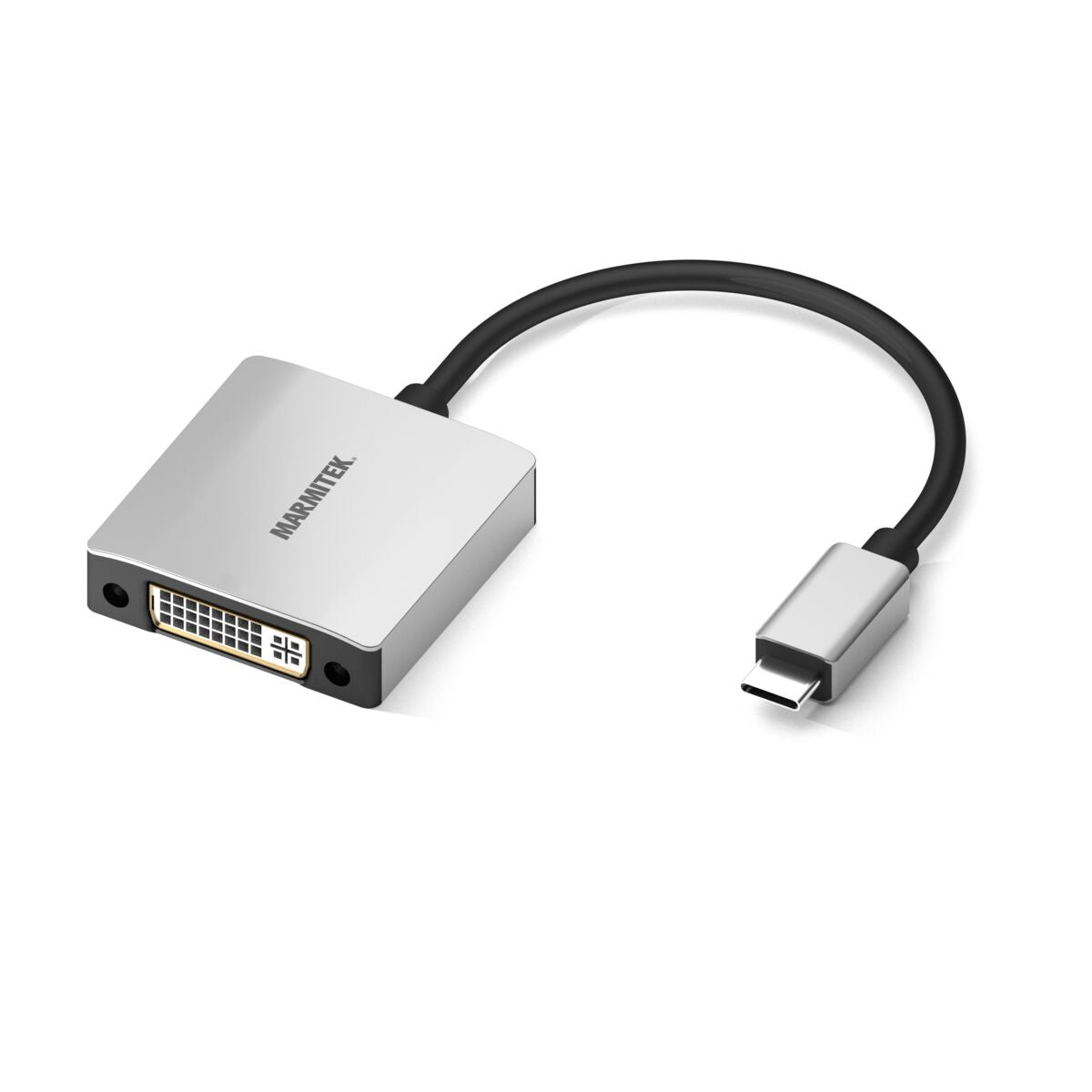
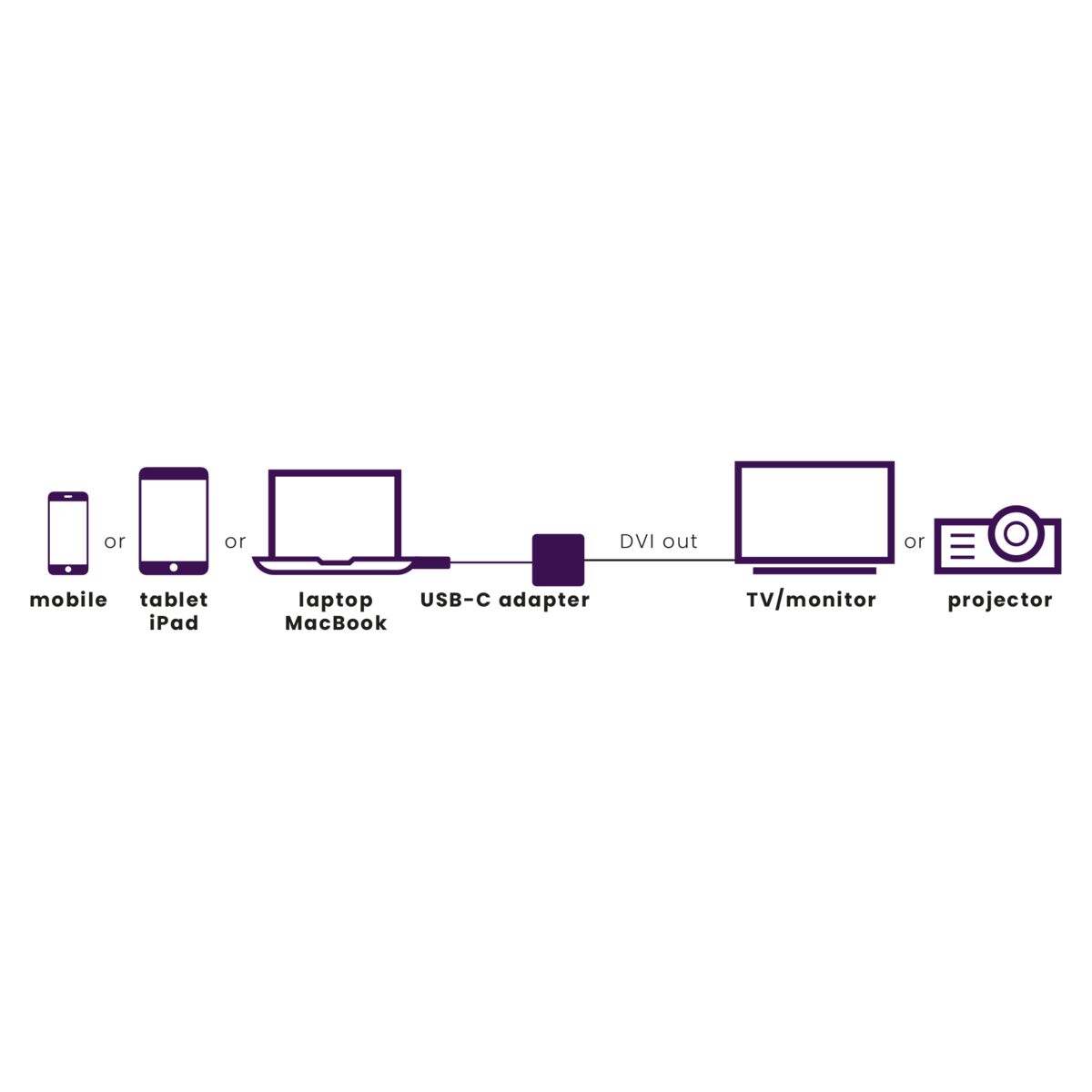
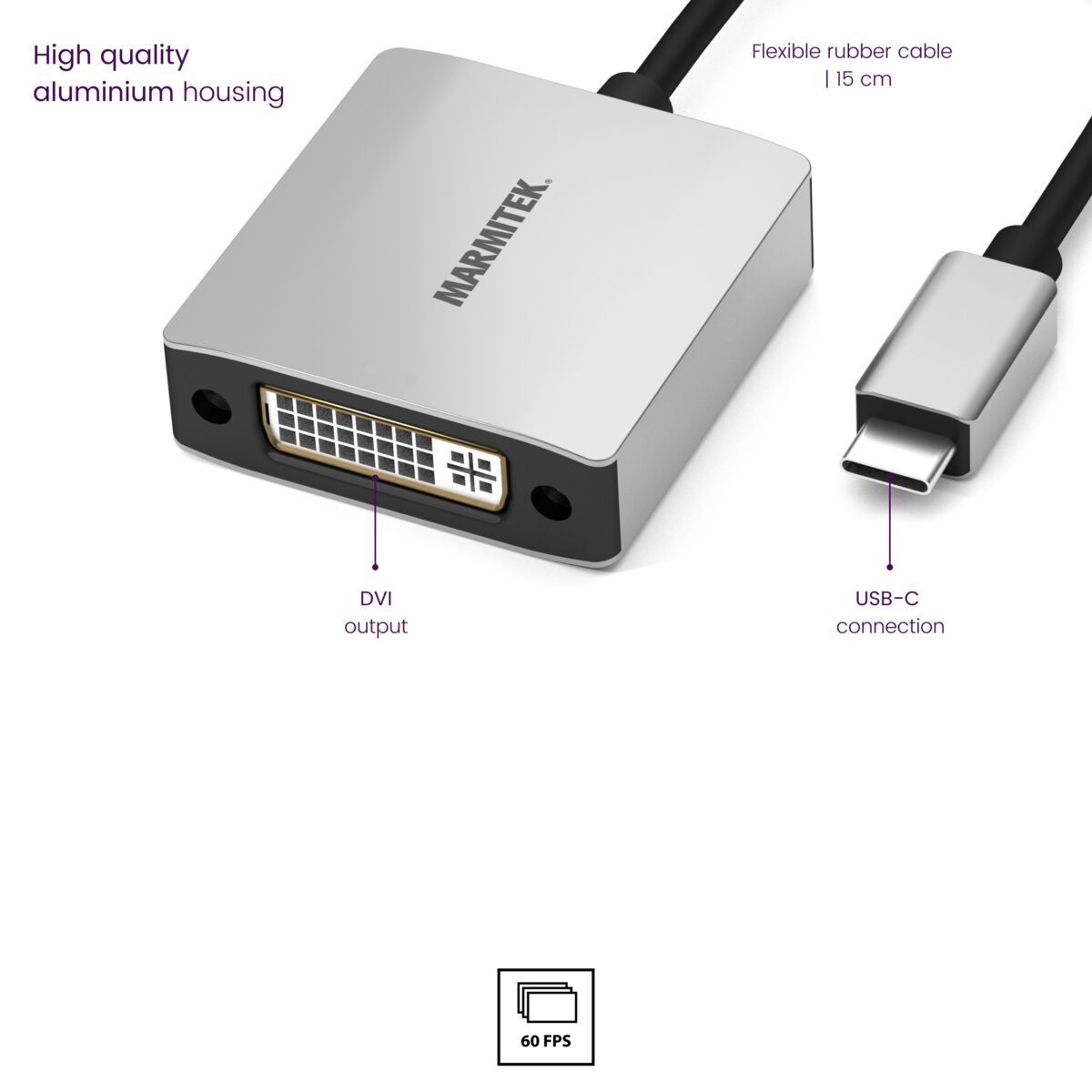
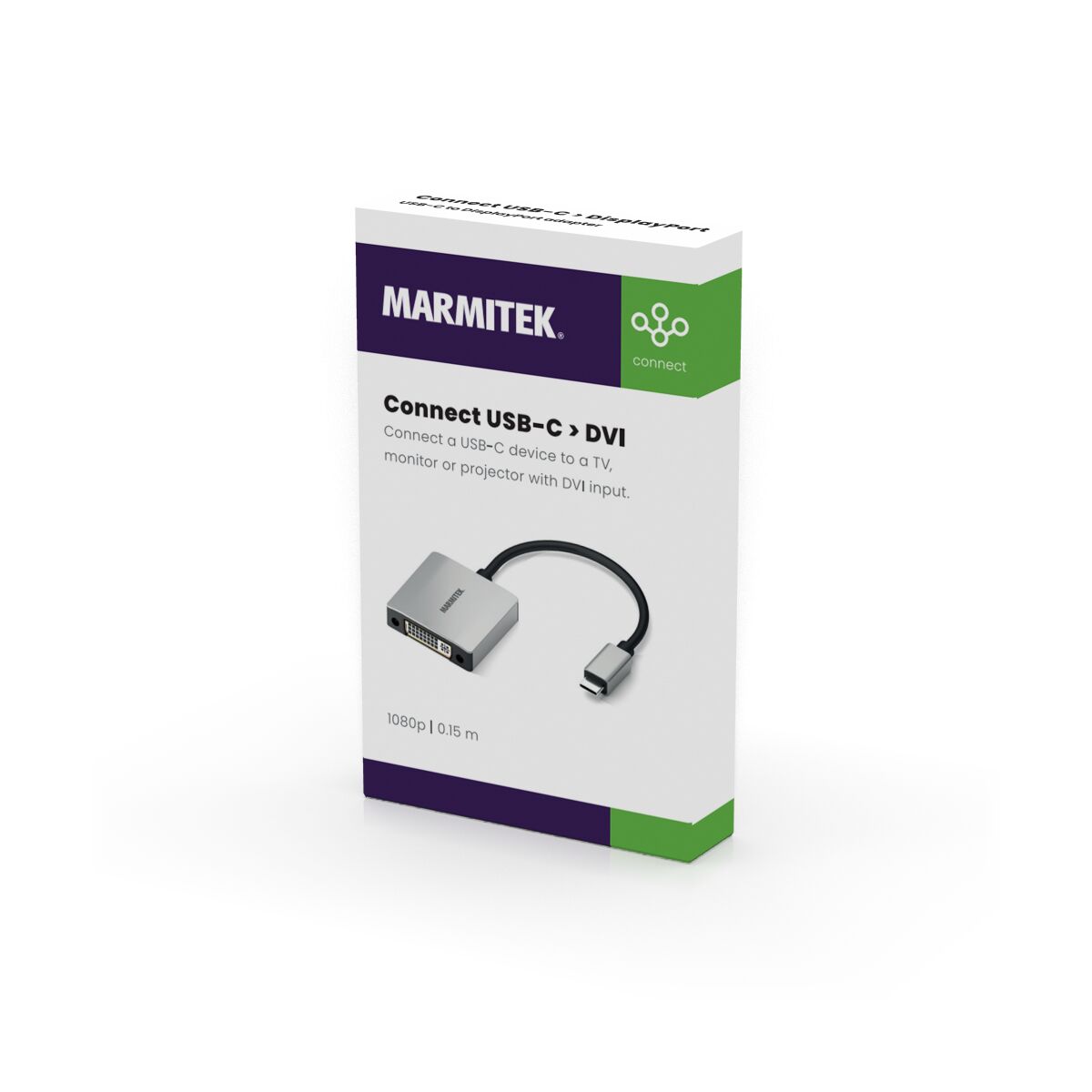
This USB-C to DVI adapter allows you to connect a USB-C device to a TV, monitor or beamer with DVI input. Connect a MacBook, Chromebook or laptop to a beamer with DVI input or connect an iPad to a presentation screen with DVI input. Flexible 15 cm rubber cable for intensive use. Robust aluminium housing; prevents any interference from outside.
284,00 kr
In stock
No Interference - High Quality Aluminum Housing
Abrasion Resistant - 15cm Flexible Rubber Cable
Supports Max 1920 x 1080 @ 60Hz
Yes! Free Shipping!
Couldn't load pickup availability

Connect USB C > DVI
USB-C to DVI adapter
No Interference - High Quality Aluminum Housing
Abrasion Resistant - 15cm Flexible Rubber Cable
Supports Max 1920 x 1080 @ 60Hz
284,00 kr
Product description
Connect a USB-C device to a TV, monitor or projector with a DVI input.
- Flexible 15 cm rubber cable for intensive use.
- High-quality aluminium housing >> robust and prevents any external interference.
- USB-C 3.1 port with Thunderbolt or DisplayPort Alternate Mode 1.2 (DP Mode 1.2) required on source device – e.g. MacBook Pro, MacMini, iPad Air (2020 and newer), iPad Pro (2018 and newer), iMac, MacBook, Surface Book 2, Chromebook, etc.
- List of supported devices: click here
- Supports resolutions up to 1920 x 1080 at 60 Hz.
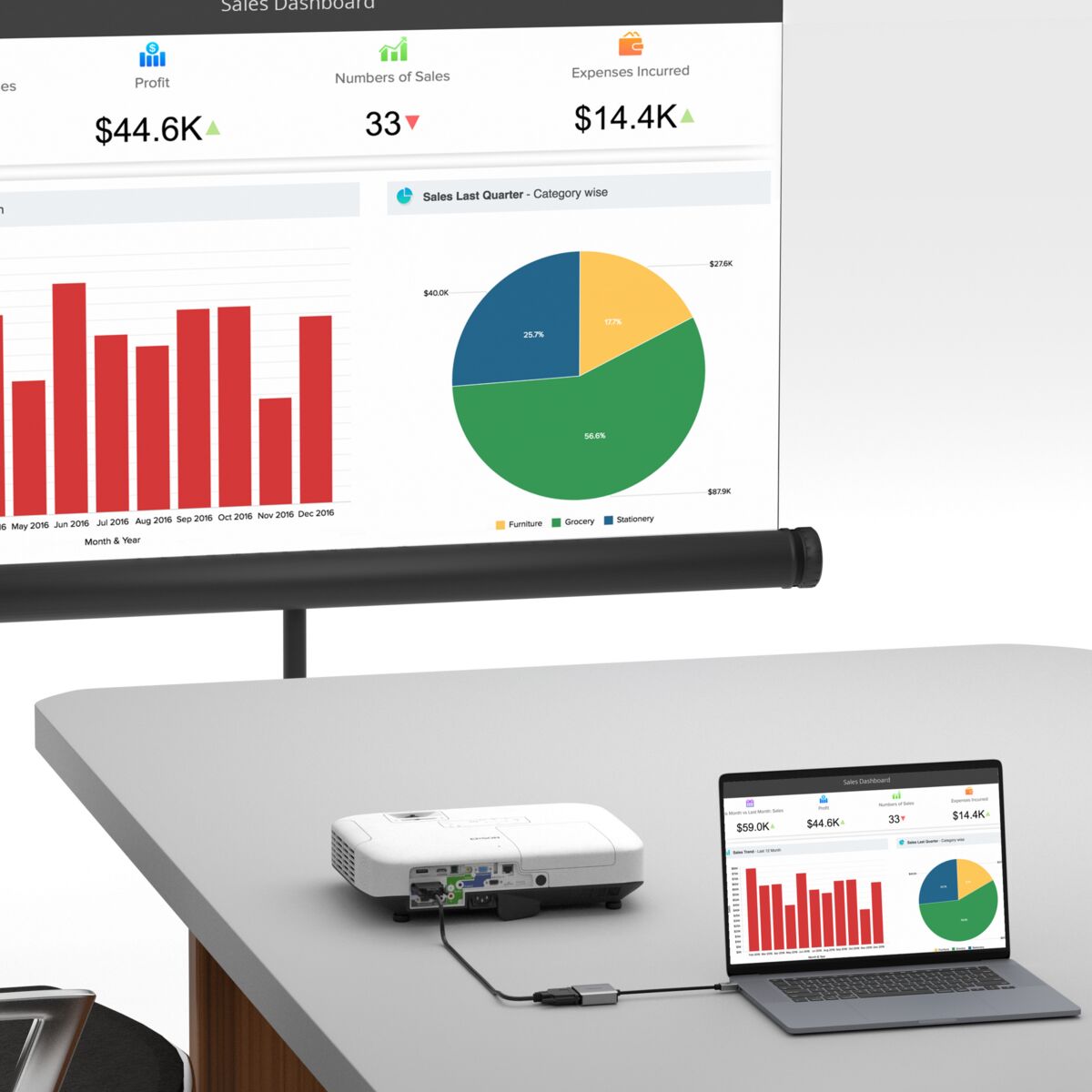
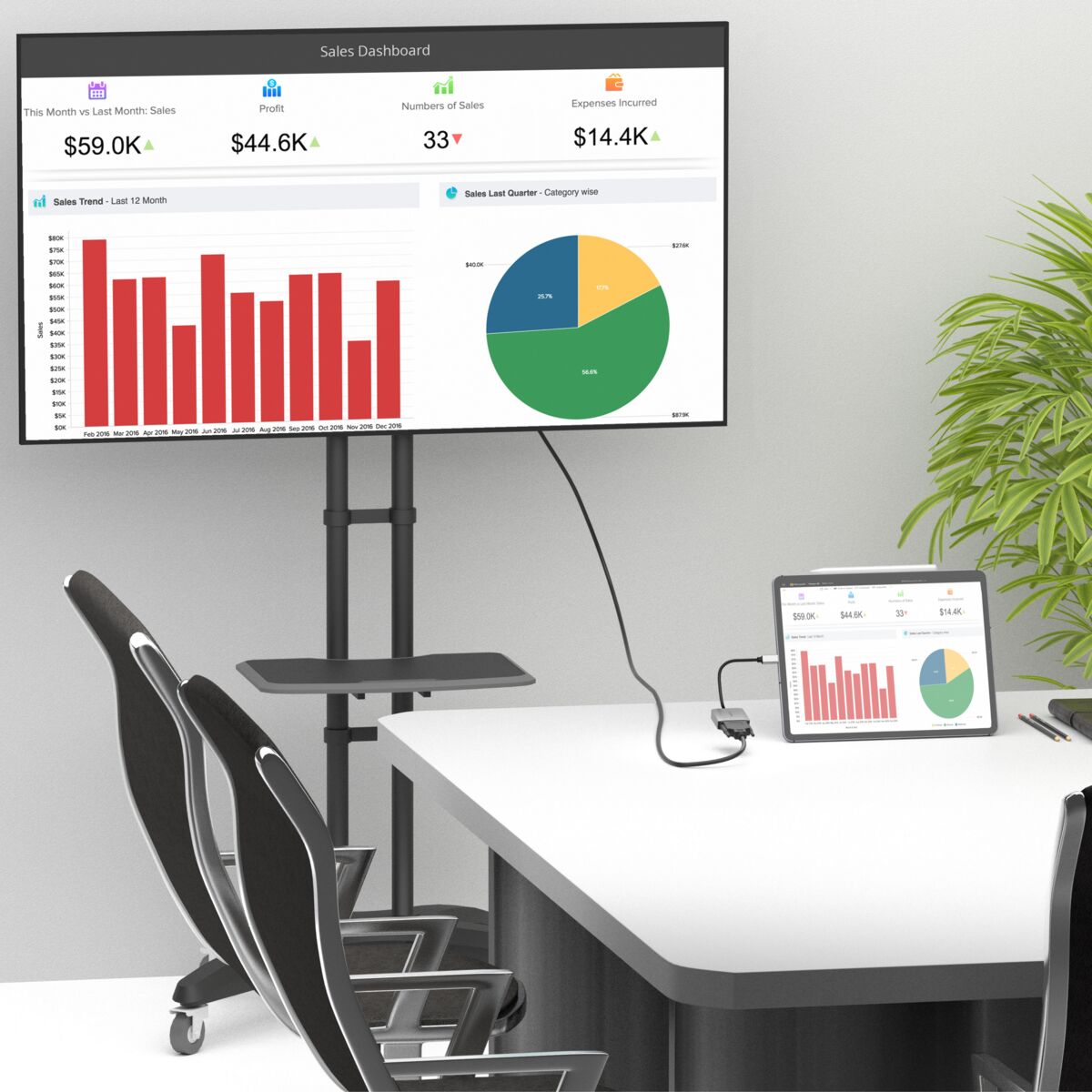
- Turn a USB-C port into a DVI output and easily share company presentations, videos, photos or other content on a TV, monitor or projector.
Connect a laptop to a projector, or an iPad PRO to a presentation screen, with a DVI inpu
Technical specifications
Connections
Input
1 x USB-C (male)
Output
1 x DVI (female)
General
USB version
3.1
Cable length
15 cm
Weight
35.2 g
Ambient temperature
0° C to 45° C
Humidity
10% to 85%
Video
Output Resolution
Max. 1920x1200@60Hz
Downloads
Reviews
What customers say
Frequently asked questions
-
Does my USB-C device support video over USB-C?
Since not every USB-C port supports video forwarding, there are a number of symbols that can indicate whether the device is suitable or not. This concerns the symbols of DisplayPort and Thunderbolt 3. If these are present next to the USB-C port, the port can certainly pass video. Devices such as Apple MacBook Pro, Chromebook laptops and Samsung Galaxy S10 / 20 support video over USB-C. For a complete list of supported products, please visit this website. -
Can I also use screens with different sizes?
With this adapter it is also possible to use screens that have a different size. This allows you to easily connect, for example, a widescreen monitor or a beamer. -
Do I need to install drivers before use?
No, it is not necessary to install separate drivers for the adapter to work.
Can't figure it out?

Related products

Connect USB C to HDMI
USB-C to HDMI adapter
284,00 kr

Connect USB C > VGA
USB-C to VGA adapter
284,00 kr

Connect USB C to DisplayPort
USB-C to DisplayPort adapter
261,00 kr

Connect USB C > Ethernet
USB-C to Ethernet adapter
284,00 kr

Connect USB C > Audio
USB-C to AUX adapter
171,00 kr

Connect USB C > USB A
USB-C to USB-A adapter
171,00 kr


A member of the
 group
group
 group
group
- Choosing a selection results in a full page refresh.
- Opens in a new window.