


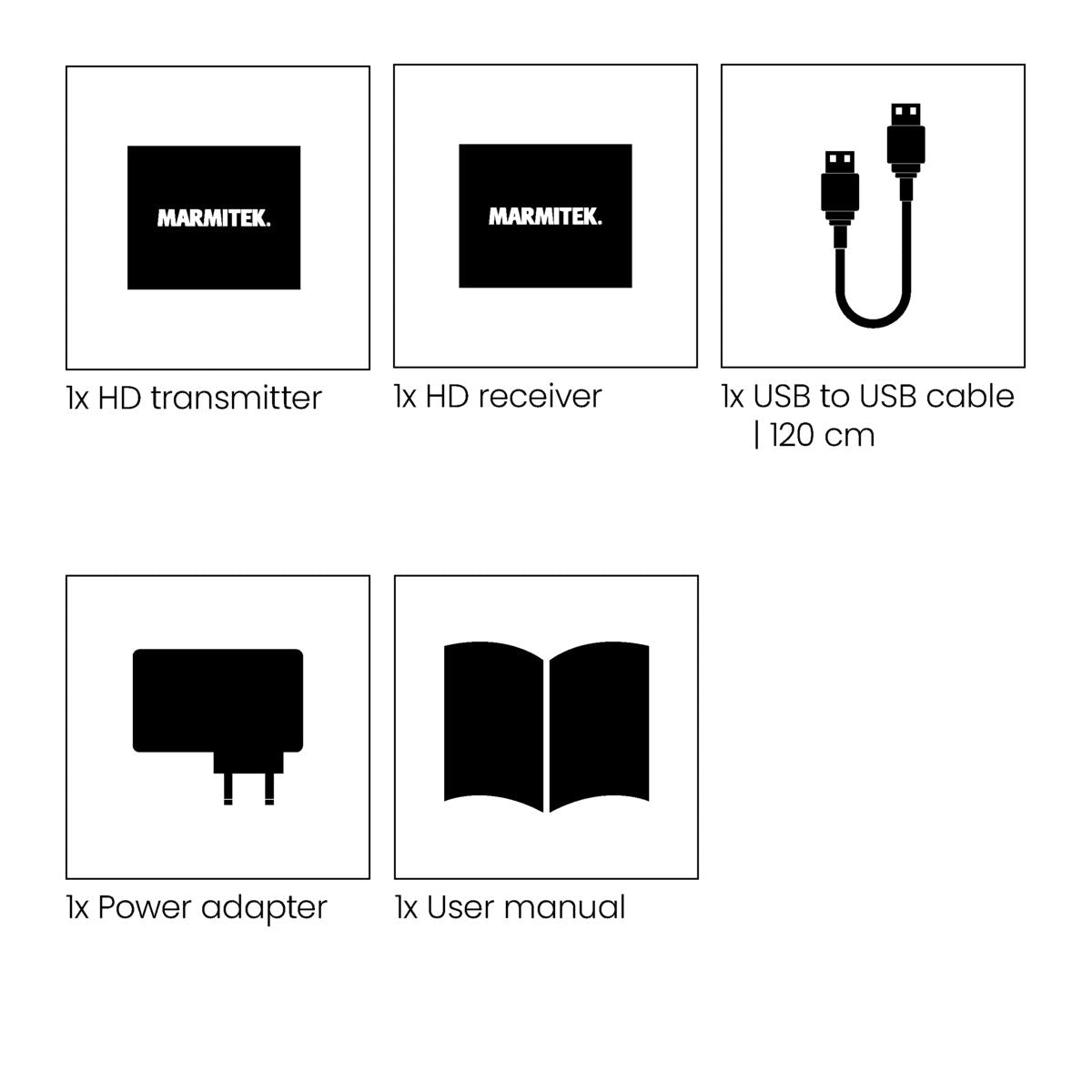
Always included
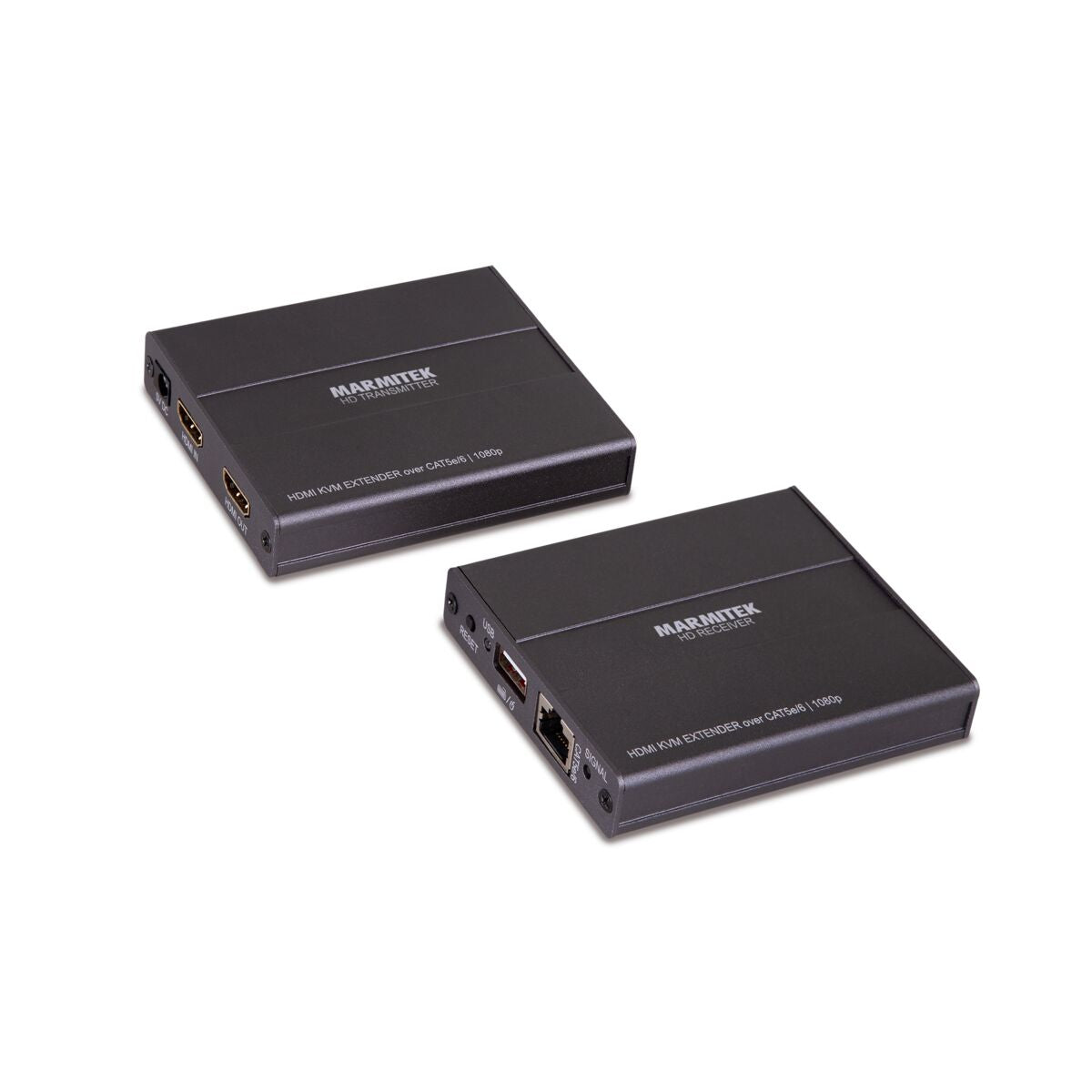
- HDMI transmitter
- HDMI receiver
- USB to USB cable | 120 cm
- Power adapter
- User manual
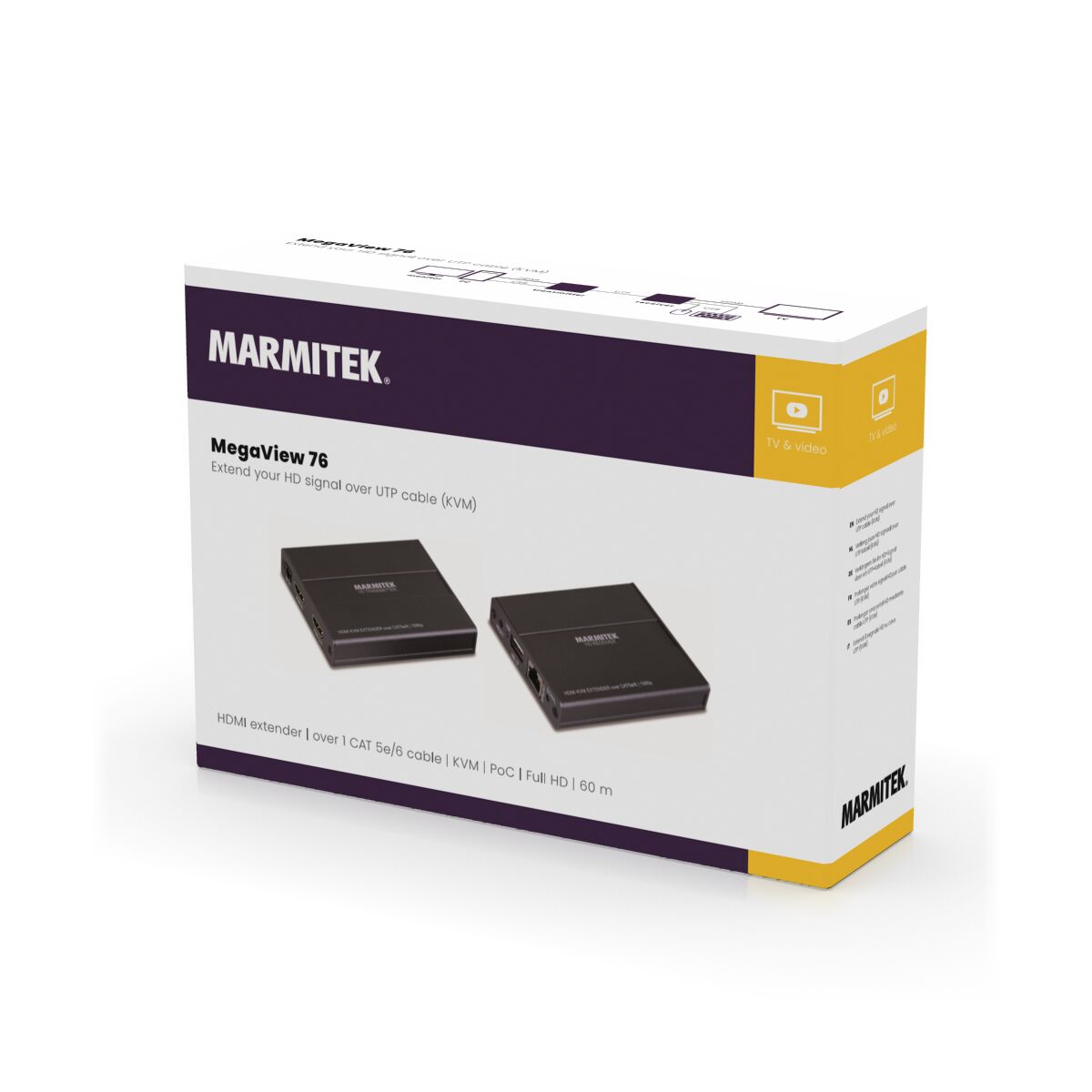
MegaView 76
Full HD
Extension to 60m
PoC (Power over Cable)
KVM
Couldn't load pickup availability
Receive a 25% discount on the accessory below
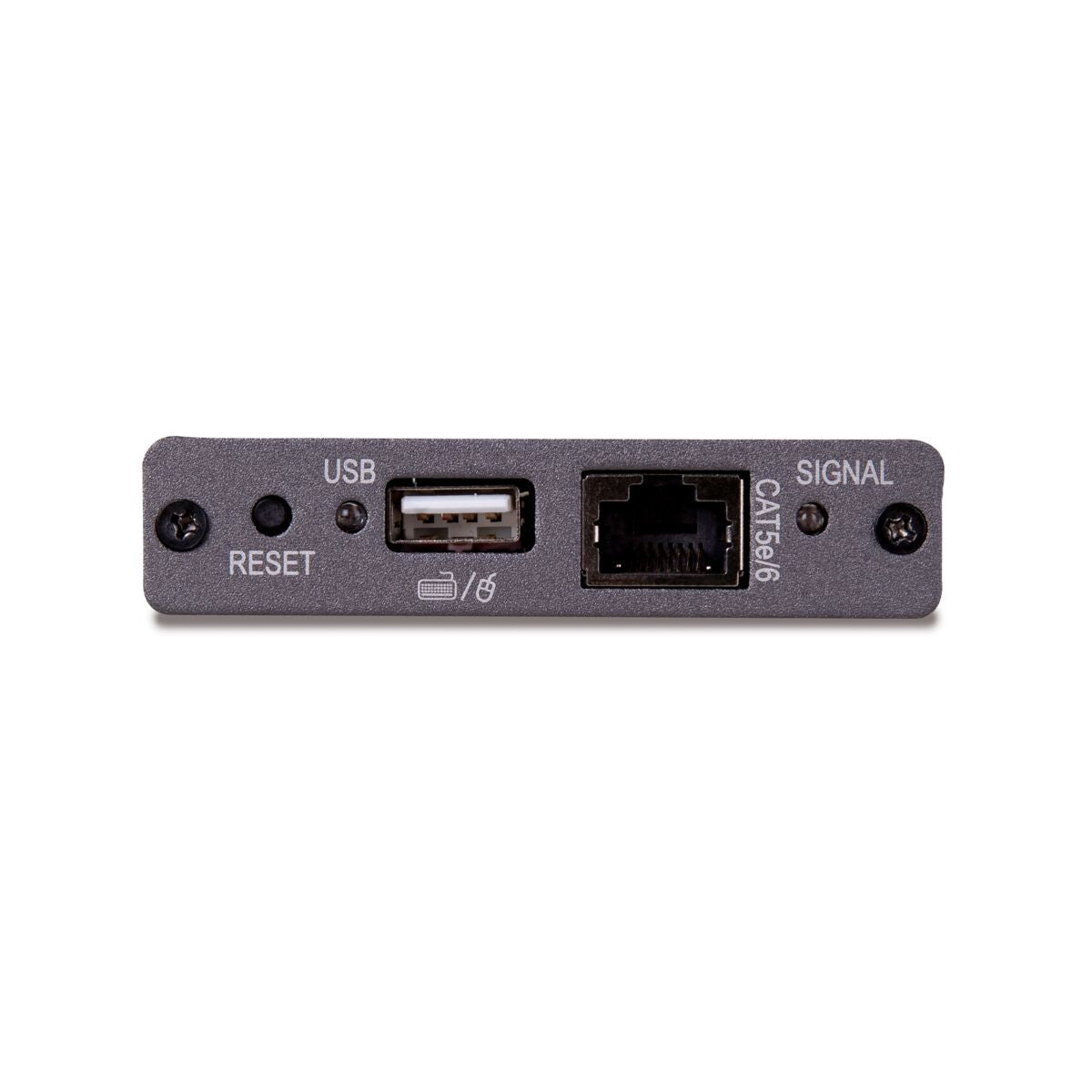
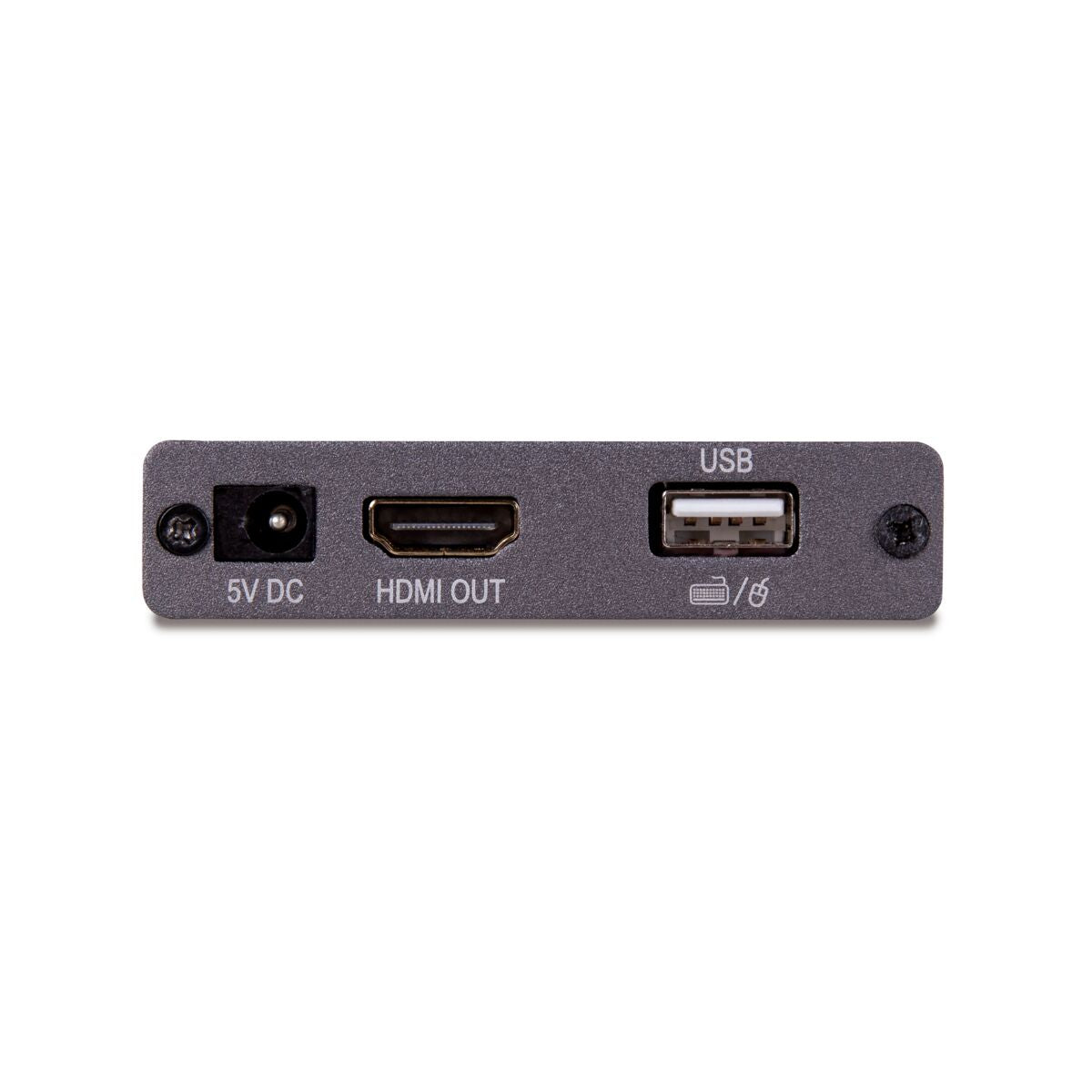
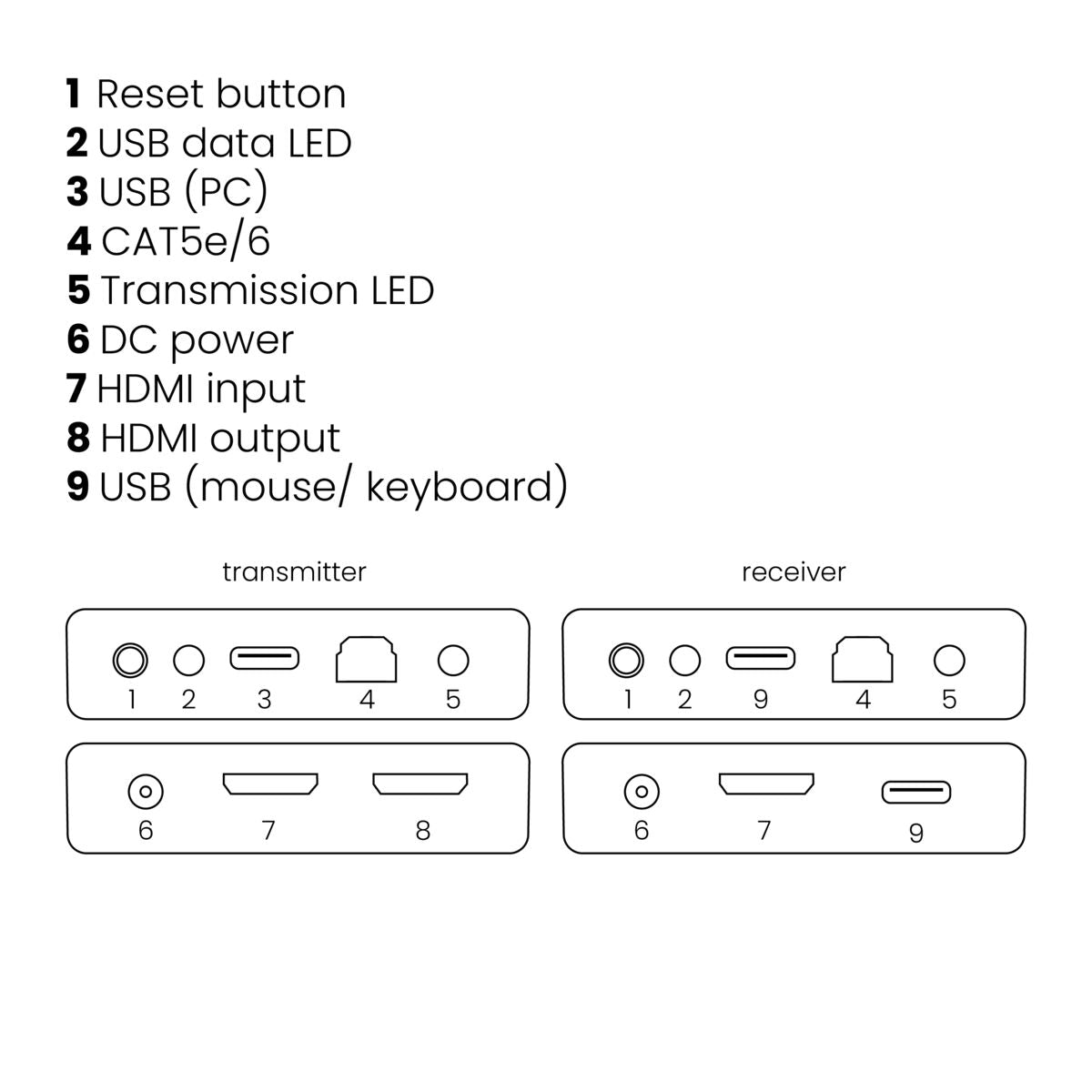

Product description
Extend your HD signal over UTP cable (KVM)
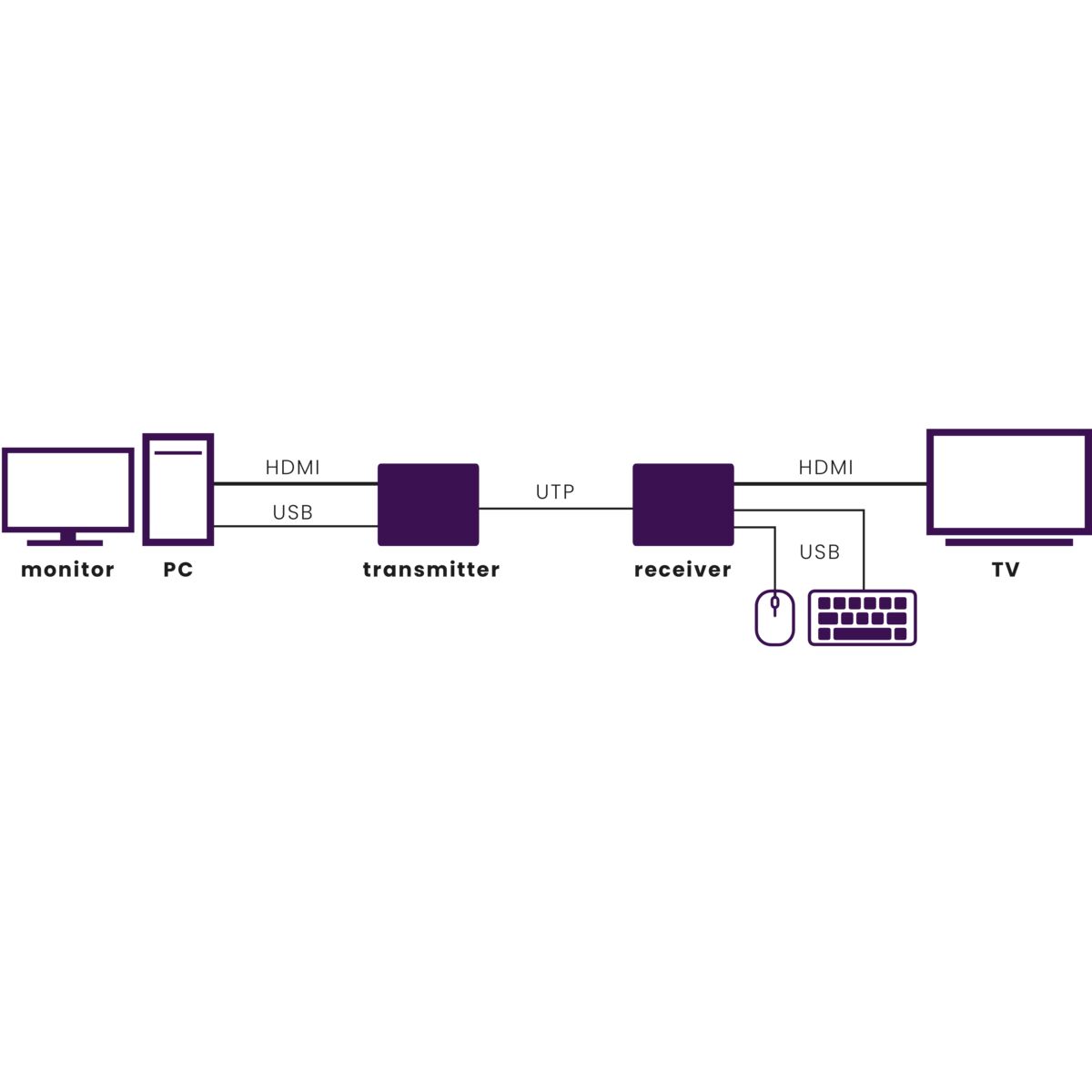
- Watch TV programs, films and photos or show presentations from your PC in HD quality on a 2nd TV/projector anywhere in home.
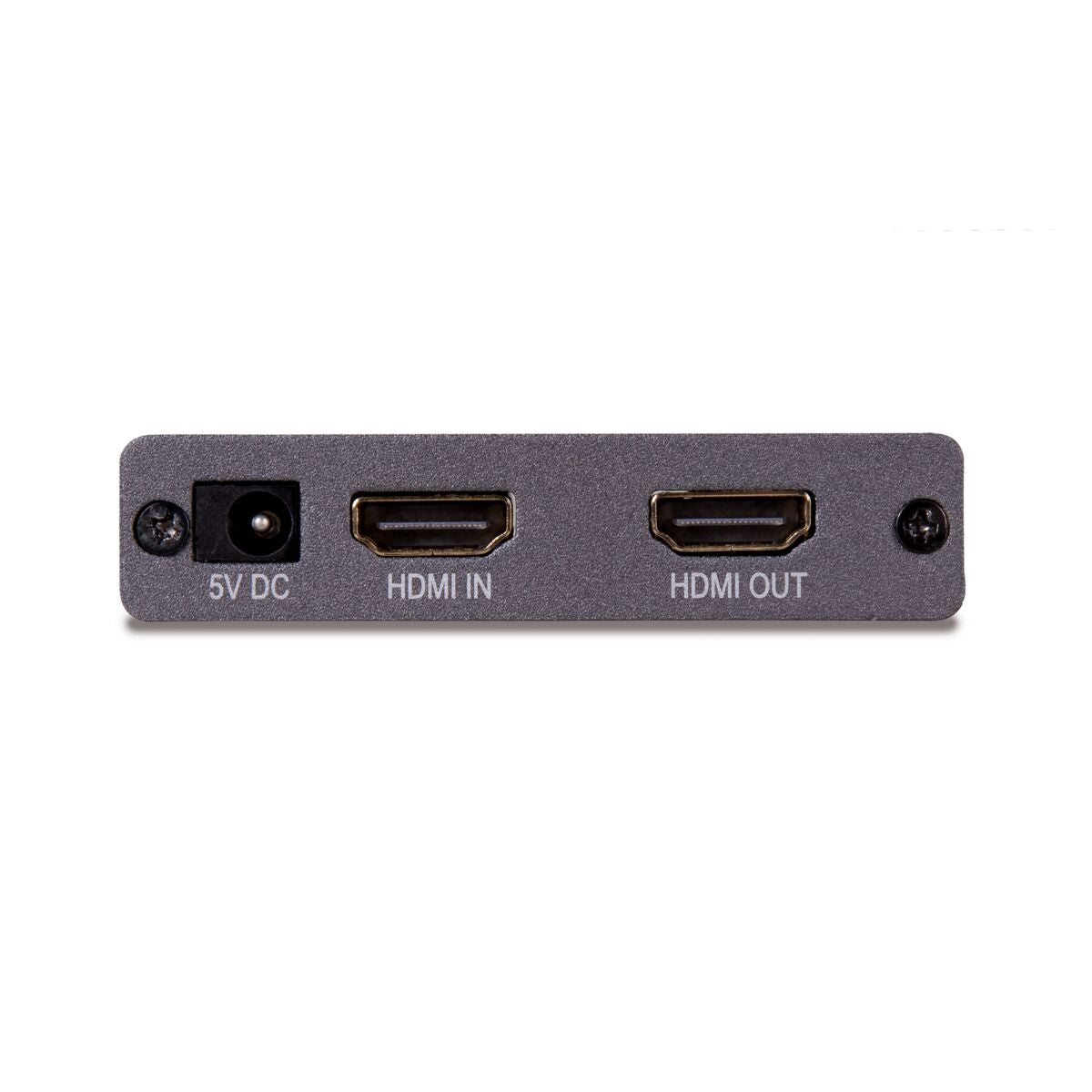
- The transmitter has a built-in splitter, enabling you to keep using your existing TV/monitor.
- Extend your HDMI cable up to 60 metres over a single CAT5e/CAT6 cable.
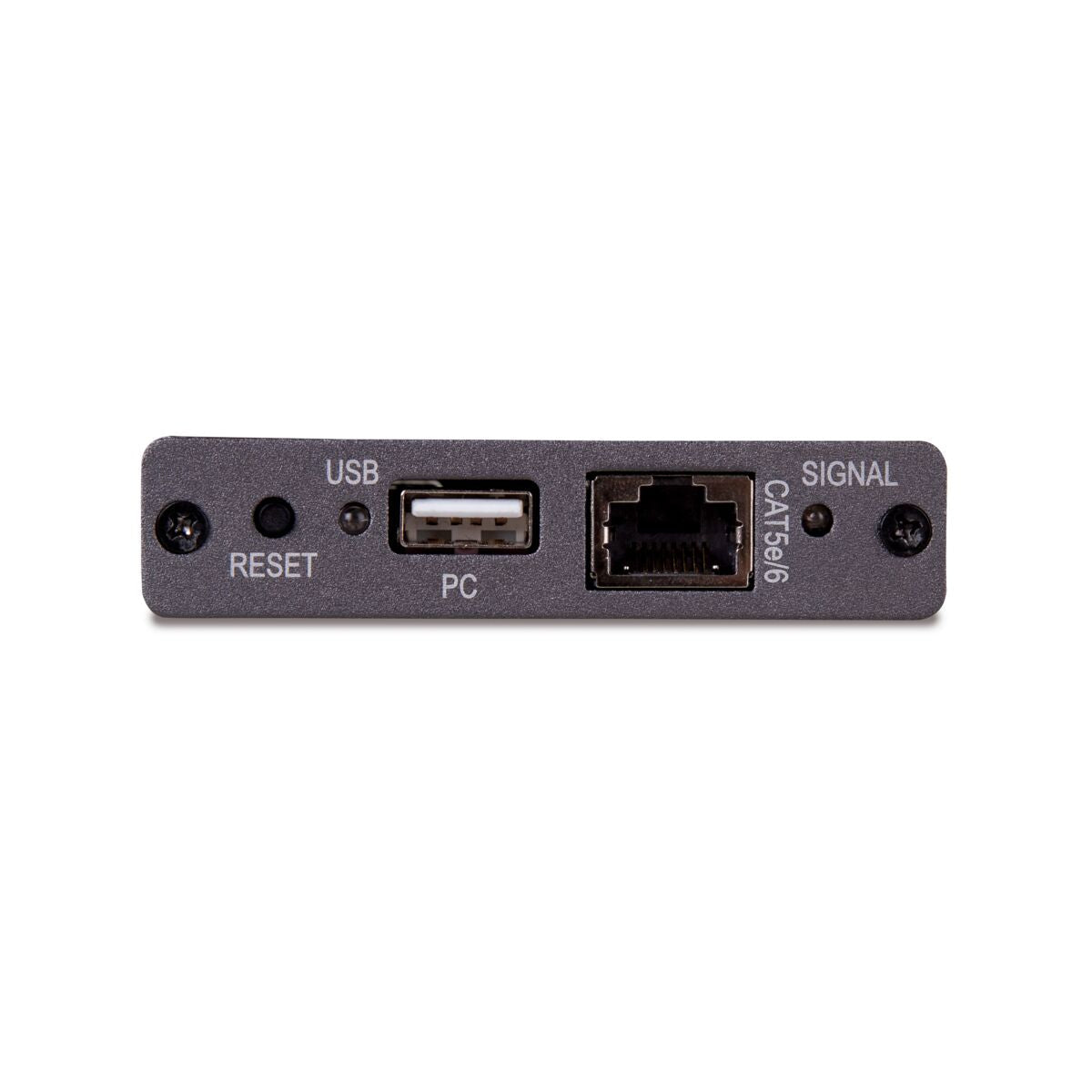
- Connect your keyboard and mouse to the receiver to control your PC remotely.
- Supports 1080p Full HD and 3D resolutions, without compression.
- Built-in Power over Cable (PoC) technology eliminates the need for a power socket for the MegaView receiver near the TV.
- Use of CAT5e/CAT6 cabling results in optimum price/quality ratio.
- Supports HDCP and is fully compatible with all HDMI versions.
Watch TV programmes, films and photos or show presentations from your PC in HD quality on a 2nd TV/projector at another location in the home or office. You can extend your HDMI cable up to as much as 60 metres over 1 CAT5e/CAT6 cable without loss of quality or delay. This HDMI extender over UTP enables you to remotely control your PC. Connect a mouse and keyboard to the MegaView receiver on the 2nd TV to control your computer remotely. The built-in splitter in the MegaView transmitter enables you to continue to use your existing TV/monitor. The built-in Power over Cable (POC) technology eliminates the need for a power socket for the MegaView receiver. The MegaView 76 supports the most common video resolutions up to 1080p (Full HD).
Technical specifications
Reviews
What customers say
Frequently asked questions
-
No (or poor) image and sound.
If you experience poor or no picture after connecting the MegaView76™, try detecting the problem by connecting the devices to your TV or projector one at a time. This enables you to determine whether the problem is in the HDMI sources, the HDMI cables, the MegaView76™ or the TV.- Make sure the power adapter is connected and plugged in.
- For the best picture and sound quality, only use High Speed HDMI® certified cables.
- Do not use HDMI cables longer than those specified in the technical data.
- Check the HDMI cables and/or connectors for damage.
- Both the HDMI source and your TV or projector should fully support HDMI.
-
No (or poor) image and sound.
- Ensure that the HDMI source is switched on
- Only use CAT5e/6 cables, as specified in section 4.
- Ensure that the CAT5e/6 cable is connected well (no breakages).
- Make sure the RJ-45 is connected according to the EIA/TIA T568B standard.
- Make sure that the maximum cable length is not exceeded.
- Prevent installing your system close to RF sources (wireless devices) as much as possible.
- Set your HDMI source to a lower resolution, the CAT5e/6 cable used may not be able to handle the bandwidth of higher resolutions.
Can't figure it out?

Related products

HDMI over UTP extender - HDBaseT - 4K 60Hz - 120 m - PoC

HDMI over UTP extender - 1080p 60Hz - 70 m - PoC

HDMI over ethernet extender - 100-120 m - IR return

HDMI over ethernet extender - 100-120 m

HDMI over UTP extender - KVM

HDMI over UTP extender - PoC - 40 m


 group
group
- Choosing a selection results in a full page refresh.
- Opens in a new window.