


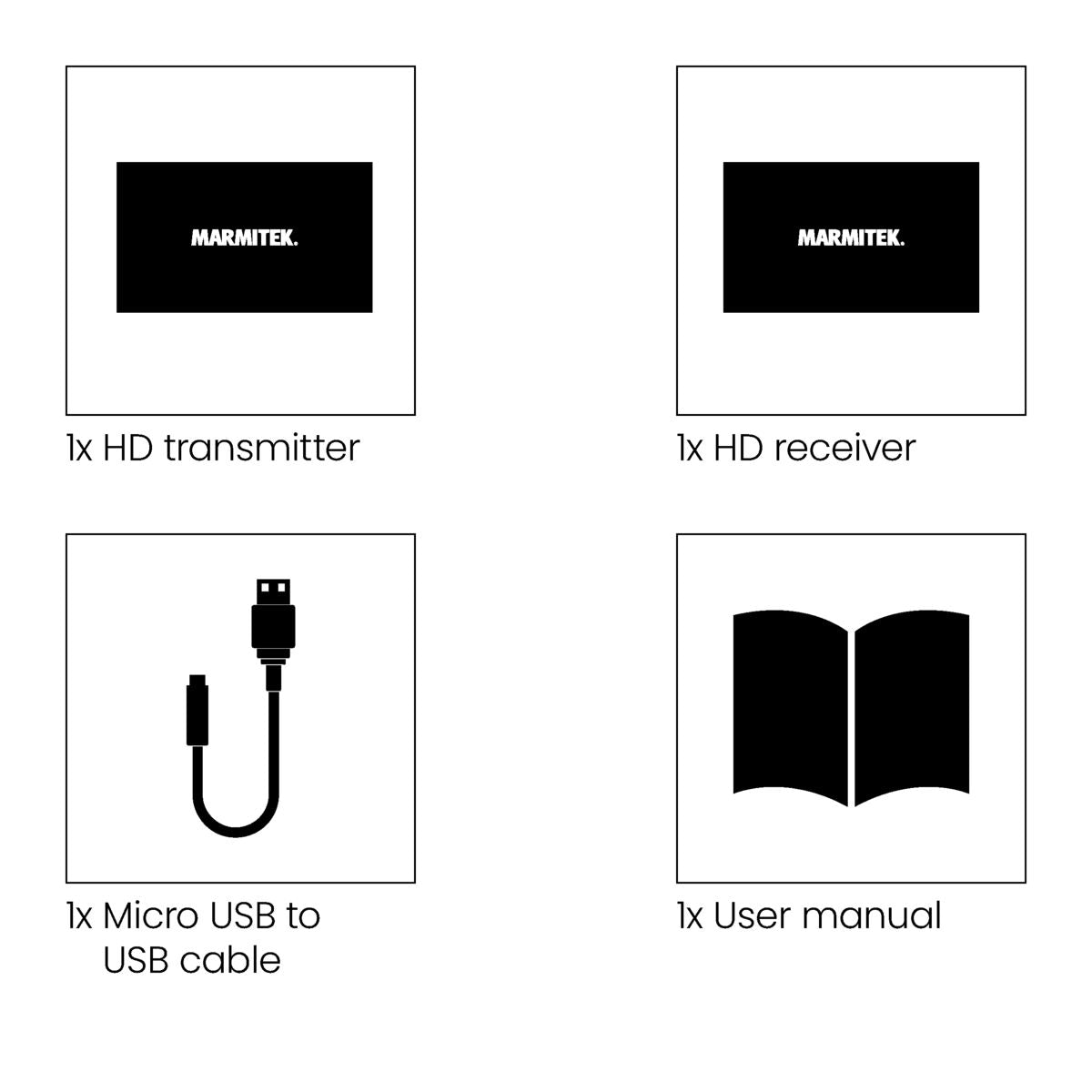
Always included
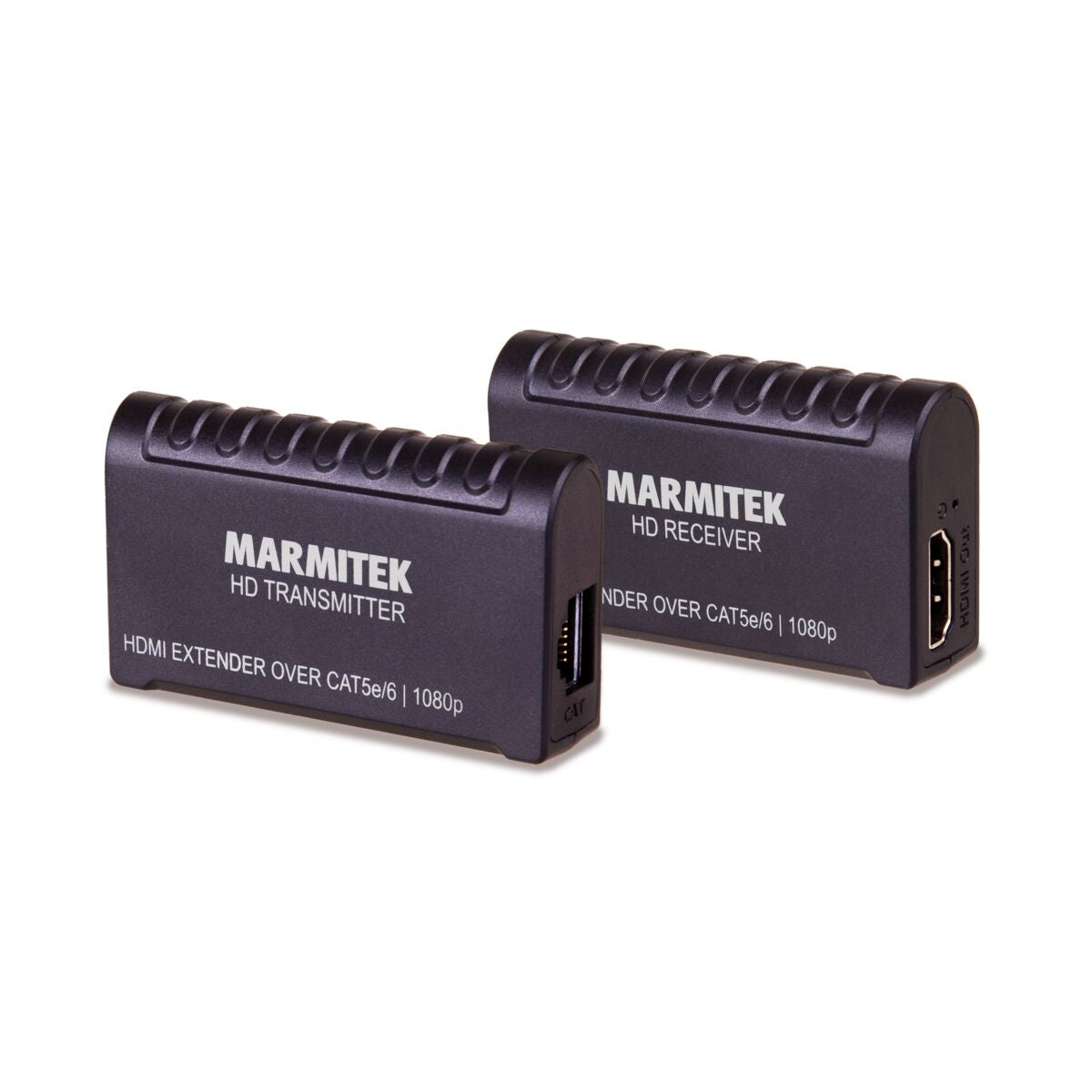
- HDMI transmitter
- HDMI receiver
- Micro USB to USB cable | 100 cm
- User manual
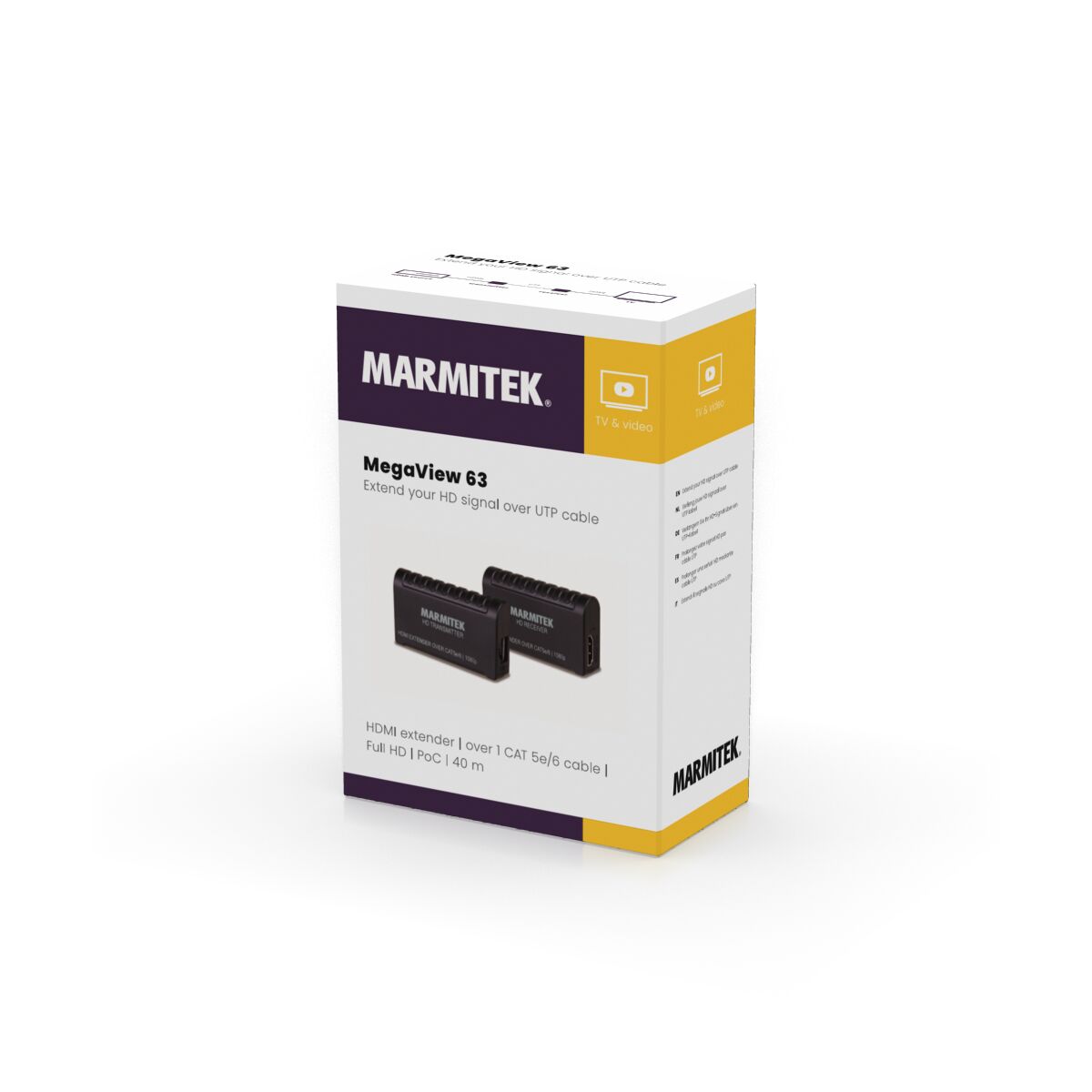
MegaView 63
Full HD
Extend up to 40m
PoC (Power over Cable)
Very compact
Couldn't load pickup availability
Receive a 25% discount on the accessory below
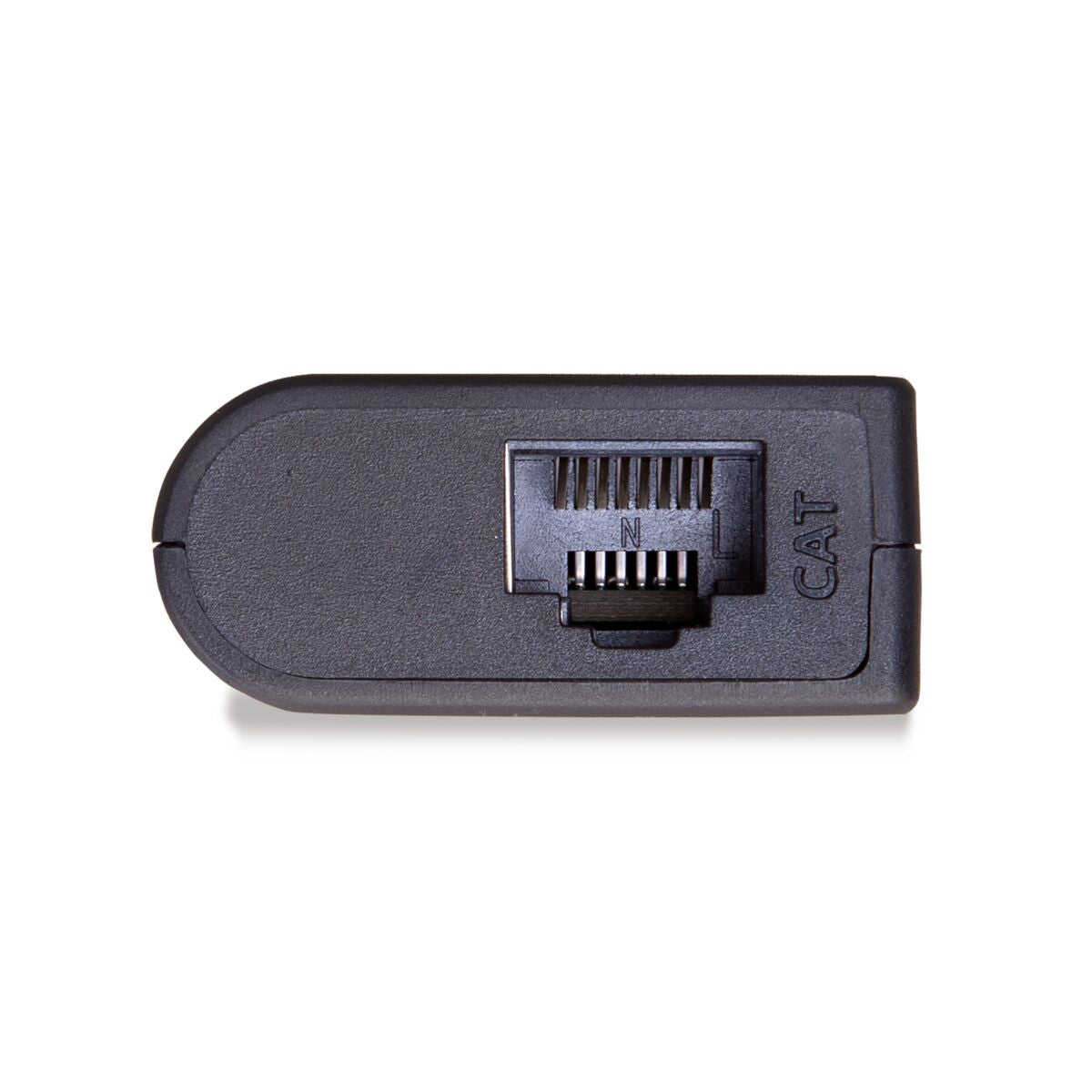
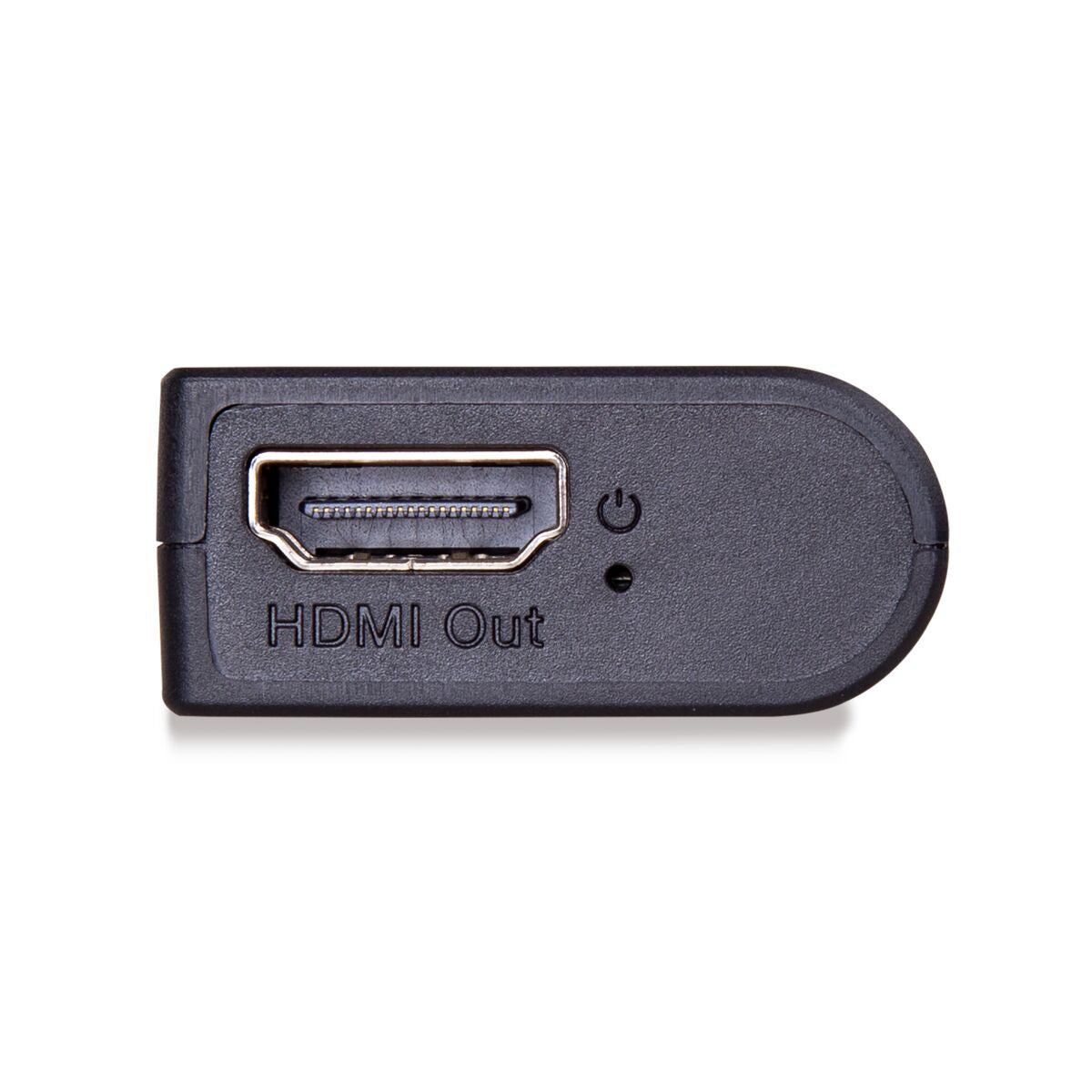
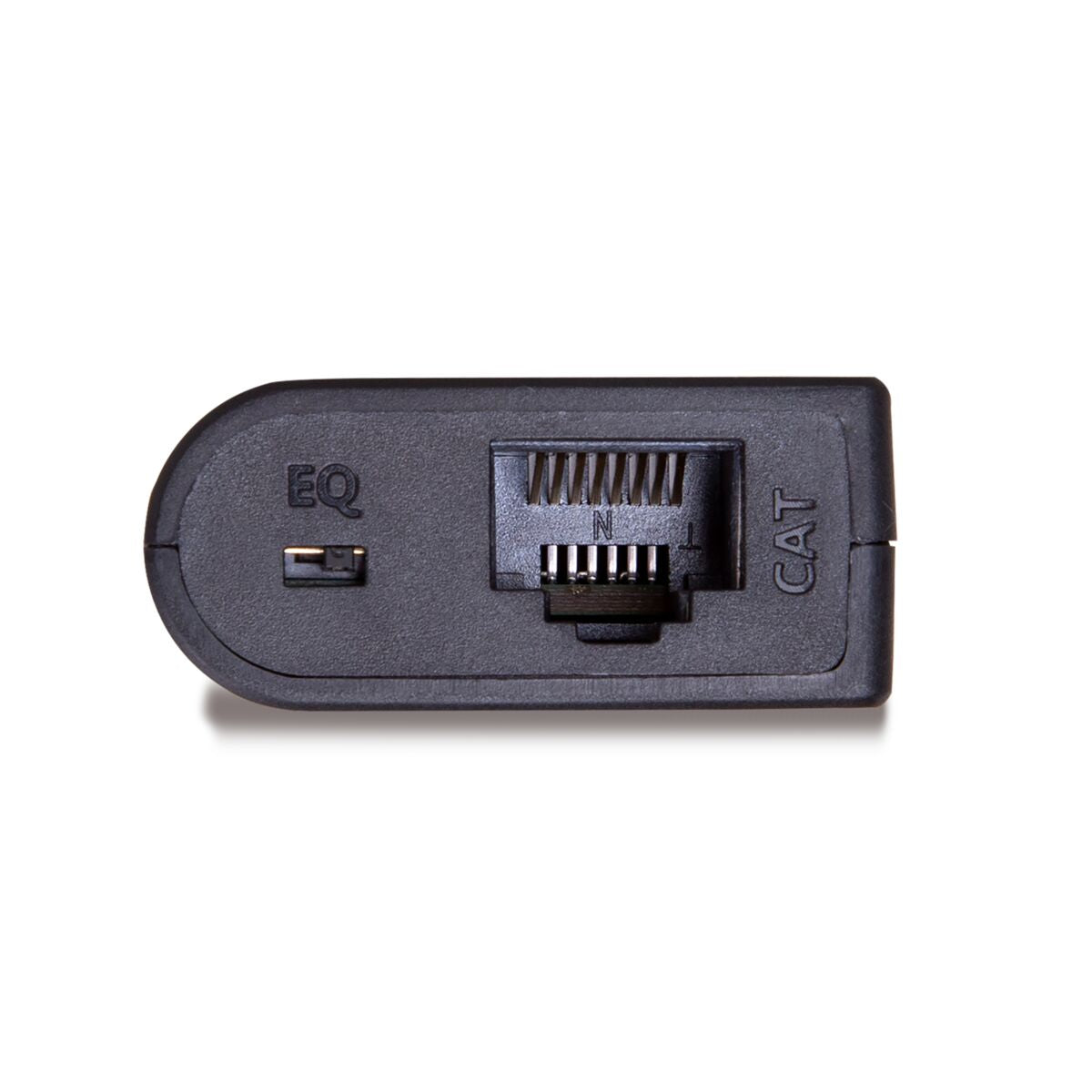
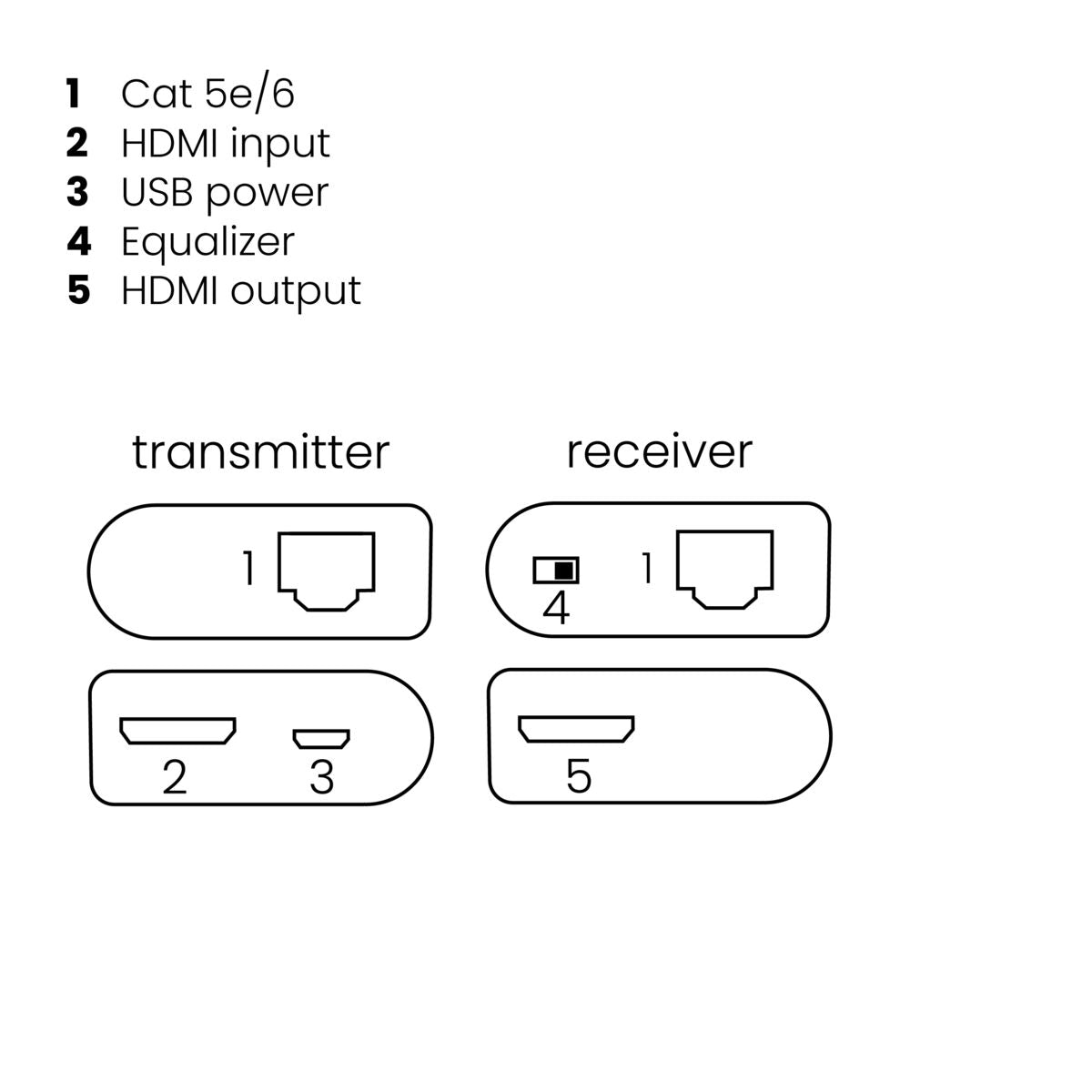

Product description
Extend your HD signal over UTP cable
- Watch your HD content elsewhere on your TV.
- Watch TV programmes, films and photos stored on your digital TV decoder, media center PC, Blu-ray player or HDD recorder elsewhere in your home, on your TV/projection screen, in perfect HD quality.
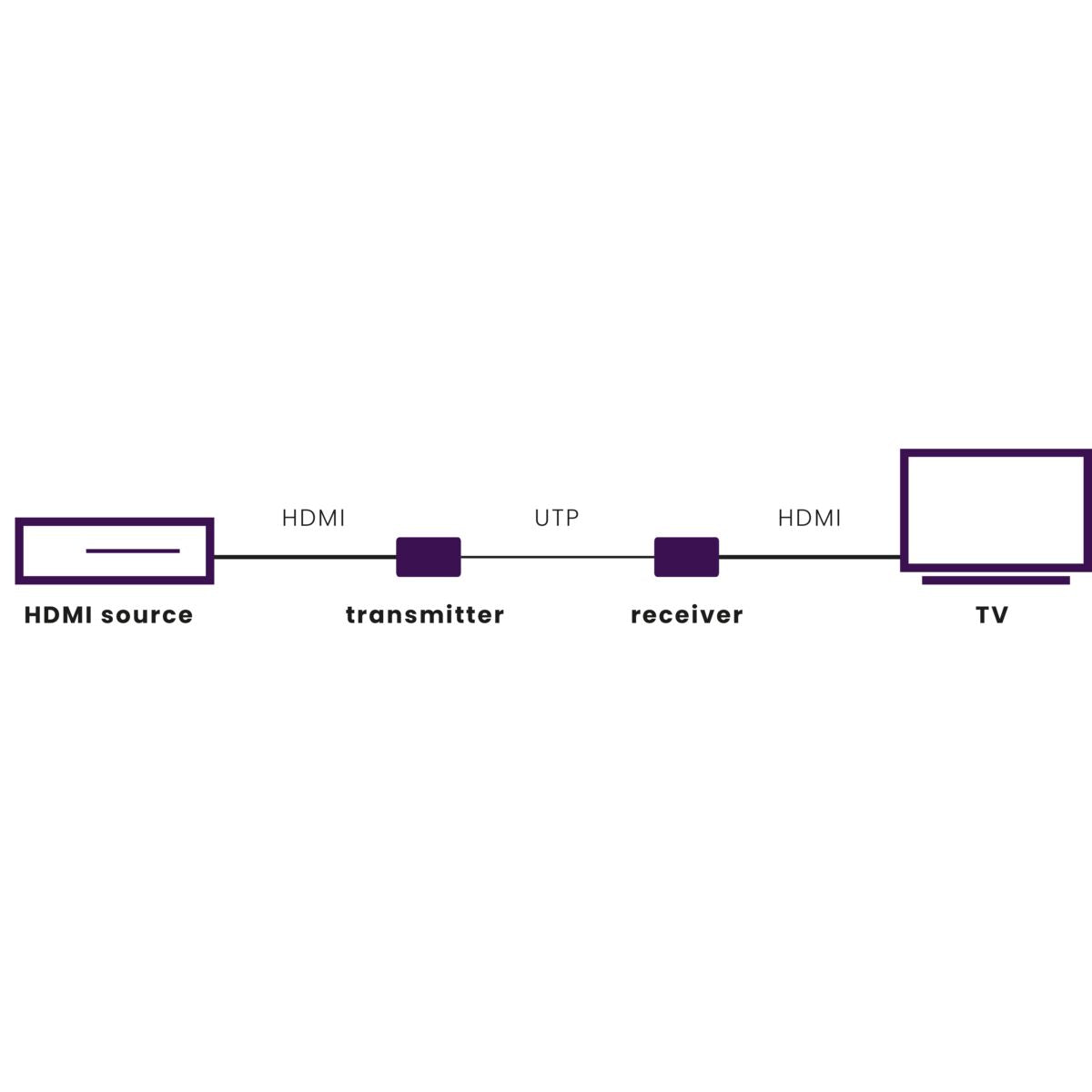
- Extend your HDMI cable with up to 40 metres over a single CAT5e/CAT6 cable.
- Supports 1080p Full HD and 3D resolutions, without compression.
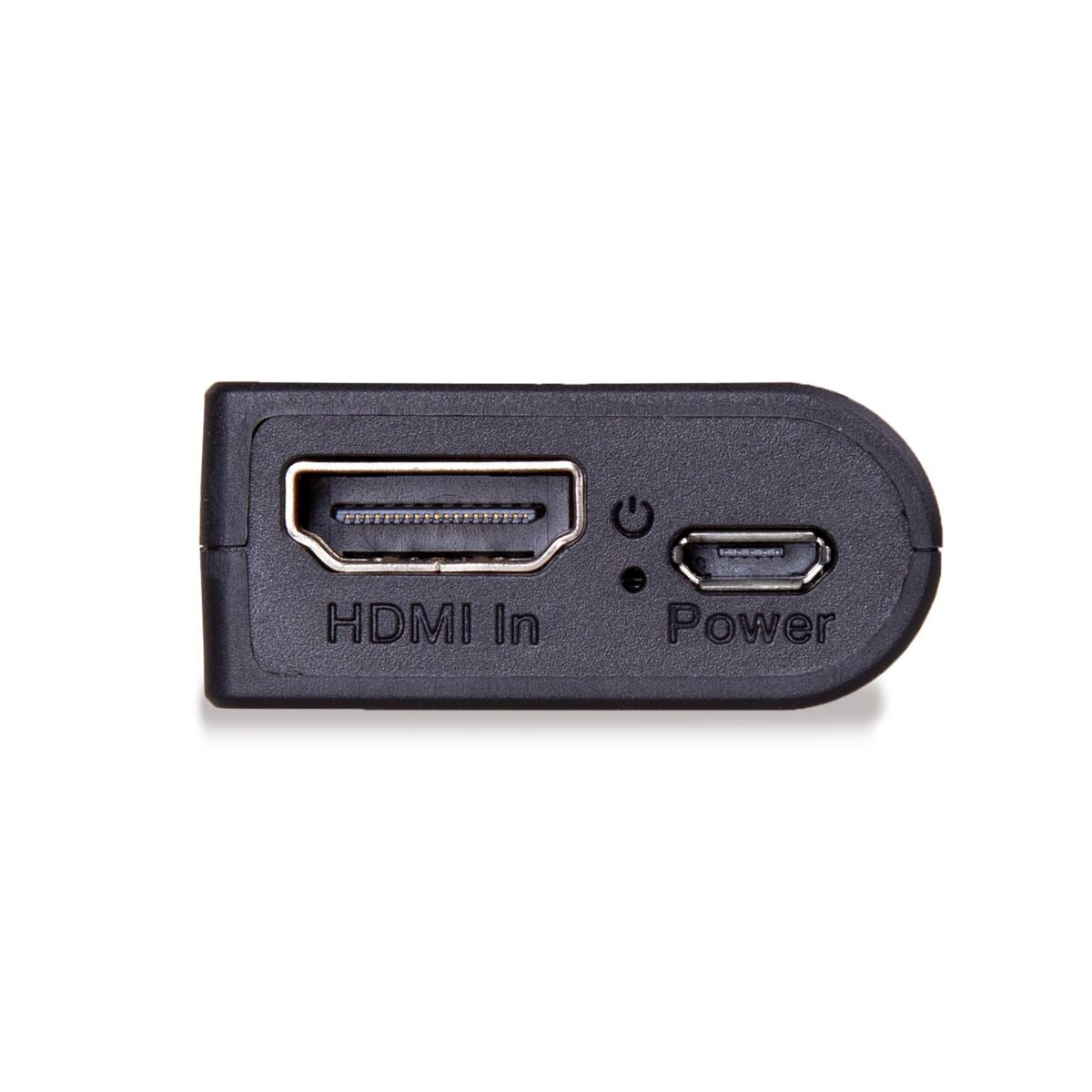
- Built-in Power over Cable (PoC) technology eliminates the need for a power socket for the MegaView receiver near the TV.
- The MegaView transmitter is USB powered via the connected HDMI source.
- Use of CAT5e/CAT6 cabling results in optimum price/quality ratio.
- Supports HDCP and is fully compatible with all HDMI versions.
Watch TV programmes, films and photos from your decoder or PC elsewhere in the home or office on a TV/projection screen. You can extend your HDMI cable up to as much as 40 metres over 1 CAT5e/CAT6 cable without loss of quality or delay. The set consists of 1 transmitter and 1 receiver. The MegaView transmitter is powered by USB and the built-in Power over Cable (PoC) technology eliminates the need for a power socket for the MegaView receiver near the TV. This very compact HDMI extender can be hidden completely out of sight. The MegaView 63 supports the most common video resolutions up to 1080p (Full HD).
Technical specifications
Reviews
What customers say
Frequently asked questions
-
No (or poor) picture and sound.
If you experience poor or no picture after connecting the MegaView 63™, try to identify the problem by connecting the devices one by one to your TV or projector. This way you can determine whether the issue lies with the HDMI sources, the HDMI cables, the MegaView 63™, or the TV.- Check if the micro USB power cable is connected to a free USB port of another device.
- Use only High Speed HDMI® certified cables for the best picture and sound quality.
- Do not use HDMI cables longer than those specified in the technical data.
- Check if the HDMI cables and/or connectors are not damaged.
- Both the HDMI source and your TV or projector must fully support HDMI
-
How should I connect the cables?
- Is the equalizer switch (EQ) set correctly as specified in chapter 4.4
- Check if the HDMI source is switched on.
- Use only CAT5e/6 cables as specified in chapter 4.2.
- Check if the CAT5e/6 cable has a good connection (no breaks).
- Make sure the maximum cable length is not exceeded.
- Install your system as far away as possible from RF sources (wireless equipment).
- Set a lower resolution on your HDMI source; the CAT5e/6 cable used may not be able to handle the bandwidth of higher resolutions.
Can't figure it out?

Related products

HDMI over ethernet extender - 100-120 m - IR return

HDMI over ethernet extender - 100-120 m

HDMI over UTP extender - PoC - 40 m

HDMI over UTP extender - KVM

HDMI over UTP extender - HDBaseT - 4K 60Hz - 120 m - PoC

HDMI over UTP extender - 1080p 60Hz - 70 m - PoC


 group
group
- Choosing a selection results in a full page refresh.
- Opens in a new window.